Introduction: Building a Smart Home on Any Budget
The concept of a fully automated, intelligent home was once reserved for tech enthusiasts and luxury estates. Today, the smart home market has democratized, offering scalable solutions that fit into almost any living space and financial plan. Whether you are renting a small apartment or outfitting a multi-story house, approaching smart home automation room-by-room allows you to prioritize your needs and spread out costs over time.
When planning your smart home journey, it is essential to categorize your approach by both room function and budget tier. We define the budget tiers as follows:
- Entry-Level ($50 - $200): Focuses on high-impact, low-cost devices like smart plugs, basic Wi-Fi bulbs, and entry-level smart speakers. Ideal for renters and beginners.
- Mid-Range ($200 - $600): Introduces dedicated hubs, advanced lighting ecosystems, smart thermostats, and specialized sensors. Best for homeowners looking for energy savings and convenience.
- Premium ($600+): Encompasses built-in smart appliances, automated window treatments, high-fidelity smart audio, and whole-home security integrations.
In this comprehensive guide, we will break down actionable smart home ideas for the most critical rooms in your house, providing specific product recommendations, compatibility notes, and cost expectations to help you build a cohesive ecosystem without overspending.
The Living Room: Entertainment, Ambiance, and Security
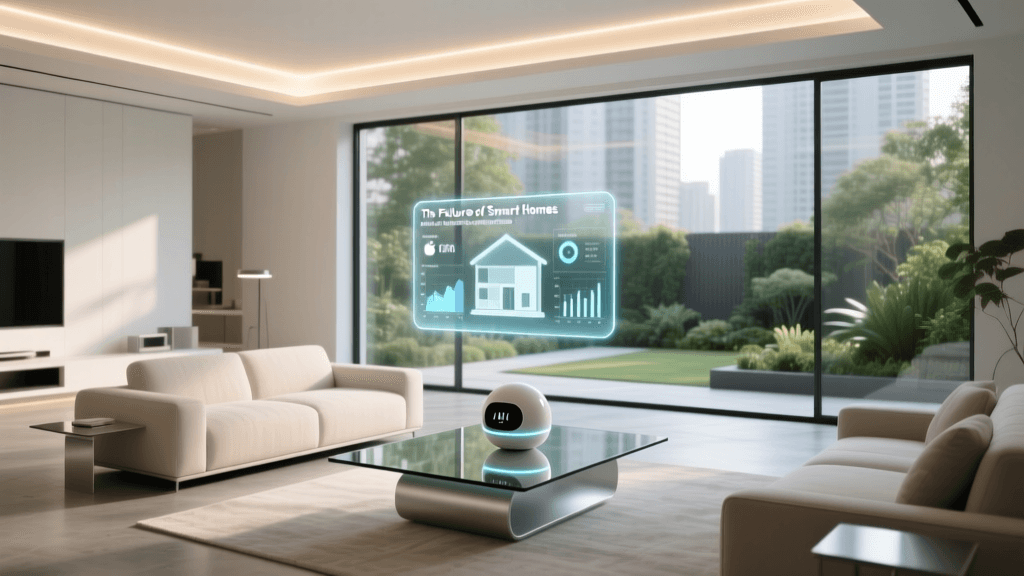
The living room is the central hub of most homes, making it the perfect starting point for smart home automation. The primary goals here are enhancing entertainment, controlling ambient lighting, and securing the main entry points.
Entry-Level Budget: The Foundation
If you are just starting out, you do not need to replace your entire entertainment center. Begin with smart plugs (like the Wyze Plug or Amazon Smart Plug, costing around $10-$15 each). These allow you to automate 'dumb' devices like floor lamps or older soundbars, turning them on or off via voice commands or schedules. Pair this with a budget-friendly smart speaker like the Amazon Echo Dot or Google Nest Mini ($30-$50) to serve as your central voice controller.
Mid-Range Budget: Immersive Ambiance
At the mid-tier, lighting becomes a focal point. The Philips Hue White and Color Ambiance Starter Kit (approx. $130) uses a dedicated Zigbee hub, ensuring your lights do not congest your Wi-Fi network. You can create 'Scenes' that sync with your daily routine, such as a warm, dimmed 'Movie Night' setting. For entertainment, upgrade to a Roku Streaming Stick 4K or Chromecast with Google TV ($50), which integrates seamlessly with your smart speaker for voice-activated media playback.
Premium Budget: The Ultimate Experience
Premium living rooms focus on seamless integration and high-end audio. Consider the Sonos Beam (Gen 2) smart soundbar ($450), which supports Apple AirPlay 2, Alexa, and Google Assistant. For lighting, the Philips Hue Play HDMI Sync Box ($250) syncs your smart lights directly to the colors on your TV screen in real-time. For security and access, the SwitchBot Smart Lock Pro ($250) retrofits over your existing deadbolt, allowing you to grant temporary access to dog walkers or guests via your smartphone.
| Budget Tier | Device Category | Product Example | Est. Cost | Key Protocol |
|---|---|---|---|---|
| Entry | Smart Plug | Wyze Plug | $12 | Wi-Fi |
| Entry | Voice Assistant | Amazon Echo Dot | $50 | Wi-Fi / Bluetooth |
| Mid | Smart Lighting | Philips Hue Starter Kit | $130 | Zigbee / Matter |
| Mid | Streaming | Chromecast w/ Google TV | $50 | Wi-Fi |
| Premium | Smart Audio | Sonos Beam (Gen 2) | $450 | Wi-Fi / AirPlay 2 |
| Premium | Smart Lock | SwitchBot Smart Lock Pro | $250 | Bluetooth / Wi-Fi |
The Bedroom: Sleep Optimization and Comfort
Your bedroom should be a sanctuary. Smart home technology in this space should focus on improving sleep hygiene, managing circadian rhythms, and maintaining optimal temperature without requiring you to reach for your phone.
Entry-Level Budget: Gentle Wakes
Start by replacing harsh overhead lights with smart bulbs like Govee Wi-Fi Smart Bulbs ($25 for a 2-pack). You can program these to mimic a sunrise, gradually increasing brightness and shifting from warm orange to cool white over 30 minutes before your alarm goes off. This gentle wake-up routine is proven to reduce morning grogginess compared to sudden audio alarms.
Mid-Range Budget: Climate and Sound
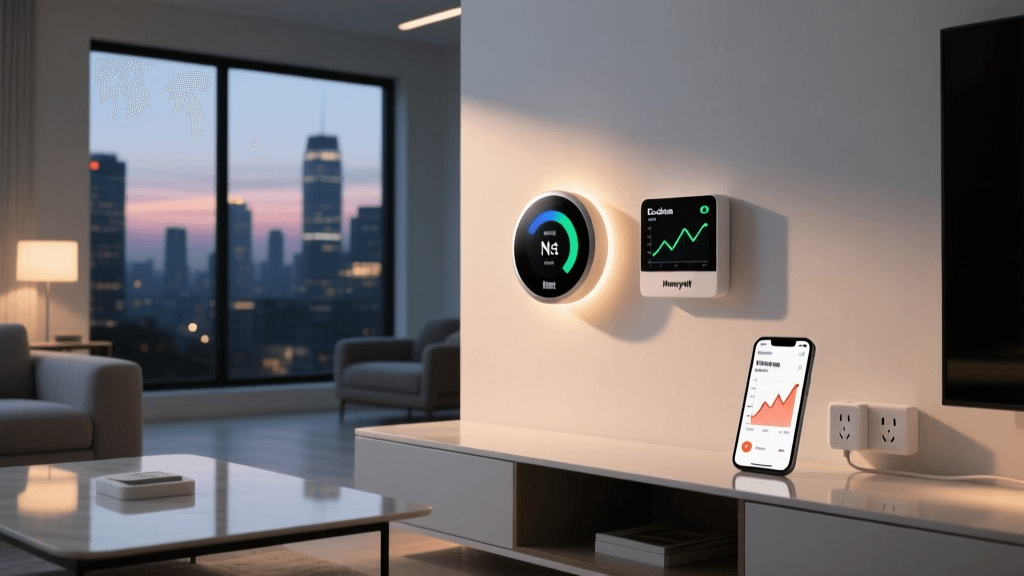
Temperature fluctuations are a primary cause of sleep disruption. Investing in an Ecobee SmartThermostat (approx. $250) allows you to create specific sleep schedules that drop the temperature at night and warm the house before you wake up. According to the EPA Energy Star program, smart thermostats can save homeowners an average of 8% on heating and cooling bills, meaning the device eventually pays for itself. For audio, the Hatch Restore 2 ($130) combines a smart alarm, white noise machine, and reading light into one bedside device, controlled entirely via app or voice.
Premium Budget: Automated Environments
For the ultimate sleep environment, automated window treatments are a game-changer. The Aqara Roller Shade Driver or custom Lutron Serena Shades ($300-$800+) can be programmed to open automatically when your alarm triggers, letting in natural light. At the highest end, smart mattresses like the Eight Sleep Pod 3 ($2,000+) use water-based temperature regulation to cool or heat each side of the bed independently, tracking your biometrics to adjust the climate throughout the night.
The Kitchen: Safety, Convenience, and Inventory
The kitchen is a high-traffic area where safety and hands-free convenience are paramount. Smart home tech here should help you avoid disasters (like water leaks or fires) and streamline your cooking process.
Entry-Level Budget: Hands-Free Help
A smart display is the undisputed king of the kitchen counter. The Amazon Echo Show 8 or Google Nest Hub ($100-$130) allows you to follow recipes step-by-step, set multiple hands-free timers, and watch cooking tutorials while your hands are covered in flour. Additionally, placing a cheap Wi-Fi Water Leak Sensor ($20-$40) under your sink or dishwasher can send an instant alert to your phone if a pipe bursts, potentially saving thousands in water damage.
Mid-Range Budget: Proactive Safety
Upgrade your safety net with the Google Nest Protect ($120). Unlike traditional smoke detectors that only scream when there is a crisis, the Nest Protect detects smoke and carbon monoxide, sending a pre-alarm alert to your phone if it senses something burning in the oven before the house fills with smoke. For coffee lovers, smart coffee makers like the Keurig K-Supreme Plus Smart ($170) can be scheduled to brew a fresh pot the moment your bedroom motion sensor detects you waking up.
Premium Budget: The Connected Culinary Space
Premium kitchens feature major appliances with deep smart integrations. The Samsung Bespoke Smart Fridge ($2,500+) features internal cameras that let you check your milk and egg inventory from your phone while at the grocery store. Smart ovens, like those from the GE Profile line, allow you to preheat the oven remotely on your commute home and use integrated food cameras and AI to monitor your roast, sending an alert when it reaches the perfect internal temperature.
The Home Office: Productivity and Presence
With remote work becoming a permanent fixture for many, the home office requires a unique approach to automation focused on productivity, lighting for video calls, and energy management.
For an entry-level setup, use smart plugs to create a 'Deep Work' routine. With one voice command, you can turn on your monitors, activate a smart desk lamp, and turn off your smart speaker's notifications. For mid-range budgets, consider adding a smart presence sensor (like the Aqara FP2, approx. $70). Unlike standard motion sensors that turn off the lights if you sit perfectly still while reading, millimeter-wave presence sensors detect your breathing and micro-movements, ensuring your office lights never shut off while you are working. Premium setups might include smart glass (like SPD smart film) that tints your office windows electronically to reduce glare on your monitors during peak sunlight hours.
Ecosystem Compatibility: Choosing Your Platform
Before buying devices across different rooms, you must choose a unifying ecosystem. Mixing and matching platforms leads to 'app fatigue' and broken automations.
- Amazon Alexa: The most compatible and budget-friendly. Works with almost every device on the market, making it ideal for entry-level and mid-range setups.
- Google Home: Excellent for natural language processing and integration with Android devices, Nest thermostats, and Google Nest cameras.
- Apple HomeKit: The most secure and privacy-focused, but generally requires a higher budget as compatible devices carry a 'HomeKit tax'. Best for iPhone users willing to invest in premium gear.
Fortunately, the industry is moving toward a unified standard called Matter. Developed by the Connectivity Standards Alliance (CSA), Matter is a universal protocol that allows smart home devices to communicate locally and securely, regardless of whether you use Apple, Amazon, or Google. When shopping for new devices, look for the Matter logo on the box to ensure future-proof compatibility across all ecosystems.
Hidden Costs: Network Infrastructure and Subscriptions
When budgeting for a smart home, beginners often overlook the infrastructure required to support dozens of connected devices. A standard ISP-provided router will quickly become overwhelmed by 30+ smart bulbs, plugs, and sensors, leading to dropped connections and lagging voice commands.
Investing in a Mesh Wi-Fi System (like the Eero 6 or TP-Link Deco, costing $150-$300) is practically mandatory for mid-to-premium smart homes. Furthermore, consider the protocol your devices use. Wi-Fi devices connect directly to your router, while Zigbee and Thread devices connect to a central hub (like an Amazon Echo or Apple TV), which then connects to your router. Using hub-based devices drastically reduces network congestion.
Finally, beware of subscription fatigue. While smart plugs and lights are free to use after purchase, advanced security cameras (Ring, Arlo, Nest) and smart smoke detectors often require monthly cloud storage subscriptions ranging from $3 to $15 per month. Factor these recurring costs into your long-term budget to avoid surprise expenses.
Conclusion: Start Small, Scale Smart
Building a smart home is a marathon, not a sprint. By breaking your project down room-by-room and adhering to a structured budget, you can create a highly functional, automated living space without experiencing buyer's remorse. Start with the living room and bedroom using entry-level smart plugs and bulbs to learn how automations and routines work. As you become more comfortable with the technology, graduate to mid-range thermostats and premium lighting systems. Always prioritize devices that support open standards like Matter, ensuring that the smart home you build today will seamlessly integrate with the innovations of tomorrow.