What is Geofencing in Smart Home Automation?
The true promise of a smart home is not the ability to turn on your lights with a smartphone app; it is the ability to never have to think about turning them on at all. At the heart of this contextual, hands-free experience is geofencing and presence detection. Geofencing creates a virtual geographic boundary around your home, typically using GPS or RFID technology. When your smartphone crosses this invisible perimeter, it triggers a cascade of automated actions: the thermostat adjusts to your preferred comfort level, the porch lights illuminate, and the security system disarms.
However, as smart home enthusiasts quickly discover, basic GPS geofencing is only the tip of the iceberg. True automation requires a layered approach to presence detection, combining macro-location (GPS) with micro-presence (room-level radar). In this comprehensive guide, we will break down the mechanics of location-based automation, compare the best hardware on the market, and provide actionable blueprints for building bulletproof routines that adapt to your lifestyle.
The Evolution of Presence Detection: From GPS to mmWave
To build reliable automations, you must understand the tools at your disposal. Presence detection has evolved through several distinct generations, each solving specific limitations of the last.
1. Macro-Presence: GPS and Wi-Fi Geofencing
GPS geofencing relies on the location services of your smartphone. When your device enters or exits a predefined radius (usually between 100 and 500 meters), the cloud server registers the event and sends a command to your smart home hub. While excellent for triggering 'Arriving Home' and 'Leaving Home' routines, GPS suffers from latency, battery drain, and the 'pizza delivery problem' (where a brief stop near your home triggers the automation prematurely).
Wi-Fi presence detection acts as a localized backup. When your phone connects to your home's Wi-Fi SSID, the router or a hub like the Home Assistant server registers you as 'home'. This is faster and more battery-efficient than GPS but lacks the granularity to know where you are inside the house.
2. Room-Level Presence: PIR vs. mmWave Radar
Once you are inside, the system must track your movement. Traditional Passive Infrared (PIR) motion sensors detect changes in heat signatures. They are cheap and battery-operated but have a fatal flaw: they cannot detect static presence. If you sit still on the couch reading a book, a PIR sensor will assume the room is empty and turn off the lights.
The modern solution is millimeter-wave (mmWave) radar. Sensors like the Aqara FP2 or the Everything Presence One emit high-frequency radio waves that bounce off objects and detect micro-movements, including the rise and fall of your chest while breathing. This provides true 'occupancy' detection rather than just 'motion' detection, allowing for hyper-specific automations like keeping the office lights on only while you are sitting at your desk.
Comparison of Presence Detection Technologies
| Technology | Range & Scope | Accuracy & Latency | Average Cost | Best Use Case |
|---|---|---|---|---|
| GPS Geofencing | 100m - 500m radius | Medium (15-60s delay) | Free (App-based) | HVAC prep, exterior lighting, security arming |
| Wi-Fi SSID Connection | Property boundary | High (2-10s delay) | Free (Router-based) | Backup arrival trigger, multi-user tracking |
| PIR Motion Sensor | Single room (Line of sight) | High for motion / Poor for static | $15 - $40 | Hallways, staircases, closets, garages |
| mmWave Radar | Single room (Through obstacles) | Extremely High (<1s delay) | $60 - $120 | Living rooms, offices, bathrooms (static occupancy) |
Essential Hardware for Location-Based Automation
Building a robust ecosystem requires investing in the right hubs and endpoints. Here are the top-tier devices for mastering presence automation:
- Ecobee SmartThermostat Premium ($249): Ecobee excels at geofencing. Its 'Eco+' feature automatically adjusts the temperature when it detects via your smartphone's GPS that you have left the house, and pre-cools or pre-heats the home when you re-enter the geofence boundary.
- Philips Hue Bridge and Bulbs ($50 - $200+): The native Philips Hue app features built-in geofencing for turning on outdoor lights as you approach. However, for indoor room-level automation, pairing Hue bulbs with mmWave sensors via Apple HomeKit or Home Assistant yields far superior results.
- Aqara FP2 Presence Sensor ($69): This is the gold standard for consumer mmWave. It maps your room into up to 30 distinct zones via the Aqara app. You can create an automation where the lights above your dining table turn on only when the 'dining zone' is occupied, while the 'kitchen zone' remains dim.
- Apple HomePod Mini or Apple TV 4K ($99 - $129): If you are in the Apple ecosystem, these devices act as your home hub, processing HomeKit geofencing and secure video locally, ensuring your location data isn't sent to third-party cloud servers.
Building Bulletproof Geofencing Routines
The most common mistake beginners make is creating automations based on a single user's location. In a multi-person household, this leads to disaster: if you leave for work, the house shouldn't turn off the HVAC and arm the security system if your partner is still home in bed. You must master Multi-User State Logic.
The 'Last Person Leaves' and 'First Person Arrives' Logic
In platforms like Apple HomeKit, this is handled natively. When creating an automation, you can select 'When People Leave' and choose 'When the last person leaves'. Similarly, you can trigger arrivals based on the 'first person arriving'.
For advanced users on Home Assistant, you create a 'Group' entity containing all household members. You then write an automation that triggers only when the state of the group changes from 'home' to 'not_home'. This ensures that the 'Leaving' routine (locking doors, turning off all lights, setting the thermostat to 'Away') only fires when the house is genuinely empty.
Creating a 'Vacation Mode' Geofence
Standard geofencing operates on a daily cycle. For extended absences, create a secondary routine triggered by a boolean toggle (e.g., 'Vacation Mode'). When active, this overrides standard geofencing, enabling randomized lighting schedules to simulate occupancy and enforcing stricter security camera recording parameters.
Overcoming Common Geofencing Pitfalls
Even the best-designed routines can fail due to operating system limitations and environmental factors. Here is how to troubleshoot the most common issues:
1. Battery Optimization and OS Aggression
Both iOS and Android aggressively restrict background location tracking to preserve battery life. If your automations fail to trigger when you arrive home, check your phone's settings. Ensure that your smart home app (e.g., Apple Home, Home Assistant Companion, SmartThings) has location permissions set to 'Always Allow' and that 'Precise Location' is enabled if your geofence radius is small (under 150 meters). Never put your smart home hub app to sleep or restrict its background data.
2. GPS Drift and the 'False Arrival'
GPS signals can bounce off tall buildings or be disrupted by heavy cloud cover, causing your phone's reported location to 'drift' outside your geofence and then back in, triggering your 'Arriving Home' routine while you are sitting on your couch. To fix this, implement a time-based condition. Program your hub to only trigger the arrival routine if your phone has been continuously 'away' for at least 10 minutes prior to re-entering the zone.
3. The Wi-Fi Reconnection Delay
Modern smartphones often disconnect from Wi-Fi when the signal is weak to save battery, reconnecting only when you are deep inside the house. If you rely solely on Wi-Fi SSID connection to trigger your front door unlock, you may end up standing on your porch waiting for your phone to handshake with the router. Always use GPS as the primary trigger for exterior actions, and Wi-Fi or Bluetooth beacons for interior actions.
Privacy and Security Considerations
Tracking the exact movements of your family members raises significant privacy concerns. When you use cloud-based ecosystems like Amazon Alexa or Google Home, your location data is processed on remote servers. According to guidelines published by the National Institute of Standards and Technology (NIST), IoT devices that transmit unencrypted or poorly secured data to the cloud are prime targets for interception and profiling.
To protect your privacy, prioritize local processing. Apple HomeKit processes geofencing logic locally on your Home Hub (Apple TV or HomePod) and uses end-to-end encryption. For the ultimate privacy setup, Home Assistant runs entirely on a local server (like a Raspberry Pi or Intel NUC) inside your home. It uses the Home Assistant Companion App on your phone to track GPS coordinates and sends them directly to your local network, ensuring your location history never touches a corporate cloud server.
Energy Savings and ROI
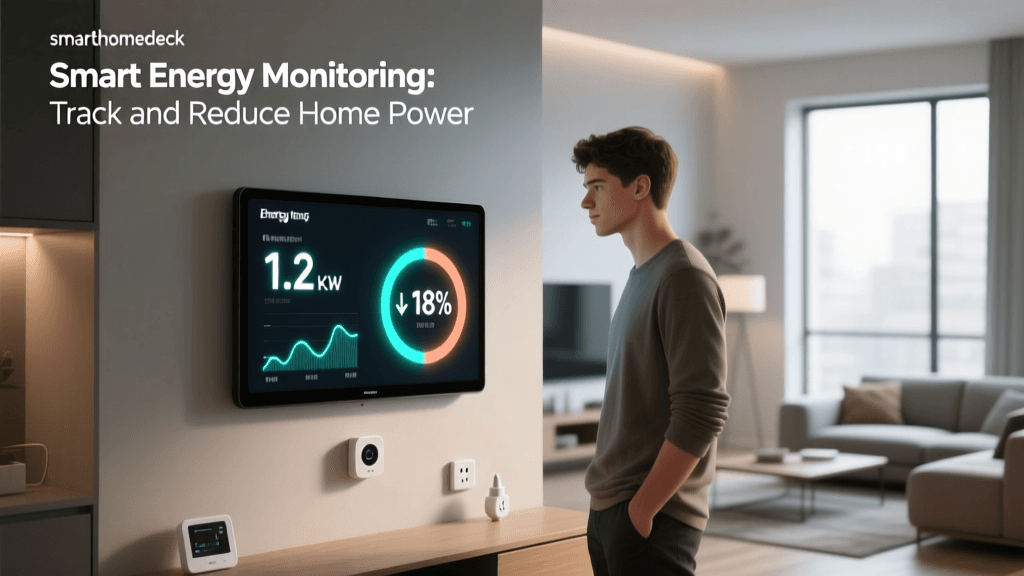
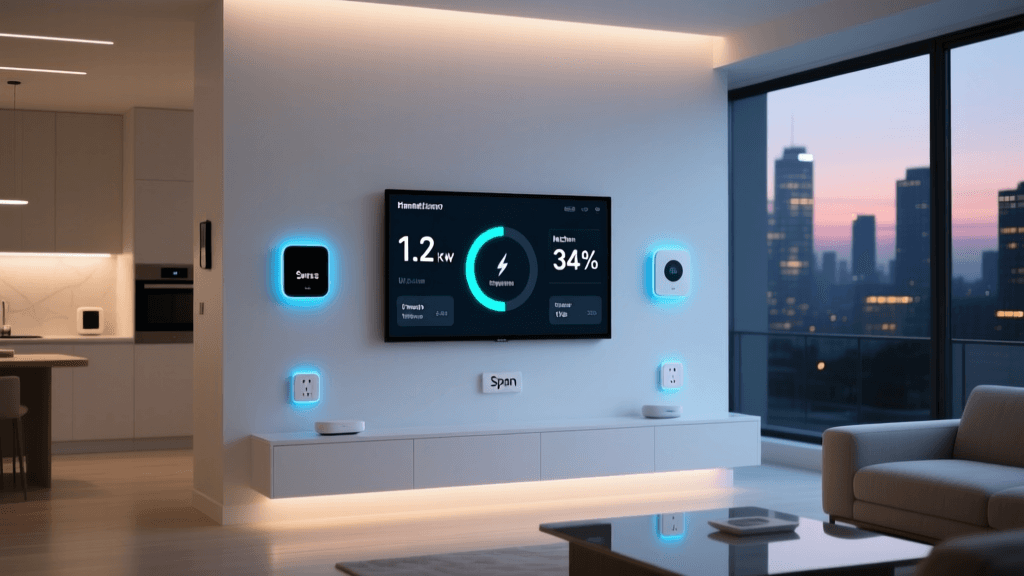
Beyond convenience, mastering presence automation yields tangible financial returns. HVAC systems account for nearly half of the average home's energy consumption. By utilizing geofencing to automatically set your thermostat to an 'Eco' temperature (e.g., 60°F in winter, 85°F in summer) the moment the last person leaves the geofence, you eliminate the waste of heating or cooling an empty house.
The US Department of Energy notes that you can save as much as 10% a year on heating and cooling by simply turning your thermostat back 7°-10°F for 8 hours a day from its normal setting. A smart thermostat paired with reliable geofencing automates this process entirely, paying for its $250 hardware cost within the first two years through energy savings alone.
Conclusion: Moving from Remote Control to True Autonomy
Smart home automation is not about replacing a physical light switch with a digital one on your phone screen; it is about creating an environment that anticipates your needs. By layering GPS geofencing for macro-level home management and mmWave radar for micro-level room occupancy, you eliminate the friction of daily life. Start small by perfecting your 'Last Person Leaves' routine, invest in an mmWave sensor for your most-used living space, and ensure your location permissions are optimized. Once your home truly knows when you are there, you will never want to go back to manual control.