The Fragmentation Problem in Smart Home Automation
When you first step into the world of smart home technology, the promise is alluring: a fully automated house that anticipates your needs, saves energy, and secures your property. However, the reality for many beginners is a frustrating maze of incompatible applications and walled gardens. You might purchase a Ring video doorbell, a Philips Hue lighting system, an Ecobee smart thermostat, and a Sonos soundbar. While each device performs brilliantly within its own native app, getting them to communicate with one another to create a unified 'Good Morning' or 'Movie Night' routine can feel like trying to mix oil and water.
This fragmentation stems from the historical lack of a universal communication standard. Tech giants like Apple, Google, and Amazon built proprietary ecosystems designed to lock consumers into their specific hardware and software. If you bought an Apple HomeKit-compatible smart plug, it likely would not work with your Android-based Google Nest Hub. For consumers looking to build comprehensive, cross-brand automation routines, this ecosystem tribalism has been the single largest barrier to entry.
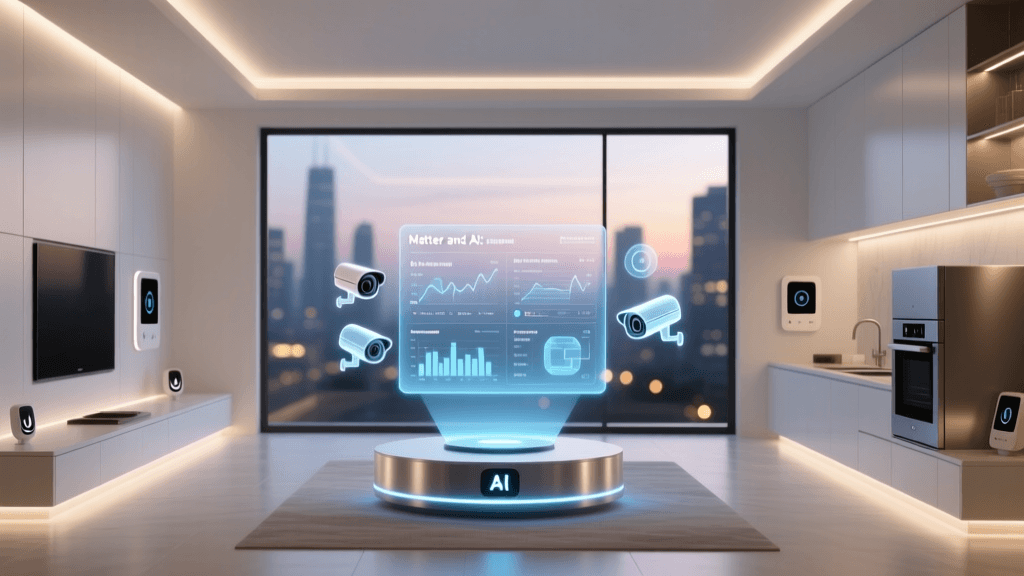
Fortunately, the landscape is undergoing a massive paradigm shift. The introduction of the Matter protocol, combined with the rising popularity of advanced third-party smart hubs, has finally provided a bridge across these divided ecosystems. In this guide, we will explore how to leverage these tools to make your devices work together seamlessly, regardless of the logo printed on the box.
What is Matter? The New Universal Language
Matter is an open-source, royalty-free smart home interoperability standard developed by the Connectivity Standards Alliance (CSA), a consortium that includes industry heavyweights like Apple, Amazon, Google, Samsung, and hundreds of other tech companies. Launched in late 2022, Matter was designed with a singular goal: to ensure that certified devices can communicate securely and reliably, no matter which ecosystem or voice assistant you use to control them.
How Matter Changes Device Integration
Before Matter, a smart bulb might have used a proprietary cloud-to-cloud integration to talk to a smart speaker. If your internet connection dropped, or if the manufacturer's server went down, your automation routines would fail. Matter operates primarily over your local network using two main wireless protocols: Wi-Fi (for high-bandwidth devices like cameras and smart displays) and Thread (a low-power, mesh-networking protocol ideal for sensors, locks, and light bulbs).
Because Matter utilizes IPv6 networking, every device gets its own local IP address. This means your smart switch can talk directly to your smart hub without pinging a server in another country. The result is near-instantaneous latency, enhanced privacy, and the ability to control your devices even when your home's internet connection is completely offline.
Pro Tip: When shopping for new devices, look for the official Matter logo on the packaging. While older Zigbee and Z-Wave devices are still excellent, Matter-certified devices guarantee out-of-the-box compatibility with almost any modern hub or voice assistant.
Choosing the Right Smart Hub for Cross-Platform Automation
While Matter allows devices to speak the same language, you still need a central 'brain' to translate those languages into complex automation routines. This is where dedicated smart hubs come in. A hub acts as the conductor of your smart home orchestra, managing local processing, bridging older protocols (like Zigbee and Z-Wave) to modern networks, and executing routines without relying on the cloud.
Samsung SmartThings: The Consumer-Friendly All-Rounder
For most users transitioning from basic voice-assistant setups to dedicated automation, the Samsung SmartThings ecosystem is the ideal starting point. The latest SmartThings hubs (and the SmartThings Station) support Matter over Thread, Zigbee 3.0, and Z-Wave. Priced between $70 and $100, it offers a highly polished mobile app and a visual 'Automation' builder that makes creating complex routines intuitive. It excels at integrating Samsung appliances, Philips Hue, and Yale locks into single-tap dashboards.
Hubitat Elevation: The Local Processing Powerhouse
If your primary concern is reliability and privacy, the Hubitat Elevation (retailing around $150) is a phenomenal choice. Unlike SmartThings, which relies heavily on cloud servers for its app interface and certain integrations, Hubitat processes almost everything locally on the device itself. If your internet service provider experiences an outage, your Hubitat automations—such as motion-activated hallway lights or leak-detection water shut-off valves—will continue to function flawlessly. Its rule-building interface is slightly more utilitarian than SmartThings, but it offers granular control that enthusiasts crave.
Home Assistant: The DIY Open-Source Champion
For the ultimate in flexibility, the open-source project Home Assistant is unmatched. You can run it on a Raspberry Pi or purchase the dedicated Home Assistant Green appliance (approximately $99). Home Assistant can integrate with over 2,500 different brands and services, pulling data from everything from your solar panels to your electric vehicle. It supports Matter, Zigbee (via a USB dongle like the Sonoff Zigbee 3.0), and Z-Wave. The trade-off is a steeper learning curve; however, the payoff is a completely bespoke smart home dashboard and automation engine that you own entirely.
Protocol Breakdown: Understanding the Invisible Wires
To build a robust, integrated smart home, you must understand the underlying wireless protocols carrying the signals. Relying solely on Wi-Fi for dozens of smart bulbs and sensors will quickly congest your home router, leading to dropped connections and slow network speeds. Here is how the major protocols compare:
| Protocol | Frequency | Mesh Support | Power Draw | Best Use Case |
|---|---|---|---|---|
| Wi-Fi | 2.4 / 5 / 6 GHz | No | High | Cameras, Smart Displays, Hubs, High-bandwidth Plugs |
| Zigbee 3.0 | 2.4 GHz | Yes | Very Low | Light Bulbs, Motion Sensors, Door/Window Contacts |
| Z-Wave | 908.42 MHz (US) | Yes | Very Low | Smart Locks, Garage Doors, Wall Switches (Better wall penetration) |
| Thread / Matter | 2.4 GHz | Yes | Low | Next-gen Sensors, Thermostats, Lighting |
| Bluetooth LE | 2.4 GHz | Limited | Low | Proximity Unlocking, Initial Device Provisioning |
By utilizing a hub equipped with multiple radios (e.g., a Hubitat or SmartThings hub with both Zigbee and Z-Wave antennas), you offload the traffic from your primary Wi-Fi router. This creates a dedicated, low-latency mesh network specifically for your automation hardware.
Building Your First Cross-Ecosystem Automation Routine
Let us look at a practical, real-world example of how a dedicated hub bridges different ecosystems. Imagine you want to create an 'Entertainment Mode' routine. You have a Sony Bravia TV (Android/Google ecosystem), Philips Hue lights (Zigbee/Matter), a Sonos Soundbar (Wi-Fi/AirPlay), and an Ecobee Smart Thermostat (Apple HomeKit/Matter).
- The Trigger: You press a single button on a Flic smart button (Bluetooth/Matter) placed on your coffee table, or issue a voice command to your preferred smart speaker.
- The Condition: The hub checks the time of day. If it is after 6:00 PM and the living room motion sensor has detected presence in the last 10 minutes, the routine proceeds.
- The Actions (Executed Locally in Milliseconds):
- The hub sends a Zigbee command to the Philips Hue Bridge to dim the lights to 20% and change the color temperature to a warm 2000K.
- Simultaneously, the hub utilizes a local network API (or Matter command) to wake the Sonos soundbar and set the volume to 15%.
- The hub sends an infrared or IP command to the Sony TV to power on and switch to the HDMI ARC input.
- Finally, the hub adjusts the Ecobee thermostat down by two degrees to account for the heat generated by the home theater equipment and occupants.
In a fragmented setup without a central hub, this routine would require complex third-party cloud services like IFTTT, resulting in 3-to-5-second delays between actions and a high likelihood of failure if one company's API changes. With a local hub leveraging Matter and standard local APIs, the entire sequence triggers instantly and reliably.
The Economics of Smart Home Integration
One common misconception is that building a unified, hub-based smart home requires expensive monthly subscriptions. While some advanced features (like cloud-based video storage for security cameras) do require monthly fees, the core automation and integration logic should not. Investing in a local hub upfront often saves money over time compared to relying on fragmented cloud services or proprietary ecosystems that may charge for premium automation tiers.
5-Year Integration Cost Comparison
As visualized above, the initial hardware cost of a robust local hub setup (such as a Home Assistant Green and a Zigbee USB coordinator) remains a fixed, one-time expense. Conversely, relying on various proprietary cloud bridges, premium app subscriptions, and third-party automation connectors results in a compounding financial drain over the lifespan of your devices.
Privacy and Local vs. Cloud Processing
Beyond cost and convenience, integrating your devices through a local hub drastically improves your digital privacy. When you use cloud-dependent smart plugs or basic Wi-Fi cameras tied directly to a manufacturer's app, every command you issue, and every schedule you set, is routed through external servers. This data is often harvested to build consumer profiles for targeted advertising.
By utilizing platforms like Home Assistant or Hubitat, the automation logic never leaves your home network. Your hub knows when you arrive home, when you go to sleep, and which rooms you occupy, but it does not broadcast this deeply personal metadata to corporate servers. For households prioritizing cybersecurity and data sovereignty, local integration is not just a luxury; it is a necessity.
Future-Proofing Your Smart Home Integration
The smart home industry evolves rapidly, but the foundational principles of good integration remain constant: prioritize local control, diversify your wireless protocols, and embrace open standards. As Matter continues to mature and Thread border routers become standard in modern Wi-Fi mesh systems (like the Eero 6 or TP-Link Deco lines), the friction of onboarding new devices will virtually disappear.
To future-proof your home, start by selecting a primary hub that aligns with your technical comfort level. Invest in high-quality Zigbee or Z-Wave mesh devices for your sensors and switches, and reserve your Wi-Fi bandwidth for high-data applications like security cameras and media streaming. By building a unified foundation today, you ensure that your smart home remains a helpful, automated sanctuary rather than a collection of isolated, frustrating gadgets.