Introduction to Smart Home Automation
Welcome to the foundational layer of the connected home. While buying a smart bulb and controlling it with your smartphone is a neat trick, it barely scratches the surface of what modern technology can achieve. True smart home automation is about creating an environment that anticipates your needs, reacts to environmental changes, and operates seamlessly in the background without requiring manual input. In this comprehensive guide, we will break down the mechanics of smart home automation, explore the wireless protocols that allow devices to communicate, and help you select the right central hub to orchestrate your ecosystem.
The Crucial Difference: Remote Control vs. True Automation
Many beginners confuse remote control with automation. Understanding the distinction is the first step toward building a truly intelligent home.
- Remote Control: Using a smartphone app or a voice command to turn on the living room lights. You are still the trigger; the device is simply executing a manual command from a distance.
- True Automation: The living room lights automatically fade on to 40% brightness at 6:00 PM, but only if the ambient light sensor detects that the room is dark, and only if your smartphone's GPS indicates you have crossed the geofence boundary into your neighborhood.
Automation removes the friction of daily life. It relies on a continuous loop of data gathering, logic processing, and physical execution. To achieve this, your devices need a common language (protocols) and a central brain (a hub) to process the logic.
Understanding Smart Home Protocols
Wireless protocols are the invisible highways over which your smart devices communicate. Choosing the right protocol impacts your network's speed, reliability, and power consumption. Below is a comparison of the most dominant standards in the industry today.
| Protocol | Frequency | Topology | Power Draw | Best Use Case |
|---|---|---|---|---|
| Wi-Fi | 2.4 / 5 / 6 GHz | Star (Hub to Device) | High | High-bandwidth devices (cameras, displays) |
| Zigbee | 2.4 GHz | Mesh | Very Low | Sensors, smart bulbs, battery-operated devices |
| Z-Wave | 908.42 MHz | Mesh | Very Low | Door locks, security sensors (avoids Wi-Fi interference) |
| Thread | 2.4 GHz | Mesh (IP-based) | Very Low | Modern Matter-compatible sensors and switches |
| Matter | Runs over Thread/Wi-Fi | Varies | Varies | Cross-ecosystem interoperability and unified setup |
The introduction of Matter by the Connectivity Standards Alliance has fundamentally shifted the landscape. Matter is not a wireless protocol itself; rather, it is an application layer that runs over existing protocols like Thread and Wi-Fi. It ensures that a smart lock bought from one brand will seamlessly integrate into an ecosystem managed by Apple, Amazon, or Google, eliminating the historical 'walled garden' frustrations.
Visualizing Protocol Range and Capabilities
When planning device placement, understanding the physical limitations of wireless signals is vital. Walls, floors, and appliances severely degrade signal strength. The chart below illustrates the average effective indoor range of common smart home protocols.
Notice how mesh protocols like Zigbee and Z-Wave vastly outperform standard Wi-Fi in terms of device-to-device range. This is because every hardwired Zigbee or Z-Wave device (like a smart plug or a light switch) acts as a repeater, bouncing the signal across your home and extending the network's reach organically.
Choosing the Right Smart Hub for Your Home
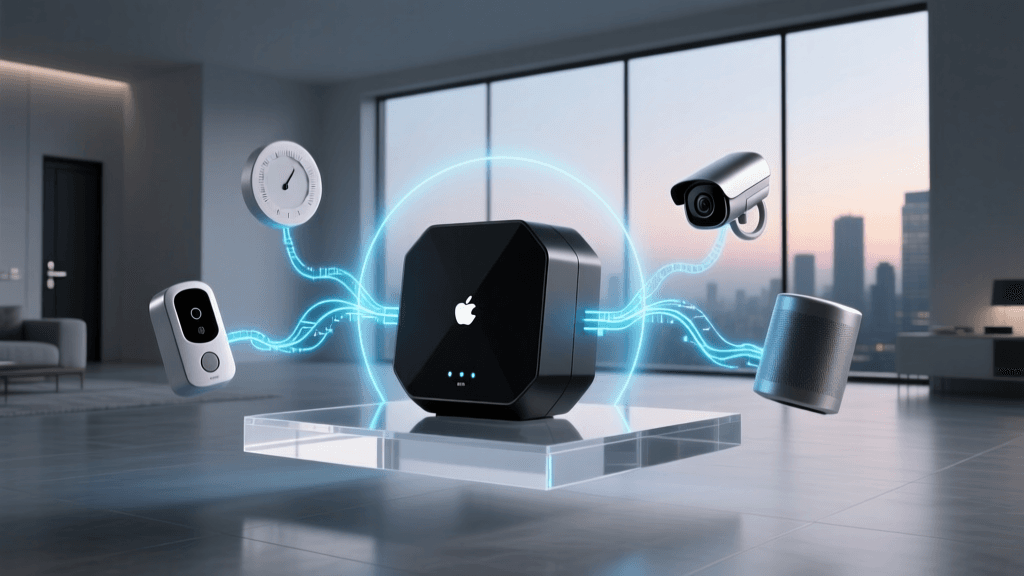
The hub is the central nervous system of your automation setup. It bridges different protocols (e.g., translating a Zigbee motion sensor's signal to your Wi-Fi network) and processes the logic for your routines. Here is a breakdown of the top hubs on the market, their costs, and their target audiences.
1. Samsung SmartThings Station / Hub
- Cost Range: $60 - $130
- Protocols Supported: Wi-Fi, Zigbee, Matter (Thread via firmware updates on newer models).
- Pros: Incredibly user-friendly app, massive device compatibility, excellent for beginners.
- Cons: Cloud-dependent processing. If your internet goes down, complex automations may fail to execute.
2. Hubitat Elevation
- Cost Range: $150
- Protocols Supported: Zigbee, Z-Wave, Wi-Fi, Matter.
- Pros: Local processing. Automations execute in milliseconds and continue working perfectly even during internet outages. Highly customizable rule engine.
- Cons: Steeper learning curve. The user interface is more utilitarian and geared toward advanced users and tinkerers.
3. Apple HomePod Mini / Apple TV 4K
- Cost Range: $99 - $130
- Protocols Supported: Thread, Matter, Wi-Fi, Bluetooth.
- Pros: Unmatched privacy, local processing for HomeKit Secure Video, seamless integration for iPhone users.
- Cons: Strict certification requirements mean fewer niche devices are available compared to SmartThings or Hubitat.
The Anatomy of a Smart Routine: Triggers, Conditions, and Actions
Regardless of which hub you choose, the logic governing smart home automation universally follows a three-part structure: Triggers, Conditions, and Actions. Mastering this triad is the key to moving from basic setups to advanced home intelligence.
1. The Trigger (The 'When')
The trigger is the event that initiates the evaluation of your routine. Triggers are absolute; they happen, and the hub immediately checks the conditions. Common triggers include:
- Time: Sunset, sunrise, or a specific clock time.
- Device State: A door sensor changes from closed to open.
- Presence: Your smartphone enters a 500-meter geofence around your house.
2. The Condition (The 'Only If')
Conditions act as gatekeepers. When a trigger fires, the hub checks the conditions to decide if the action should actually take place. If conditions are not met, the routine stops.
- Example: Trigger is 'Front door opens'. Condition is 'Time is between 10:00 PM and 6:00 AM'.
- State Conditions: 'Only if the living room TV is currently off' or 'Only if the home alarm is armed'.
3. The Action (The 'Then')
The action is the physical or digital result of the routine. Actions can be simultaneous or staggered using delays.
- Device Control: Turn on the foyer light to 100% brightness, set the thermostat to 72°F.
- Notifications: Send a push notification to your smartwatch or trigger an audible chime on a smart speaker.
- Delays: Wait 5 minutes, then turn off the hallway lights.
Essential Starter Devices for Home Automation
To build meaningful routines, you need devices that provide rich environmental data. Here are three highly recommended starter categories with specific product examples.
Millimeter-Wave Presence Sensors
Traditional PIR (Passive Infrared) motion sensors only detect gross movement. If you sit still reading a book, the lights will turn off. Millimeter-wave sensors detect micro-movements, like the rise and fall of your chest while breathing.
- Top Pick: Aqara Presence Sensor FP2 (Approx. $99). This device allows you to map zones in a room, triggering different automations depending on whether you are at your desk or on the couch.
Smart Plugs with Energy Monitoring
Smart plugs are the most cost-effective way to automate 'dumb' appliances like coffee makers, fans, or holiday lights. Energy monitoring adds a layer of automation based on power draw.
- Top Pick: Eve Energy Smart Plug (Approx. $40). Uses Thread/Matter for local response and provides detailed voltage and wattage tracking, allowing you to trigger alerts if a device draws abnormal power.
Motorized Blinds and Light Sensors
Managing solar heat gain is a massive part of home efficiency. Automating blinds based on exterior light and temperature sensors can drastically reduce HVAC loads.
Energy Management and Automation
One of the most compelling arguments for home automation is energy conservation. The U.S. Department of Energy highlights that smart thermostats, when paired with automated scheduling and geofencing, can save households an average of 10% to 15% on heating and cooling costs annually.
By integrating smart thermostats (like the Ecobee SmartThermostat Premium) with your hub's presence detection, you can create an 'Eco-Away' routine. When the last person's phone leaves the geofence, the hub automatically adjusts the HVAC system to an energy-saving setpoint, ensuring you never pay to cool an empty house. Furthermore, the ENERGY STAR Smart Home Guidelines emphasize that interoperable devices—those utilizing open standards like Matter—are crucial for creating holistic energy management systems where blinds, lights, and HVAC units work in concert rather than in isolation.
Privacy and Local vs. Cloud Processing
As your home becomes more automated, it also becomes a massive data-generating engine. Every motion event, door opening, and temperature fluctuation is logged. This raises critical privacy and security considerations.
Cloud Processing: Hubs like SmartThings or Amazon Echo rely heavily on cloud servers. When a motion sensor trips, the signal travels from your home to the manufacturer's server, where the logic is evaluated, and a command is sent back to your smart bulb. This introduces latency (delays of 500ms to 2 seconds) and means your data resides on external servers.
Local Processing: Hubs like Hubitat and Apple HomeKit process logic locally on the physical device sitting in your living room. The signal never leaves your home network. This results in instantaneous automation execution and drastically improves privacy, as your behavioral patterns are not transmitted to the cloud.
Best Practice Tip: Regardless of your hub choice, always isolate your IoT devices on a separate 'Guest' Wi-Fi network or a dedicated VLAN. This prevents a compromised smart bulb from providing a bad actor with a bridge to access your personal computers and smartphones.
Conclusion and Next Steps
Building a smart home automation system is a marathon, not a sprint. The key to success is starting with a robust foundation: selecting a hub that matches your technical comfort level and choosing devices that support open, mesh-based protocols like Zigbee, Z-Wave, or Thread. Begin by automating simple, high-impact routines—like exterior lighting based on sunset and geofencing—and gradually expand into complex, multi-condition logic as you become more comfortable with the platform. By prioritizing local processing and open standards like Matter, you will build a resilient, efficient, and future-proof home that truly works for you.