For over a decade, smart home enthusiasts have faced a frustrating reality: the "walled garden" ecosystem. You buy a smart lock that works beautifully with Amazon Alexa, only to discover it cannot communicate with your Apple HomeKit lighting system. This fragmentation has historically forced consumers to choose a single ecosystem, juggle multiple apps, or rely on clunky third-party cloud workarounds like IFTTT. Fortunately, the landscape of home automation is undergoing a massive paradigm shift.
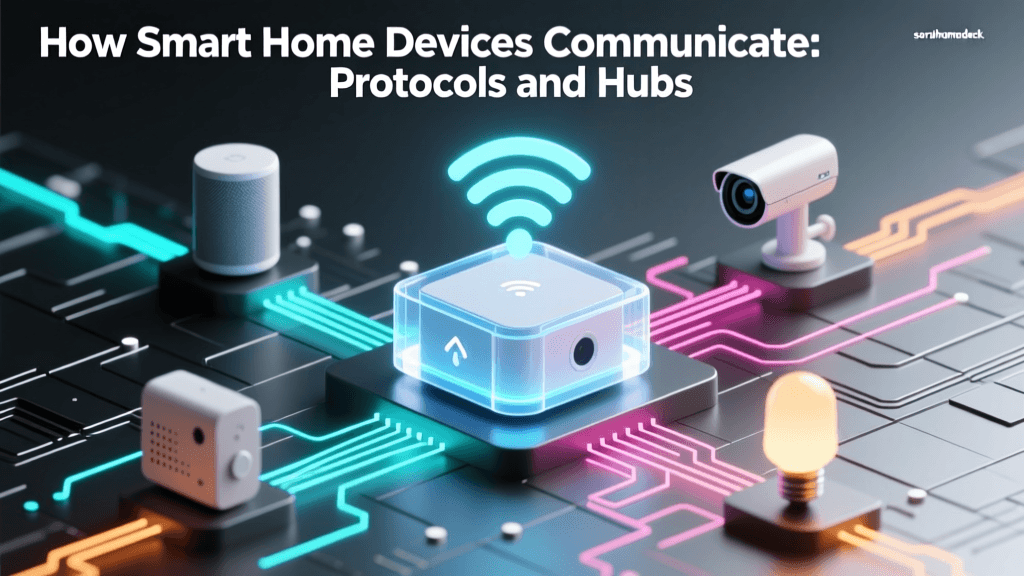
Enter Matter, an open-source, royalty-free connectivity standard developed by the Connectivity Standards Alliance (CSA). Matter is not a new radio frequency; rather, it is a universal application layer protocol that allows devices from different brands and ecosystems to speak the same language. Whether you are deeply invested in Apple Home, Google Home, Amazon Alexa, or Samsung SmartThings, Matter ensures that your devices can work together locally, securely, and reliably.
The Fragmentation Problem in Legacy Automation
Before Matter, smart home integration relied on a patchwork of proprietary hubs and competing radio protocols. Zigbee and Z-Wave became popular for their low power consumption and mesh networking capabilities, but they required dedicated hubs that often locked users into specific ecosystems. Wi-Fi devices, while hub-free, congested home networks and relied heavily on cloud servers, meaning if your internet went down, your automation routines failed.
This siloed approach created immense friction. A consumer wanting a comprehensive home security and lighting automation routine might need a Philips Hue Bridge for lights, an Ecobee smart thermostat for climate, and an August Wi-Fi lock for doors. Making these three distinct devices trigger a "Goodnight" routine simultaneously required complex cloud-based APIs, resulting in noticeable latency and frequent points of failure.
What is Matter and How Does It Work?
Matter solves the fragmentation problem by operating over existing, well-established IP (Internet Protocol) networks. According to the comprehensive guides on smart home standards, Matter primarily utilizes two underlying network technologies:
- Wi-Fi: Ideal for high-bandwidth devices like smart displays, cameras, and streaming appliances.
- Thread: A low-power, low-latency mesh networking protocol designed specifically for IoT devices like sensors, smart bulbs, and locks. The Thread Group highlights that unlike Zigbee, Thread is IP-addressable, meaning it integrates natively with Matter without needing a proprietary translation bridge.
Because Matter is built on IP, devices communicate directly over your local network. This local control means your motion sensor can turn on your hallway lights in milliseconds, even if your home's broadband internet connection is completely severed.
The Magic of Multi-Admin Integration
The most revolutionary feature of Matter for home automation integration is Multi-Admin. In the past, pairing a device to Google Home meant you could not simultaneously pair it to Apple HomeKit. Multi-Admin allows a single Matter-certified device to be claimed by multiple ecosystems at the exact same time.
Imagine you purchase a Matter-over-Thread smart plug, such as the Eve Energy ($25). You can initially set it up using the Apple Home app on your iPhone. Later, you can use the Multi-Admin feature to generate a QR code from the Eve app or Apple Home, scan it with the Google Home app, and instantly gain control in both ecosystems. This means a household with mixed preferences—one user preferring Siri, the other preferring Google Assistant—can control the same devices without conflict.
Essential Hardware: Border Routers and Hubs
To build a robust Matter automation network, you need a Thread Border Router. A border router bridges the Thread mesh network (your sensors and bulbs) to your home's Wi-Fi/Ethernet network, allowing your smartphone and smart speakers to communicate with them.
Fortunately, you likely already own a border router without realizing it. Many modern smart speakers and hubs have received firmware updates to enable Thread border routing capabilities.
| Device (Border Router) | Ecosystem | Estimated Cost | Network Protocols Supported |
|---|---|---|---|
| Apple TV 4K (Wi-Fi + Ethernet) | Apple HomeKit | $129 - $149 | Thread, Wi-Fi, Ethernet |
| Amazon Echo (4th Gen) | Amazon Alexa | $99 | Thread, Zigbee, Wi-Fi |
| Google Nest Hub Pro (2nd Gen) | Google Home | $229 | Thread, Wi-Fi |
| Samsung SmartThings Station | SmartThings | $69 | Thread, Zigbee, Wi-Fi |
Pro Tip: For a stable Thread mesh network, it is highly recommended to have at least three Thread Border Routers or Thread Router-capable devices (like smart plugs) distributed throughout your home to prevent dead zones.
Step-by-Step Guide: Building a Cross-Platform Automation
Let us walk through a practical, actionable example of creating a seamless automation routine using mixed Matter devices. Our goal: "When the office door opens, turn on the desk lamp and start the smart speaker."
Step 1: Provision the Devices
- The Sensor: Take an Aqara Door and Window Sensor P2 (Matter over Thread, approx. $30). Open your primary hub app (e.g., Apple Home). Tap the "+" icon, select "Add Accessory," and scan the Matter QR code on the box. Assign it to the "Office" room.
- The Lighting: Take a Nanoleaf Essentials A19 Bulb (Matter over Thread, approx. $20). Screw it into your desk lamp. Scan the Matter QR code using the same Apple Home app. Assign it to the "Office" room.
Step 2: Enable Multi-Admin (Optional but Recommended)
If another family member uses Android and Google Home, open the device settings for the Nanoleaf bulb in Apple Home. Navigate to Settings > General > Turn On Accessory Setup Mode (or use the manufacturer app to generate a sharing code). Open Google Home on the Android device, tap "+" > "Set up device" > "Matter device," and scan the code. Both ecosystems now have local control.
Step 3: Create the Automation Routine
In your primary automation hub (e.g., Apple Home or SmartThings):
- Trigger (IF): Select the Aqara Sensor P2. Set condition to "Opens".
- Action (THEN): Select the Nanoleaf Bulb. Set action to "Turn On", Brightness 80%, Color Temperature 4000K (Daylight).
- Add Secondary Action: If your smart speaker supports Matter or native ecosystem routines, add an action to "Play Focus Playlist".
Because both the sensor and the bulb are communicating over the local Thread mesh network via Matter, the latency between the door opening and the light illuminating will be virtually imperceptible (typically under 50 milliseconds), with zero reliance on external cloud servers.
Visualizing Protocol Latency and Performance
One of the primary reasons automation enthusiasts are migrating to Matter over Thread is the dramatic reduction in local command latency compared to legacy cloud-dependent Wi-Fi devices. The chart below illustrates the average local command response times across popular smart home protocols.
As visualized, legacy Wi-Fi devices that ping a cloud server before executing a command suffer from massive latency spikes. Matter over Thread provides a localized, high-speed mesh alternative that makes automations feel truly instantaneous.
Troubleshooting Common Integration Hiccups
While Matter promises a unified experience, the technology is still maturing. Here are practical troubleshooting steps for common integration issues:
1. The Device Fails to Pair
The Cause: Matter devices require a 2.4GHz Wi-Fi network for initial provisioning and credential sharing, even if the device itself operates on Thread. Furthermore, modern routers with "Smart Connect" (combining 2.4GHz and 5GHz into one SSID) often confuse IoT devices during the handshake process.
The Fix: Temporarily create a dedicated 2.4GHz guest network on your router. Connect your smartphone to this network, then attempt the Matter pairing process. Once paired, the device will rely on the Thread mesh and the guest network can be disabled.
2. Sluggish Automations or Dropped Devices
The Cause: A weak Thread mesh. Thread devices route signals through one another. If you only have one Thread Border Router (e.g., a Nest Hub in the living room) and a Matter lock on a detached garage, the signal will drop.
The Fix: Introduce Thread Router-capable devices to bridge the gap. Smart plugs like the Eve Energy or Aqara Smart Plug (Matter) are always powered on and act as signal repeaters. Place one halfway between your main hub and the distant sensor to fortify the mesh.
3. Multi-Admin Conflicts
The Cause: Two ecosystems trying to control a device simultaneously via conflicting automations (e.g., Apple Home turns a light off at 10 PM, while Google Home turns it on at 10:01 PM).
The Fix: Designate one ecosystem as the "Master Automation Controller." Use Apple Home for all logic and routines, and use Google Home strictly for voice commands and manual control. This prevents logic loops and state-confusion.
Future-Proofing Your Smart Home Investment
Transitioning to a Matter-integrated smart home is an investment in longevity. When you purchase a Matter-certified device today, you are not locking yourself into a single corporation's vision of the future. If you decide to switch from iPhones to Androids, or if you move from an Amazon Echo ecosystem to Samsung SmartThings, your hardwired home infrastructure—your locks, blinds, thermostats, and lighting—will seamlessly transition with you.
As the CSA continues to roll out updates to the Matter specification, including support for robot vacuums, EV chargers, and advanced security cameras, the boundaries of what can be integrated will only expand. By focusing on Thread border routers, local IP networking, and Multi-Admin capabilities, you are building a resilient, lightning-fast automation foundation that will serve your home for decades to come.