The Evolution of Smart Home Control
When most people first enter the smart home space, their experience is limited to remote control. You buy a smart bulb, connect it to Wi-Fi, and use an app on your phone to turn it on or off. While this is a convenient first step, it is not true automation. True smart home automation removes the need for human intervention entirely, allowing your home to anticipate your needs, react to environmental changes, and manage energy consumption without you ever lifting a finger.
According to the U.S. Department of Energy, properly automated smart home technologies—particularly smart thermostats and automated lighting controls—can significantly reduce household energy waste by ensuring devices only run when necessary. Moving from manual app control to automated routines is the single most impactful upgrade you can make to your smart home ecosystem.
In this comprehensive guide, we will break down the logic behind smart home automations, compare how major ecosystems handle routine creation, and provide actionable blueprints for building advanced, reliable routines that work every single time.
The Anatomy of a Perfect Automation
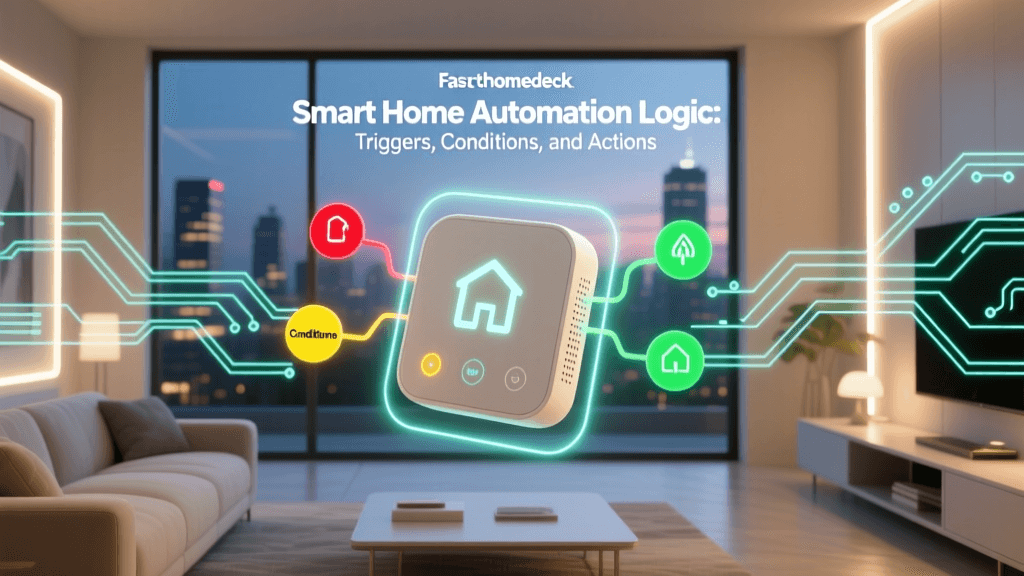
Every smart home routine, regardless of whether you are using Amazon Alexa, Google Home, or Apple HomeKit, is built upon a foundational logic structure consisting of three distinct components: Triggers, Conditions, and Actions.
1. The Trigger (The "When")
The trigger is the catalyst that tells your smart home hub to start evaluating the routine. Triggers are binary; they either happen, or they do not. Common triggers include:
- Time-based: A specific time of day, sunrise, or sunset.
- Location-based (Geofencing):strong> Your smartphone crossing a virtual geographic boundary (e.g., leaving a 500-meter radius around your house).
- Device State: A smart door lock being unlocked, a camera detecting motion, or a smart plug drawing a specific wattage.
- Sensor Data: A temperature sensor dropping below 65°F, or a lux sensor detecting darkness.
2. The Condition (The "If")
Conditions are the filters that prevent a trigger from executing an action inappropriately. If the trigger is the "When," the condition is the "But only if." For example, you might have a trigger for sunset, but the condition dictates that the outdoor lights should only turn on if someone is actually home. Advanced ecosystems now support complex logic gates, allowing you to string together multiple AND/OR conditions to create highly nuanced routines.
3. The Action (The "Then")
Actions are the physical or digital results that occur once a trigger is activated and all conditions are met. Actions can range from simple device toggles to complex sequences with built-in delays. Examples include adjusting a smart thermostat, sending a push notification to your phone, playing a specific Spotify playlist on a smart speaker, or triggering a secondary routine.
Ecosystem Breakdown: Alexa vs. Google vs. Apple
Not all smart home platforms are created equal when it comes to automation logic. Below is a comparison of how the "Big Three" ecosystems handle routine creation, highlighting their respective strengths and limitations.
| Feature | Amazon Alexa Routines | Google Home Routines | Apple HomeKit Automations |
|---|---|---|---|
| Trigger Variety | Excellent (Supports voice phrases, custom alarms, and third-party sensor data) | Good (Strong integration with Nest products and Google services) | Good (Highly reliable for HomeKit-secure sensors and geofencing) |
| Condition Logic | Limited (Mostly basic AND logic, lacks native OR gates without workarounds) | Moderate (Allows basic time and device state conditions) | Advanced (Native support for complex AND/OR logic gates in the Home app) |
| Delay Support | Yes (Wait, wait for time of day, wait for event) | Yes (Basic time delays) | Yes (Wait before executing next action) |
| Local Execution | Mostly Cloud (Requires internet for most routines) | Hybrid (Some local execution via Nest/Google hubs) | Mostly Local (Apple TV/HomePod act as local hubs for fast execution) |
If your priority is complex, multi-layered logic without relying on third-party servers, Apple HomeKit currently offers the most robust native condition builder. However, if you want to trigger routines using highly specific custom voice commands, Amazon Alexa remains the undisputed leader.
Cloud vs. Local Execution: Why Your Routines Fail
One of the most common frustrations in smart home automation is latency or outright failure. You walk into a dark room, the motion sensor triggers, but the lights take four seconds to turn on—or worse, your internet is down, and the lights do not turn on at all.
This is the difference between Cloud Execution and Local Execution.
- Cloud Execution: The sensor sends a signal to your router, out to the manufacturer's server, into the cloud platform (e.g., Amazon AWS), which then sends a command back down to your smart bulb. This introduces latency and requires an active internet connection.
- Local Execution: The sensor communicates directly with a local hub (like an Apple HomePod, a Hubitat, or a Home Assistant server) via local radio protocols like Zigbee, Z-Wave, or Thread. The hub instantly commands the bulb. This happens in milliseconds and works even if your home's broadband connection is completely severed.
The emergence of the Matter smart home standard, championed by the Connectivity Standards Alliance (CSA), is actively solving this issue. Matter prioritizes local network communication, ensuring that devices from different brands can execute automations locally via Thread or Wi-Fi, drastically reducing latency and improving reliability.
Step-by-Step: Building an Advanced "Good Morning" Routine
Let us apply these concepts to build a practical, advanced routine. We will design a "Good Morning" automation that adapts to your actual schedule and environment, rather than just blindly turning things on at 7:00 AM.
The Setup
Trigger: Time is 6:30 AM OR Motion is detected on the Bedroom Motion Sensor.
Conditions:
- IF Day of Week is Monday through Friday.
- AND IF Smartphone is connected to Home Wi-Fi (Presence check).
- AND IF Outdoor Weather Temperature is below 60°F.
Actions:
- Set Smart Thermostat to 72°F (Heat).
- Turn on Smart Plug connected to the coffee maker.
- Wait 5 minutes.
- Slowly raise Smart Blinds to 50% over a 2-minute transition.
- Announce daily calendar and weather summary on the bedroom smart speaker.
By utilizing the OR trigger and the multi-layered conditions, this routine ensures your home prepares for your wake-up only when you are actually home, only on workdays, and only pre-heats the house if it is genuinely cold outside. This prevents the "phantom energy waste" of heating an empty house or brewing coffee when you are on vacation.
Essential Hardware for Reliable Automations
To build routines like the one above, you need reliable hardware that reports state changes accurately. Here are the top-tier recommendations for automation-focused hardware, complete with cost estimates and compatibility details.
1. Occupancy and Motion Sensors
Standard PIR (Passive Infrared) motion sensors are great for detecting movement, but they fail when you are sitting still on the couch, causing the lights to shut off prematurely. The solution is mmWave (millimeter-wave) presence detection.
- Top Pick: Aqara Presence Sensor FP2
- Cost: $70 - $80
- Protocol: Wi-Fi / Matter
- Why it works: It uses mmWave radar to detect micro-movements (like breathing), ensuring your automations never turn off the lights while you are reading or watching TV.
2. Smart Plugs for Dumb Appliances
Smart plugs are the most cost-effective way to integrate legacy appliances into your routines.
- Top Pick: TP-Link Tapo P125M (Matter-compatible)
- Cost: $15 - $20 (often sold in 4-packs)
- Protocol: Wi-Fi / Matter
- Why it works: Built-in energy monitoring allows you to create automations based on power draw. For example, when the washing machine's power draw drops below 5 watts for 5 minutes, trigger a notification that the laundry is done.
3. The Local Hub
To ensure your automations run locally and reliably, a dedicated hub is mandatory.
- Top Pick: Apple HomePod Mini or Amazon Echo (4th Gen)
- Cost: $99 (Apple) / $99 (Amazon)
- Protocol Support: Thread, Zigbee (Echo), Matter
- Why it works: Both act as border routers for Thread networks and local processing hubs for their respective ecosystems, keeping your automation logic off the cloud.
For consumers focused on energy efficiency, looking for products with the ENERGY STAR certification for smart home devices ensures that the hardware itself draws minimal standby power while waiting for automation triggers.
Smart Home Automation Adoption by Complexity Level
As illustrated in the chart above, while basic time-based scheduling has seen massive mainstream adoption, advanced automations utilizing geofencing and AI-driven predictive logic remain in the early adopter phase. Bridging this gap requires users to move beyond simple app interfaces and embrace the logic-building concepts outlined in this guide.
Troubleshooting Common Automation Bottlenecks
Even the most carefully designed routines can fail. Here is how to troubleshoot the three most common automation bottlenecks:
1. Wi-Fi Congestion and IP Conflicts
If you have dozens of Wi-Fi-connected smart plugs and bulbs, your router's DHCP server may struggle to assign IP addresses, causing devices to drop offline and miss triggers. Solution: Migrate as many devices as possible to mesh networks like Zigbee or Thread, which do not rely on your primary Wi-Fi router, or assign static IP addresses to critical automation hubs.
2. Sensor Latency and "Cool-Down" Periods
Many budget motion sensors have a built-in "cool-down" period of 2 to 5 minutes to save battery life. If you leave a room and return within that window, the sensor will not re-trigger the lights. Solution: Check the sensor's settings in the native app to see if the blind period can be reduced, or replace battery-powered sensors with hardwired or USB-powered mmWave sensors that offer continuous scanning.
3. Conflicting Routines
If you have one routine that turns the lights off at 11:00 PM, and another routine triggered by a door sensor that turns the lights on when you enter, opening the door at 11:05 PM will cause a conflict. Solution: Use "State" conditions. Program the door sensor routine to only execute IF the current time is between Sunset and 10:55 PM, or utilize a virtual switch that disables the motion routines when "Sleep Mode" is activated.
The Future: Matter and AI-Driven Predictive Automation
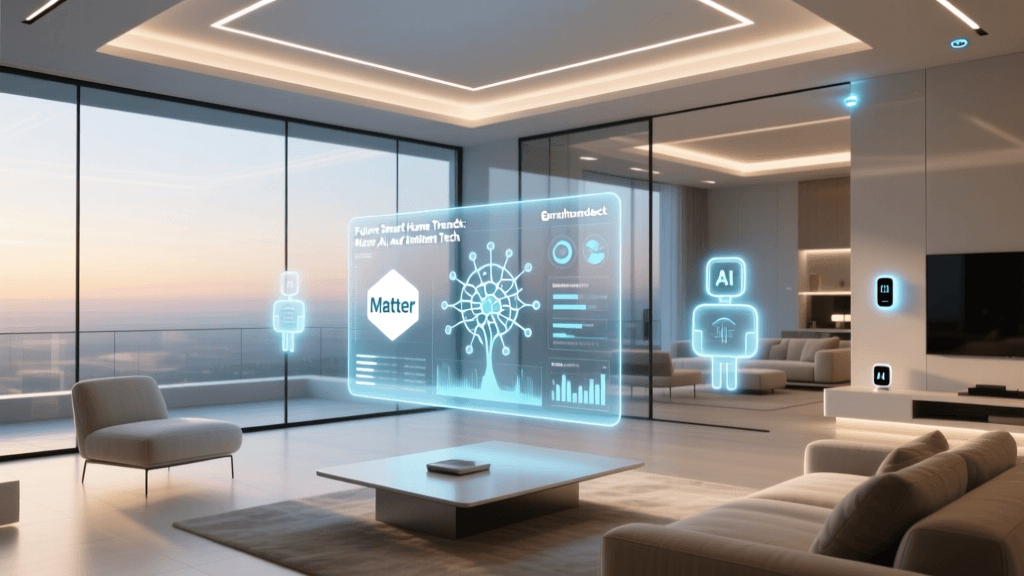
The smart home industry is currently undergoing a massive paradigm shift. Historically, automation required the user to act as the programmer, manually defining every trigger, condition, and action. The future of smart home automation is predictive and AI-driven.
With the rollout of the Matter protocol, cross-brand compatibility is finally becoming a reality. You will soon be able to use an Aqara motion sensor to trigger a Philips Hue lightbulb and a Ecobee thermostat simultaneously, all processed locally on a single hub, regardless of the brand on the box.
Furthermore, AI integration is moving smart homes from reactive to proactive. Instead of programming a routine to lower the thermostat when you leave for work, AI-driven systems will learn your behavioral patterns over a few weeks. They will recognize that every Tuesday you leave the house at 8:15 AM, and will automatically adjust the HVAC system based on real-time traffic data and your calendar, without you ever writing a single line of automation logic.
Until that AI utopia is fully realized, mastering the fundamental triad of triggers, conditions, and actions remains the most powerful tool in your smart home arsenal. By understanding the logic beneath the surface, you can transform your house from a collection of remote-controlled gadgets into a truly intelligent, automated environment.