Smart Home Automation vs Traditional Home: What’s Right for Your Lifestyle?
Choosing between a smart home and a traditional home isn’t just about gadgets—it’s about long-term value, daily convenience, energy efficiency, and personal control. As smart home adoption surges—Statista reports 43% of U.S. households owned at least one smart home device in 2026—homeowners face increasingly nuanced decisions. This guide cuts through the hype to deliver a grounded, side-by-side comparison focused specifically on automation: how devices like smart thermostats, lighting systems, security cameras, and voice-controlled hubs perform versus their traditional counterparts in real-world use.
What Does “Automation” Actually Mean in This Context?
In a traditional home, automation is minimal or non-existent: lights are flipped manually, thermostats require physical adjustment, door locks are keyed, and security relies on motion-sensor floodlights or standalone alarms with no remote monitoring. In contrast, smart home automation refers to interconnected devices that execute tasks automatically—or via remote, voice, or schedule-based triggers—using local networks (Wi-Fi, Matter, Thread) and cloud services.
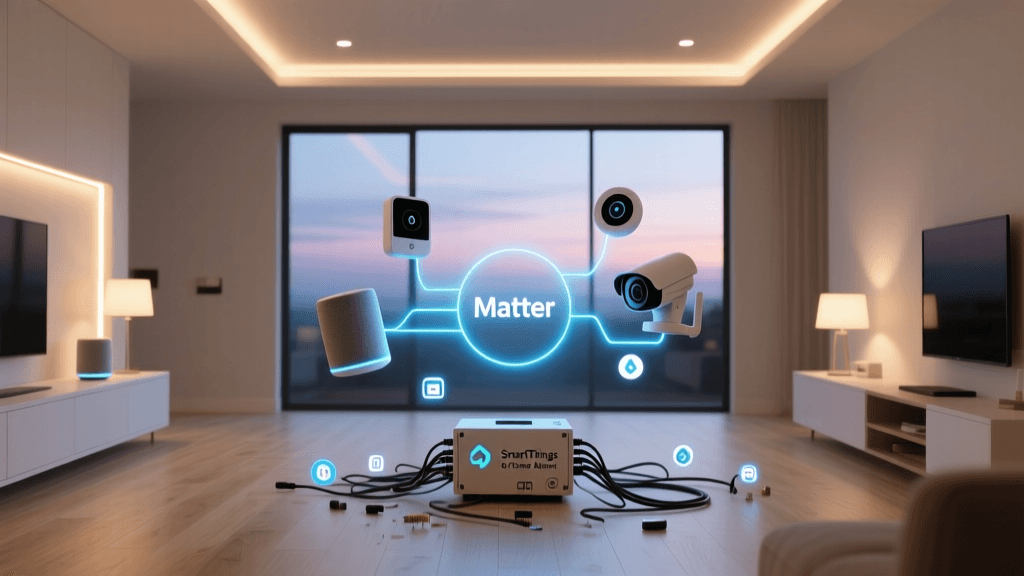
Crucially, not all automation is equal. True interoperability (e.g., an August lock unlocking when your Ring doorbell detects your face) depends on shared protocols like Matter 1.3, launched by the Connectivity Standards Alliance in late 2026 to unify fragmented ecosystems. Without Matter, many devices remain siloed within Apple HomeKit, Amazon Alexa, or Google Home—limiting cross-platform automation potential.
Key Automation Categories: Side-by-Side Comparison
We evaluated five core automation categories using objective criteria: upfront cost, installation complexity, energy impact, security implications, and daily usability. All data reflects mid-2026 retail pricing and verified technical specifications from manufacturer datasheets and third-party testing (e.g., CNET, Wirecutter, UL Solutions).
1. Lighting Control
Traditional: Standard wall switches + incandescent or LED bulbs. No scheduling, dimming requires compatible fixtures and manual dials.
Smart: Smart switches (e.g., Lutron Caseta PD-6WCL) or smart bulbs (e.g., Philips Hue White and Color Ambiance A19). Both support app control, voice commands, sunrise/sunset scheduling, and occupancy-triggered on/off.
- Cost range: $25–$45 per switch; $15–$35 per bulb (Hue bulbs require Hue Bridge, $69)
- Energy impact: Smart bulbs consume ~8–10W vs. 60W incandescent equivalents; automated off-scheduling reduces standby waste by up to 22% annually (U.S. Department of Energy)
- Compatibility: Caseta works natively with Apple Home, Alexa, and Google; Hue supports Matter 1.3 (as of April 2026 firmware), enabling cross-ecosystem automations
2. Climate Control
Traditional: Manual programmable thermostat (e.g., Honeywell RTH2300B). Requires physical interaction; limited to 4 time slots per day; no occupancy sensing or remote access.
Smart: Nest Learning Thermostat (5th gen) and Ecobee SmartThermostat Premium. Both feature room sensors, geofencing, AI-driven learning, and utility demand-response integration.
- Cost range: $249 (Nest) to $299 (Ecobee Premium)
- Energy impact: ENERGY STAR estimates smart thermostats save 8–12% on heating and cooling—roughly $50–$120/year for average U.S. homes (ENERGY STAR)
- Installation: Both require C-wire compatibility; Ecobee includes a Power Extender Kit for older HVAC systems without C-wires
3. Door & Entry Security
Traditional: Deadbolts + peepholes. No logging, no remote access, no integration with other systems.
Smart: August Wi-Fi Smart Lock (4th gen) and Schlage Encode Plus (Matter-enabled). Both offer auto-unlock (geofence or Bluetooth), temporary access codes, and tamper alerts.
- Cost range: $199–$249; professional installation adds $120–$200 (recommended for multi-point deadbolts)
- Security note: August uses end-to-end encryption and stores biometric data locally—not in the cloud (August Security Whitepaper). Schlage’s Matter support allows native integration with Apple Home and Samsung SmartThings without cloud relays
- Fail-safes: Both retain mechanical key override and 9V battery backup during power outages
4. Surveillance & Monitoring
Traditional: Wired analog CCTV with DVR storage—bulky, low-resolution, no mobile alerts.
Smart: Arlo Pro 5S (2K HDR, color night vision) and Ring Stick Up Cam Elite (wired + PoE). Both stream 24/7 to encrypted cloud storage (with optional local USB backup) and trigger AI-powered person/package/animal detection.
- Cost range: $249–$299 per camera; cloud plans start at $4.99/month (Arlo Basic) or $3/month (Ring Protect Basic)
- Privacy controls: Arlo offers on-device processing for motion zones and person detection (opt-in); Ring allows disabling cloud uploads entirely in favor of local microSD recording (up to 256GB)
- Power: Arlo Pro 5S uses rechargeable batteries (6–12 month life); Stick Up Cam Elite requires hardwired PoE or indoor outlet
Quantitative Comparison: Total Cost of Ownership Over 5 Years
The following table compares estimated 5-year costs—including hardware, installation, subscriptions, and energy savings—for a typical 3-bedroom, 2-bath U.S. home automating lighting, climate, entry, and surveillance.
| Category | Traditional Setup (5-yr) | Smart Automation Setup (5-yr) | Net Difference |
|---|---|---|---|
| Lighting (8 switches/bulbs) | $0 (existing infrastructure) | $320 (Caseta switches + bridge) | + $320 |
| Climate Control | $0 (existing thermostat) | $279 (Ecobee + sensor kit) | + $279 |
| Front Door Lock | $35 (Schlage B60) | $229 (Schlage Encode Plus) | + $194 |
| Surveillance (3 cameras) | $180 (basic wired DVR + 3 cams) | $747 (Arlo Pro 5S ×3 + 1 yr cloud) | + $567 |
| Installation Labor | $0 | $320 (professional electrician + locksmith) | + $320 |
| Subscriptions & Maintenance | $0 | $240 (cloud plans + battery replacements) | + $240 |
| Energy Savings (Est.) | $0 | −$310 (heating/cooling + lighting) | − $310 |
| Total Estimated 5-Yr Cost | $215 | $1,629 | + $1,414 |
This analysis reveals a clear tradeoff: smart automation demands higher upfront investment but delivers measurable ROI through energy savings, insurance discounts (many providers offer 5–15% off for monitored security), and reduced maintenance (e.g., no bulb burnout alerts needed with smart LEDs’ 25,000-hour lifespan).
When Traditional May Still Be the Smarter Choice
Smart automation isn’t universally optimal. Consider sticking with traditional solutions if:
- You rent or move frequently: Hardwired smart switches may violate lease terms; renters benefit more from plug-in smart plugs ($15–$25) and portable cameras.
- Your home has outdated wiring: Older homes lacking neutral wires in switch boxes often require costly electrical upgrades for smart switches—making smart bulbs a lower-risk alternative.
- Privacy is non-negotiable: If you reject any cloud-connected device, traditional analog systems (e.g., wired doorbells with local DVRs) eliminate remote attack surfaces entirely.
- You prioritize simplicity: Seniors or users with cognitive disabilities may find voice/app interfaces overwhelming; tactile switches and physical thermostats provide consistent, intuitive control.
Future-Proofing Your Decision: The Matter Ecosystem Shift
A major factor shaping long-term value is protocol longevity. Pre-Matter devices often rely on proprietary clouds (e.g., older Nest cameras requiring Google accounts). With Matter 1.3 certified products, interoperability is baked in—and certified devices receive mandatory software updates for at least 5 years post-launch (per CSA requirements).
As of June 2026, over 2,100 Matter-certified products exist—from Nanoleaf light panels to Yale Assure locks. Investing in Matter-compliant gear ensures your automation layer remains flexible as new devices enter the market.
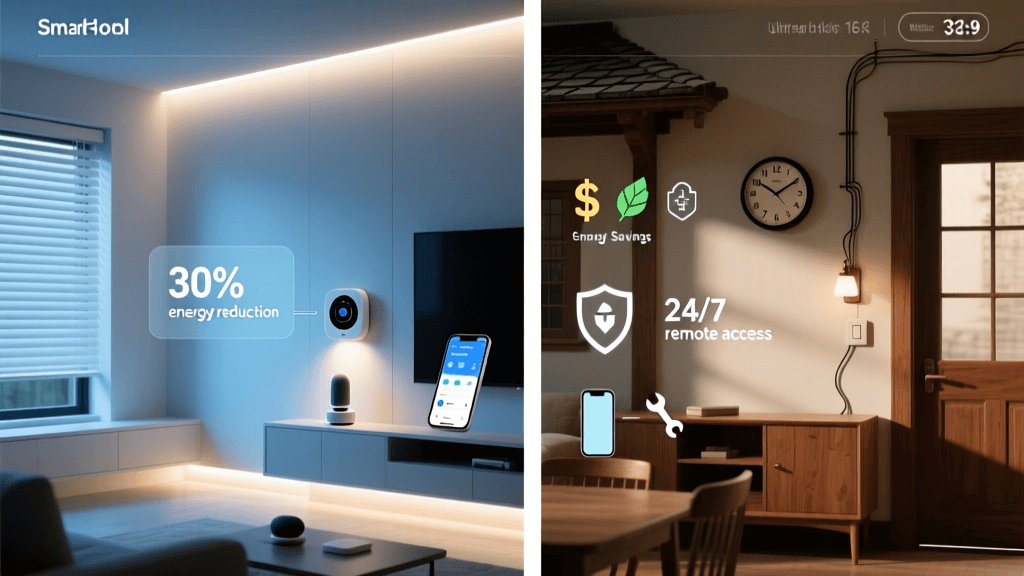
Real-World Automation Scenarios: Before & After
Let’s ground this in daily life:
Morning Routine — Traditional Home: You manually turn on kitchen lights, adjust thermostat to 72°F, unlock front door to take out trash, check porch via peephole, and leave lights on all day.
Morning Routine — Smart Home: At 6:45 AM, your Lutron system gradually brightens kitchen lights; Ecobee raises temperature to 72°F only when motion is detected in the hallway; August lock unlocks as your phone approaches the door; Arlo camera verifies no packages are at the door before you step outside; all lights auto-off after 10 minutes of inactivity.
Chart: Annual Energy Savings by Automation Category (U.S. Average Home)
Bar chart comparing annual energy savings (USD) for smart lighting, HVAC, and appliances versus traditional equivalents, based on DOE and ENERGY STAR data.
*Smart appliances include ENERGY STAR-certified smart refrigerators, dishwashers, and washers with load-sensing and off-peak scheduling (source: ENERGY STAR Appliance Data)
Actionable Next Steps
If you’re leaning toward smart automation, follow this phased rollout plan:
- Start with lighting: Install 3–4 Lutron Caseta switches in high-traffic areas (kitchen, living room, master bedroom). Avoid bulbs first—they’re less reliable for whole-home coverage.
- Add climate intelligence next: Choose Ecobee over Nest if you have multiple floors or rooms with uneven temperatures—the room sensors make a measurable difference.
- Secure entry last: Prioritize door locks with local processing (Schlage Encode Plus) and physical key fallback. Skip video doorbells unless your porch has stable Wi-Fi and you’re comfortable with cloud storage terms.
- Verify Matter readiness: Check the CSA Certified Products Database before purchasing. Look for the blue Matter logo and “Works with Apple Home, Google Home, and Amazon Alexa” labels.
The Bottom Line
Smart home automation isn’t about having the most devices—it’s about solving specific, recurring problems in your daily routine. A traditional home wins on simplicity, privacy, and low entry cost. A smart home wins on adaptability, energy efficiency, proactive security, and long-term scalability—if implemented thoughtfully.
Ask yourself: What daily friction do I experience that automation could eliminate—and is the cost, complexity, and data tradeoff worth it for that specific improvement? Start narrow, validate with real usage, and expand only where value is proven. That’s how smart homes become truly intelligent—not just connected.