The Evolution of Smart Home Control
The transition from manual switches to smartphone apps was merely the first step in the smart home revolution. Today, the true power of a connected home lies in voice control and automation workflows. Rather than acting as a remote control for your devices, modern smart home ecosystems allow you to act as the conductor of an automated symphony. By chaining together triggers, conditions, and actions, you can create an environment that anticipates your needs, responds to natural language commands, and operates silently in the background to save energy and enhance security.
Understanding how to build robust automation workflows is no longer just for tech enthusiasts; it is a foundational skill for anyone looking to maximize their investment in smart home technology. Whether you are using Amazon Alexa, Google Home, or Apple HomeKit, mastering the logic behind routines will transform your house into a truly intelligent living space.
The Anatomy of a Smart Automation Workflow
At its core, every automation workflow relies on a simple logical framework often referred to as 'If This, Then That' (IFTTT) logic. However, modern ecosystems have expanded this into a more nuanced structure consisting of three main components:
- Triggers (The 'If'): The event that initiates the workflow. Triggers can be time-based (e.g., 7:00 AM), voice-based (e.g., 'Start my morning'), location-based (geofencing when you leave a 200-meter radius), or device-based (e.g., a motion sensor detecting movement).
- Conditions (The 'And'): Optional parameters that must be met for the action to execute. For example, 'Turn on the lights when motion is detected, but only if the local lux sensor reads below 50 lumens and the time is between 6:00 PM and 11:00 PM.'
- Actions (The 'Then'): The physical or digital result. This includes adjusting smart thermostats, changing Philips Hue bulb color temperatures to 4000K, locking smart deadbolts, or sending a push notification to your smartphone.
Comparing the Major Voice Ecosystems
Choosing the right ecosystem is critical, as it dictates the complexity of the workflows you can build and the hardware you can integrate. Below is a comparison of the 'Big Three' platforms regarding their automation capabilities.
| Feature | Amazon Alexa | Google Home | Apple HomeKit |
|---|---|---|---|
| Voice Assistant | Alexa | Google Assistant | Siri |
| Routine Complexity | High (supports custom phrases, delays, and complex nesting) | Medium-High (excellent contextual understanding, starter/stop triggers) | Medium (highly reliable but requires Home Hub for advanced remote automations) |
| Local Processing | Limited (mostly Zigbee hubs, moving toward Matter) | Limited (some Nest devices process locally) | High (HomePod and Apple TV act as robust local Thread/Matter controllers) |
| Avg Entry Cost | $49 (Echo Dot) | $49 (Nest Mini) | $99 (HomePod Mini) |
| Best For | Broad device compatibility and complex multi-step routines | Natural language processing and Google Workspace integration | Privacy-conscious users and deep iOS ecosystem integration |
Designing Daily Workflows: Practical Examples
The 'Good Morning' Routine
A well-designed morning routine eliminates the friction of starting your day. Instead of manually turning on lights and waiting for the coffee to brew, you can create a voice-triggered workflow.
- Trigger: Voice command ('Good morning') or a scheduled weekday alarm dismissal.
- Condition: None.
- Actions:
- Smart blinds (e.g., SwitchBot Curtain Rod) open to 100%.
- Bedroom lights fade from 0% to 80% brightness over 5 minutes, shifting from a warm 2000K to an energizing 4000K color temperature.
- Smart plug (e.g., Kasa EP25) turns on the coffee maker.
- Smart speaker reads the daily weather forecast and calendar events.
The 'Cinema Mode' Routine
Entertainment workflows benefit immensely from voice control, allowing you to set the scene without fumbling for apps in the dark.
- Trigger: Voice command ('Movie time').
- Actions:
- Main living room lights dim to 10% brightness and change to a deep amber hue.
- Smart TV turns on via an IR blaster (e.g., BroadLink RM4) and switches to the correct HDMI input.
- Smart thermostat adjusts the temperature down by 2 degrees to account for body heat in a crowded room.
Essential Hardware and Budgeting
Building reliable workflows requires hardware that maintains a stable connection to your network. While Wi-Fi devices are easy to set up, they can congest your router. For homes with more than 15 smart devices, investing in a dedicated hub utilizing Zigbee 3.0, Z-Wave, or the newer Thread protocol is highly recommended.
- Smart Speakers/Hubs: Amazon Echo (4th Gen) with built-in Zigbee hub ($99) or Apple HomePod Mini ($99) for Thread border routing.
- Smart Lighting: Philips Hue White and Color Ambiance Starter Kit ($129). The Hue Bridge ensures local network execution, meaning your automations run even if your internet goes down.
- Smart Plugs: TP-Link Kasa Smart Plug Mini ($15 each). Perfect for integrating 'dumb' appliances like fans, lamps, and coffee makers into voice routines.
- Sensors: Aqara Motion and Illuminance Sensors ($25). These are crucial for condition-based lighting workflows, ensuring lights only turn on when a room is occupied and natural light is insufficient.
Advanced Workflow Concepts: Delays and Virtual Switches
As you move beyond basic routines, you will encounter scenarios that require advanced logic. Two of the most powerful tools in a smart home engineer's arsenal are delays and virtual switches.
Delays: Most ecosystems allow you to insert a time delay between actions. For example, in a 'Leaving Home' routine, you might trigger the garage door to close, insert a 45-second delay, and then arm the security system. This prevents the alarm from triggering while the door is still in motion.
Virtual Switches: Sometimes, a workflow needs to be toggled on or off based on a state that doesn't exist physically. By creating a 'virtual switch' (a dummy device that exists only in software, often facilitated by platforms like Home Assistant or IFTTT), you can create complex toggles. For instance, a 'Guest Mode' virtual switch can be triggered by voice. When active, it disables interior motion-sensor lighting automations, ensuring your guests aren't plunged into darkness if they sit still on the couch for too long.
Troubleshooting Voice Misfires and Latency
Voice control is incredibly convenient, but it is not without its frustrations. Misfires (when the assistant activates unintentionally) and latency (the delay between speaking and the action occurring) are common complaints.
- Optimizing Far-Field Microphones: Place smart speakers away from noise sources like HVAC vents, televisions, and kitchen appliances. Devices like the Echo Dot use beamforming technology to isolate your voice, but physical obstructions and ambient white noise can degrade performance.
- Custom Wake Words and Phrases: To prevent misfires, avoid using routine trigger phrases that are common in daily conversation. Instead of naming a routine 'Lights', use a distinct phrase like 'Illuminate the room' or 'Set the scene'.
- Reducing Latency via Local Control: Cloud-based routines require your command to travel to a server, be processed, and sent back to your device. By utilizing local protocols like Matter over Thread or Zigbee, the processing happens on your local hub, reducing latency from an average of 1.5 seconds down to under 200 milliseconds.
Privacy, Security, and the Matter Standard
As you invite more microphones and automated sensors into your private spaces, security and privacy must remain a top priority. Voice assistants process natural language in the cloud, which raises data privacy concerns. To mitigate this, regularly review your voice recording history in the Alexa or Google Home apps and enable auto-delete features.
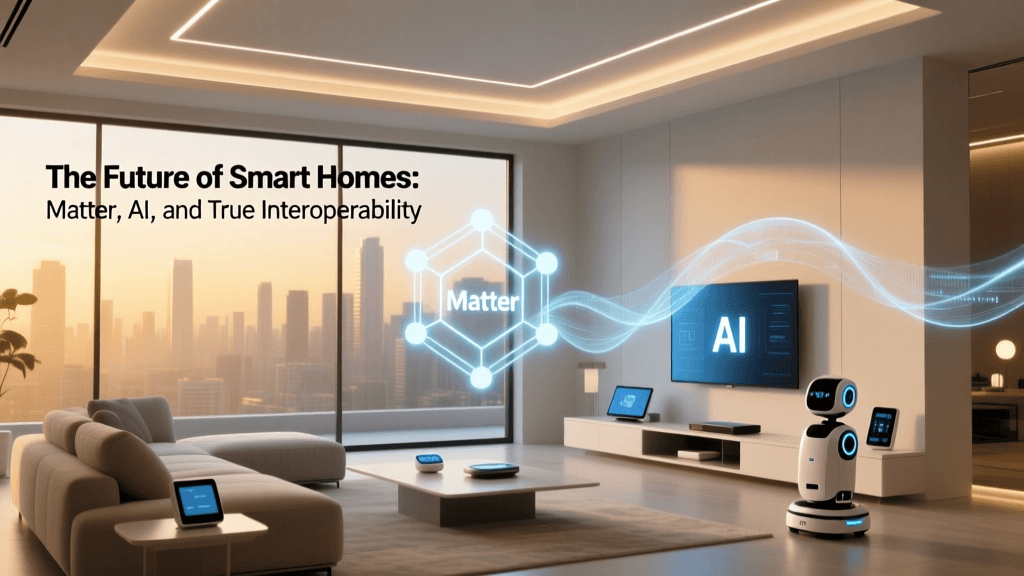
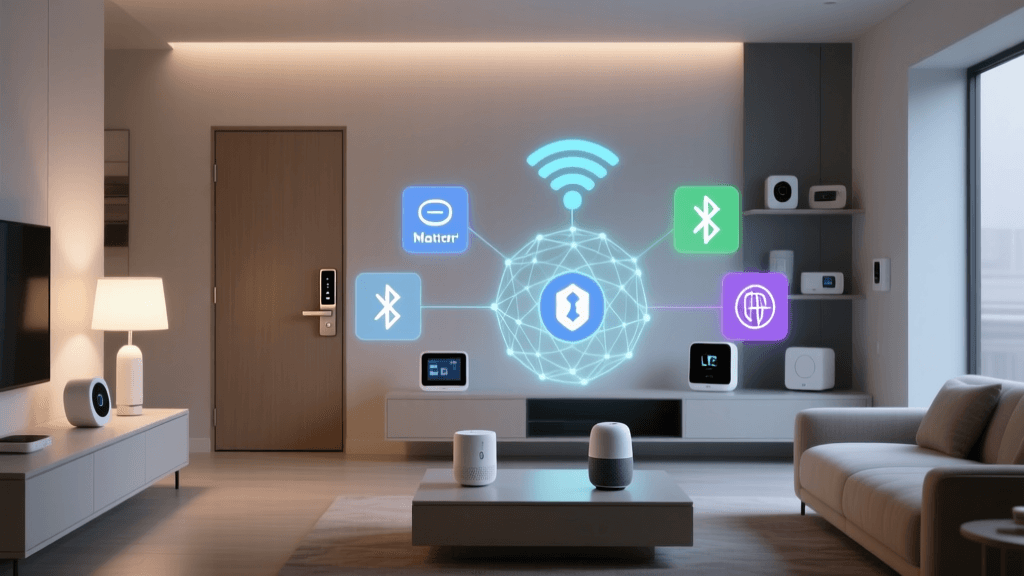
From a security standpoint, the introduction of the Matter standard by the Connectivity Standards Alliance (CSA) is revolutionizing smart home workflows. Matter ensures that devices from different manufacturers can communicate securely and locally over IP networks (Wi-Fi and Thread). This not only drastically improves the speed and reliability of your automation workflows but also enforces strict, standardized security protocols, including encrypted messaging and secure over-the-air updates.
Furthermore, the National Institute of Standards and Technology (NIST) provides extensive guidelines on IoT cybersecurity, emphasizing the need for network segmentation. For advanced users, placing smart home devices on a separate VLAN or guest Wi-Fi network prevents a compromised smart bulb from becoming a backdoor into your personal computers and data storage.
Energy Management Through Automation
One of the most tangible benefits of mastering automation workflows is the reduction of household energy consumption. According to the U.S. Department of Energy, automated lighting controls and smart thermostats can significantly reduce residential energy waste.
By combining smart thermostats (like the Ecobee SmartThermostat) with room sensors and geofencing workflows, your HVAC system can automatically enter an 'Eco' mode the moment the last person leaves the home's geofence radius. Similarly, integrating smart plugs with energy-monitoring capabilities allows you to create workflows that cut power to 'vampire' devices—like gaming consoles and desktop computers—during the hours you are typically asleep, saving hundreds of dollars annually without sacrificing convenience.
Conclusion
Mastering voice control and automation workflows transforms a collection of disparate gadgets into a cohesive, intelligent ecosystem. By understanding the relationship between triggers, conditions, and actions, and by selecting the right hardware and protocols for your specific needs, you can build a home that is more secure, energy-efficient, and responsive to your lifestyle. Start with simple time-based routines, gradually incorporate sensor-based conditions, and eventually explore the advanced capabilities of local processing and virtual switches to unlock the full potential of your smart home.