Introduction to Smart Home Automation and Voice Control
Transitioning from manually controlling individual smart devices to orchestrating a fully automated home is the defining leap between a gadget-filled house and a true smart home. At the core of this transformation are automation workflows and voice control systems. When configured correctly, these technologies anticipate your needs, reduce energy consumption, and enhance home security without requiring constant manual input. Whether you are using Amazon Alexa, Google Home, Apple HomeKit, or Samsung SmartThings, understanding the foundational logic of triggers, conditions, and actions is essential for creating a seamless, hands-free living environment.
This comprehensive guide will walk you through the anatomy of smart home workflows, provide actionable templates for essential routines, and explore best practices for voice command optimization and ecosystem compatibility.
The Anatomy of a Smart Home Workflow
Every smart home automation, regardless of the platform or ecosystem, relies on a fundamental programming logic often referred to as IFTTT (If This Then That). To build reliable workflows, you must understand the three core components that dictate how devices interact:
1. The Trigger (The 'If')
A trigger is the specific event that initiates the automation. Triggers can be categorized into several types:
- Time-Based: Activates at a specific time of day, or at dynamic times like sunrise or sunset.
- Sensor-Based: Triggered by physical changes in the environment, such as a motion sensor detecting movement, a contact sensor registering an open door, or a temperature sensor reading a specific threshold.
- Geofencing: Uses the GPS location of your smartphone to trigger actions when you enter or leave a predefined virtual perimeter around your home.
- Voice Commands: Custom phrases spoken to a smart speaker that act as a manual trigger for a multi-step routine.
- Device State Changes: Triggered when one device changes state, such as a smart lock being turned or a TV being powered on.
2. The Condition (The 'And')
Conditions act as filters that must be met for the automation to proceed after the trigger occurs. For example, a motion sensor (trigger) might turn on the hallway lights, but only if the time is between 11:00 PM and 6:00 AM (condition). Without conditions, your automations may fire at inappropriate times, leading to frustration and disabled routines.
3. The Action (The 'Then')
The action is the physical or digital response executed by your smart devices. Actions can include adjusting a smart thermostat, changing the color and brightness of smart bulbs, sending a push notification to your phone, or triggering a secondary automation.
Voice Control: Beyond Basic Commands
Voice assistants like Amazon Alexa, Google Assistant, and Apple Siri utilize Natural Language Processing (NLP) to interpret user intent. While basic commands like 'Turn off the living room lights' are straightforward, mastering voice control involves creating custom routines and understanding device naming conventions.
Optimizing Device Names for NLP
Voice assistants can struggle with phonetic ambiguities. If you name a lamp 'Philips' and another 'Phillip', the assistant may misinterpret your command. Follow these naming rules:
- Use Phonetic Distinctions: Avoid names that sound similar to rooms or other devices.
- Include the Room Context: While ecosystems allow room grouping, explicitly naming a device 'Kitchen Sink Light' prevents the assistant from turning off the 'Kitchen Ceiling Light' when you only want task lighting.
- Avoid Numbers: Saying 'Turn on Light 1 and Light 2' is cumbersome. Use descriptive names like 'Left Reading Lamp' and 'Right Reading Lamp'.
Creating Custom Voice Triggers
Instead of memorizing individual device commands, use custom voice triggers to execute complex workflows. For instance, saying 'Alexa, I am working from home' can trigger a routine that sets the office thermostat to 70 degrees, turns on the overhead lights to a cool white temperature for focus, and pauses the robot vacuum.
Step-by-Step: Building Essential Automation Workflows
Below are three foundational workflows that provide immediate value, utilizing popular, cross-compatible hardware like the Ecobee SmartThermostat, Philips Hue lighting system, and Aqara sensors.
Workflow 1: The Dynamic Morning Routine
Goal: Wake up gently and prepare the home for the day without manual intervention.
Hardware Needed: Smart bulbs (e.g., Philips Hue), Smart Thermostat (e.g., Ecobee), Smart Plug (for coffee maker).
Trigger: Time-based (6:30 AM) OR Voice Command ('Good morning').
Conditions: Day of the week (Monday - Friday); User's phone is connected to home Wi-Fi (ensures you are actually home).
Actions:
- Gradually increase bedroom light brightness from 0% to 50% over 10 minutes (simulating sunrise).
- Adjust Ecobee thermostat from nighttime eco-mode (62°F) to daytime comfort (70°F).
- Turn on the smart plug connected to the coffee maker.
- Have the smart speaker read the daily weather forecast and calendar agenda.
Workflow 2: Geofenced Away Mode
Goal: Secure the home and save energy automatically when the house is empty.
Hardware Needed: Smart lock, Security cameras, Smart thermostat, Smart lighting.
Trigger: Geofence exit (All registered family members' smartphones leave a 200-meter radius of the home).
Conditions: None (this should fire every time the house is empty).
Actions:
- Lock the front and back doors automatically.
- Arm the security system and privacy shutters on indoor cameras.
- Turn off all interior lights and smart plugs.
- Set the thermostat to 'Away' mode to conserve HVAC energy.
Workflow 3: Nighttime Security & Intrusion Alert
Goal: Deter potential intruders and alert the household if a perimeter is breached at night.
Hardware Needed: Aqara Door/Window Contact Sensors, Smart lighting, Smart speaker.
Trigger: Contact sensor changes state from 'Closed' to 'Open'.
Conditions: Time is between 11:00 PM and 6:00 AM.
Actions:
- Flash all ground-floor smart lights red at 100% brightness.
- Trigger a loud alarm sound or verbal warning via smart speakers.
- Send a high-priority push notification to the homeowners' smartphones.
Choosing the Right Ecosystem for Automation
The reliability of your workflows depends heavily on the ecosystem you choose to orchestrate them. Below is a comparison of the major platforms based on hub requirements, protocol support, and automation capabilities.
| Ecosystem | Hub Requirement | Primary Protocols | Local Processing | Best For |
|---|---|---|---|---|
| Amazon Alexa | Optional (Echo devices act as hubs) | Wi-Fi, Zigbee, Matter, Thread | Limited | Beginners, broad device compatibility, voice-first homes |
| Google Home | Optional (Nest Hubs) | Wi-Fi, Thread, Matter | Moderate | Multi-user households, Google Workspace integration |
| Apple HomeKit | Required (Apple TV or HomePod) | Thread, Matter, Wi-Fi, Bluetooth | Excellent | Privacy-focused users, deep Apple ecosystem integration |
| Samsung SmartThings | Required (SmartThings Station/Hub) | Zigbee, Z-Wave, Wi-Fi, Matter, Thread | Excellent | Advanced users, legacy Z-Wave/Zigbee device integration |
Visualizing Automation Trends
Understanding how other users interact with their smart homes can help you prioritize which workflows to build first. Industry data indicates that while voice control is highly adopted for simple tasks, time-based and sensor-based automations form the backbone of true background smart home functionality.
As illustrated above, voice commands and time-based triggers are the most common entry points for consumers. However, as users become more advanced, they transition toward geofencing and device-state triggers to create a truly autonomous environment that requires zero daily input.
Troubleshooting Common Automation Failures
Even the most logically sound workflows can fail if the underlying network or hardware is not optimized. Here are the most common issues and how to resolve them:
1. Cloud Latency and Wi-Fi Congestion
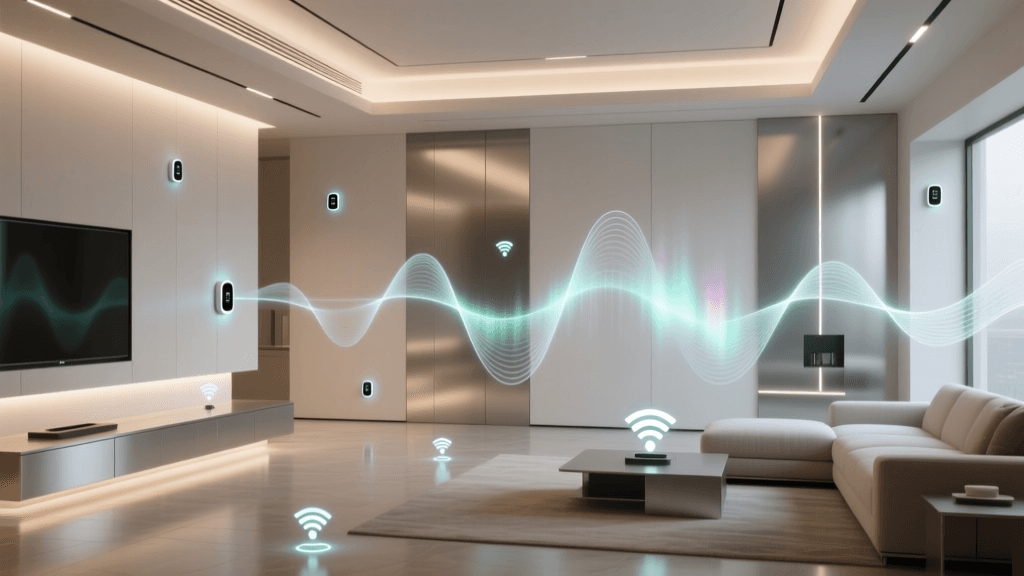
If your smart bulbs are connected directly to your Wi-Fi router, they rely on cloud servers to process automations. If your internet drops, your automations fail. Furthermore, dozens of Wi-Fi devices can congest your router's 2.4GHz band, causing delayed triggers. Solution: Invest in a dedicated smart home hub that utilizes Zigbee, Z-Wave, or Thread. These mesh networks operate independently of your Wi-Fi and often support local processing, meaning automations execute instantly even if your internet connection is down.
2. Geofence Inaccuracies
Geofencing relies on your smartphone's location services. If your phone is in 'Low Power Mode' or if the OS restricts background location tracking to save battery, the 'Leave Home' trigger may not fire until you are miles away. Solution: Ensure that your smart home app has 'Always Allow' location permissions enabled in your smartphone's privacy settings, and disable battery optimization for the specific smart home app.
3. Overlapping Routines
Creating conflicting automations is a common beginner mistake. For example, a 'Turn off all lights at 11 PM' routine will conflict with a 'Turn on motion sensor lights for midnight bathroom trips' routine. Solution: Use conditions to create exceptions. Modify the global 'Lights Off' routine to include a condition: 'Do not execute if motion is currently detected in the hallway or bathroom.'
Energy Efficiency Through Automation
One of the most compelling reasons to master automation workflows is the potential for significant energy savings. Heating and cooling account for nearly half of the average home's utility bills. By utilizing geofencing and time-based conditions, smart thermostats can drastically reduce wasted energy.
According to the U.S. Department of Energy, smart thermostats can automatically adjust temperatures based on your daily patterns and whether you are home or away, leading to substantial reductions in HVAC runtime. Furthermore, the ENERGY STAR Smart Thermostat Program certifies devices that have been proven to save energy based on real-world field data, ensuring that your automated climate control workflows are not just convenient, but environmentally and economically responsible. By automating your window treatments (smart blinds) to close during peak afternoon sun, you can further reduce the cooling load on your automated HVAC system.
The Future of Workflows: Matter and Interoperability
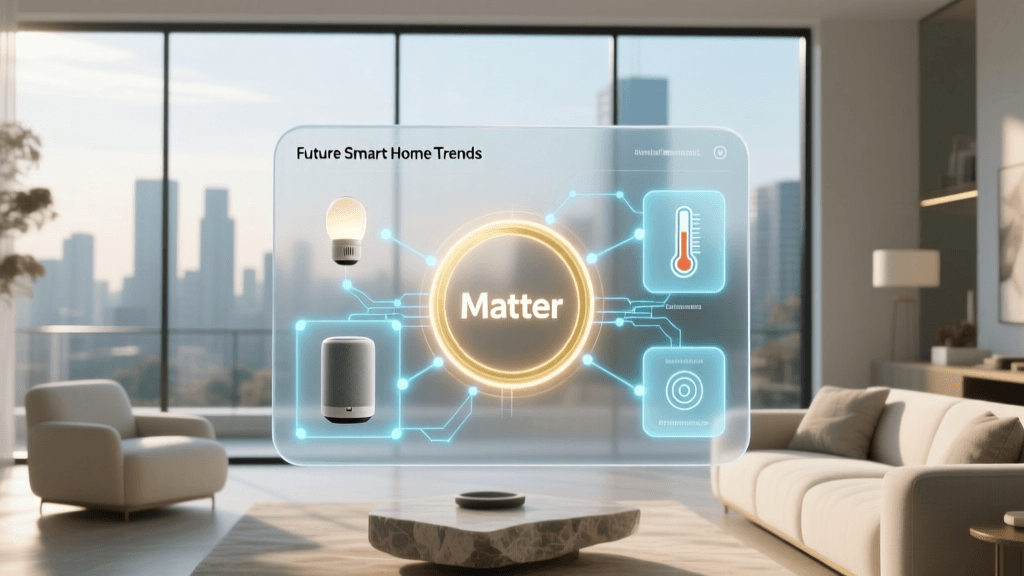
Historically, building complex workflows required sticking to a single brand or relying on third-party cloud bridges like IFTTT, which introduced latency and privacy concerns. The introduction of the Matter protocol is fundamentally changing this landscape.
Developed by the Connectivity Standards Alliance (CSA), Matter is an open-source, royalty-free standard that allows devices from different manufacturers to communicate locally and securely. With Matter, an Aqara motion sensor can natively trigger a Philips Hue lightbulb and an Ecobee thermostat simultaneously, all processed locally on your network without relying on disparate cloud servers. As Matter adoption grows, the friction of ecosystem lock-in will disappear, allowing users to build robust, lightning-fast automation workflows based purely on device functionality rather than brand compatibility.
Conclusion
Mastering smart home automation workflows and voice control is an iterative process. Start with simple time-based and voice-triggered routines to build your confidence and familiarize yourself with your ecosystem's interface. Gradually introduce sensor-based conditions and geofencing to transition your home from a collection of remote-controlled gadgets into a proactive, intelligent environment. By prioritizing local processing, adhering to strict naming conventions, and leveraging energy-saving automations, you will create a smart home that is not only highly functional but also secure, efficient, and effortlessly responsive to your lifestyle.