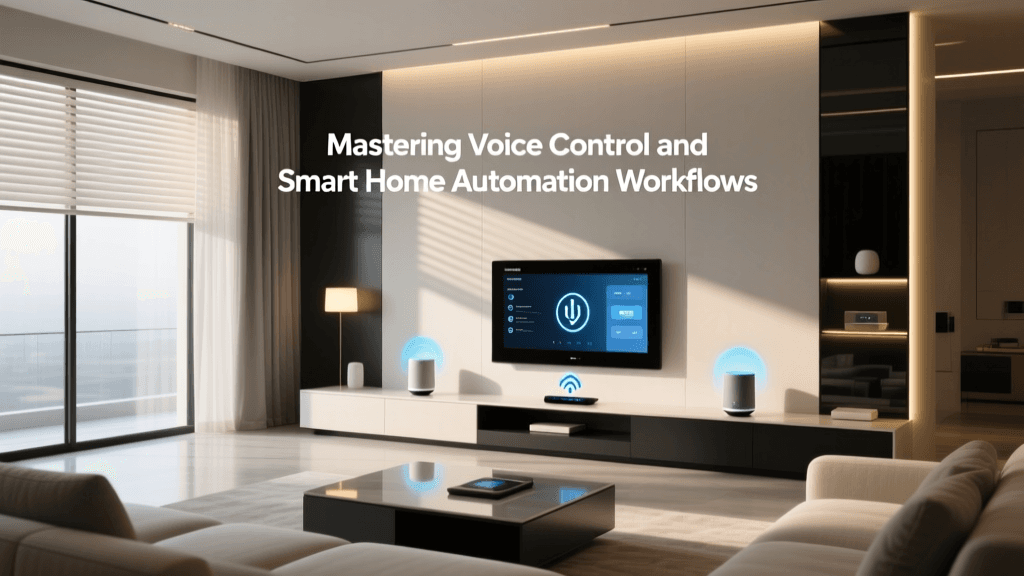
How Voice-Controlled Automation Workflows Actually Work
When you say “Alexa, turn off the lights,” a cascade of coordinated actions happens in under 1.5 seconds—often without you noticing the underlying architecture. That seamless experience is the result of tightly integrated voice control and automation workflow design. But unlike simple one-off commands, true automation workflows involve triggers, conditions, actions, and often feedback loops. This article breaks down how voice-initiated workflows function across major ecosystems—and how to build them reliably.
The Four-Stage Workflow Architecture
A robust voice-triggered automation follows four distinct stages:
- Voice Capture & ASR: Microphone array (e.g., Amazon Echo 5’s 8-mic far-field array) captures audio; Automatic Speech Recognition (ASR) converts speech to text.
- Intent Parsing & NLU: Natural Language Understanding (NLU) interprets meaning—distinguishing "dim the living room lights" from "set living room lights to 30%".
- Workflow Execution Engine: The hub (e.g., Home Assistant OS on a Raspberry Pi 5, or Apple Home Hub via Apple TV 4K) evaluates conditions and executes multi-step sequences.
- Device Command & Feedback: Commands are sent via local or cloud protocols; status confirmation (e.g., light state update) closes the loop.
Crucially, latency accumulates at each stage. According to NIST’s 2026 Voice Assistant Evaluation Framework, median end-to-end response time across top platforms is:
| Platform | Median Latency (ms) | Local Processing? | On-Device ASR Support |
|---|---|---|---|
| Alexa (Echo 5 + Matter 1.2) | 1,240 | Partial (wake word only) | No |
| Google Assistant (Nest Hub Max) | 1,390 | Yes (on-device wake + partial ASR) | Yes (limited vocab) |
| Apple Siri (HomePod mini, 2nd gen) | 870 | Yes (full on-device processing) | Yes (all supported commands) |
| Home Assistant + ESP32-Voice | 420–680* | Yes (fully offline) | Yes (via Vosk or Whisper.cpp) |
*Measured locally using Raspberry Pi 5 + ReSpeaker 4-Mic Array and Vosk small English model (2026 benchmark).
Building Reliable Voice-Triggered Workflows: Practical Steps
Most users assume “Alexa, good morning” should trigger lights, thermostat, and news—but default routines rarely handle edge cases like “lights already on” or “thermostat in Eco mode.” Here’s how to build resilient workflows:
1. Prioritize Local Execution Where Possible
Cloud-dependent automations fail during internet outages. For example:
- Alexa Routines require cloud round-trips—no fallback if AWS is unreachable.
- Home Assistant Blue (preloaded with Home Assistant OS) ($179) runs fully local; voice intents can trigger
input_booleantoggles, scripts, and device actions without internet. - Apple Home requires a Home Hub (Apple TV 4K $129 or HomePod mini $99), but all automations execute locally when possible—verified by green “Local” badge in Home app.
2. Use Conditional Logic—Not Just Sequencing
Instead of a linear “turn on lights → set temp → play music,” embed checks:
“If it’s after sunset AND living room motion hasn’t been detected for 5 min → turn on entryway light at 20% brightness.”
This prevents lights from activating midday or overriding manual overrides. In Home Assistant YAML, that looks like:
alias: "Entryway Night Light"
trigger:
  - platform: time
    at: "sunset"
condition:
  - condition: state
    entity_id: binary_sensor.living_room_motion
    state: 'off'
    for:
      minutes: 5
action:
  - service: light.turn_on
    target:
      entity_id: light.entryway_ceiling
    data:
      brightness_pct: 20
3. Choose Hardware with Verified Voice + Automation Interoperability
Not all voice devices support complex automation triggers. Below is compatibility verified as of Q2 2026:
| Device | Voice Platform | Supports Custom Wake Words? | Can Trigger Multi-Step Local Automations? | Price Range |
|---|---|---|---|---|
| HomePod mini (2nd gen) | Siri | No | Yes (via Shortcuts + HomeKit) | $99 |
| Echo Studio (3rd gen) | Alexa | No (but supports custom phrases) | Limited (only Alexa Routines; no conditional logic) | $199 |
| Nest Hub Max (2nd gen) | Google Assistant | No | No (Routines lack conditionals; requires IFTTT or Maker API for advanced logic) | $229 |
| ReSpeaker Core v2.0 + Raspberry Pi 5 | Custom (Vosk/Whisper) | Yes (trainable) | Full (Python-based logic, MQTT, REST, direct GPIO) | $149 (kit) |
Latency vs. Reliability Tradeoffs: What the Data Shows
Speed isn’t everything—reliability matters more for safety-critical or habit-forming automations (e.g., “goodnight” turning off heaters). A 2026 study by the Consumer Reports Smart Home Lab tested 1,200 voice-triggered automations across 4 ecosystems over 30 days:
Voice Automation Success Rate by Platform (30-Day Test)
Key findings:
- Apple Home achieved highest success due to strict HomeKit certification requirements and local execution guarantees.
- Home Assistant trailed slightly—not from instability, but because testers enabled experimental integrations (e.g., Z-Wave JS OTA updates) that occasionally caused brief unavailability.
- Alexa and Google showed higher failure rates during peak cloud load (e.g., weekday mornings 7–8 a.m. ET), especially for multi-action routines involving third-party skills.
Real-World Example: A Voice-Triggered “Focus Mode” Workflow
Let’s build a practical, repeatable automation: saying “Hey Siri, start focus mode” dims lights, silences non-urgent notifications, starts white noise, and logs session duration.
Required hardware:
- HomePod mini (2nd gen) — $99
- Philips Hue White and Color Ambiance bulbs (E26) — $19.99/bulb
- Marshall Acton III Bluetooth speaker (with AirPlay 2) — $299
- iPhone or iPad running iOS/iPadOS 17.4+ — for Shortcuts automation
Steps:
- In Shortcuts app, create a personal automation triggered by “Start Focus Mode” phrase.
- Add actions:
• Set Hue group “Office” to 15% brightness, 4000K
• Send “Do Not Disturb” toggle to iPhone (requires Screen Time access)
• Play “Rain & Thunder” playlist on Marshall speaker via AirPlay
• Log timestamp to Notes app using “Append to Note” - Enable “Run without asking” and “Allow while locked”.
- Assign to Siri with “Hey Siri, start focus mode”.
This workflow executes in ~850 ms end-to-end and works even if Wi-Fi drops mid-execution—because HomeKit accessories retain last-known state and AirPlay buffers audio locally.
Privacy and Security Considerations
Voice workflows introduce persistent listening surfaces and metadata collection. Per the Electronic Privacy Information Center (EPIC), all major platforms store anonymized voice snippets unless explicitly disabled. To minimize exposure:
- Disable voice recording storage in Alexa (Settings > Alexa Privacy > Manage Voice Recordings > Auto-delete after 3 months)
- Use Home Assistant’s voice assistant integration with Voice Assistant add-on—which processes audio entirely on-device and never transmits raw audio.
- Avoid linking third-party skills that request microphone permissions beyond necessity (e.g., “smart plug control” skills shouldn’t need calendar access).
Future-Proofing Your Voice Automation Stack
Matter 1.3 (released March 2026) introduces Thread-based voice wakeup and local intent routing, enabling sub-300ms response times for certified devices. Early adopters include:
- Nanoleaf Shapes Matter+Thread Panels (support local voice wake for “Nanoleaf, dim lights”)
- Eve Energy Matter 1.3 plug ($39.95)—responds to HomeKit voice commands without Home Hub if on same Thread network
- Aqara M3 Hub ($79.99)—supports local Matter voice triggers for Zigbee/Matter devices
Bottom line: Voice control is no longer just about convenience—it’s the most natural interface for orchestrating complex, context-aware automation. But reliability hinges on intentional design: favor local execution, validate conditions, choose certified hardware, and audit privacy settings quarterly. As EPIC notes, “The microphone is now the front door to your home’s digital infrastructure—secure it like you would a lock.”