Introduction to Smart Home Budgeting and Planning
Transforming a traditional house into a smart home is one of the most exciting upgrades a homeowner or renter can undertake. However, the sheer volume of devices, protocols, and ecosystems on the market can easily lead to decision fatigue and overspending. A successful smart home is not built by purchasing every gadget on the shelf; it is built through strategic, room-by-room planning that aligns with your specific lifestyle needs and financial boundaries.
Whether you are working with a modest renter-friendly budget of $200 or a comprehensive homeowner budget of $2,000, understanding how to allocate funds across different zones of your home is critical. This guide breaks down practical smart home ideas by room and budget, providing specific product recommendations, compatibility requirements, and cost expectations to help you build a cohesive, automated living space.
Understanding Ecosystems and the Matter Standard
Before buying a single smart bulb, you must choose a primary ecosystem. The 'Big Three' are Amazon Alexa, Google Home, and Apple HomeKit. Your choice will dictate which devices you can buy and how they communicate. For example, Apple HomeKit historically offered premium security but limited device selection, while Amazon Alexa boasts the widest compatibility.
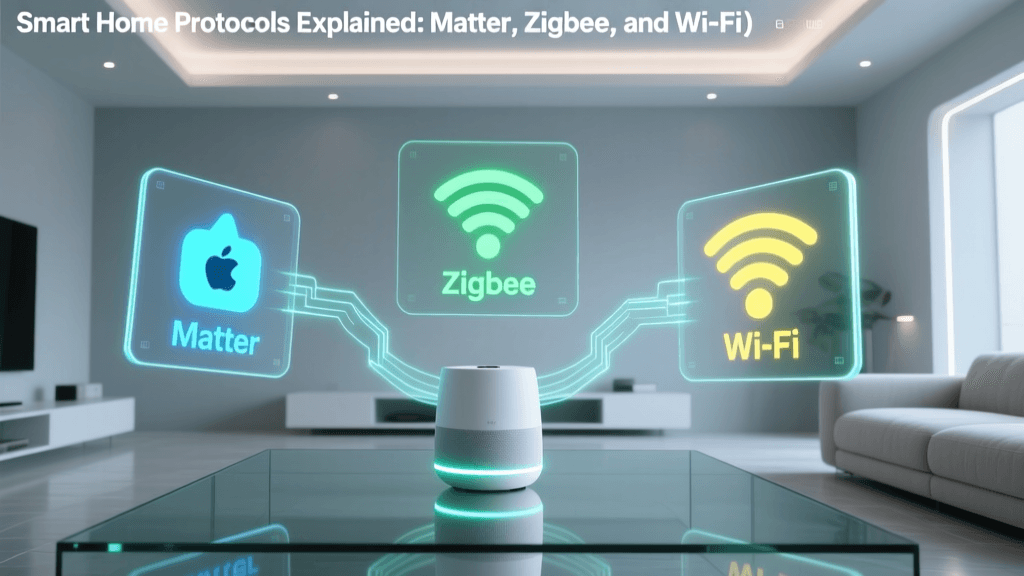
Fortunately, the industry is evolving. The introduction of the Matter standard by the Connectivity Standards Alliance (CSA) is revolutionizing smart home interoperability. Matter allows devices from different brands to communicate seamlessly over Thread and Wi-Fi, reducing the risk of buying a device that becomes obsolete or incompatible with your chosen voice assistant. When shopping, always look for the Matter logo on packaging to ensure future-proofing.
Smart Home Ideas by Room
Each room in your home serves a distinct purpose, and your smart home strategy should reflect that. Here is a comprehensive breakdown of how to approach automation room by room.
The Living Room: Entertainment and Ambiance
The living room is the hub of daily activity, making it the perfect place for ambient lighting and entertainment controls.
- Smart Lighting: Avoid cheap Wi-Fi bulbs that clog your router. Instead, invest in a Zigbee-based system like the Philips Hue White and Color Ambiance Starter Kit (approx. $130-$200). Zigbee creates a dedicated mesh network, ensuring your lights respond instantly without slowing down your home Wi-Fi. Pair these with a Hue Dimmer Switch ($25) for physical control.
- Smart Plugs for Legacy Devices: You do not need to buy a $500 smart coffee maker. Use a Kasa Smart Plug Mini (EP10) ($15) to automate your existing lamp or coffee maker. Ensure the device you are plugging in has a mechanical 'on' switch that stays engaged when power is restored.
- Universal Remote Replacement: The Sofabaton X1 ($200) replaces dozens of remotes, integrating your TV, soundbar, and smart lights into single 'Activity' macros, like a 'Movie Night' button that dims the lights and turns on the surround sound.
Budget Estimate: $150 - $400
The Kitchen: Convenience and Safety
The kitchen demands hands-free operation and proactive safety monitoring. Water damage and fire hazards are primary concerns here.
- Smart Displays: A Google Nest Hub (2nd Gen) ($100) or Amazon Echo Show 8 ($130) serves as a hands-free recipe book, kitchen timer, and intercom. Because kitchens are noisy, devices with far-field microphones and directional speakers are essential.
- Leak and Freeze Detection: Place a Ring Alarm Flood and Freeze Sensor ($35) under the sink and behind the refrigerator. If a pipe bursts, it sends an immediate push notification to your phone, potentially saving thousands in water damage repairs.
- Smart Smoke/CO Listener: If you have traditional smoke detectors, the Ring Alarm Smoke and CO Listener ($39) 'listens' for the specific acoustic frequency of your existing alarms and alerts your smartphone, bridging the gap between dumb safety devices and smart notifications.
Budget Estimate: $150 - $300
The Bedroom: Sleep Hygiene and Comfort
Automation in the bedroom should focus on circadian rhythms, temperature regulation, and minimizing screen time before bed.
- Smart Blinds: Waking up to natural light is biologically superior to a blaring audio alarm. The SwitchBot Curtain Rod ($90) is a renter-friendly, battery-operated motor that retrofits onto your existing curtain rods, opening them gradually at sunrise.
- Climat Control: According to the U.S. Department of Energy, smart thermostats can significantly reduce heating and cooling costs by learning your schedule. The Ecobee SmartThermostat Premium ($249) includes a room sensor that you can place in the bedroom, ensuring the AC or heat prioritizes the room you are actually sleeping in, rather than the empty living room.
- Circadian Lighting: Use smart bulbs tuned to warm white (2200K) in the evening to promote melatonin production, automatically shifting to cool daylight (5000K) in the morning.
Budget Estimate: $250 - $500
The Bathroom: Moisture Management and Luxury
Bathrooms present unique challenges due to high humidity and strict electrical codes. Any device installed here must have appropriate IP (Ingress Protection) ratings.
- Smart Ventilation: Mold is a major issue in poorly ventilated bathrooms. By installing a Aqara Temperature and Humidity Sensor ($15) and linking it to a smart switch controlling your exhaust fan, you can automate the fan to turn on whenever humidity spikes above 65%, and turn off 20 minutes after the shower ends.
- Smart Showers: For a luxury upgrade, the Kohler Moxie Showerhead and Wireless Speaker ($150) uses Bluetooth and voice assistant integration to play music or morning news briefings safely in a wet environment.
- Motion-Sensor Nightlights: Plug-in smart motion sensors or smart bulbs in vanity fixtures set to 5% brightness and a deep red hue will illuminate the room for midnight bathroom trips without destroying your night vision or sleep cycle.
Budget Estimate: $100 - $250
Smart Home Budget Tiers: What to Expect
Planning your finances is just as important as planning your device layout. Below is a structured breakdown of what you can achieve at different investment levels.
| Budget Tier | Estimated Cost | Target Audience | Key Device Categories Included | Hub Requirement |
|---|---|---|---|---|
| Tier 1: Starter | $150 - $300 | Renters, Beginners | Smart plugs, Wi-Fi bulbs, entry-level smart speaker, basic sensors. | Hubless (Wi-Fi/Bluetooth) |
| Tier 2: Intermediate | $500 - $1,200 | Homeowners, Families | Smart thermostat, Zigbee lighting hub, video doorbell, smart locks, leak sensors. | Dedicated Hub (e.g., SmartThings, Hue Bridge) |
| Tier 3: Advanced | $2,000+ | Tech Enthusiasts, Custom Builders | Motorized shades, hardwired smart switches (Lutron Caseta), whole-home audio, advanced security cameras with local NVR storage. | Prosumer Hub / Local Server (Home Assistant) |
Visualizing ROI: Energy Savings Over Time
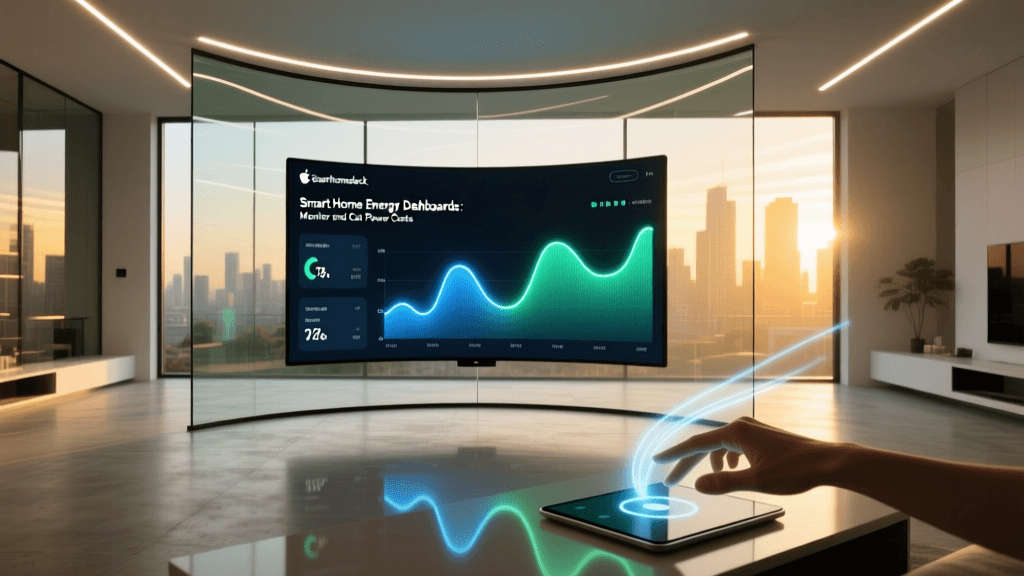
One of the most compelling arguments for investing in a smart home is the return on investment (ROI) through energy efficiency. Smart thermostats and automated LED lighting drastically reduce phantom power draw and unnecessary HVAC runtime. The chart below illustrates the projected cumulative energy savings over a 24-month period for an average 2,000 sq. ft. home utilizing automated climate control and smart lighting schedules.
As highlighted by the Department of Energy's guidelines on lighting choices, combining LED technology with smart scheduling ensures that lights are never left on in empty rooms, compounding your monthly savings. While the upfront cost of a $250 smart thermostat might seem steep, the device typically pays for itself within 12 to 18 months through reduced utility bills.
Hidden Costs and Compatibility Checks
When budgeting for your smart home, beginners often overlook the hidden costs associated with installation and infrastructure. Before finalizing your shopping cart, verify the following:
- The C-Wire Requirement: Most advanced smart thermostats require a 'C-Wire' (Common Wire) to provide continuous 24V power. If your older HVAC system lacks this wire, you will either need to hire an electrician ($150-$200) or purchase a C-Wire adapter kit, which adds to the total cost and installation complexity.
- Neutral Wires in Switch Boxes: If you plan to replace dumb wall switches with smart switches (like the Lutron Caseta or GE Cync lines), you must open your switch boxes and verify the presence of a neutral wire (usually a bundle of white wires). Many homes built before the 1980s do not have neutral wires in the switch box, limiting you to specific 'no-neutral' smart switches or smart bulbs.
- Subscription Fees: Hardware is only half the equation. Devices like the Ring Video Doorbell or Arlo security cameras require monthly subscriptions ($4 to $15/month) to unlock features like cloud recording, person detection, and package alerts. Factor these recurring costs into your annual budget.
- Network Infrastructure: A home with 40+ smart devices will quickly overwhelm a standard ISP-provided router. You may need to budget $150-$300 for a Mesh Wi-Fi system (like Eero or TP-Link Deco) or set up a dedicated 2.4GHz IoT network to ensure your devices remain online and responsive.
Conclusion: Start Small and Scale
Building a smart home is a marathon, not a sprint. The most successful automated homes are built iteratively. Start with a single room—like the living room or bedroom—and master the routines and automations before expanding. Focus on solving actual daily friction points, such as turning off lights remotely or ensuring the door is locked at night, rather than automating tasks just for the novelty. By understanding the budget tiers, respecting the electrical requirements of your home, and choosing devices that support open standards like Matter, you can create a resilient, efficient, and highly personalized smart home that adds genuine value to your daily life.