The Power of Smart Homes for Aging in Place
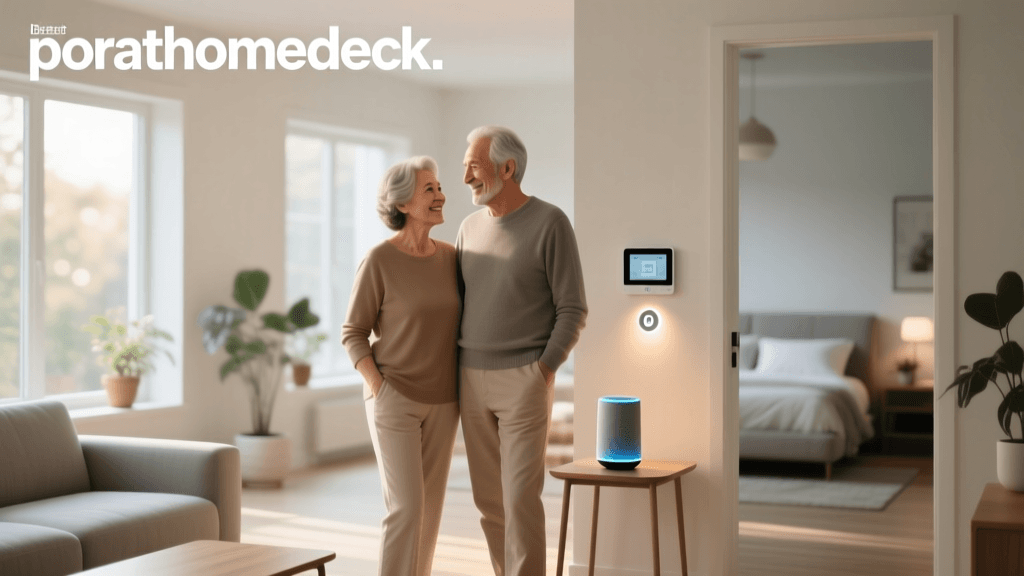
Aging in place—the ability to live in one's own home and community safely, independently, and comfortably, regardless of age, income, or ability level—is a top priority for millions of older adults. According to the National Institute on Aging, modifying the home environment and integrating supportive technologies are critical steps in making this goal a reality. Smart home technology, once viewed as a luxury for tech enthusiasts, has evolved into a vital accessibility tool that empowers seniors to maintain their independence while providing peace of mind to their families and caregivers.
For seniors experiencing mobility limitations, vision impairment, or cognitive decline, interacting with traditional home fixtures can become challenging. Smart home ecosystems replace physical friction with voice commands, automated routines, and remote monitoring. This comprehensive guide explores the most impactful smart home devices for seniors, focusing on accessibility, fall prevention, security, and ease of use.
Essential Smart Devices for Seniors and Accessibility
1. Smart Displays and Voice Assistants: The Central Hub
Voice-activated smart displays are arguably the most transformative technology for seniors. They eliminate the need to navigate complex smartphone menus or small buttons. Devices like the Amazon Echo Show 8 (3rd Gen) (approx. $130) or the Apple Echo Show 15 (approx. $299) offer large, high-contrast screens that are easy to read from a distance.
- Accessibility Features: Voice assistants can read audiobooks, make hands-free video calls to family, set medication reminders, and control other smart devices. Amazon's 'Alexa Together' subscription ($19.99/month or $199/year) allows remote caregivers to manage shopping lists, set reminders, and receive alerts if the senior is unresponsive.
- Placement Advice: Mount smart displays in high-traffic areas like the kitchen or living room at eye level (approximately 48 to 54 inches from the floor) to prevent neck strain and ensure the microphone can easily pick up voice commands.
2. Smart Lighting and Automated Blinds: Fall Prevention
Poor lighting is a leading cause of nighttime falls among older adults. The CDC's STEADI (Stopping Elderly Accidents, Deaths & Injuries) initiative heavily emphasizes environmental modifications, including improved lighting, to reduce fall risks. Smart lighting systems like Philips Hue (bulbs starting at $25, motion sensors at $30) offer automated solutions that require zero daily effort from the user.
- Motion-Activated Nightlights: By placing Philips Hue motion sensors in hallways and bathrooms, lights can automatically fade on at 10% brightness when a senior gets out of bed. This provides a safe path without blinding them or disrupting their circadian rhythm.
- Sensor Placement: For wheelchair users or those with limited mobility, mount motion sensors lower to the ground (12 to 18 inches) to ensure they are reliably triggered.
- Smart Blinds: Motorized blinds, such as the IKEA FYRTUR (starting at $149), can be scheduled to open with the sunrise, naturally waking the senior and reducing the need to reach for cords, which can be a strangulation or tripping hazard.
3. Smart Security and Wandering Prevention
Security systems provide safety from intruders, but for seniors with dementia or Alzheimer's, they also provide crucial wandering prevention. The Alzheimer's Association recommends securing doors and windows to prevent individuals from wandering into unsafe situations.
- Smart Locks: The Yale Assure Lock 2 ($279) features a backlit keypad with large, high-contrast numbers, ideal for seniors with arthritis who struggle with traditional keys. Caregivers can unlock the door remotely if the senior forgets their code.
- Door and Window Sensors: Budget-friendly sensors like the Aqara Door and Window Sensor P2 ($30) can trigger an alert to a caregiver's smartphone if an exterior door is opened between 10 PM and 6 AM, allowing for immediate intervention.
- Video Doorbells: The Ring Video Doorbell (Wired) ($65) allows seniors to see and speak to visitors via their smart display without having to physically walk to the door, reducing the risk of slips on porches or stairs.
4. Smart Plugs for Legacy Appliance Safety
Not every device needs to be replaced with a 'smart' version. Smart plugs, such as the TP-Link Kasa Smart Plug Mini ($15 for a 4-pack), allow caregivers to monitor and control older appliances. This is particularly useful for items that pose fire risks if left on, such as space heaters, heating pads, or coffee makers. Caregivers can set automatic shut-off timers or check the plug's status remotely via an app.
Comparison Table: Top Accessible Smart Locks for Seniors
| Device Model | Access Method | Approx. Cost | Best Accessibility Use Case |
|---|---|---|---|
| Yale Assure Lock 2 | Keypad, Auto-Unlock, App | $279 | Severe arthritis; no physical keys needed |
| Schlage Encode Plus | HomeKey (Apple), Keypad | $299 | Apple users; tap-to-unlock with iPhone/Watch |
| August Wi-Fi Smart Lock | Auto-Unlock, App, Retrofit | $229 | Renters; keeps existing physical keys |
| Ultraloq U-Bolt Pro | Fingerprint, Keypad, App | $249 | Memory impairment; biometric fingerprint access |
Caregiver Priorities in Senior Smart Home Tech
When designing a smart home for an older adult, caregivers and family members must prioritize features that address immediate health and safety concerns over general convenience. The chart below illustrates the primary focus areas when selecting devices for aging in place.
Caregiver Priorities for Senior Smart Home Tech
Health Monitoring and Emergency Response
While smart home sensors monitor the environment, wearable technology monitors the individual. The Apple Watch SE (starting at $249) includes advanced fall detection. If the watch detects a hard fall and the user remains immobile for about a minute, it automatically taps the user on the wrist, sounds an alarm, and eventually calls emergency services while notifying designated emergency contacts with the user's GPS coordinates.
For seniors who refuse to wear jewelry or smartwatches, non-wearable alternatives are emerging. Devices like the ResMed S+ use low-energy radio waves to monitor sleep patterns and breathing rates without requiring the user to wear anything or place sensors under the mattress. Additionally, voice-activated emergency routines can be set up on smart speakers. For example, saying 'Alexa, I need help' can trigger a routine that turns on all house lights, unlocks the front door for paramedics, and broadcasts an audio message to family members' phones.
Infrastructure: The Hidden Necessity of Mesh Wi-Fi
A smart home is only as reliable as its network. Seniors often live in older homes with thick walls or dead zones where a standard router cannot reach. If a fall occurs in a basement or a far bedroom, a disconnected smart speaker cannot call for help. Investing in a mesh Wi-Fi system, such as the Amazon eero 6+ (3-pack for $299), ensures blanket coverage across the entire property. Mesh systems automatically route traffic through the strongest node, ensuring that door sensors and security cameras remain online 24/7.
Furthermore, power outages pose a significant risk to seniors relying on medical equipment or smart locks. Pairing the primary smart home hub and Wi-Fi router with an Uninterruptible Power Supply (UPS) battery backup (approx. $100 to $150) ensures that the communication and security systems remain operational during short-term grid failures.
Privacy, Dignity, and Security Considerations
Introducing cameras and microphones into a senior's home requires a delicate balance between safety and privacy. It is crucial to maintain the individual's dignity. Avoid placing cameras in private areas like bedrooms and bathrooms. Instead, rely on motion sensors, door contact sensors, and smart plugs in these spaces to monitor activity patterns without capturing video or audio.
For voice assistants, educate the senior on how to use the physical microphone mute button, usually indicated by a red light ring or LED. Regularly review the privacy settings in the companion apps to enable automatic voice recording deletion (e.g., setting Alexa or Google Assistant to auto-delete recordings every 3 months). Ensure that all smart home accounts are protected with strong, unique passwords and two-factor authentication (2FA) to prevent malicious actors from accessing cameras or unlocking doors remotely.
Practical Setup Tips for Accessibility
When configuring a smart home for a senior, the setup process should prioritize simplicity for the end-user. Follow these actionable steps:
- Create a Dedicated Caregiver Account: Set up the smart home ecosystem (Amazon Alexa, Google Home, or Apple Home) under the caregiver's primary email, then invite the senior as a 'Home Member' or use features like 'Alexa Together'. This allows the caregiver to manage firmware updates, troubleshoot offline devices, and adjust routines remotely without needing physical access to the senior's phone.
- Voice Profile Training: Spend 15 to 20 minutes training the voice assistant to recognize the senior's specific speech patterns, which may be softer or slower due to age-related vocal changes. This drastically reduces the frustration of the device saying, 'I didn't quite catch that.'
- Simplify Routines: Avoid complex conditional routines. Stick to simple, highly reliable automations. For example, a 'Goodnight' routine that locks the doors, turns off the main lights, and sets the smart thermostat to 68°F (20°C) is highly effective and easy to remember.
- Use High-Contrast Labels: For any remaining physical smart switches (like a smart dimmer on the wall), use high-contrast, large-print labels to indicate what the buttons do, accommodating age-related macular degeneration or cataracts.
Conclusion
Smart home technology offers a profound opportunity to enhance the quality of life for aging adults. By thoughtfully selecting devices that address specific physical and cognitive challenges—such as automated lighting for fall prevention, smart locks for arthritis, and voice assistants for hands-free control—families can create a supportive environment that champions independence. While the initial investment in devices and network infrastructure may seem daunting, the cost is often offset by the ability to delay or avoid the need for expensive assisted living facilities. Ultimately, a well-designed accessible smart home provides the most valuable commodity of all: the freedom to age gracefully and safely in the comfort of one's own home.