The Walled Garden Dilemma in Smart Homes
The dream of a fully integrated smart home is one where devices communicate seamlessly, anticipating your needs and automating daily routines without manual intervention. However, for the better part of the last decade, consumers have been trapped in "walled gardens." If you purchased an Apple HomeKit-compatible smart lock, you likely found it incompatible with your Google Nest thermostat or Amazon Echo speakers. This fragmentation has historically forced users to either commit entirely to one ecosystem or suffer the frustration of managing multiple, disconnected applications on their smartphones.
Cross-platform integration is the process of breaking down these barriers, allowing devices from different manufacturers and ecosystems to share data and trigger automated actions. Whether you are mixing Philips Hue lighting, Ecobee climate control, and Aqara security sensors, achieving true smart home synergy requires an understanding of underlying communication protocols, the role of multi-protocol hubs, and the emerging unifying standards like Matter.
Demystifying Wireless Protocols: The Language of Devices
Before devices can work together, they must be able to "talk" to one another. Smart home devices rely on various wireless protocols to transmit data. Understanding these protocols is the foundational step in cross-ecosystem integration.
- Wi-Fi: Ubiquitous and high-bandwidth, Wi-Fi is ideal for power-hungry devices like smart displays, security cameras, and robot vacuums. However, relying on dozens of Wi-Fi devices can congest your home network, and most Wi-Fi smart devices rely heavily on cloud servers, introducing latency and privacy concerns.
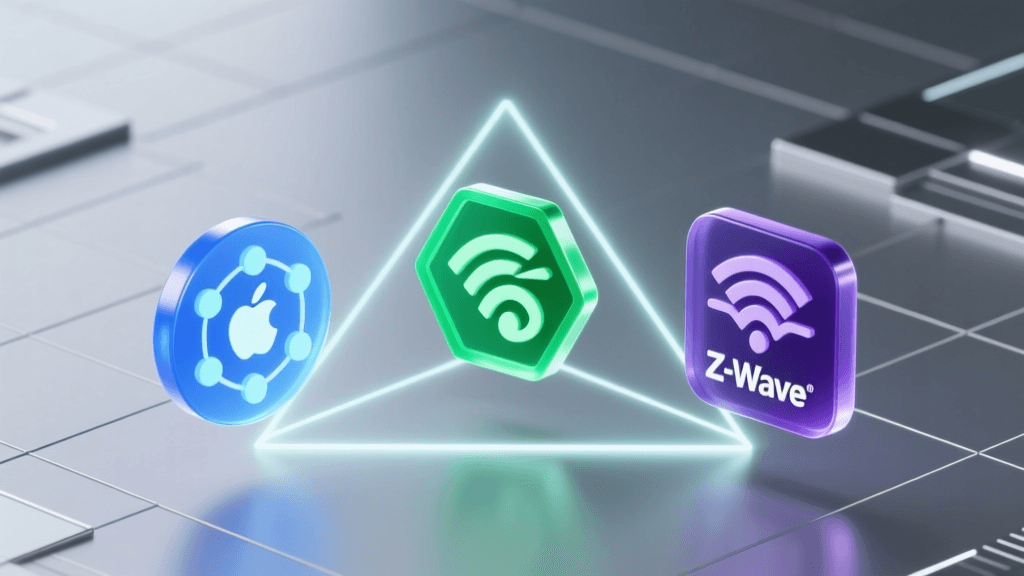
- Zigbee: A low-power, mesh-networking protocol operating on the 2.4 GHz band. Devices like the Philips Hue bulbs and many Aqara sensors use Zigbee. It requires a dedicated hub but excels in local, low-latency communication.
- Z-Wave: Operating on sub-900 MHz frequencies, Z-Wave avoids interference with Wi-Fi and Bluetooth. It is highly reliable for mesh networking, making it a favorite for smart locks, garage door controllers, and in-wall switches.
- Thread: The newest frontier in smart home networking. Thread is an IP-based, low-power mesh protocol designed specifically for IoT. Unlike Zigbee, Thread does not require a single proprietary hub; instead, it utilizes "Border Routers" (found in devices like the Apple TV 4K and Nest Hub) to bridge the mesh network to your home's Wi-Fi and Ethernet.
Comparing command latency across different smart home protocols to highlight the benefits of local mesh networks over cloud-dependent Wi-Fi.
As the data visualization above demonstrates, local mesh protocols like Zigbee, Z-Wave, and Thread offer vastly superior response times compared to cloud-dependent Wi-Fi devices. When building cross-platform automations, prioritizing local protocols ensures that your "Good Morning" lighting routine triggers instantly, even if your home's internet connection drops.
Enter Matter: The Application Layer Unifier
Historically, a Zigbee bulb from one brand could not easily join a hub from another without proprietary workarounds. The introduction of the Matter standard, developed by the Connectivity Standards Alliance (CSA), aims to solve this at the software level. It is crucial to understand that Matter is not a new wireless radio protocol; rather, it is an application layer that runs over existing transport protocols like Thread, Wi-Fi, and Ethernet.
Matter provides a universal language for device discovery, setup, and control. If a device is Matter-certified, it can theoretically be commissioned into an Apple Home environment, a Google Home environment, and a Samsung SmartThings environment simultaneously—a feature known as "Multi-Admin." This means a single Matter-enabled smart plug can be controlled by Siri in the kitchen and Google Assistant in the living room, bridging the gap between mixed-OS households where some family members use iPhones and others use Android devices.
The Role of Multi-Protocol Hubs in Integration
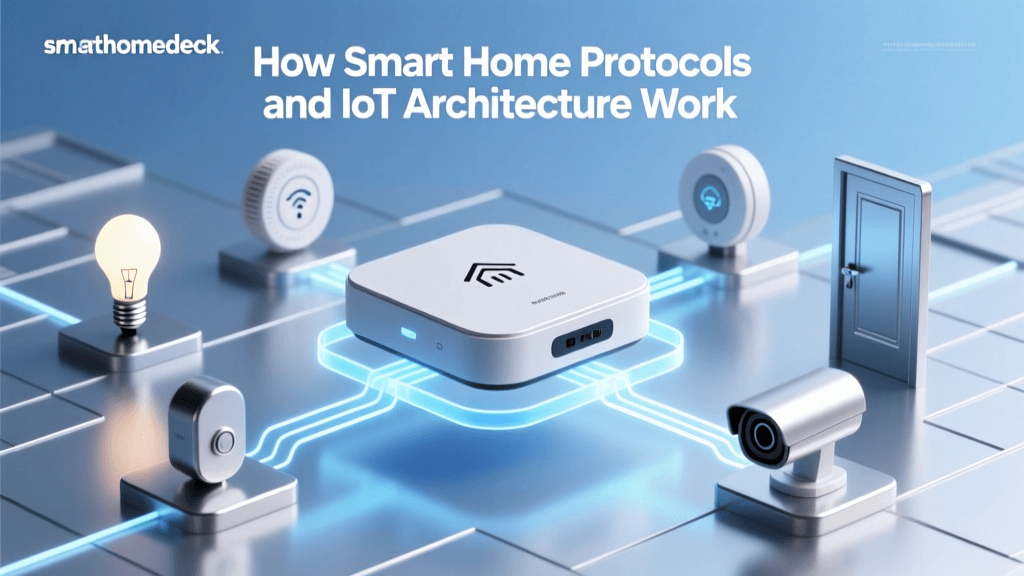
While Matter is the future, the current smart home landscape is filled with thousands of legacy devices that will never receive a Matter firmware update. To integrate these legacy devices into a unified automation system, you need a multi-protocol hub. These hubs act as the central brain, translating between Zigbee, Z-Wave, Wi-Fi, and cloud APIs.
| Hub Model | Approx. Cost | Supported Protocols | Processing | Best For |
|---|---|---|---|---|
| Home Assistant Green | $99 | Wi-Fi, Matter (via add-ons), Thread | Local (Cloud optional) | Privacy-focused users, DIY enthusiasts |
| Hubitat Elevation C-8 | $149 | Zigbee, Z-Wave, LAN, Cloud | 100% Local | Reliability, legacy device integration |
| Homey Pro (2023) | $399 | Zigbee, Z-Wave, Matter, Thread, 433MHz, IR | Local (Cloud backup) | Power users needing massive compatibility |
| Samsung SmartThings Station | $69 | Zigbee, Thread, Matter, Wi-Fi | Cloud-dependent | Budget setups, Samsung ecosystem users |
Advanced Integration: The Home Assistant Approach
For those seeking the ultimate cross-ecosystem integration, Home Assistant remains the gold standard. As an open-source platform, it is not beholden to the commercial interests of Apple, Google, or Amazon. It supports over 2,500 integrations, pulling data from local APIs, cloud webhooks, and direct protocol polling.
"The true power of a smart home is realized when data flows freely between devices, unbounded by corporate ecosystems. Local control is not just about speed; it is about ownership and privacy."
With Home Assistant, you can create complex automations that commercial hubs simply cannot handle. For example, you can build a routine that checks your local weather server, reads the state of your solar inverter via Modbus, and adjusts your Ecobee thermostat's recovery time based on whether your home is currently running on battery power or grid power. This level of granular, cross-brand logic is the pinnacle of smart home education and implementation.
Designing Your First Cross-Platform Routine
Let us walk through a practical example of a cross-ecosystem automation: The "Arriving Home at Night" Routine.
The Hardware Mix:
- Trigger: Aqara Door/Window Sensor (Zigbee, natively integrated via Hubitat or Home Assistant).
- Condition: Local weather integration (OpenWeatherMap API) confirms the sun has set.
- Action 1: Philips Hue Entryway Lights (Zigbee/Matter) turn on to 50% warm white.
- Action 2: Ecobee SmartThermostat (Wi-Fi/Cloud API) resumes its "Home" comfort schedule.
- Action 3: Sonos Speakers (Wi-Fi/Local API) begin playing a low-volume jazz playlist.
The Logic Flow:
When the Aqara sensor detects the front door opening, the hub checks the local sun elevation data. If the elevation is below zero (nighttime), the hub sends a local Zigbee command to the Hue bridge. Simultaneously, it sends an authenticated LAN request to the Ecobee API to change the climate preset, and a local SOAP request to the Sonos speaker to initiate playback. Because the hub handles the logic centrally, the latency between the door opening and the lights turning on is reduced to roughly 50 milliseconds, creating a magical, instantaneous experience.
The Importance of Thread Border Routers
As you integrate newer devices, you will encounter the Thread protocol. Thread devices require a Border Router to bridge their low-power mesh network to your home's IP network (Ethernet/Wi-Fi). Unlike proprietary hubs, Thread Border Routers are often built into devices you may already own. The Apple TV 4K (Wi-Fi + Ethernet models), Apple HomePod Mini, Google Nest Hub (2nd Gen), and Samsung SmartThings Station all act as Thread Border Routers.
Having multiple Border Routers from different ecosystems in the same home can sometimes cause Thread mesh fragmentation if they are not properly configured to share credentials. However, the Matter standard includes provisions for multi-admin Thread credential sharing, gradually smoothing out these early-adopter hurdles. For a robust cross-platform setup, ensuring you have at least two Thread Border Routers centrally located in your home is highly recommended for mesh redundancy.
Troubleshooting Common Integration Roadblocks
Even with the best hubs and protocols, cross-platform integrations can encounter friction. Here is how to resolve the most common issues:
- Cloud API Rate Limits: If your automation relies heavily on cloud-based Wi-Fi devices (like TP-Link Kasa or older LIFX bulbs), sending rapid, repeated commands can trigger API rate limits, causing the hub to temporarily block requests. Solution: Introduce a 500-millisecond delay between sequential cloud commands in your automation script.
- Network Congestion: Having 50+ smart devices on your primary 2.4 GHz Wi-Fi network will cause interference with Zigbee and Thread, which share the same frequency band. Solution: Move all smart home IoT devices to a dedicated 2.4 GHz SSID, and ensure your Zigbee/Thread channels are set to channels 15, 20, or 25 to avoid overlapping with Wi-Fi channels 1, 6, and 11.
- Firmware Desynchronization: A device updated via its native app (e.g., the Hue app) may temporarily lose its connection to a third-party hub like Home Assistant. Solution: Always allow the primary multi-protocol hub to manage firmware updates whenever possible, or configure your hub to automatically poll for device re-integration every 24 hours.
Conclusion: Building a Future-Proof Smart Home
Achieving seamless smart home integration is no longer about picking a single corporate team. By leveraging local mesh protocols, investing in a capable multi-protocol hub, and keeping an eye on the expanding Matter ecosystem, you can create a highly responsive, privacy-respecting, and universally compatible smart home. The key to success lies in prioritizing local control, understanding the underlying network topology, and embracing open standards that put the user in the driver's seat. Whether you are starting with a single room or wiring a whole-house automation system, cross-platform integration is the definitive path to a truly intelligent living space.