What Exactly is a Smart Home? Beyond the Buzzwords
When most people think of a 'smart home,' they picture a collection of disjointed gadgets: a Wi-Fi lightbulb controlled by a smartphone app, or a voice assistant playing music. However, from an engineering and IoT (Internet of Things) perspective, a true smart home is a highly integrated cyber-physical system. It is an environment where sensors gather environmental data, a central logic engine processes that data, and actuators execute physical changes without requiring constant human intervention.
The transition from a 'connected home' to a 'smart home' hinges on automation and contextual awareness. A connected home requires you to open an app and tap a button to turn on the heat. A smart home knows you are pulling into the driveway, recognizes that the indoor temperature has dropped below 68°F (20°C), and preemptively signals the HVAC system to warm the living space. Understanding the underlying anatomy of these systems is crucial before you invest hundreds or thousands of dollars into hardware.
The Core Anatomy: Sensors, Actuators, and Logic Engines
Every smart home ecosystem, regardless of the brand, relies on a tripartite architecture:
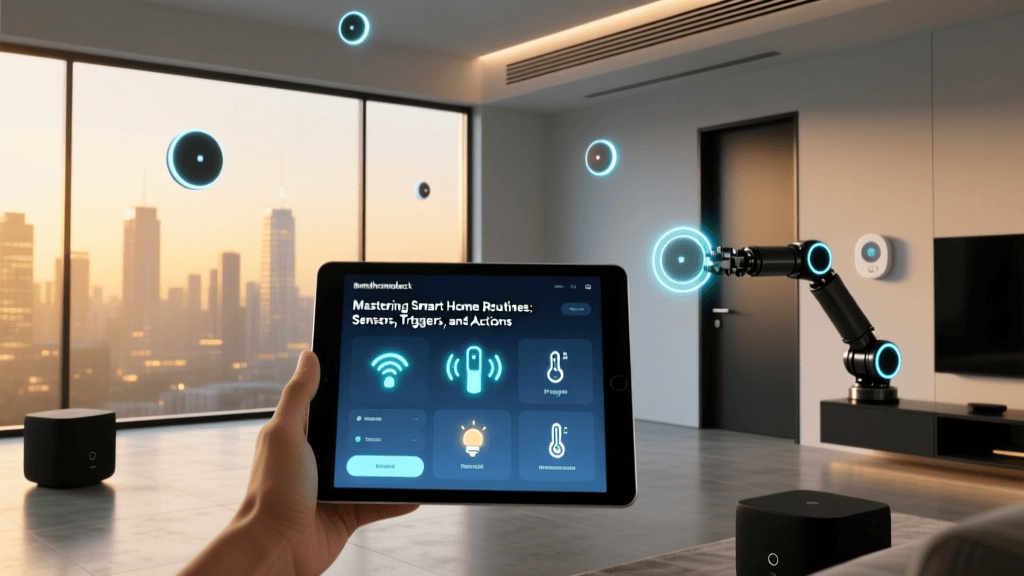
- Sensors (The Nervous System): These devices passively monitor the environment. Examples include millimeter-wave presence sensors (like the Aqara FP2), magnetic contact sensors for doors, and ambient light sensors. They consume very little power and transmit tiny packets of data.
- Actuators (The Muscles): These devices perform physical work based on commands. Smart plugs, motorized smart blinds (like SwitchBot Roller Shade), and smart relays installed behind wall switches fall into this category.
- The Logic Engine (The Brain): This is where the magic happens. The logic engine receives sensor inputs, runs them against your programmed automations, and sends commands to the actuators. This can be cloud-based (like Amazon Alexa or Google Home) or local (like a Home Assistant Green server or Hubitat Elevation hub).
For enthusiasts, local logic engines are highly preferred. They eliminate cloud latency, ensure your automations still run during internet outages, and keep your household behavioral data strictly within your own network perimeter.
Decoding Smart Home Protocols: How Devices Talk
The most common point of failure for beginners is buying devices that speak incompatible languages. Just as a Wi-Fi router cannot natively communicate with a Bluetooth headset without a bridge, smart home devices rely on specific wireless protocols. Choosing the right protocol for the right application is the foundation of a reliable smart home.
| Protocol | Frequency / Band | Power Draw | Network Topology | Best Use Case |
|---|---|---|---|---|
| Wi-Fi (802.11) | 2.4 GHz / 5 GHz | High | Star (Hub-dependent) | High-bandwidth devices (Cameras, Smart Displays, Thermostats) |
| Zigbee | 2.4 GHz | Very Low | Mesh | Battery-powered sensors, smart bulbs (Philips Hue, Aqara) |
| Z-Wave | ~908 MHz (Sub-GHz) | Very Low | Mesh | Smart locks, motorized valves, devices behind thick walls |
| Thread | 2.4 GHz | Low | Mesh (IPv6 native) | Next-gen sensors, Matter-compatible lighting and switches |
| Bluetooth LE | 2.4 GHz | Low | Star / Mesh | Proximity triggers, smart locks, localized setup |
Pro Tip: Never put your entire smart home on Wi-Fi. A standard consumer router will struggle to maintain stable connections if you exceed 30 to 40 IoT devices. Offload your sensors and switches to a dedicated Zigbee or Z-Wave mesh network using a USB coordinator or dedicated hub to keep your primary Wi-Fi network uncongested for laptops and phones.
The Matter Standard: A New Era of Interoperability
For years, the smart home market was fragmented into walled gardens. An Apple HomeKit user could not easily use a Tuya-based smart plug without complex third-party workarounds. Enter Matter, an open-source connectivity standard developed by the Connectivity Standards Alliance (CSA).
Matter is not a wireless protocol like Wi-Fi or Zigbee; rather, it is an application layer that runs over existing transport protocols like Thread, Wi-Fi, and Ethernet. This means a Matter-certified smart plug can be simultaneously controlled by Apple Home, Google Home, Amazon Alexa, and Samsung SmartThings, right out of the box. When shopping for new devices, looking for the Matter logo ensures future-proofing and guarantees that the device supports local network execution, vastly improving response times compared to cloud-only devices.
Smart Home Adoption and Energy Management
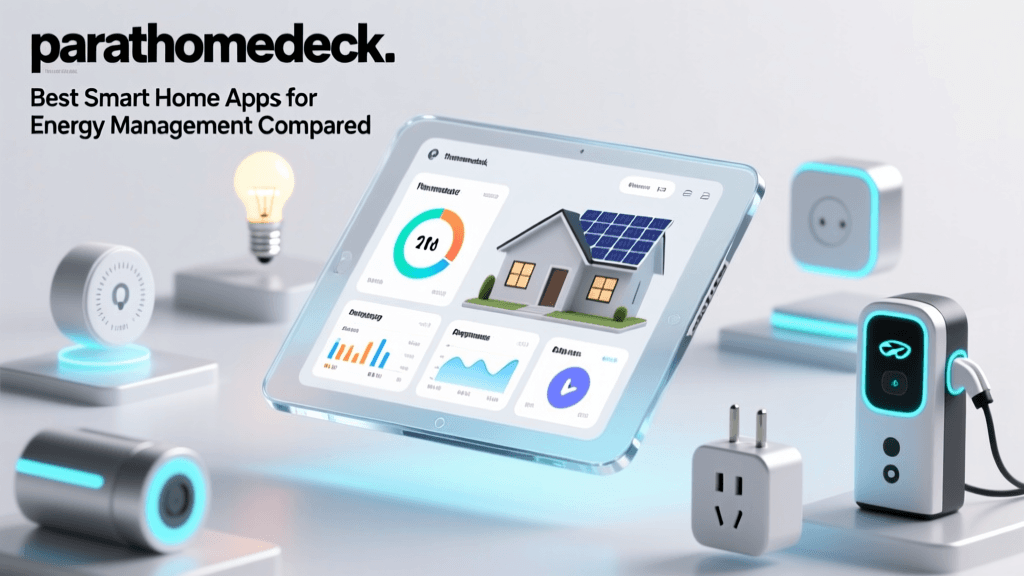
While entertainment and security often drive initial purchases, energy management is where a smart home pays for itself. According to the U.S. Department of Energy, smart thermostats can significantly reduce heating and cooling costs by learning schedules and utilizing geofencing to adjust HVAC usage when the house is empty.
Devices like the Ecobee SmartThermostat Premium or the Google Nest Learning Thermostat do more than just follow a schedule. They integrate with remote room sensors to ensure the rooms you are actually occupying are at the correct temperature, rather than just measuring the hallway where the main unit is installed. Furthermore, smart electrical panels (like the Span panel) and individual circuit monitors (like Sense) provide granular, real-time data on energy consumption, allowing homeowners to identify phantom power drains and optimize solar battery usage.
Building Your Ecosystem: Budgeting and Practical Steps
Jumping into the smart home space can be overwhelming and expensive if you buy aimlessly. It is best to approach your build in phases. Below is a practical breakdown of what you can achieve at different budget tiers.
| Tier | Estimated Budget | Core Hub / Brain | Typical Device Lineup | Best For |
|---|---|---|---|---|
| Starter | $150 - $300 | Echo Dot / Nest Mini (Cloud) | Wi-Fi Smart Plugs, 1 Smart Bulb Kit, Smart Plug for Coffee Maker | Renters, casual users wanting voice control and basic schedules. |
| Intermediate | $500 - $1,200 | Samsung SmartThings Station / Hubitat | Zigbee Sensors, Smart Thermostat, Smart Lock, Motorized Blinds | Homeowners wanting automated routines, geofencing, and energy savings. |
| Advanced | $2,000+ | Home Assistant Green / Yellow (Local) | Thread Mesh Network, Smart Panel, mmWave Presence, Local AI Cameras | Tech enthusiasts prioritizing privacy, zero-latency, and complex logic. |
Actionable Advice: Start with lighting and climate. Automating the lights in high-traffic areas (like the kitchen and hallways) using motion or presence sensors provides an immediate, noticeable improvement to daily life. Next, install a smart thermostat to begin recouping your investment through energy savings. Save complex integrations, like smart locks and automated window treatments, for later phases once you understand how your household naturally interacts with the space.
Privacy, Security, and Network Architecture
A smart home is only as secure as the network it lives on. IoT devices are notorious for having weak default security postures and infrequent firmware updates. The National Institute of Standards and Technology (NIST) strongly recommends network segmentation for IoT devices to prevent a compromised smart bulb from being used as a backdoor into your personal computers or network-attached storage.
To secure your smart home:
- Use a VLAN or IoT Subnet: Most modern mesh Wi-Fi systems (like Eero, Asus, or Ubiquiti) allow you to create an isolated 'Guest' or 'IoT' network. Place all your smart home devices here.
- Block Internet Access Where Possible: If you use a local hub like Home Assistant and Zigbee switches, those switches do not need to talk to the outside world. Use your router's firewall to block WAN access for local-only devices.
- Disable UPnP: Universal Plug and Play allows devices to automatically open ports on your router. Turn this off in your router settings to prevent unauthorized external access.
- Change Default Credentials: It sounds basic, but thousands of smart cameras are compromised daily because the default 'admin/admin' passwords were never changed.
By understanding the deep architecture of IoT ecosystems—from the transport protocols that carry the signals to the logic engines that make the decisions—you can build a smart home that is not just a collection of novelties, but a robust, secure, and genuinely helpful extension of your living space.