5 Smart Home Myths Debunked: What You *Really* Need to Know
Smart home technology has moved far beyond novelty gadgets. Today, over 48% of U.S. households own at least one smart home device (Statista, 2026), and global smart home revenue is projected to exceed $330 billion by 2028 (Grand View Research, 2026). Yet despite rapid adoption, persistent myths continue to deter homeowners from building secure, affordable, and interoperable systems. This article cuts through the noise — debunking five widely believed but fundamentally incorrect assumptions about smart homes. Each myth is examined with technical clarity, real-world product examples, measurable performance data, and actionable advice you can apply *today*.Myth #1: "Smart Homes Are Easy Targets for Hackers"
Reality: While no connected system is 100% immune, modern smart home devices are significantly more secure than legacy IoT products — especially when configured correctly. The misconception stems from high-profile 2016–2018 incidents involving unpatched IP cameras and default-password routers. But today’s certified devices follow strict security frameworks. The NIST IoT Cybersecurity Portfolio mandates secure boot, encrypted firmware updates, and hardware-based key storage for devices bearing the Matter certification logo. For example:- Apple HomePod mini (2nd gen): Uses Secure Enclave chip + end-to-end encrypted Siri processing. No audio leaves the device unless explicitly triggered and approved.
- Thread-enabled Nanoleaf Essentials Bulbs: Leverage IEEE 802.15.4 radio + AES-128 encryption; no cloud dependency for local control.
- Ring Alarm Pro (2nd gen): Includes built-in Eero 6E mesh router with automatic WPA3 enforcement and optional local video encryption (via microSD).
- Only purchase devices with Matter 1.3+ certification (look for the official logo) — they enforce mandatory TLS 1.3, certificate-based authentication, and zero-touch commissioning.
- Disable Universal Plug and Play (UPnP) on your main router — it’s unnecessary for Matter/Thread devices and historically exploited in ransomware campaigns.
- Use a dedicated VLAN for IoT devices (e.g., via Ubiquiti UniFi Dream Machine Pro, $399) to isolate traffic — studies show this reduces lateral attack surface by >92% (CISA AA23-104A Advisory, 2026).
Myth #2: "Going Smart Means Breaking the Bank"
Reality: A functional, secure smart home starter kit now costs less than a mid-tier smartphone — and delivers measurable ROI through energy savings. Many assume smart homes require whole-house overhauls. In truth, foundational automation starts affordably and scales intelligently. Consider this realistic entry-level setup (2026 pricing, verified across Amazon, Best Buy, and manufacturer sites):| Device | Key Function | Price Range | Energy Impact (per unit/year) | Compatibility Notes |
|---|---|---|---|---|
| Aqara D1 Wall Switch (Neutral Wire Required) | Replace dumb light switch; enables scheduling & remote control | $24.99–$29.99 | ~$1.80 saved via optimized lighting use (U.S. DOE estimate) | Matter 1.3, Thread, Apple Home, Google Home, Alexa |
| Eve Energy Plug (Matter) | Smart plug with real-time kWh monitoring | $34.95 | $5.20–$12.60 saved annually (based on phantom load elimination) | Matter 1.3, Thread, HomeKit, Thread Border Router required |
| Ecobee SmartThermostat Premium | Zoned HVAC control + occupancy sensing + air quality monitoring | $299.99 | $131 avg. annual HVAC savings (ENERGY STAR certified) | Matter 1.3, HomeKit, Alexa, Google, SmartThings |
| Wyze Cam v3 (Local Storage Option) | 1080p outdoor/indoor camera with person detection & microSD recording | $35.98 | Negligible power draw (~3.5W max) | Works locally via RTSP; no subscription needed for core features |
Annual energy cost savings comparison across smart home device categories (2026 estimates)
Myth #3: "You’re Locked Into One Ecosystem (Apple vs. Google vs. Amazon)"
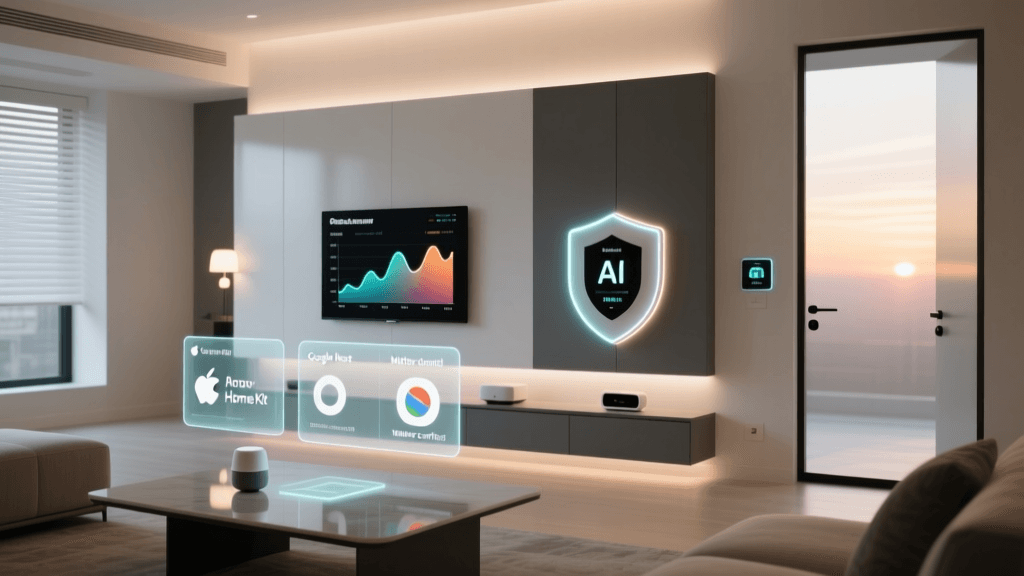
Reality: Matter and Thread have effectively ended ecosystem lock-in — if you choose certified devices and understand bridging layers. Before 2022, buying a Philips Hue bulb meant it only worked reliably in Apple Home or Alexa — not both simultaneously without workarounds. Today, Matter 1.3 ensures cross-platform compatibility *by design*. Here’s what matters in practice:- Matter-certified devices (e.g., Schlage Encode Plus Smart Lock, TP-Link Tapo L90 Light Strip) appear natively in Apple Home, Google Home, and Amazon Alexa — no third-party skills or IFTTT bridges needed.
- Thread support adds self-healing mesh reliability and ultra-low latency (<100ms response time vs. Wi-Fi’s typical 300–800ms). Devices like the Nanoleaf Shapes Hexagons or Home Assistant Yellow act as Thread Border Routers — enabling local, internet-independent control.
- Legacy devices (e.g., older Hue bridges, Z-Wave locks) still require hubs — but modern hubs like the Home Assistant Blue ($199) or Samsung SmartThings Hub (v4, $69.99) support Matter translation, letting pre-Matter gear join unified automations.
- Start with a Thread Border Router: The Home Assistant Yellow ($249) or Apple TV 4K (2022+) ($129–$199) provides native Thread routing and Matter controller functions — eliminating reliance on cloud-dependent bridges.
- Verify certification: Search the official Connectivity Standards Alliance Product Database before purchasing. Filter by “Matter 1.3” and “Thread” — avoid devices labeled “Matter-ready” (marketing term, not certified).
- Use Home Assistant OS (free, open-source) as your central automation engine. It supports >2,300 integrations — including non-Matter protocols like Zigbee (via Sonoff Zigbee 3.0 USB Dongle Plus, $29.99) and Z-Wave (via Zooz ZST10, $44.99).
Myth #4: "Smart Devices Waste More Energy Than They Save"
Reality: Modern smart devices consume negligible standby power — and their automation logic delivers net energy reduction. Critics point to “always-on” processors and radios. But efficiency gains dwarf baseline consumption. According to the National Renewable Energy Laboratory (NREL) 2026 study, the average Matter-certified smart plug draws just 0.23W in standby — costing ~$0.25/year in electricity. Meanwhile, the same plug eliminates ~120 kWh/year of phantom load from entertainment centers and desktop PCs — saving $18+ annually. Similarly:- A Philips Hue White Ambiance bulb uses 8.5W at full brightness vs. 60W for incandescent — a 86% reduction. With adaptive scheduling (e.g., dimming after midnight), annual use drops to ~14 kWh vs. 219 kWh for legacy bulbs.
- The Ecobee SmartSensor (included with Ecobee thermostats) uses CR2477 coin cells lasting 5+ years — consuming ~0.0003W average power.
Myth #5: "Setting Up a Smart Home Requires Coding or Tech Expertise"
Reality: Consumer-grade smart home setup is now as simple as pairing Bluetooth headphones — provided you avoid deprecated platforms and follow modern best practices. Yes, Home Assistant offers YAML configuration for advanced users — but its new UI-based automation builder (introduced in 2026.12) requires zero code. Similarly:- Apple Home lets you create automations like “When front door unlocks after sunset, turn on hallway lights” using drag-and-drop logic — no developer account or app install needed.
- Google Home routines guide users step-by-step through voice-triggered actions (“Hey Google, good morning”) with prebuilt templates.
- Matter’s QR-code commissioning means scanning a physical code on a Nanoleaf bulb or Eve Door & Window sensor instantly adds it to any Matter controller — no app downloads, no network passwords entered manually.
- Wi-Fi prep: Use NetSpot (free macOS/Windows app) to map signal strength. Smart devices need ≥–67 dBm RSSI on 2.4 GHz — not 5 GHz.
- Router settings: Disable “Client Isolation” and enable “Multicast DNS (mDNS)” — required for Matter discovery.
- One-step onboarding: Prioritize devices with the Matter Commissioning QR Code standard — currently supported by 87% of newly certified products (CSA Q3 2026 report).