The Invisible Drain: Understanding Phantom Loads and Energy Waste
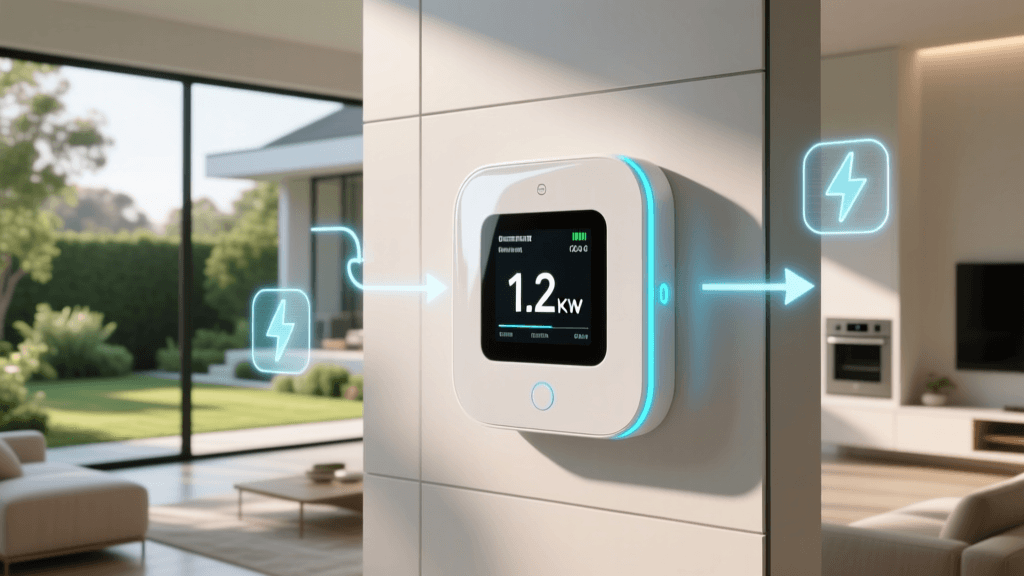
As utility rates continue to climb across the globe, homeowners are increasingly searching for ways to optimize their energy consumption and reduce monthly bills. However, you cannot manage what you do not measure. Traditional utility bills only provide a retrospective, aggregated view of your monthly consumption, offering zero insight into which specific appliances are driving up your costs. This is where smart home energy monitoring technology becomes an indispensable tool for modern households.
One of the most significant culprits of energy waste is standby power, commonly referred to as 'phantom loads' or 'vampire power.' According to the Lawrence Berkeley National Laboratory, standby power accounts for 5% to 10% of residential energy use in the United States, costing the average household roughly $100 annually. Devices like smart televisions, gaming consoles, desktop computers, and even modern coffee makers draw power continuously, even when seemingly turned off. By deploying smart energy monitors, you can identify these invisible drains, automate their shutdown, and reclaim lost capital on your utility bill.
Whole-Home Monitors vs. Smart Plugs: Which Do You Need?
When entering the smart home space, consumers generally face a choice between two primary categories of energy monitoring: whole-home panel monitors and appliance-level smart plugs. Both serve distinct purposes and offer different levels of granularity regarding your energy data.
Whole-home monitors connect directly to your electrical panel via current transformer (CT) clamps. They measure the total energy entering your home and, in advanced models, can monitor individual circuit branches. Smart plugs, on the other hand, are inserted between the wall outlet and the appliance, providing hyper-accurate, device-level data without the need for an electrician.
| Feature | Whole-Home Monitor | Smart Plug with Energy Monitoring |
|---|---|---|
| Installation | Moderate to Hard (Electrical Panel) | Easy (Plug and Play) |
| Cost Range | $150 - $400+ | $12 - $30 per plug |
| Data Granularity | Whole home or Circuit-level | Individual Appliance-level |
| Best For | Heavy loads (HVAC, EV, Water Heater) | Electronics, Lamps, Space Heaters |
| Accuracy | High (Panel level) | Extremely High (Device level) |
Top Smart Energy Monitors for Utility Bill Reduction
1. Sense Energy Monitor (Whole-Home)
The Sense Energy Monitor (retailing around $299) is a pioneer in the whole-home monitoring space. It installs directly into your main electrical panel and uses a proprietary machine learning algorithm to detect the unique electrical 'signatures' of individual devices. Over time, Sense learns to distinguish between your refrigerator compressor kicking on and your microwave running. While its device-level detection isn't always 100% perfect for low-wattage items, it excels at tracking major energy hogs like HVAC systems, electric ovens, and well pumps. Sense integrates seamlessly with Alexa, Google Home, and Home Assistant, allowing you to set up custom alerts if you leave the house and forget to turn off the stove.
2. Emporia Vue Gen 3 (Whole-Home + Circuits)
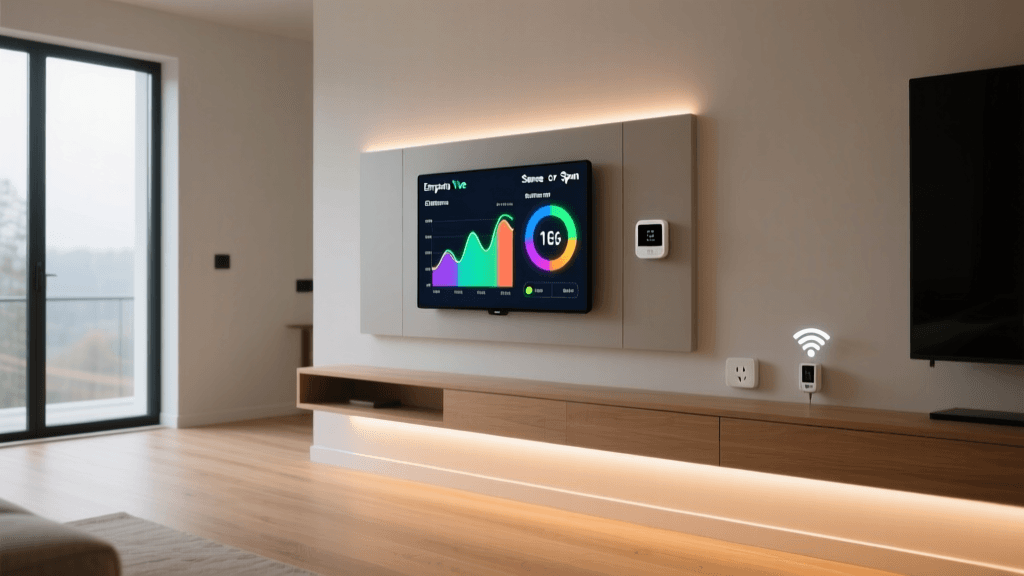
For data enthusiasts who want guaranteed circuit-level accuracy, the Emporia Vue Gen 3 is arguably the best value on the market. Priced between $150 and $300 depending on the number of CT sensors included, the Vue allows you to clamp onto up to 16 individual circuits in your breaker panel. This means you can see exactly how much energy your dedicated EV charger circuit or your kitchen appliance circuit is using in real-time. The Emporia app provides incredibly detailed historical graphs, and when paired with their smart plugs and switches, you can create automated routines to shed loads during peak pricing hours.
3. TP-Link Kasa EP25 (Appliance-Level)
If you want to monitor specific appliances without touching your electrical panel, the TP-Link Kasa EP25 Smart Plug is a budget-friendly powerhouse. Costing between $15 and $25, this Wi-Fi-enabled plug handles up to 15A / 120V (1800W), making it suitable for most household electronics, window AC units, and dehumidifiers. The Kasa app provides real-time wattage draw, daily/weekly/monthly kWh consumption charts, and estimated costs based on your local utility rate. Its 'Smart Actions' feature allows you to automatically turn off a space heater if it has been running for more than two hours, providing both energy savings and critical fire safety.
4. Shelly Plug US (Local Control & Home Assistant)
For privacy-conscious users and smart home tinkerers, the Shelly Plug US (approx. $18) is a top-tier choice. Unlike many cloud-dependent smart plugs, Shelly devices support local network control via MQTT and HTTP APIs. This means your energy data stays on your local network, and the plug responds instantly to automations even if your internet connection drops. It is fully compatible with Home Assistant, Apple HomeKit, and the new Matter protocol, making it a versatile bridge for advanced energy dashboards.
The Math of Savings: Calculating Your kWh
To truly leverage your energy monitor, you must understand the mathematics of utility billing. The U.S. Energy Information Administration (EIA) notes that electricity is billed in kilowatt-hours (kWh). One kilowatt-hour equals 1,000 watts of power used continuously for one hour.
The Formula:
(Appliance Wattage × Hours Used Per Day) ÷ 1,000 = Daily kWh
Daily kWh × Your Utility Rate (e.g., $0.16/kWh) = Daily Cost
For example, if your smart plug reveals that your older basement dehumidifier draws 600 watts and runs for 12 hours a day, it consumes 7.2 kWh daily. At $0.16 per kWh, that single appliance costs you $1.15 a day, or roughly $34.50 a month. By using the smart plug's scheduling features to run the dehumidifier only during off-peak hours, or by upgrading to an Energy Star-rated model, the return on investment becomes immediately clear.
Advanced Strategies: Time-of-Use (TOU) Optimization
Many utility companies are shifting toward Time-of-Use (TOU) rate plans, where electricity costs significantly more during peak demand hours (typically 4:00 PM to 9:00 PM) and less during off-peak hours. The U.S. Department of Energy highly recommends shifting discretionary energy usage to off-peak windows to alleviate grid strain and lower consumer costs.
Smart energy monitors and plugs are the key to automating TOU savings. By integrating your smart plugs with your utility provider's API or using dynamic pricing integrations in platforms like Home Assistant, you can create advanced automations. For instance, you can program your smart plug connected to your EV charger or pool pump to only activate when electricity rates drop below $0.10/kWh. Similarly, you can use a whole-home monitor to trigger a smart thermostat to pre-cool your home during cheap off-peak hours, then coast through the expensive peak hours with the HVAC system turned off.
Eliminating Vampire Power with Smart Power Strips
While individual smart plugs are excellent for single appliances, home entertainment centers and home offices often feature clusters of devices that draw phantom loads. Smart power strips with energy monitoring capabilities solve this by allowing you to cut power to multiple peripherals simultaneously. Some advanced strips feature a 'master' outlet; when the master device (like a TV or desktop PC) goes to sleep and drops below a specific wattage threshold, the strip automatically cuts power to the 'slave' outlets (like soundbars, monitors, and printers), entirely eliminating the standby draw without requiring manual intervention.
Ecosystem Compatibility: Matter, Zigbee, and Wi-Fi
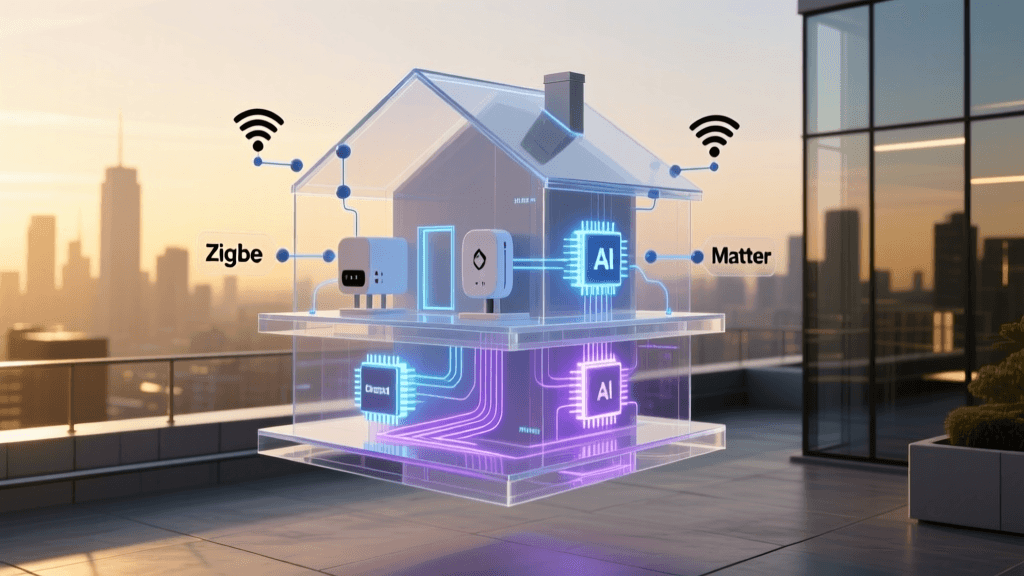
When selecting an energy monitoring device, the underlying communication protocol is just as important as the hardware itself. Wi-Fi plugs (like Kasa and Shelly) are easy to set up and connect directly to your router, but they can congest your 2.4GHz network if you deploy dozens of them. Zigbee and Thread protocols offer low-power mesh networking, which is ideal for large homes with dozens of sensors.
Furthermore, the advent of the Matter protocol is revolutionizing energy monitoring. Matter ensures that your smart plugs and monitors will work natively across Apple HomeKit, Amazon Alexa, and Google Home without relying on third-party cloud servers. When shopping for a new energy monitor, looking for the Matter logo ensures future-proof compatibility and faster, local-network response times for your automations.
Conclusion
Transitioning to a smart home is not just about adding convenience; it is about gaining unprecedented control over your environment and your finances. Whether you opt for a whole-home monitor like the Emporia Vue to track your HVAC and EV charging, or deploy a fleet of TP-Link Kasa smart plugs to eliminate phantom loads in your home office, the data you gather will pay for the hardware in a matter of months. By combining real-time energy monitoring with intelligent scheduling and Time-of-Use optimization, you can transform your home from a passive energy consumer into an active, efficient, and cost-effective smart ecosystem.