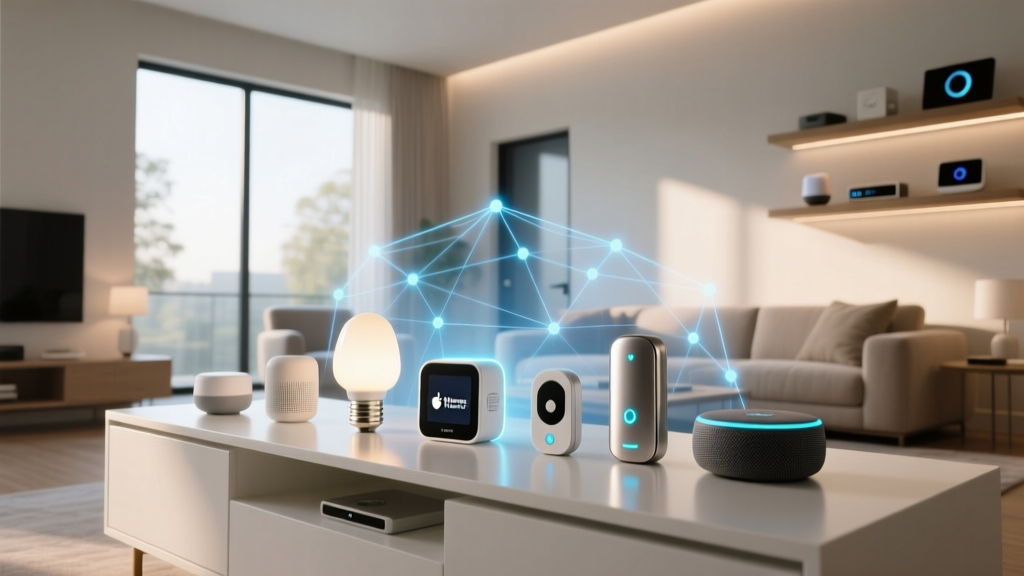
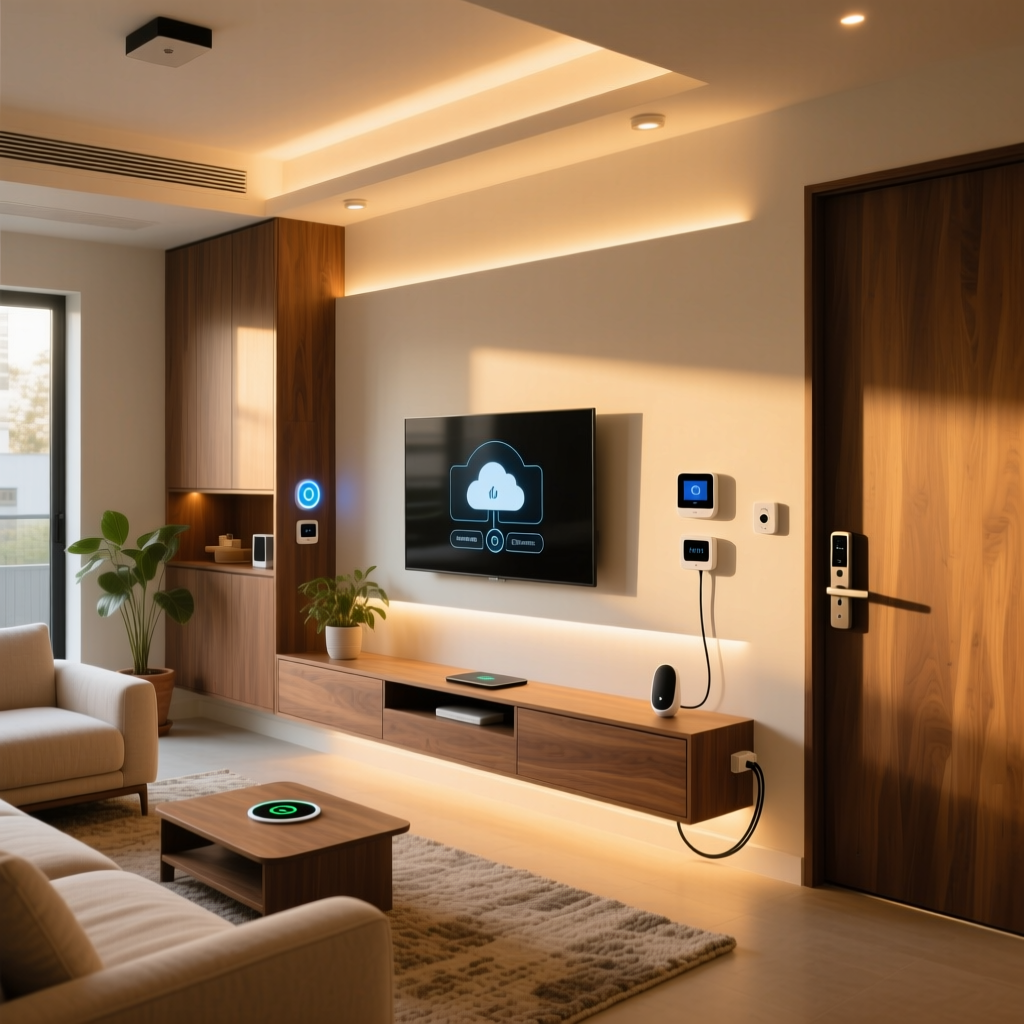
When most people think of IKEA, they immediately picture flat-pack furniture, meatballs, and maze-like showrooms. However, over the past several years, the Swedish retail giant has quietly built one of the most accessible, affordable, and robust smart home ecosystems on the market. Unlike proprietary tech companies that lock you into expensive, closed-off environments, IKEA has approached home automation with the same philosophy it applies to furniture: modular, affordable, and designed for the masses.
But beneath the minimalist Scandinavian design lies a complex network of wireless protocols, mesh networking, and cloud integrations. Whether you are looking to automate your living room lights or secure your windows with smart sensors, understanding the underlying technology is crucial for building a reliable setup. In this comprehensive guide, we will break down exactly how the IKEA smart home ecosystem works, from the central hubs to the wireless protocols and third-party integrations.
The Central Nervous System: DIRIGERA and TRÅDFRI Hubs
At the heart of any true smart home setup is a central hub, and IKEA’s ecosystem is no exception. While smart Wi-Fi devices can connect directly to your router, they often clog up your network and lack the ability to communicate with one another locally. To solve this, IKEA utilizes dedicated smart home gateways.
For a long time, the TRÅDFRI Gateway was the cornerstone of the IKEA smart home. Designed primarily to control Zigbee-based lighting, it was a simple, effective bridge that connected your bulbs to the internet. However, as the ecosystem expanded to include blinds, sensors, and audio equipment, the need for a more powerful brain became apparent.
Enter the DIRIGERA Hub. The DIRIGERA is the modern, next-generation brain of the IKEA smart home. It connects directly to your home router via an Ethernet cable or Wi-Fi, ensuring a stable backbone for your network. Unlike older hubs that relied heavily on cloud processing, the DIRIGERA handles a significant amount of automation logic locally. This means that if your internet connection drops, your motion sensors will still turn on your lights, and your scheduled routines will continue to run without interruption. For a deeper dive into the hardware, check out our DIRIGERA hub review to see how it performs in real-world environments.
Communication Protocols: Zigbee, Thread, and Wi-Fi
To understand how IKEA smart home devices work, you have to understand the languages they speak. IKEA does not rely on a single wireless protocol; instead, it uses a strategic mix of technologies depending on the device's power requirements and bandwidth needs.
Zigbee: The Backbone of Lighting and Sensors
The vast majority of IKEA’s smart home products, including TRÅDFRI bulbs, smart plugs, and PARASOLL window sensors, communicate using Zigbee. Zigbee is a low-power, low-bandwidth wireless protocol specifically designed for smart home devices. Its most significant advantage is its mesh networking capability.
In a Zigbee mesh network, every device that is plugged into a constant power source (like a smart bulb or a smart plug) acts as a signal repeater. This means the more devices you add to your home, the stronger and wider the network becomes. A smart plug in your hallway can bridge the connection between the DIRIGERA hub and a smart bulb in your far-off bedroom. If you want to learn more about how this compares to other mesh networks, read our guide on understanding wireless protocols.
Thread: The Future of Low-Power Networking
While Zigbee is reliable, the industry is gradually shifting toward Thread. Thread is an IP-based, low-power mesh networking protocol that offers lower latency and better integration with modern internet standards. IKEA has been a massive proponent of Thread, releasing several products and ensuring the DIRIGERA hub acts as a Thread Border Router. This allows Thread-enabled devices to communicate seamlessly with your broader network without requiring a separate, dedicated hub.
Wi-Fi: High Bandwidth for Audio
Zigbee and Thread are fantastic for sending simple commands like "turn on" or "dim to 50%", but they cannot handle the heavy data requirements of streaming high-fidelity audio. For the SYMFONISK line of smart speakers and soundbars, IKEA partnered with Sonos to utilize standard Wi-Fi. This ensures that your music streams without buffering, though it does mean these specific devices rely on your home’s primary Wi-Fi router rather than the smart home hub.
The Matter Revolution: Future-Proofing Your Home
One of the most significant advancements in the smart home industry is the introduction of Matter, an open-source connectivity standard backed by Apple, Google, Amazon, and Samsung. IKEA has been a vocal supporter of this initiative, and the DIRIGERA hub was designed with Matter compatibility at its core.
According to the Connectivity Standards Alliance, Matter aims to solve the fragmentation problem in the smart home market by providing a unified language for devices. Here is how IKEA implements it:
- Matter Bridge: The DIRIGERA hub acts as a bridge, taking your older Zigbee TRÅDFRI bulbs and sensors and exposing them to the Matter ecosystem. This means you can control your legacy IKEA devices natively within Apple HomeKit or Google Home via Matter, even if those devices don't natively speak the Matter protocol.
- Matter Controller: The hub can also act as a controller, allowing you to bring third-party Matter-compatible devices into the IKEA Home Smart app, unifying your control interface.
This commitment to open standards ensures that investing in IKEA smart home products is a future-proof decision. For a broader look at this industry shift, visit our complete guide to Matter.
Automation and Control: The IKEA Home Smart App
Hardware and protocols are only half the equation; the user experience is what makes a smart home truly "smart." The IKEA Home Smart app (formerly known as the TRÅDFRI app) is the command center for your entire setup. It is designed to be highly visual, intuitive, and accessible to users who may not be tech-savvy.
Through the app, you can organize your devices into "Rooms" and create "Scenes." A Scene allows you to trigger multiple actions with a single tap. For example, a "Movie Night" scene might dim the living room lights to 20%, lower the FYRTUR smart blinds, and turn on the SYMFONISK soundbar.
Where the app truly shines is in its Automations tab. Using a simple "If This, Then That" logic builder, you can create powerful routines based on various triggers:
- Time & Sun: Turn on exterior lighting at sunset and turn it off at sunrise.
- Sensors: Use VALLHORN motion sensors to turn on the hallway lights at 10% brightness when motion is detected between midnight and 6:00 AM.
- Geofencing: Utilize your smartphone's location to turn off all smart plugs and lights when the last person leaves the house.
Because the DIRIGERA hub processes these automations locally, the reaction time is nearly instantaneous, eliminating the frustrating lag often associated with cloud-based smart home routines.
Expanding the Ecosystem: Lighting, Sensors, and Audio
To truly grasp how the IKEA smart home works, it helps to look at the diverse range of products that interact within the ecosystem. According to IKEA's official smart home portal, the product lineup is vast and constantly growing.
Lighting: The TRÅDFRI and STYRBAR lines offer everything from standard color-temperature bulbs to decorative LED strips and smart switches. The wireless dimmers and remotes communicate directly with the bulbs via Zigbee, meaning you can control your lights even if your internet or hub goes down.
Sensors: The PARASOLL (door/window) and VALLHORN (motion/illuminance) sensors are battery-powered, Thread/Zigbee devices that act as the "eyes and ears" of your automations. Their low-power design ensures batteries last for months or even years.
Window Treatments: The FYRTUR and KADRILJ smart blinds brought motorized window treatments to the mass market. Powered by rechargeable battery packs, they integrate seamlessly into morning and evening routines.
Audio: The SYMFONISK collaboration with Sonos hides powerful Wi-Fi speakers inside picture frames, bookshelf speakers, and table lamps, blending audio technology seamlessly into home decor.
Third-Party Integrations: Apple, Google, and Amazon
A major concern for many smart home buyers is ecosystem lock-in. Fortunately, the IKEA smart home system is designed to play nicely with the major tech giants. By linking your IKEA Home Smart account to your preferred voice assistant, you unlock hands-free control and advanced cross-brand automations.
- Apple HomeKit: IKEA has been a staunch supporter of Apple HomeKit for years. The DIRIGERA hub exposes your devices to Apple Home, allowing you to use Siri, create complex HomeKit automations, and view camera feeds or sensor states on your Apple Watch or HomePod.
- Google Home: By linking your account, Google Assistant can control your IKEA lights, blinds, and plugs. You can group IKEA devices with your Nest thermostats and Chromecast devices for unified home control.
- Amazon Alexa: Alexa integration allows for voice commands, Alexa Routines, and the ability to use Echo devices as secondary Zigbee hubs (though keeping them on the DIRIGERA hub is recommended for network stability).
Frequently Asked Questions
Do I need an IKEA hub to use IKEA smart home products?
Technically, no, but practically, yes. Some newer IKEA devices support Bluetooth, allowing you to control them directly from your smartphone when you are in the same room. However, without a hub like the DIRIGERA or TRÅDFRI gateway, you will lose access to remote control, automated schedules, sensor integrations, and voice assistant compatibility. To experience the ecosystem as intended, a hub is an absolute necessity.
Is the IKEA smart home system compatible with Matter?
Yes. The DIRIGERA hub is fully compatible with the Matter standard. It functions as both a Matter Bridge (allowing you to export your IKEA Zigbee devices to other Matter-compatible platforms like Apple Home or Google Home) and a Matter Controller (allowing you to import third-party Matter devices into the IKEA app). This makes it one of the most versatile hubs on the market.
Can I use IKEA smart bulbs with standard wall switches?
This is a common point of confusion. If you turn off the physical wall switch, you cut the power to the smart bulb, rendering it "offline" and uncontrollable via the app or voice commands. The best practice is to leave the wall switch permanently in the "on" position and use IKEA’s wireless remotes (like the STYRBAR or TRÅDFRI dimmer) mounted next to the switch to control the lighting. Alternatively, you can install smart relays behind your existing wall switches to maintain smart functionality while keeping the physical switch operational.
How does IKEA's smart home system compare to Philips Hue?
Philips Hue is widely considered the premium gold standard for smart lighting, offering a broader range of colors, higher lumen outputs, and a more polished app experience. However, Hue is significantly more expensive. IKEA’s TRÅDFRI line offers about 80% of the functionality for a fraction of the price. Furthermore, because both systems use Zigbee, you can actually pair IKEA bulbs to a Philips Hue Bridge, or Hue bulbs to an IKEA DIRIGERA hub, giving you the flexibility to mix and match based on your budget and needs.
What happens to my TRÅDFRI gateway now that DIRIGERA is available?
The older TRÅDFRI gateway is still fully functional and will continue to receive security updates and basic support. It remains an excellent, budget-friendly option if you only want to control Zigbee lighting and do not care about Matter, Thread, or advanced third-party integrations. However, if you want to utilize IKEA’s newer sensors, smart blinds, or integrate with the broader Matter ecosystem, upgrading to the DIRIGERA hub is highly recommended.