Transforming your living space into a connected, intelligent environment is one of the most exciting home improvement projects you can undertake. Among the industry leaders, the smart home system by Google stands out for its seamless integration, intuitive voice control, and expansive ecosystem of devices. Whether you are looking to automate your lighting, secure your property, or simply play music in every room, Google offers a comprehensive suite of tools designed to make your life easier and more efficient.
If you are completely new to home automation, we recommend starting with our foundational guide on smart home basics to understand the core concepts of connected living. In this comprehensive guide, we will explore everything you need to know about building, managing, and optimizing a Google-powered smart home, from essential hardware to advanced automation routines.
Understanding the Google Smart Home Ecosystem
The Google smart home ecosystem is primarily built around two core pillars: Google Assistant and the Google Home app. Originally branded under the 'Google Home' name, the hardware line was rebranded to 'Google Nest' to reflect a deeper integration of artificial intelligence and machine learning into everyday household devices. Today, the ecosystem encompasses a vast array of first-party devices and thousands of third-party products that carry the 'Works with Google Home' or 'Matter' certification.
The Role of Google Assistant
At the heart of this ecosystem is Google Assistant, a highly advanced AI capable of understanding natural language, context, and complex commands. Unlike early voice assistants that required rigid phrasing, Google Assistant can interpret conversational requests. You can ask it to 'dim the living room lights to fifty percent,' 'set the thermostat to a comfortable temperature,' or 'play some relaxing jazz.' Furthermore, features like Voice Match allow the system to recognize individual voices, providing personalized responses, calendar updates, and tailored music recommendations for different household members.
The Google Home App Command Center
The Google Home app serves as the central hub for your entire setup. Available on both smartphones & tablets, the app provides a visual dashboard where you can group devices by room, create automated routines, and manage user permissions. The interface is designed to be accessible for beginners while offering deep customization options for advanced users. Through the app, you can monitor energy usage, view live camera feeds, and troubleshoot network connectivity issues with ease.
Essential Google Nest Devices for Every Room
Building a robust smart home system by Google requires selecting the right hardware for your specific needs. Google designs its devices to blend seamlessly into modern home decor while providing powerful functionality. Here is a breakdown of the essential device categories to consider when outfitting your home.
Smart Speakers & Displays
Smart speakers are the most common entry point into the Google ecosystem. Devices like the Nest Audio deliver rich, room-filling sound and serve as always-listening microphones for Google Assistant. For areas like the kitchen or home office, smart displays such as the Nest Hub provide a visual interface. You can use these displays to follow step-by-step recipes, view your security camera feeds, manage your smart calendar, or make video calls. If you are comparing options, check out our curated list of the best smart speakers to find the perfect fit for your space.
Climate Control & Energy Management
Heating and cooling account for a significant portion of household energy consumption. The Google Nest Learning Thermostat revolutionizes climate control by learning your schedule and preferences over time. It automatically adjusts the temperature when you leave the house and pre-heats or cools your home right before you return. For a deeper dive into its energy-saving capabilities and installation process, read our comprehensive Google Nest Thermostat review. Additionally, Nest Temperature Sensors can be placed in specific rooms to ensure that the spaces you use most are kept at the perfect temperature, regardless of where the main thermostat is located.
Home Security & Monitoring
Security is a major driver for smart home adoption. The Google Nest ecosystem includes wired and battery-powered cameras, video doorbells, and smoke/CO detectors. The Nest Doorbell allows you to see and speak with visitors at your front door from anywhere in the world, while Nest Cams offer advanced features like person detection, package alerts, and familiar face recognition. Integrating these devices creates a formidable layer of smart home security that keeps you informed of any unusual activity around your property.
Networking & Connectivity
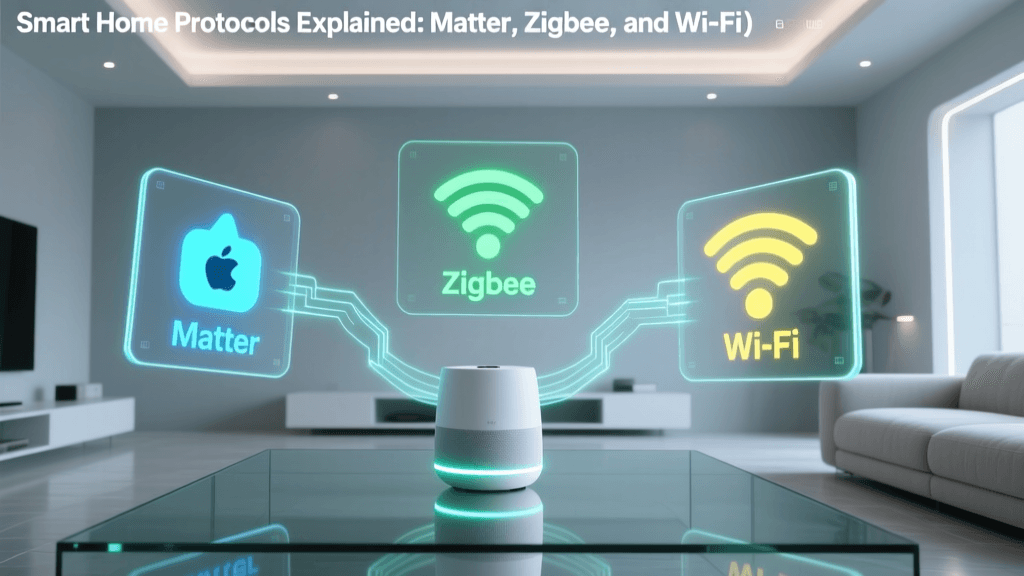
A smart home is only as reliable as the Wi-Fi network supporting it. Traditional routers often struggle to provide consistent coverage to every corner of a modern home, especially when dozens of IoT (Internet of Things) devices are connected simultaneously. Google Nest Wifi Pro systems utilize mesh networking technology to blanket your home in a strong, reliable signal. These devices also act as Thread border routers, which is crucial for the next generation of low-power smart home devices.
Mastering Automations & Routines
The true magic of a smart home system by Google is not just in remote control, but in automation. Routines allow multiple devices to work together in harmony based on specific triggers, eliminating the need for manual adjustments throughout your day.
Creating Custom Routines
Within the Google Home app, the 'Automations' tab allows you to build custom workflows using a simple 'If This, Then That' logic. You can set starters (triggers) such as a specific time of day, a voice command, a device state change, or even your phone's location. For example, a 'Good Morning' routine might include the following actions:
- Starter: At 7:00 AM on weekdays.
- Action 1: Turn on the smart plugs connected to your coffee maker and bedside lamp.
- Action 2: Adjust the Nest Thermostat to your preferred waking temperature.
- Action 3: Have Google Assistant read out your daily calendar schedule, weather forecast, and commute traffic.
Leveraging Geofencing and Sensors
Location-based automations, known as geofencing, use the GPS on your smartphone to trigger actions when you leave or arrive at home. When the last person leaves the house, Google can automatically turn off all lights, lock the smart locks, arm the security system, and set the thermostat to an eco-friendly mode. Conversely, motion sensors placed in hallways can trigger lights to gently illuminate at ten percent brightness if motion is detected between midnight and 5:00 AM, providing safe navigation without waking up the household.
Ecosystem Growth & Interoperability
As the smart home industry has matured, the demand for cross-brand compatibility has grown exponentially. Google has been at the forefront of adopting new interoperability standards to ensure consumers are not locked into a single manufacturer.
The Impact of the Matter Protocol
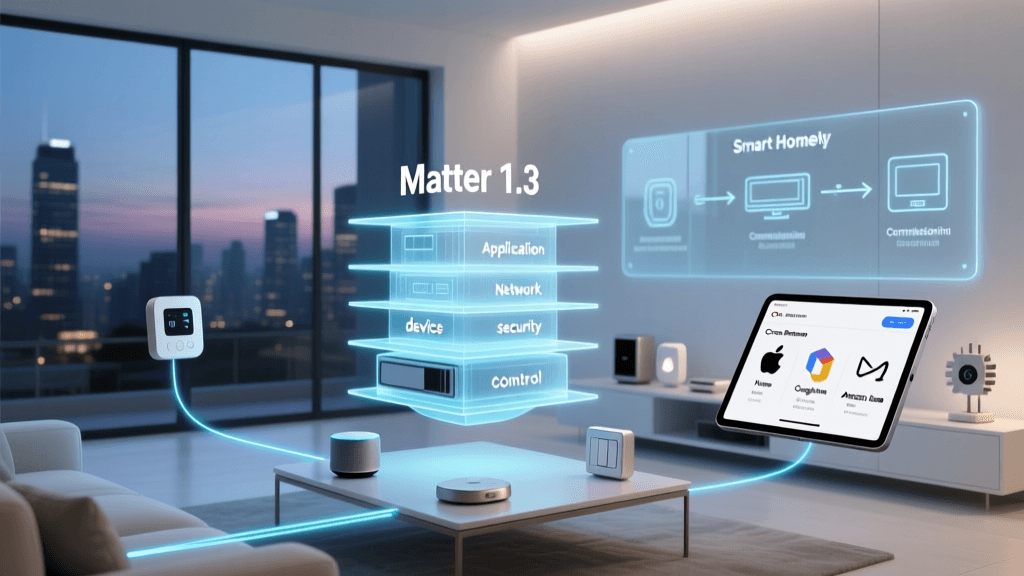
The introduction of the Matter protocol, backed by the Connectivity Standards Alliance, has fundamentally changed how devices communicate. Matter provides a universal language for smart home devices, allowing products from Apple, Amazon, Google, and Samsung to work together seamlessly on a local network. Google Home fully supports Matter, meaning you can purchase a Matter-certified smart bulb or lock from a third-party brand and pair it directly to your Google ecosystem with a simple QR code scan. This local processing also reduces latency and ensures your automations continue to run even if your internet connection temporarily drops.
Privacy, Security, & Maintenance
Inviting internet-connected microphones and cameras into your private living spaces naturally raises privacy concerns. Google has implemented numerous hardware and software features to address these issues and give users granular control over their data.
Hardware Privacy Controls
Almost all Google Nest speakers and displays feature physical microphone mute switches. When engaged, these switches electronically disconnect the microphones, ensuring the device cannot hear the wake word or record audio. Many Nest cameras also include physical privacy shutters or software-based privacy zones that allow you to block out specific areas, like a neighbor's yard or a public sidewalk, from the camera's field of view.
Data Management & Security Best Practices
According to the Google Safety Center, users have complete transparency and control over their voice and activity data. Through the Google Account privacy dashboard, you can set up auto-delete schedules to automatically erase your voice recordings and interaction history every three or eighteen months. To secure your smart home system by Google, follow these essential maintenance tips:
- Enable Two-Factor Authentication (2FA): Protect your primary Google Account with 2FA to prevent unauthorized access to your home's digital controls.
- Use Guest Mode: When hosting parties or having guests over, enable Guest Mode on your smart displays so their voice commands are not saved to your personal activity history.
- Keep Firmware Updated: Ensure automatic updates are enabled in the Google Home app so your devices receive the latest security patches and feature enhancements.
- Segment Your Network: If your router supports it, place your IoT devices on a separate guest or VLAN network to isolate them from your primary computers and smartphones.
Frequently Asked Questions
Is Google Home the same as Google Nest?
Yes, but with a distinction in branding. 'Google Home' is the name of the overarching ecosystem, the mobile app, and the original line of smart speakers. 'Google Nest' is the premium hardware brand acquired by Google and subsequently used for all newer smart home devices, including thermostats, cameras, doorbells, and advanced mesh Wi-Fi systems. Today, the terms are often used interchangeably to describe the Google smart home system.
Can I mix Google Nest devices with other smart home brands?
Absolutely. One of the greatest strengths of the Google ecosystem is its broad compatibility. Through the 'Works with Google Home' program and the new Matter standard, you can integrate thousands of third-party devices from brands like Philips Hue, TP-Link, Ecobee, and Yale. As long as a device supports Google Assistant or Matter, it can be added to your Google Home app and included in your automated routines alongside first-party Nest hardware.
How do I create custom routines in the Google Home app?
Creating a routine is straightforward. Open the Google Home app on your mobile device, tap the 'Automations' tab at the bottom, and select 'New.' From there, you will be prompted to choose a 'Starter' (such as a time of day, a voice command like 'Hey Google, movie time,' or a device trigger). Next, you will add 'Actions,' which can include adjusting specific lights, playing a Spotify playlist, or broadcasting a message to other smart speakers in the house. Once saved, the routine runs automatically based on your defined parameters.
Does the Google smart home system work without an internet connection?
The system's functionality is heavily dependent on an internet connection, as Google Assistant relies on cloud processing to understand complex voice commands and fetch real-time data like weather or traffic. However, with the adoption of the Matter protocol and Thread networking, local processing is improving. Basic automations and local device controls (like using a physical smart switch or local sensor triggers) can continue to function during an internet outage, provided your local network and router remain powered.
What is the best way to secure my Google smart home devices?
The most critical step in securing your smart home is protecting the Google Account tied to your devices. Enable Two-Factor Authentication (2FA) and use a strong, unique password. Regularly review the 'Manage Home' settings in the Google Home app to ensure only trusted family members have access to your home's controls. Additionally, take advantage of the physical mute switches on cameras and speakers when privacy is paramount, and ensure your home Wi-Fi network is secured with WPA3 or WPA2 encryption.