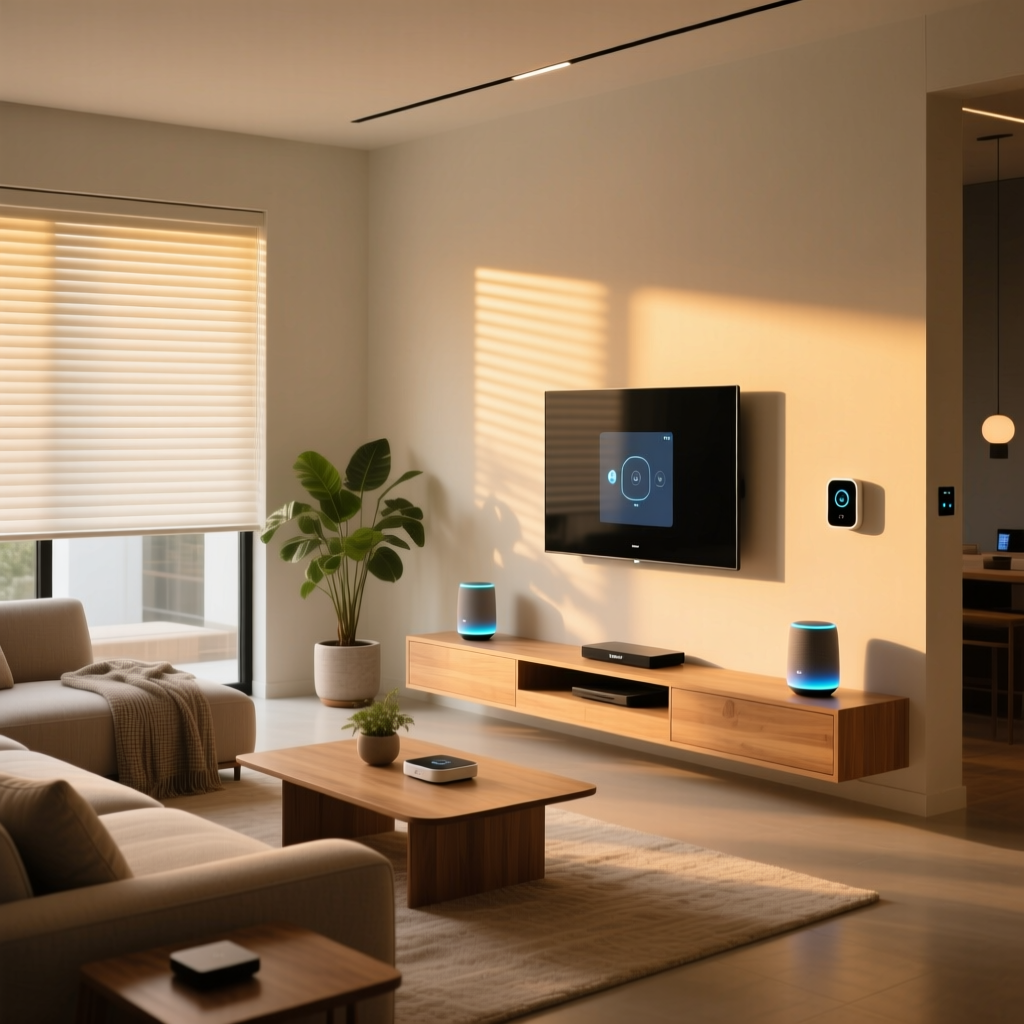
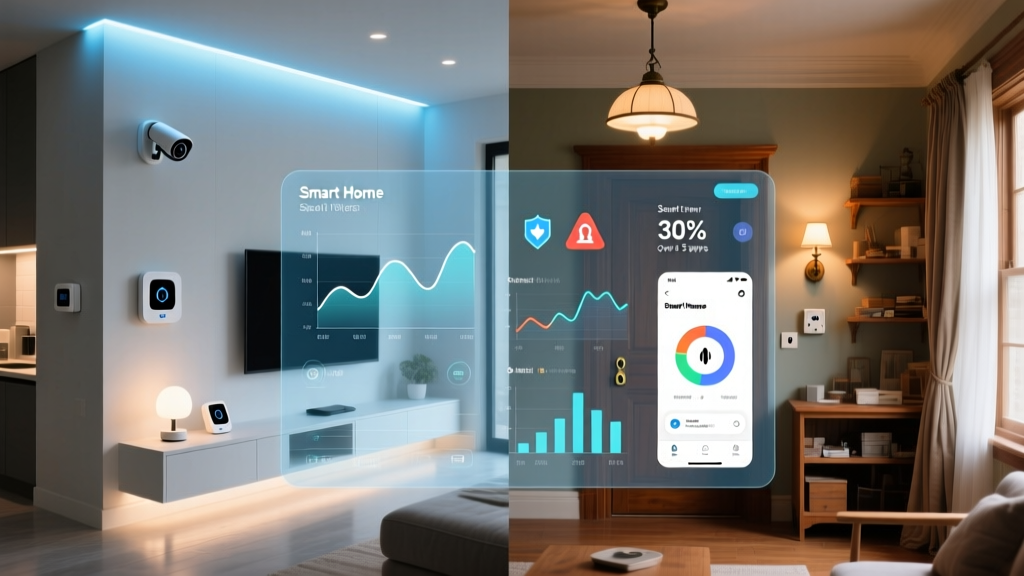
Building a smart home can feel overwhelming. With hundreds of devices, competing ecosystems, and endless configuration options, it is easy to get lost in the noise. Whether you are starting from scratch or looking to refine an existing setup, having a clear roadmap makes all the difference between a seamless connected home and a frustrating tangle of gadgets that never quite work together.
This comprehensive smart home to-do list walks you through every critical step — from initial planning and ecosystem selection to advanced automation and long-term maintenance. Think of it as your personal project manager for creating a home that is genuinely intelligent, not just cluttered with technology.
By the end of this guide, you will have a clear, actionable plan to build or upgrade a smart home that saves time, reduces energy consumption, and adds real convenience to your daily life. Let us dive in.
Phase 1: Assess Your Needs & Plan Your Smart Home Strategy
Before buying a single device, take time to evaluate what you actually want your smart home to accomplish. The biggest mistake newcomers make is purchasing gadgets impulsively without a unifying strategy. A thoughtful plan saves money, prevents compatibility headaches, and ensures every device earns its place in your home.
Identify Your Priorities
Start by listing the areas of your home and daily routine that could benefit from automation. Common priority categories include:
- Lighting control — Automated schedules, dimming, and color adjustments based on time of day or occupancy
- Climate management — Smart thermostats that learn your preferences and reduce energy waste
- Security & monitoring — Cameras, doorbell sensors, smart locks, and alarm systems
- Entertainment — Multi-room audio, smart TVs, and streaming integration
- Energy efficiency — Smart plugs, energy monitors, and automated power management
- Convenience & routines — Voice assistants, automated morning and evening routines, and appliance control
Rank these categories by importance. A household with young children might prioritize security and monitoring, while a tech enthusiast might focus on entertainment and advanced automation. There is no wrong answer — only your answer.
Audit Your Existing Infrastructure
Take stock of what you already have. Check your Wi-Fi coverage, note existing smart devices, and evaluate your internet speed. A smart home with dozens of connected devices demands a robust network. If your router is several years old or your Wi-Fi signal does not reach every room, addressing these issues should be your very first to-do item.
Consider running a simple network audit:
- Count the number of devices currently connected to your network
- Test Wi-Fi signal strength in every room where you plan to add smart devices
- Check your internet plan's upload and download speeds
- Note the age and model of your current router
Set a Realistic Budget
Smart home costs can escalate quickly if you are not intentional. According to Statista's smart home market research, the average household spends between $500 and $2,500 on initial smart home setup, with costs varying dramatically based on home size and ambition level. Set a budget range and allocate funds across your priority categories.
A practical approach is to divide your budget into three tiers:
- Essential foundation (40-50% of budget) — Hub or ecosystem device, Wi-Fi upgrades, and core devices like a smart thermostat and a few smart bulbs
- Priority expansion (30-40% of budget) — Security cameras, smart locks, additional lighting, and sensors
- Nice-to-have additions (10-20% of budget) — Specialty devices like smart blinds, robot vacuums, or smart appliances
For more guidance on getting started affordably, check out our smart home budget guide for cost-saving strategies that do not sacrifice quality.
Phase 2: Choose Your Ecosystem & Core Platform
The ecosystem you select acts as the central nervous system of your smart home. It determines which devices work together, how you control them, and how smoothly automations run. This decision is arguably the most consequential item on your smart home to-do list, so give it careful consideration.
Compare the Major Ecosystems
Three dominant platforms control the majority of the smart home landscape, each with distinct strengths:
- Amazon Alexa — Offers the widest device compatibility, affordable Echo hardware, and robust routines. Ideal for users who want maximum flexibility and do not mind a less polished interface.
- Google Home — Excels at natural language processing, search integration, and multi-room audio. Best for households already invested in Google services like Gmail, Calendar, and Nest products.
- Apple HomeKit — Prioritizes privacy, offers a clean interface, and integrates seamlessly with iPhones, iPads, and Apple Watches. The premium choice for Apple-centric households willing to pay slightly more for compatible devices.
Beyond these three, platforms like Samsung SmartThings and Home Assistant (an open-source option for advanced users) offer additional flexibility. If you are a hands-on tinkerer who values local processing and total control, Home Assistant deserves serious consideration.
Understand the Role of Smart Home Hubs
Many devices connect directly to Wi-Fi, but others rely on protocols like Zigbee, Z-Wave, or Thread that require a dedicated hub. A hub acts as a bridge, translating signals between your devices and your network. Popular hub options include:
- Samsung SmartThings Station
- Amazon Echo (4th Gen) with built-in Zigbee hub
- Apple HomePod or HomePod Mini
- Dedicated hubs like the Aeotec SmartThings Hub or Home Assistant Green
When building your to-do list, add a hub if you plan to use Zigbee or Z-Wave sensors, smart locks, or devices that benefit from mesh networking. These protocols consume far less power than Wi-Fi and create a more resilient network as you add devices.
Embrace the Matter Standard
Matter is an industry-wide connectivity standard backed by Apple, Google, Amazon, and Samsung. Devices bearing the Matter logo are guaranteed to work across all major ecosystems. When shopping, prioritize Matter-compatible devices whenever possible. This future-proofs your investment and dramatically reduces the risk of being locked into a single platform.
The Connectivity Standards Alliance, which oversees Matter development, maintains a certified product directory that is worth bookmarking as you shop.
Phase 3: Build Your Smart Home Device Checklist
With your ecosystem chosen, it is time to build a concrete device shopping list. This section of your smart home to-do list breaks down recommendations room by room, helping you prioritize purchases that deliver the most immediate impact.
Start with High-Impact Foundation Devices
These devices deliver the most noticeable daily benefits and should top your shopping list:
- Smart speaker or display — Your primary voice control interface. Place one in a central location like the kitchen or living room.
- Smart thermostat — According to the U.S. Department of Energy, smart thermostats can reduce heating and cooling costs by 10-15% annually, making them one of the few smart devices that pay for themselves.
- Smart bulbs or switches — Start with the rooms you use most. Smart bulbs offer color and brightness control, while smart switches are better for fixtures with multiple bulbs or where you want to preserve physical switch functionality.
- Smart plugs — The most affordable entry point. Use them to control lamps, fans, coffee makers, or any device with a physical on/off switch.
Room-by-Room Device Planning
Walk through your home mentally and note which devices make sense for each space:
Living Room: Smart bulbs, smart TV or streaming device, smart speaker, smart plugs for lamps, motion sensor for automation triggers.
Kitchen: Smart display for recipes and timers, smart plug for coffee maker, leak sensor under the sink, smart lighting under cabinets.
Bedrooms: Smart bulbs with wake-up and wind-down routines, smart plugs for fans or white noise machines, temperature sensors for climate control.
Entry Points: Smart doorbell camera, smart lock, contact sensors on doors, outdoor motion-activated smart lights.
Garage & Exterior: Smart garage door controller, outdoor security cameras, smart irrigation controller, pathway lighting with schedules.
For a deeper comparison of specific products in each category, browse our device comparison guides to find the best options for your needs.
Plan for Sensors & Triggers
Sensors are the unsung heroes of a smart home. They enable automations to happen without voice commands or app interaction. Add these to your to-do list:
- Motion sensors — Trigger lights when you enter a room, send alerts when movement is detected unexpectedly
- Door and window contact sensors — Know when entry points open, trigger automations like turning off HVAC when windows are open
- Temperature and humidity sensors — Enable room-by-room climate management beyond what a single thermostat can provide
- Water leak sensors — Place near water heaters, washing machines, and under sinks to catch leaks before they cause damage
- Occupancy sensors — Detect presence (not just motion) for more reliable automation in rooms where you sit still, like offices or reading nooks
Phase 4: Set Up Automations, Routines & Scenes
Devices alone do not make a home smart. Automations — the invisible routines that run in the background — are what transform a collection of gadgets into a cohesive system. This is where your smart home truly comes alive.
Design Your Essential Daily Routines
Start with these high-value automations that most households benefit from:
Morning Routine: Lights gradually brighten in the bedroom at your wake time. The thermostat adjusts to a comfortable daytime temperature. Your coffee maker (connected via smart plug) powers on. A smart speaker delivers a news briefing and weather report.
Leaving Home Routine: Triggered when your phone leaves a geofenced area around your home. All lights turn off. The thermostat switches to eco mode. Security cameras arm. Doors lock automatically.
Evening Wind-Down Routine: Lights dim to warm tones. Exterior lights and porch lights turn on. The thermostat adjusts for sleeping comfort. Doors lock. Cameras switch to night mode.
Goodnight Routine: All lights turn off except designated nightlights. Smart plugs for non-essential devices power down. White noise or fan turns on in bedrooms. Security system arms fully.
Create Conditional Automations
Beyond time-based routines, build automations that respond to conditions and events:
- If a contact sensor detects a door opening after 10 PM, then turn on the hallway light and send a notification
- If a water leak sensor detects moisture, then send an urgent alert to all household members and shut off a smart water valve if installed
- If the outdoor temperature drops below a set threshold, then adjust the thermostat and send a reminder to bring plants inside
- If no motion is detected in the living room for 30 minutes, then turn off the TV and lights in that room
Build Lighting Scenes
Scenes let you adjust multiple lights simultaneously with a single command. Create scenes for common activities:
- Movie Night — Living room lights dim to 10%, warm color temperature, TV powers on
- Cooking — Kitchen lights at full brightness, cool white tone, under-cabinet lights on
- Dinner Party — Dining room lights at 40% brightness, warm amber tone, background music starts on smart speakers
- Focus Mode — Office lights at 80% brightness, cool daylight tone, notifications silenced on smart speakers
For detailed automation tutorials and advanced routine ideas, explore our smart home automation guide for step-by-step instructions across all major platforms.
Phase 5: Secure, Maintain & Future-Proof Your Smart Home
A smart home is only as good as its weakest security link. The final items on your to-do list focus on protecting your investment, maintaining performance, and preparing for future growth.
Strengthen Your Network Security
Every smart device is a potential entry point for cyber threats. Protect your home network with these essential steps:
- Create a separate network or VLAN for smart devices — Many modern routers support guest networks or IoT-specific networks that isolate smart devices from your personal computers and phones
- Use strong, unique passwords for every device and account — A password manager makes this manageable
- Enable two-factor authentication (2FA) on every smart home account — This single step dramatically reduces the risk of unauthorized access
- Keep firmware updated — Enable automatic updates wherever possible, and schedule quarterly checks for devices that do not support auto-updates
- Disable unused features — If a device has a microphone you never use, mute it. If remote access is unnecessary, disable it
- Review app permissions — Audit which apps have access to your location, camera, and microphone, and revoke unnecessary permissions
Establish a Maintenance Schedule
Smart homes require ongoing attention to perform reliably. Build a maintenance routine:
Monthly: Check for firmware updates across all devices. Review automation logs for errors or unexpected triggers. Test critical security devices like smoke detectors and cameras.
Quarterly: Audit connected device list and remove anything no longer in use. Review and update passwords for any accounts flagged in breach databases. Clean camera lenses and check sensor batteries.
Annually: Evaluate your Wi-Fi coverage and consider hardware upgrades if you have added many devices. Review your ecosystem choice — has a new platform emerged that better serves your needs? Assess energy savings from smart devices to identify underperformers.
Plan for Scalability
Your smart home will grow over time. Make it easy to expand by following these principles:
- Document everything — Keep a spreadsheet or note listing every device, its location, firmware version, and which automations it participates in. This is invaluable when troubleshooting
- Label your devices clearly — Use descriptive names like "Kitchen Main Light" rather than generic defaults like "Smart Bulb 1"
- Leave room in your hub or bridge — Most hubs support a maximum number of devices. Know your limit and plan accordingly
- Standardize where possible — Using the same brand or protocol for similar devices (e.g., all Zigbee sensors from one manufacturer) simplifies troubleshooting and replacement
Back Up Your Configuration
If your hub fails or you need to migrate to a new platform, losing all your automations is painful. Where possible, export or document your automation rules. Platforms like Home Assistant offer full configuration backups. For cloud-based platforms, take screenshots of your most complex routines as a reference for rebuilding if necessary.
Frequently Asked Questions
How many smart devices can a typical home Wi-Fi network support?
Most modern mid-range routers handle between 30 and 50 connected devices without significant performance degradation. Higher-end routers and mesh Wi-Fi systems can support 100 or more devices. However, the practical limit depends on how much bandwidth each device consumes. Smart bulbs and sensors use very little data, while cameras and streaming devices consume significantly more. If you plan to exceed 40 devices, investing in a mesh Wi-Fi system or a router designed for high device counts is strongly recommended. Separating high-bandwidth devices from low-bandwidth IoT devices onto different networks also improves overall performance.
Should I choose Wi-Fi, Zigbee, Z-Wave, or Thread for my smart home devices?
Each protocol has trade-offs. Wi-Fi offers the highest bandwidth and does not require a hub, but it consumes more power and can congest your network as device count grows. Zigbee and Z-Wave use minimal power and create mesh networks that strengthen as you add devices, but they require a compatible hub. Thread is the newest protocol, designed for low-power mesh networking with native IP support, and it forms the backbone of the Matter standard. For most homes, a hybrid approach works best: Wi-Fi for high-bandwidth devices like cameras and speakers, and Zigbee or Thread for sensors, bulbs, and switches. Check our smart home protocols guide for a detailed technical comparison.
What is the single best smart home device to buy first?
For most households, a smart speaker or smart display serves as the ideal starting point. It provides voice control for future devices, acts as a hub for some ecosystems, and delivers immediate value through music, timers, news briefings, and smart home control. If energy savings are your primary motivation, a smart thermostat is the best first purchase, as it typically pays for itself within one to two years through reduced utility bills. If security is your top concern, start with a smart doorbell camera. The right first device depends on your priorities, but a smart speaker or display offers the broadest foundation for future expansion.
How do I make sure my smart home devices work together?
Compatibility starts with choosing a primary ecosystem (Alexa, Google Home, or Apple HomeKit) and verifying that every device you purchase supports it. Look for the "Works with" badge on product packaging or check the manufacturer's compatibility list before buying. The Matter standard significantly simplifies this — Matter-certified devices work across all major platforms. When mixing protocols, ensure your hub supports both Zigbee and Z-Wave if you plan to use devices from both families. Finally, automation platforms like IFTTT, Samsung SmartThings, or Home Assistant can bridge gaps between devices that do not natively communicate. Always test a new device's integration within the return window to confirm it behaves as expected in your specific setup.
Is a smart home worth the investment for renters?
Absolutely. Many smart home devices are renter-friendly because they do not require permanent installation. Smart bulbs screw into existing fixtures and can be swapped back when you move. Smart plugs work with any outlet. Freestanding cameras and smart speakers are fully portable. Smart thermostats can usually be installed and then replaced with the original unit when you move out (keep the original thermostat safe). Focus on portable, non-destructive devices and avoid anything that requires drilling holes or running new wiring. The convenience, energy savings, and security benefits of a smart home are just as valuable in a rental as in a home you own. When you eventually move to a permanent home, every device and automation you have learned to use will transfer seamlessly.