What Is Smart Home Automation & How Does It Work?
Imagine waking up to the gentle glow of your bedroom lights simulating a sunrise, the thermostat adjusting to your preferred morning temperature, and your coffee maker brewing a fresh pot—all before your feet even touch the floor. This is not a scene from a science fiction movie; it is the everyday reality of modern smart home automation. As technology continues to evolve, the concept of a connected living space has shifted from a luxury novelty to an accessible, practical standard for homeowners and renters alike.
But beyond the convenience of voice commands and automated routines, what exactly is happening behind the scenes? How do dozens of disparate devices communicate, make decisions, and execute tasks seamlessly? In this comprehensive guide, we will demystify the mechanics of smart home automation, explore the core components that make it possible, and provide you with a roadmap to build your own intelligent ecosystem. Whether you are a curious beginner or a tech enthusiast looking to deepen your understanding, this guide covers everything you need to know about the connected home.
What Is Smart Home Automation?
At its most fundamental level, smart home automation refers to the network of hardware, communication interfaces, and electronic devices that work together to automate and control everyday household activities. It is a residential application of the broader Internet of Things (IoT), where physical objects are embedded with sensors, software, and connectivity to exchange data with other devices and systems over the internet or local networks.
In a traditional home, you must manually interact with your environment: flipping a light switch, turning a dial on a thermostat, or physically locking a deadbolt. In an automated home, these manual interactions are replaced or augmented by intelligent systems. Automation allows devices to trigger actions based on specific conditions, schedules, or sensor inputs. For example, a smart home system can be programmed to turn off all interior lights, lock the doors, and arm the security system the moment your smartphone leaves the property's geofenced perimeter.
The ultimate goal of home automation is to create a proactive living environment that anticipates your needs, optimizes resource consumption, and enhances your overall quality of life. By removing the friction from mundane daily tasks, automation frees up your time and mental energy while providing unprecedented control over your domestic environment.
The Core Components of a Smart Home Ecosystem
To understand how smart home automation works, you must first understand the hardware that powers it. Every smart home ecosystem, regardless of the brand or complexity, relies on three primary components: sensors, controllers, and actuators. Together, these elements form a continuous loop of input, processing, and output.
1. Sensors (The Input)
Sensors are the eyes and ears of your smart home. They monitor the environment and detect changes, sending this data to the central controller. Common smart home sensors include:
- Motion Sensors: Detect physical movement in a room, often used to trigger lighting or security alarms.
- Contact Sensors: Placed on doors and windows, these detect when a barrier is opened or closed.
- Environmental Sensors: Monitor temperature, humidity, air quality, and ambient light levels.
- Moisture & Leak Sensors: Detect the presence of water, providing early warnings for potential plumbing failures or flooding.
2. Controllers & Hubs (The Brain)
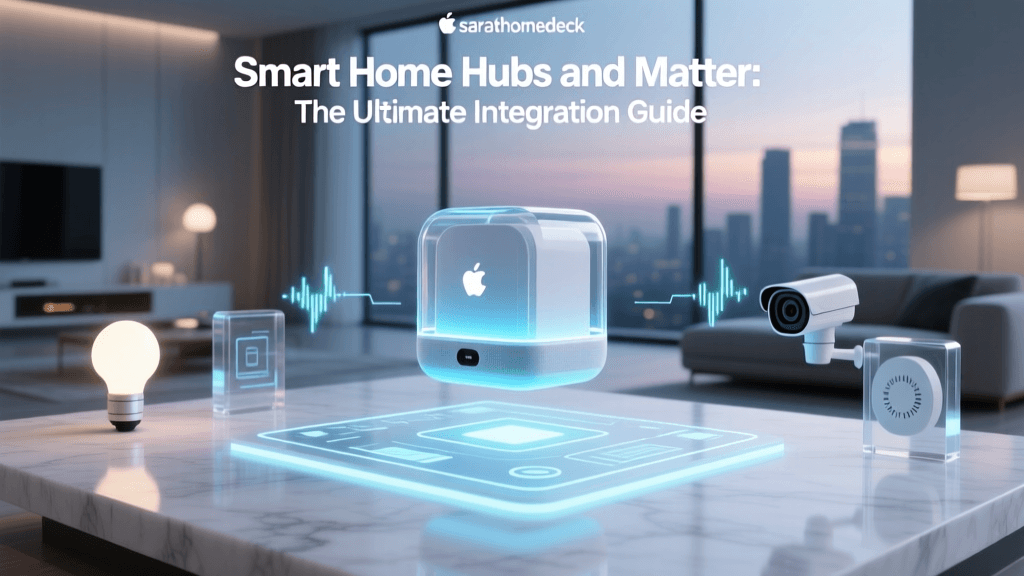
Controllers are the processing centers that receive data from sensors, interpret it based on your predefined rules, and send commands to the output devices. While your smartphone acts as a primary user interface and remote controller, the heavy lifting is often done by a dedicated smart home hub. Hubs act as the central nervous system, bridging the gap between different wireless protocols and ensuring devices can communicate even if your home internet connection drops. Choosing the right central brain is critical, which is why exploring our guide to the best smart home hubs is a great first step for any new setup.
3. Actuators (The Output)
Actuators are the devices that physically execute the commands sent by the controller. They are the 'muscles' of the smart home. Examples include:
- Smart Relays & Switches: Control the flow of electricity to traditional appliances or hardwired lights.
- Motorized Valves & Locks: Physically turn water valves, adjust smart thermostat dampers, or slide deadbolts into place.
- Smart Bulbs & Plugs: Adjust lighting color and brightness or cut power to connected electronics.
The Language of Smart Homes: Wireless Protocols Explained
For sensors, controllers, and actuators to work together, they must speak a common language. This is where wireless communication protocols come into play. Unlike traditional devices that rely on physical wiring, smart devices use radio frequencies to transmit data. However, not all protocols are created equal. Understanding these wireless standards is crucial for building a reliable network, a topic we dive deeper into in our article on understanding smart home protocols.
Wi-Fi
Wi-Fi is the most ubiquitous protocol, offering high bandwidth and direct connection to your home router. It is ideal for data-heavy devices like security cameras and smart displays. However, Wi-Fi consumes a significant amount of power, making it unsuitable for battery-operated sensors. Furthermore, connecting dozens of devices directly to a standard router can congest your network and degrade performance.
Zigbee & Z-Wave
Zigbee and Z-Wave are low-power, mesh-networking protocols designed specifically for home automation. In a mesh network, every plugged-in device acts as a repeater, extending the range and reliability of the signal. If one node fails, the network automatically reroutes the data through another path. These protocols are perfect for smart bulbs, door sensors, and smart locks because they do not crowd your Wi-Fi bandwidth and allow batteries to last for months or even years.
Bluetooth & BLE
Bluetooth Low Energy (BLE) is commonly used for direct, short-range communication between a device and your smartphone. While it is excellent for initial device setup and localized control, its limited range makes it less ideal for whole-home automation without a dedicated Bluetooth mesh hub.
Thread & Matter
The smart home industry is currently undergoing a massive unification effort driven by Thread and Matter. Thread is a low-power, IP-based mesh networking protocol that offers incredible speed and reliability. Matter, built on top of Thread (and Wi-Fi), is a universal application layer that allows devices from different ecosystems—like Apple, Google, and Amazon—to communicate natively without relying on cloud servers. This interoperability is the future of the connected home, eliminating the frustration of fragmented apps and incompatible hardware.
The Tangible Benefits of Home Automation
The transition to a smart home requires an investment of time and capital, but the returns extend far beyond the 'cool factor' of voice-controlled lights. The true value of automation lies in its ability to solve real-world problems regarding energy consumption, security, and accessibility.
Energy Efficiency & Cost Savings
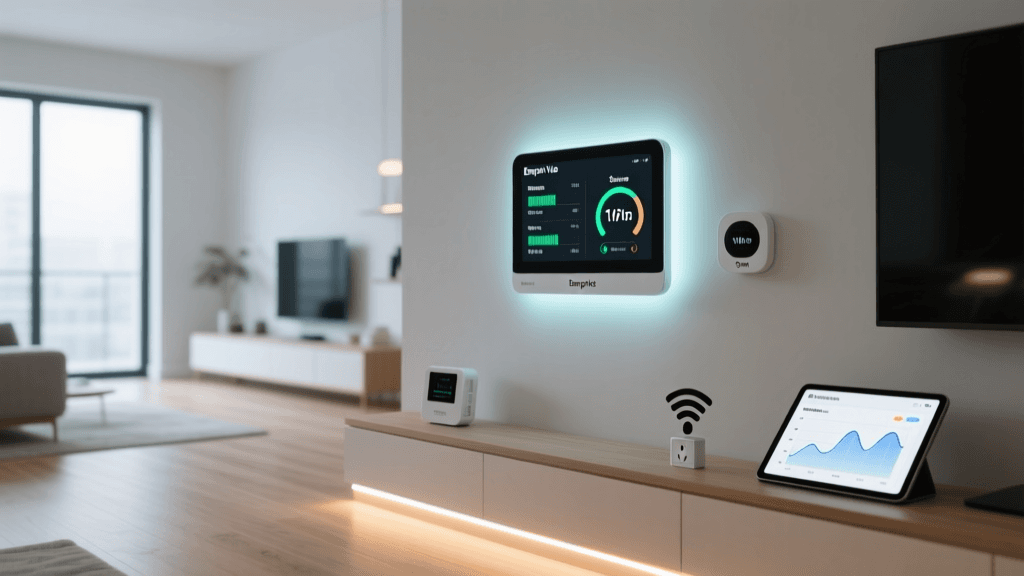
One of the most compelling arguments for home automation is its potential to reduce your carbon footprint and lower utility bills. According to the U.S. Department of Energy, heating and cooling account for nearly half of a typical home's energy use. Smart thermostats learn your schedule and adjust temperatures dynamically, ensuring you are not paying to heat or cool an empty house. Similarly, smart lighting systems and automated blinds can optimize natural light and eliminate phantom power draw.
Enhanced Security & Peace of Mind
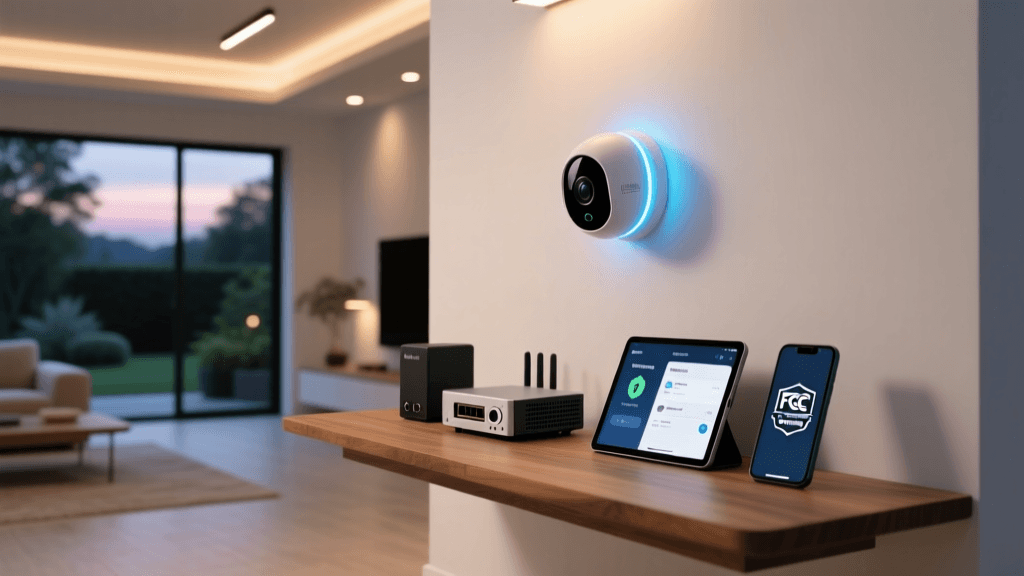
Modern smart home security goes far beyond a loud alarm. It provides proactive monitoring and remote management. Smart video doorbells allow you to see and speak to visitors from anywhere in the world. Automated lighting routines can simulate occupancy while you are on vacation, deterring potential intruders. For a deeper dive into securing your perimeter, check out our comprehensive guide on smart home security basics.
Accessibility & Aging in Place
For individuals with mobility challenges or the elderly, smart home automation is a life-changing tool. Voice assistants allow users to control their environment, make emergency calls, or manage medication reminders without needing to physically navigate the home. Automated door locks, motorized blinds, and voice-activated lighting empower individuals to maintain their independence and age in place safely.
How to Build Your Smart Home Step-by-Step
Starting your smart home journey can feel overwhelming given the sheer volume of products on the market. To avoid buyer's remorse and compatibility headaches, follow this structured approach.
Step 1: Identify Your Pain Points
Do not buy devices simply because they are smart; buy them to solve specific problems. Do you constantly forget to turn off the lights? Are you anxious about package theft? Do you want to reduce your winter heating bill? Identifying your primary goals will dictate which devices you should prioritize.
Step 2: Choose Your Ecosystem
Select a primary voice assistant and control platform—typically Amazon Alexa, Google Home, or Apple HomeKit. Your choice will influence which devices you can purchase, as not all hardware is universally compatible. If you prefer a brand-agnostic approach, look for devices that support the new Matter standard or invest in a third-party hub like Home Assistant or Hubitat.
Step 3: Start Small & Scale
Begin with a starter kit or a single category of devices. Smart lighting reviews are a great place to start, as smart bulbs and plugs are inexpensive, easy to install, and provide immediate gratification. Once you are comfortable with basic routines and app interfaces, you can expand into climate control with smart thermostats and eventually tackle more complex installations like smart locks and hardwired security cameras.
Step 4: Prioritize Local Control
Whenever possible, choose devices that support local processing. Cloud-dependent devices become useless if your internet connection drops. Local control ensures that your automated routines, especially critical ones like security alarms and smoke detectors, continue to function regardless of external server outages.
Frequently Asked Questions (FAQ)
Is smart home automation secure from hackers?
Like any internet-connected technology, smart home devices carry inherent security risks. However, you can significantly mitigate these risks by practicing good digital hygiene. Always use strong, unique passwords for your device accounts, enable two-factor authentication (2FA), and keep your router's firmware updated. Additionally, purchasing devices from reputable brands that provide regular security patches and support local encryption (like Matter) ensures your data remains protected. For more tips, read our guide on smart home security basics.
Do I absolutely need a central hub for smart home automation?
Not necessarily, but it is highly recommended. Many modern devices connect directly to Wi-Fi and can be controlled via a smartphone app without a hub. However, relying solely on Wi-Fi can congest your router and limit your ability to create complex, multi-device routines. A dedicated smart home hub acts as a traffic controller, managing low-power mesh networks (like Zigbee or Thread) and ensuring your automations execute instantly, even if your home internet goes offline.
Can I automate an older home without major renovations?
Absolutely. One of the greatest advantages of modern smart home technology is its non-invasive nature. You do not need to tear down walls or rewire your house to enjoy automation. Smart plugs can make legacy appliances intelligent, while smart bulbs bypass the need for complex hardwired switches. For lighting, you can install smart switch modules directly behind your existing wall plates. Wireless battery-operated sensors can be mounted with adhesive strips, making the entire system renter-friendly and easy to relocate.
What happens to my smart home if the power or internet goes out?
This depends entirely on how your system is architected. Cloud-dependent devices will lose their 'smart' features and remote accessibility during an internet outage, though they usually retain basic manual functionality (e.g., you can still physically flip a smart light switch). To maintain automation during outages, invest in a hub that supports local processing and battery backups. Devices utilizing local protocols like Zigbee, Z-Wave, or Thread will continue to trigger local automations—like motion-activated lights or leak-sensor alarms—as long as the hub and devices have power.
How do voice assistants fit into home automation?
Voice assistants like Amazon Alexa, Google Assistant, and Apple Siri serve as the primary user interface for many smart homes. They act as the 'ears' that translate your spoken commands into digital signals, which are then sent to the controller to execute an action. While voice control is incredibly convenient for ad-hoc commands (like asking to turn off the lights when your hands are full), true automation relies on background routines and sensor triggers that require no vocal input at all. To compare the leading platforms, check out our breakdown of voice assistants compared.
Conclusion
Smart home automation is more than just a collection of gadgets; it is a fundamental shift in how we interact with our living spaces. By understanding the core components—sensors, controllers, and actuators—and the wireless protocols that connect them, you can design a system that is robust, reliable, and tailored to your unique lifestyle. Whether your primary motivation is slashing your energy bills, keeping your family secure, or simply adding a touch of convenience to your daily routine, the connected home offers endless possibilities. Start small, prioritize interoperability, and watch as your house transforms into an intelligent, responsive sanctuary.