The Great Smart Home Confusion: Hubs vs. Border Routers
When building a reliable smart home, the terminology surrounding network infrastructure can be deeply confusing. For years, the word 'hub' was a catch-all term for any device that connected smart sensors to your internet router. However, the introduction of Matter and the Thread networking protocol has fundamentally changed the hardware landscape. Today, understanding the distinct difference between a traditional Smart Home Hub and a Thread Border Router is critical for ensuring device compatibility, network stability, and long-term scalability.
At SmartHomeDeck, we frequently see users overspending on redundant hardware or, conversely, under-investing in the necessary backbone required to support low-latency mesh networks. This comprehensive guide breaks down the exact hub and border router requirements for every major smart home protocol, helping you build a robust infrastructure without unnecessary clutter.
Traditional Protocols: Zigbee and Z-Wave Hub Requirements
Zigbee and Z-Wave are the legacy champions of the smart home. Both rely on low-power, low-bandwidth mesh networking, but they operate on entirely different radio frequencies and require dedicated hardware coordinators to function.
How Zigbee and Z-Wave Hubs Work
Unlike Wi-Fi devices that connect directly to your home router, Zigbee and Z-Wave devices cannot communicate with your smartphone or the cloud on their own. They require a central coordinator—commonly called a hub, bridge, or gateway. This hub serves three vital purposes:
- Network Coordination: It assigns addresses to devices, manages the mesh routing table, and handles security keys (such as the Z-Wave S2 authentication framework).
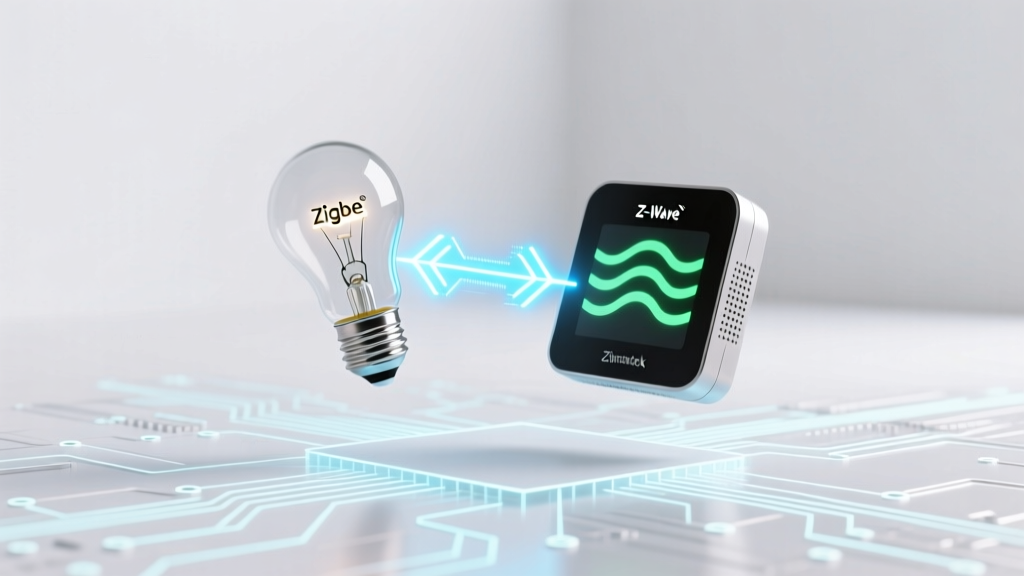
- Protocol Translation: It translates the proprietary 802.15.4 (Zigbee) or sub-GHz (Z-Wave) radio signals into IP packets (Wi-Fi/Ethernet) that your internet router and cloud servers can understand.
- Local Processing: Premium hubs process automations locally, ensuring your lights still turn on via motion sensors even if your internet connection goes down.
A major pain point with traditional hubs is the 'PAN ID' (Personal Area Network) conflict. If you have multiple Zigbee hubs in close proximity, they can create overlapping networks that cause interference and device drop-offs. Furthermore, Z-Wave networks are strictly limited to 232 nodes per hub, meaning massive properties may require secondary hubs bridged via software like Home Assistant.
Top Hub Recommendations & Costs
If you are heavily invested in Zigbee or Z-Wave, you need a dedicated coordinator. Here are the top-tier requirements based on user profiles:
- The Budget Dongle ($40 - $60): The Aeotec Z-Stick 7 or Sonoff Zigbee 3.0 USB Dongle Plus. These require a host machine (like a Raspberry Pi running Home Assistant) but offer the highest range and lowest latency for DIY enthusiasts.
- The Ecosystem Hub ($70 - $130): The Samsung SmartThings Station or Hubitat Elevation. These are plug-and-play solutions with built-in cloud or local processing, ideal for users who want a dedicated app without managing a server.
- The Premium Powerhouse ($350 - $400): The Homey Pro. Featuring an internal antenna array and support for Zigbee, Z-Wave, Matter, Thread, and 433MHz, this is the ultimate all-in-one hub for complex, multi-protocol estates.
The Matter & Thread Era: Understanding Border Routers
The launch of the Connectivity Standards Alliance (Matter) initiative brought a new protocol to the forefront: Thread. While Matter is the universal language that devices speak, Thread is the underlying transport layer—a low-power, IPv6-native mesh network designed specifically for IoT.
What is a Thread Border Router?
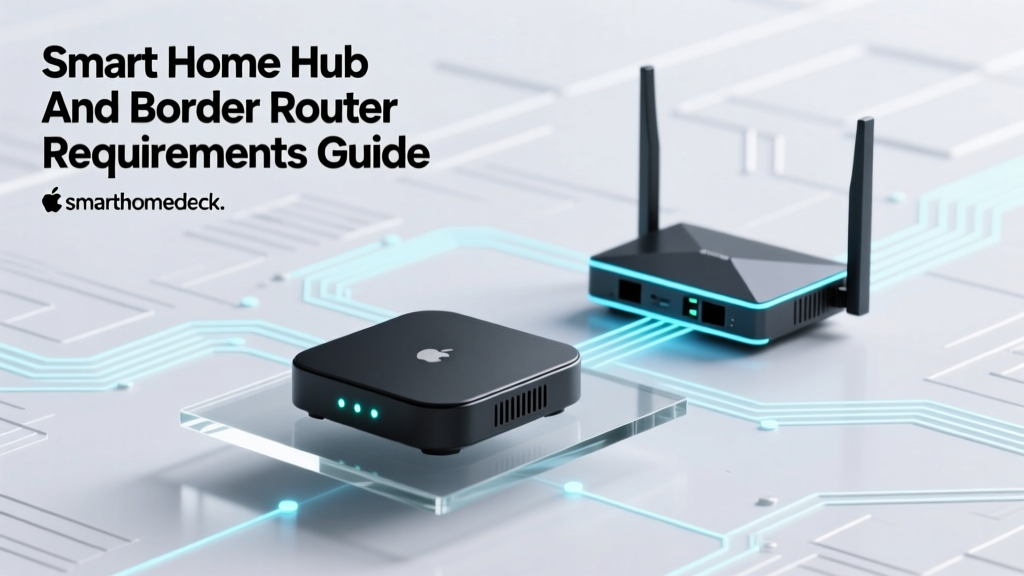
Thread networks do not use 'hubs' in the traditional sense. Instead, they use Thread Border Routers. According to the Thread Group Overview, a Border Router's primary job is to forward packets between the Thread mesh network (which uses 802.15.4 radio) and your local IP network (Wi-Fi/Ethernet).
Because Thread is native IPv6, your smart home devices get their own local IP addresses, just like your laptop or smartphone. The Border Router does not act as a central 'brain' for automations; it simply acts as a bridge to the local network and the cloud. The 'brain' (the controller) can be an Apple HomePod, a SmartThings app, or a Home Assistant server, all communicating with the Thread devices via your standard Wi-Fi network.
Why You Don't Need to 'Match' Border Routers to Brands
One of the most revolutionary aspects of Thread is how it handles multiple Border Routers. In the Zigbee days, buying a Philips Hue Bridge and a SmartThings Hub meant creating two separate, competing Zigbee networks.
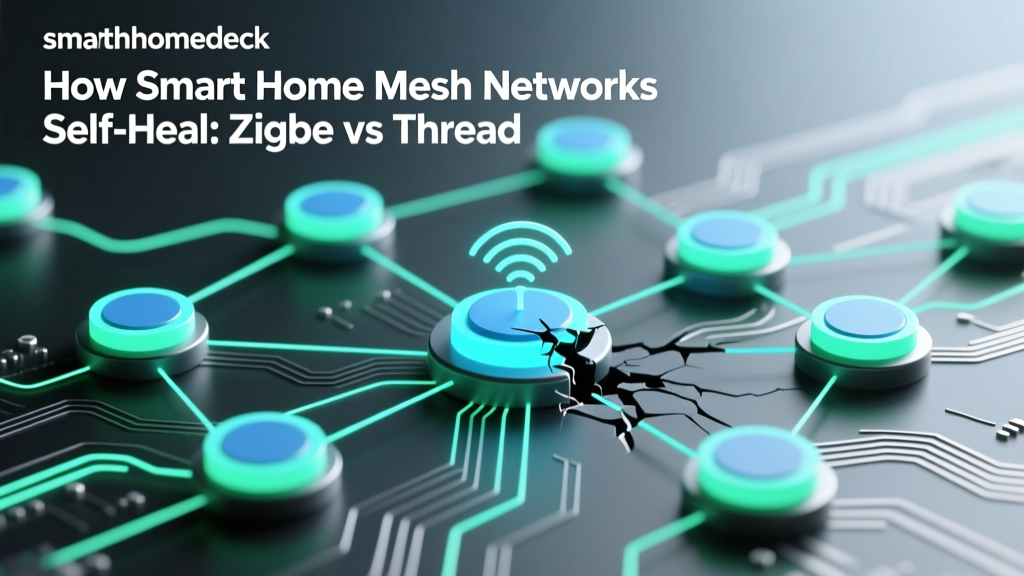
With Thread, the protocol is designed to merge networks automatically. If you have an Apple TV 4K acting as a Border Router in the living room, and a Google Nest Hub Max acting as a Border Router in the kitchen, they will automatically discover each other and form a single, unified Thread mesh network. This eliminates the concept of 'ecosystem lock-in' at the network level and dramatically improves range and redundancy. If the Apple TV loses power, the Nest Hub seamlessly takes over routing duties without dropping a single smart bulb.
Common Thread Border Router Hardware
You likely already own a Thread Border Router without realizing it. Most modern smart speakers and streaming boxes include the necessary 802.15.4 radios:
- Apple TV 4K (3rd Gen, Wi-Fi + Ethernet): $129 - $149. The gold standard for Apple HomeKit and Matter over Thread.
- Google Nest Hub (2nd Gen) & Nest Hub Max: $99 - $229. Essential for Google Home ecosystem users adopting Matter.
- Amazon Echo (4th Gen) & Echo Show 8 (3rd Gen): $99 - $149. Amazon's primary Thread Border Router endpoints.
- Dedicated Border Routers: Devices like the Nanoleaf Border Router or Aqara Hub M3 ($100 - $130) are designed purely to extend Thread mesh range without the extra microphones or screens of a smart speaker.
Protocol Requirements Comparison Table
To visualize the infrastructure requirements across the smart home landscape, refer to the comparison table below:
| Protocol | Infrastructure Type | Mesh Behavior | Frequency Band | Avg. Hardware Cost |
|---|---|---|---|---|
| Z-Wave | Dedicated Hub / Coordinator | Source Routing (Strict) | Sub-GHz (908.42 MHz US) | $40 - $350 |
| Zigbee | Dedicated Hub / Coordinator | Many-to-Many Mesh | 2.4 GHz | $40 - $400 |
| Thread | Border Router (Bridge only) | Self-Healing IPv6 Mesh | 2.4 GHz | $99 - $229 |
| Wi-Fi | Standard Home Router | Star Topology (No Mesh) | 2.4 / 5 / 6 GHz | $0 (Uses existing router) |
| Bluetooth LE | Gateway (for remote access) | Point-to-Point / Broadcast | 2.4 GHz | $30 - $100 |
Visualizing Hub Costs and Network Capacities
When planning your budget, it is important to understand the cost disparity between dedicated legacy hubs and modern multi-purpose border routers. The chart below illustrates the average entry cost for establishing a primary network coordinator or border router across different protocol ecosystems.
Wi-Fi and Bluetooth: Do You Need a Hub?
Not every protocol requires specialized smart home hardware. Understanding when you can rely on your existing network gear is just as important as knowing when to buy a hub.
Wi-Fi: The Hubless Standard
Wi-Fi smart devices (like LIFX bulbs, TP-Link Kasa plugs, and Ecobee thermostats) connect directly to your home's primary internet router. They do not require a secondary smart home hub. However, Wi-Fi is not a mesh protocol in the IoT sense; every device must maintain a direct, high-power connection to your router. If you have 50 Wi-Fi smart bulbs, you will likely crash a standard consumer router. For Wi-Fi heavy homes, investing in a high-end Mesh Wi-Fi system (like Eero or Asus ZenWiFi) with strong IGMP snooping and high client-capacity is the actual 'hub' requirement.
Bluetooth LE: The Gateway Caveat
Bluetooth Low Energy (BLE) is fantastic for local, proximity-based control and device provisioning. However, BLE has a very short range (typically under 30 feet) and cannot connect to the cloud independently. If you want to control a BLE smart lock or sensor while away from home, you need a Bluetooth Gateway. Fortunately, most modern smart hubs (like SmartThings and Apple TV) include BLE radios and act as gateways automatically, bridging the Bluetooth signal to your Wi-Fi network.
Strategic Placement for Maximum Reliability
Buying the right hub or border router is only half the battle; physical placement dictates your network's reliability. Because Zigbee, Thread, and Bluetooth all operate on the crowded 2.4 GHz spectrum, interference from Wi-Fi routers, microwaves, and thick walls can cripple your smart home.
- Elevation is Key: Never place a Zigbee hub or Thread Border Router on the floor or behind a TV. Radio waves propagate outward and downward like an umbrella. Place your hub on a high shelf or mount it near the ceiling in a central location.
- The 2.4 GHz Channel Dance: If your home Wi-Fi is set to channel 1 or 6, configure your Zigbee hub to use channel 15, 20, or 25. This ensures the smart home mesh operates in the 'gaps' between your Wi-Fi channels, preventing packet collisions.
- Sub-GHz Advantage: As noted by the Z-Wave Alliance, Z-Wave operates on sub-GHz frequencies (908.42 MHz in the US). This allows it to penetrate walls, floors, and foliage much more effectively than 2.4 GHz protocols. If you are installing smart locks or gate sensors at the edge of your property, a Z-Wave hub placed near the exterior wall will vastly outperform a Thread or Zigbee router in the same location.
- Thread Router Density: Because Thread Border Routers merge networks, you should strategically place them at opposite ends of your home. An Apple TV in the master bedroom and a Nest Hub in the kitchen will create a wide, resilient Thread mesh blanket, ensuring that low-power 'sleepy end devices' (like battery-operated door sensors) always have a nearby routing node to ping.
Final Verdict: Building Your Protocol Backbone
The transition from traditional smart home hubs to Thread Border Routers represents a massive leap forward in consumer-friendly networking. If you are starting fresh today, the most cost-effective and future-proof strategy is to leverage the smart speakers and streaming boxes you already own as Thread Border Routers for Matter-compatible devices.
However, legacy protocols are not dead. Z-Wave remains unmatched for outdoor range and security applications, while Zigbee boasts the largest catalog of affordable, low-power sensors on the market. For the ultimate smart home, a hybrid approach is best: utilize a premium local hub like the Homey Pro or a Home Assistant server with dedicated USB dongles to manage your Zigbee and Z-Wave fleets, while allowing your Apple TVs and Nest Hubs to seamlessly route your new Matter over Thread devices. By understanding the distinct hardware requirements of each protocol, you can eliminate network bottlenecks, reduce latency, and build a smart home that truly works in harmony.