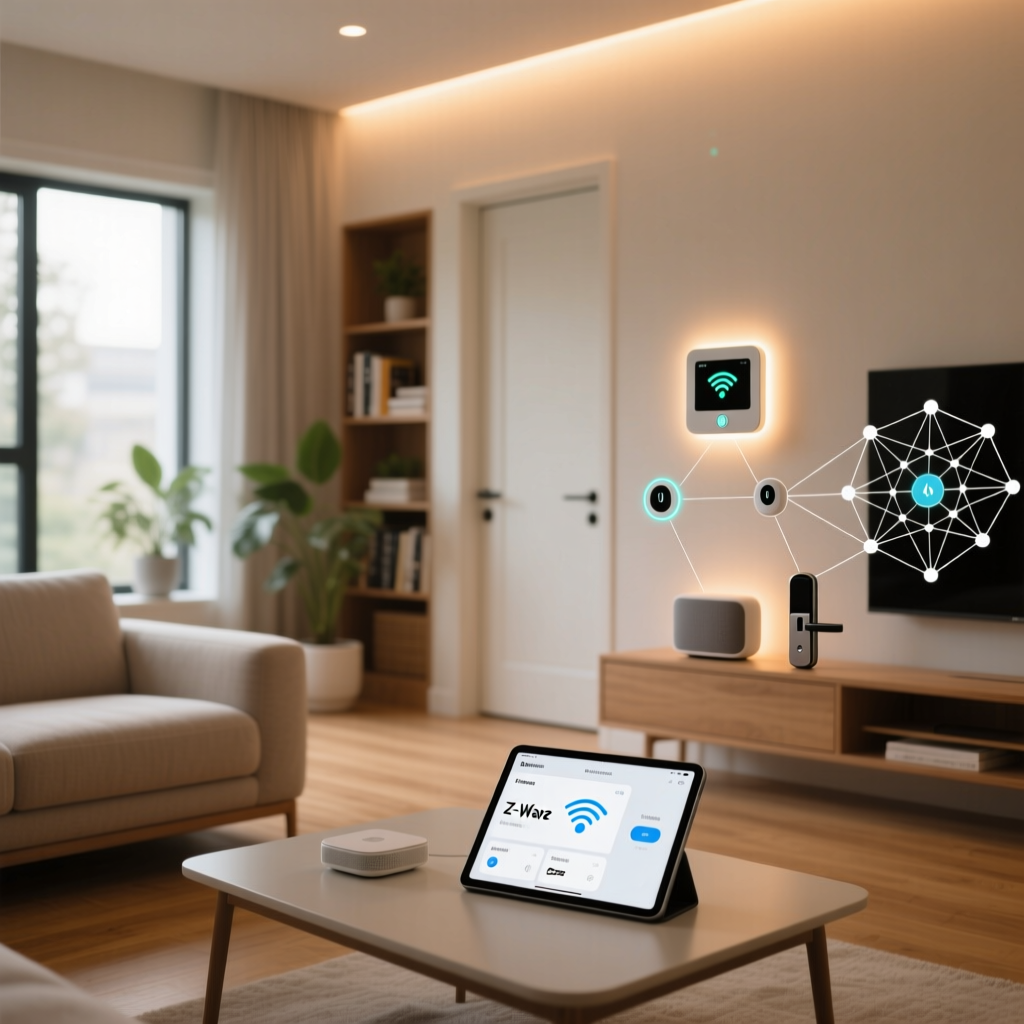
Imagine this: you are hosting a dinner party, and you use a voice command to dim the living room lights and start the smart speaker. The lights adjust perfectly, but the speaker remains silent. A quick check of your app reveals the dreaded "Device Unreachable" status. For many smart home enthusiasts, this scenario is a frustratingly common occurrence. The root cause is rarely a broken device; rather, it is a failure in the underlying wireless communication network. This is where the magic of self-healing mesh networks comes into play.
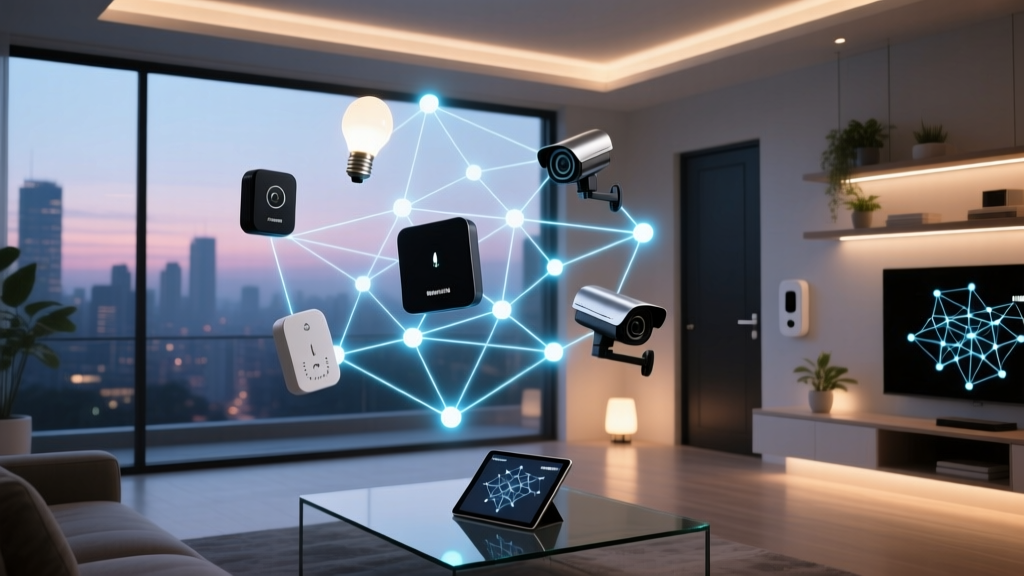
Unlike traditional Wi-Fi setups where every device connects directly to a central router in a "hub-and-spoke" topology, smart home protocols like Zigbee, Z-Wave, and Thread utilize a mesh topology. In a mesh network, devices talk not only to the central hub but also to each other, creating a web of interconnected pathways. When one pathway is blocked or a device fails, a true mesh network will automatically "heal" itself by finding an alternate route for the data. Understanding how this self-healing mechanism works across different protocols is the key to building a bulletproof smart home.
The Anatomy of a Smart Home Mesh Network
Before diving into the self-healing mechanics, it is crucial to understand the hierarchy of devices within a mesh network. Not all smart home devices are created equal when it comes to routing data. The Silicon Labs mesh networking guide categorizes nodes into distinct roles that dictate how the network behaves.
- The Coordinator (or Border Router): This is the brain of the network. It forms the network, assigns addresses, and manages security keys. In Zigbee, this is your main hub (like a Philips Hue Bridge or a ConBee II stick). In Thread, this role is handled by Border Routers like the Apple HomePod Mini or Nest Hub.
- Routers (or Repeaters): These are the backbone of the mesh. Routers are always mains-powered devices (like smart plugs, in-wall switches, and hardwired light bulbs) that stay awake 24/7. They receive, store, and forward data packets to other devices, effectively extending the range of the network.
- End Devices: These are typically battery-powered sensors, smart locks, and wireless buttons. To conserve battery life, end devices spend most of their time in a deep sleep. They communicate only with their designated "parent" router and cannot forward traffic for other devices.
"A mesh network is only as strong as its routing backbone. Relying on battery-powered end devices to fill coverage gaps is a fundamental misunderstanding of mesh topology."
The "Self-Healing" Mechanism Explained
So, what exactly does "self-healing" mean in a practical sense? Self-healing is the network's ability to dynamically recalculate routing tables when the physical environment changes or when a node drops offline.
Let us look at a real-world scenario. You have a Zigbee motion sensor in your garage that is too far from your central hub. To bridge the gap, you plug a smart switch into an outlet in the mudroom, acting as a router. The motion sensor successfully sends its data to the smart switch, which forwards it to the hub. One day, someone unplugs the smart switch to vacuum the car, and forgets to plug it back in. The mudroom router is now dead.
In a non-mesh or poorly configured network, the garage sensor simply goes offline. In a self-healing mesh network, the following sequence occurs:
- Heartbeat Failure: The garage sensor attempts to send its regular "keep-alive" or data packet to its parent (the mudroom switch) and receives no acknowledgment (ACK).
- Route Discovery: The sensor immediately initiates a route discovery process. It broadcasts a request to find a new path to the coordinator.
- Table Update: Neighboring routers (perhaps a smart bulb in the kitchen and a plug in the hallway) receive the broadcast. They calculate the most efficient path back to the coordinator and reply to the sensor.
- Re-routing: The garage sensor updates its internal routing table and begins sending data through the kitchen bulb instead. The network has healed itself, usually within milliseconds, without any user intervention.
Protocol Showdown: How Zigbee, Z-Wave, and Thread Handle Healing
While the concept of self-healing is universal across mesh protocols, the underlying engineering and efficiency vary significantly. According to the Z-Wave Alliance, different frequency bands and routing algorithms drastically impact network resilience.
Zigbee 3.0: The AODV Veteran
Zigbee operates on the crowded 2.4 GHz frequency band. It uses Ad hoc On-Demand Distance Vector (AODV) routing. When a route breaks, Zigbee devices must perform a new route discovery, which can sometimes cause a noticeable delay (often 1 to 3 seconds) in command execution while the network recalculates. Furthermore, because Zigbee shares the 2.4 GHz spectrum with Wi-Fi and Bluetooth, a "healed" route might still suffer from interference if it passes through a congested wireless channel.
Z-Wave Plus V2: The Sub-GHz Specialist
Z-Wave operates in the sub-GHz band (908.42 MHz in the US), allowing it to penetrate walls and floors much more effectively than Zigbee. Z-Wave uses a source routing mechanism where the central controller calculates the best paths and pushes them to the devices. However, modern Z-Wave Plus V2 networks utilize "Explorer Frames" to allow devices to dynamically discover new routes locally when a commanded route fails, blending centralized control with decentralized self-healing.
Thread: The IP-Based Future
Thread, the backbone of the new Matter standard, represents a massive leap forward in mesh reliability. As detailed by the Connectivity Standards Alliance (CSA), Thread uses IPv6 natively. It has no single point of failure; if a Thread Border Router goes offline, the mesh dynamically elects a new leader from the remaining routers. Thread's self-healing is exceptionally fast because it leverages standard IP routing protocols adapted for low-power networks (6LoWPAN), resulting in near-instantaneous recovery times.
Mesh Network Recovery Time Comparison
Comparing the Big Three: Data Breakdown
To help you choose the right foundation for your smart home, here is a technical comparison of how these protocols handle mesh networking constraints.
| Feature | Zigbee 3.0 | Z-Wave Plus V2 | Thread 1.2 |
|---|---|---|---|
| Frequency | 2.4 GHz | Sub-GHz (Region Dependent) | 2.4 GHz |
| Max Nodes (Theoretical) | 65,000+ | 232 (Classic) / 4000+ (LR) | Virtually Unlimited (IPv6) |
| Practical Router Limit | ~150-200 | ~232 | 250+ per Border Router |
| Routing Algorithm | AODV (Decentralized) | Source + Explorer Frames | RPL (IPv6 Routing) |
| Single Point of Failure? | Yes (Coordinator) | Yes (Primary Controller) | No (Distributed Leader) |
| Wall Penetration | Poor | Excellent | Poor |
Practical Strategies for Building an Unbreakable Mesh
Understanding the theory is only half the battle. To achieve a truly self-healing network that requires zero maintenance, you must strategically design your device layout. Here are the golden rules for mesh fortification.
1. Build a Mains-Powered Backbone
Your network's healing capability is directly tied to the number of routers you have. Every hardwired smart switch, smart plug, and mains-powered smart bulb acts as a repeater. Aim to have at least one router in every room, and ideally, one for every 15 to 20 feet of open space. Battery-powered devices (like Aqara temperature sensors or Ring doorbells) are "leeches" on the mesh; they consume bandwidth and routing resources without giving anything back.
2. Avoid the "Hub Proximity" Trap
A common mistake is placing all smart plugs and switches in the same room as the central hub. If you plug five Zigbee smart plugs into a power strip next to your hub, you have not extended your mesh; you have just created a dense, useless cluster. Distribute your routers evenly throughout the home to create a wide, overlapping web of coverage.
3. Elevate Your Routers
Wireless signals degrade when they pass through dense materials like concrete, metal appliances, and water (including large aquariums or water heaters). Place smart plugs and switches at waist height or higher, avoiding locations behind televisions or inside metal entertainment consoles.
Top Self-Healing Mesh Devices to Buy
If your network map looks sparse, you need to inject dedicated routers into the ecosystem. Here are three highly reliable, cost-effective devices to fortify your mesh, categorized by protocol.
- Z-Wave: Aeotec Smart Switch 7 (Approx. $45)
Aeotec is the gold standard for Z-Wave. The Smart Switch 7 features an integrated signal repeater with an external antenna option, making it one of the most powerful Z-Wave routers available. It is perfect for penetrating thick exterior walls to reach outdoor smart locks or garage sensors. - Zigbee: Innr Smart Plug SP 240 (Approx. $25)
While Philips Hue plugs are great, they often lock you into the Hue ecosystem. The Innr SP 240 is a compact, affordable Zigbee 3.0 router that pairs beautifully with universal hubs like Home Assistant (via Zigbee2MQTT) or Hubitat. Its small form factor ensures it will not block adjacent outlets. - Thread: Eve Energy Smart Plug (Approx. $50)
For those building a modern Matter/Thread ecosystem, the Eve Energy plug acts as a robust Thread router. It also provides real-time energy monitoring and supports Apple HomeKit natively, making it a versatile addition to any border-routed mesh.
Troubleshooting Network Blackholes
Even the best self-healing networks can develop "blackholes"—areas where data packets are consistently dropped due to environmental interference or failing hardware. If a specific device constantly shows as disconnected, do not immediately blame the device itself. Instead, look at its parent router.
If you use advanced hubs like Hubitat or Home Assistant with Zigbee2MQTT or Z-Wave JS, you can view your network's topology map. Look for devices that are routing through a single, distant parent. If a smart lock is trying to route through a smart bulb three rooms away, the self-healing algorithm has failed to find a closer router. The solution is not to move the lock, but to place a dedicated smart plug halfway between the lock and the hub to provide a stronger, closer routing node.
When to Rebuild the Mesh
Sometimes, a network's routing table becomes corrupted after a massive power outage or a hub firmware update. If multiple devices are failing to heal, you may need to force a network rebuild. In Z-Wave, this is done via a "Heal Network" command in your hub's interface, which forces the controller to recalculate all source routes. In Zigbee and Thread, simply power-cycling the central coordinator (leaving the routers powered on) will force the end devices to re-announce themselves and establish fresh, optimized links.
Conclusion
A smart home is only as smart as its ability to stay connected. The self-healing capabilities of Zigbee, Z-Wave, and Thread are what separate a frustrating gadget collection from a seamless, automated living space. By understanding the distinct roles of coordinators, routers, and end devices, and by strategically placing mains-powered repeaters throughout your home, you can leverage these protocols to build a network that heals its own wounds. Whether you are choosing the wall-penetrating power of Z-Wave, the massive node capacity of Zigbee, or the decentralized resilience of Thread, the principles of a strong mesh backbone remain the same. Invest in your routing infrastructure, and your smart home will reward you with unwavering reliability.