What is the Thread Protocol?
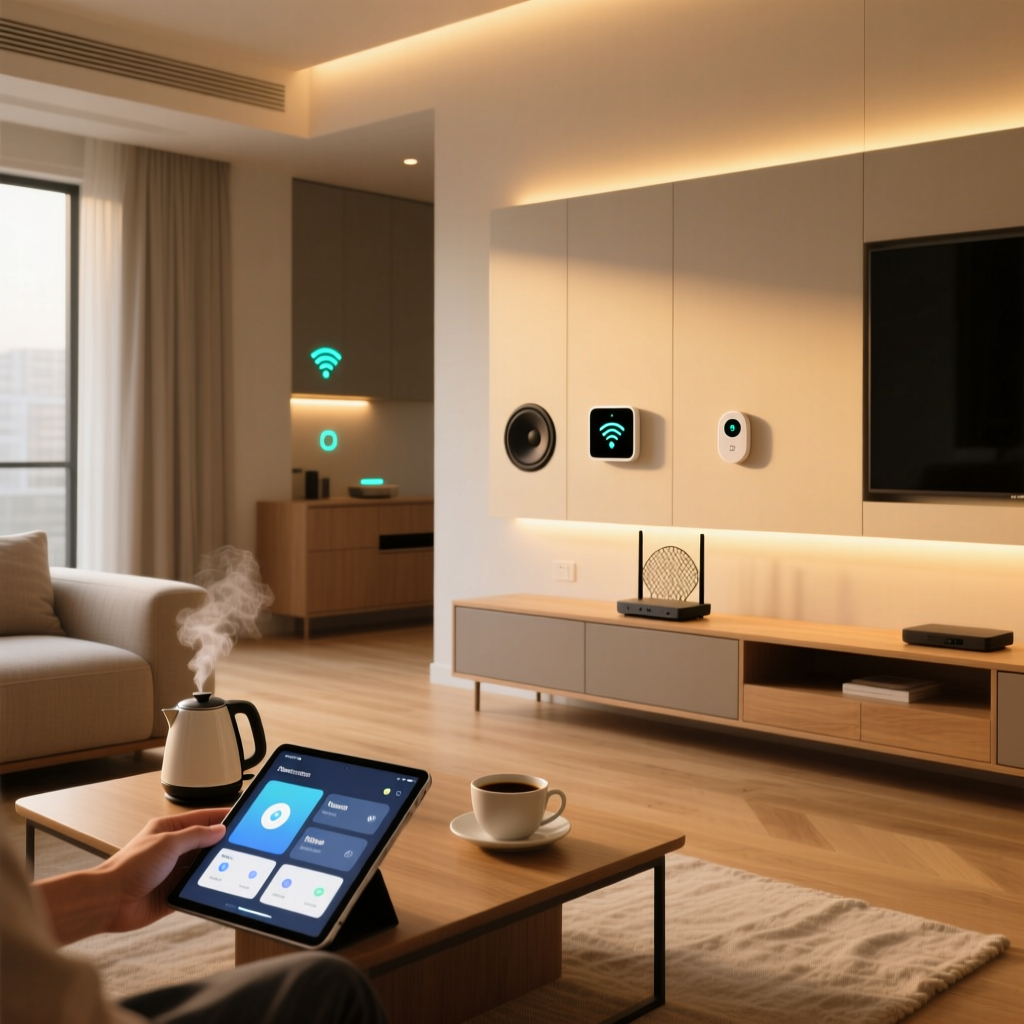
If you have ever set up a smart home, you are likely familiar with the frustration of fragmented ecosystems. Your Wi-Fi bulbs might not talk to your Zigbee sensors, and your Bluetooth locks might require a separate hub. Enter Thread, a wireless networking protocol designed specifically to solve the unique challenges of the Internet of Things (IoT). Unlike traditional protocols that were adapted for smart homes, Thread was built from the ground up by industry giants including Nest (Google), Samsung, ARM, and Qualcomm.
At its core, Thread is an IPv6-based, low-power, wireless mesh networking protocol. It operates on the IEEE 802.15.4 radio standard, utilizing the 2.4 GHz frequency band. But what truly sets Thread apart is its native support for IPv6. In older protocols like Zigbee or Z-Wave, devices use proprietary network addresses that require a central hub to translate their data into IP packets so they can communicate with the cloud or your smartphone. Thread eliminates this translation bottleneck. Every Thread device gets its own unique IP address, allowing for direct, secure, and seamless communication across your local network and the broader internet.
According to the Thread Group, the consortium that maintains the standard, Thread is designed to be reliable, secure, and scalable. Because it uses a mesh topology, there is no single point of failure. If one device drops offline, the network automatically reroutes data through other nodes, ensuring your smart home remains responsive even as your network grows to include hundreds of devices.
How Thread Works: The Mesh Network Advantage
To understand Thread, you must understand the concept of a mesh network. In a traditional Wi-Fi 'star' network, every device connects directly to a central router. If you place a smart plug in your backyard, far from your router, the signal will drop. In a Thread mesh network, every mains-powered device (like a smart bulb or a smart plug) acts as a 'node' or a 'router' that extends the network's range.
Thread classifies devices into a few key roles:
- Thread Border Router: This is the bridge between your Thread network and your Wi-Fi/Ethernet network. It allows Thread devices to communicate with the cloud and your smartphone. Examples include the Apple HomePod Mini, Amazon Echo (4th Gen), and Google Nest Hub.
- Thread Router (REED): Router-Eligible End Devices are typically mains-powered gadgets that can route messages for other devices, expanding the mesh.
- Thread End Device (SED): Sleepy End Devices are battery-powered sensors (like motion detectors or door contacts) that sleep most of the time to conserve battery. They do not route traffic; they only send and receive data when necessary.
This self-healing architecture means that adding more Thread devices actually makes your network stronger and more reliable, which is the exact opposite of Wi-Fi, where adding more devices congests the bandwidth and degrades performance.
Thread vs. Zigbee vs. Wi-Fi vs. Z-Wave
How does Thread stack up against the legacy protocols you might already be using? Below is a detailed comparison of the most common smart home wireless standards.
| Feature | Thread | Zigbee | Wi-Fi | Z-Wave |
|---|---|---|---|---|
| Network Topology | IPv6 Mesh | Mesh | Star | Mesh |
| Frequency Band | 2.4 GHz | 2.4 GHz | 2.4 / 5 / 6 GHz | 908.42 MHz (US) |
| IP Addressing | Native IPv6 | Requires Hub Translation | Native IPv4/IPv6 | Requires Hub Translation |
| Power Consumption | Very Low | Low | High | Low |
| Data Rate | 250 kbps | 250 kbps | Up to Gbps | 100 kbps |
| Hub Required? | Border Router Required | Yes (Proprietary) | No | Yes (Proprietary) |
While Wi-Fi offers superior data rates suitable for streaming 4K video, it is incredibly power-hungry. You would never put a Wi-Fi radio inside a battery-powered door sensor because the battery would drain in weeks. Thread offers the low power consumption of Zigbee and Z-Wave, but with the modern, IP-based routing that makes local network integration vastly superior.
The Role of Matter and Thread
It is impossible to discuss Thread without mentioning Matter. Many beginners confuse the two, thinking they are competing standards. In reality, they are complementary. Thread is a networking protocol (the roads and highways), while Matter is an application layer (the language spoken by the cars driving on those roads).
The Connectivity Standards Alliance (CSA) developed Matter to ensure that a smart bulb from one brand can be controlled by a smart speaker from another brand. Matter can run over Wi-Fi, Ethernet, or Thread. However, for low-power devices like sensors, locks, and battery-powered buttons, Thread is the preferred and often mandatory transport layer for Matter. Together, Matter and Thread promise a unified, reliable, and highly responsive smart home ecosystem free from proprietary walled gardens.
Security Features: Banking-Grade Protection
Security is a paramount concern for any IoT deployment. Thread was designed with security as a foundational pillar, not an afterthought. All Thread networks require AES-128 encryption for all communications. This means that even if a malicious actor intercepts the radio waves in your home, the data is scrambled and unreadable.
Furthermore, Thread utilizes a secure commissioning process. When you add a new device to your Thread network, it does not simply broadcast its presence for anyone to connect to. Instead, it uses Bluetooth Low Energy (BLE) and a secure handshake—often initiated by scanning a QR code on the device with your smartphone—to securely transfer the network credentials. This prevents 'man-in-the-middle' attacks and unauthorized devices from joining your mesh. Guidelines from the National Institute of Standards and Technology (NIST) heavily emphasize the importance of encrypted transit and secure provisioning for IoT devices, both of which are natively baked into the Thread standard.
Essential Thread Devices to Get Started
Building a Thread network requires a mix of Border Routers and End Devices. Here is a practical buying guide with specific product recommendations and estimated costs to help you get started.
1. Thread Border Routers (The Foundation)
You likely already own a Thread Border Router without realizing it. Many modern smart speakers and mesh Wi-Fi routers include Thread radios that can be activated via software updates.
- Apple HomePod Mini ($99) / Apple TV 4K ($129): Apple has been a massive proponent of Thread. Both devices act as robust Border Routers for Apple HomeKit and Matter ecosystems.
- Amazon Echo (4th Gen) ($99): The spherical 4th generation Echo includes a Zigbee hub and a Thread Border Router, making it a versatile centerpiece for mixed-protocol homes.
- Google Nest Hub (2nd Gen) ($99) / Nest Wifi Pro ($199): Google's Nest ecosystem relies heavily on Thread for local processing and Matter support.
- Eero 6 Mesh Router ($119+): If you are upgrading your home Wi-Fi, Eero routers double as excellent, wide-coverage Thread Border Routers.
2. Thread End Devices (The Peripherals)
Once your Border Router is set up, you can start adding Thread-enabled devices. Look for the 'Thread' or 'Matter' logos on the packaging.
- Eve Energy Smart Plug ($39): One of the most reliable Thread plugs on the market. It provides real-time energy monitoring and acts as a Thread Router to extend your mesh.
- Nanoleaf Essentials A19 Bulb ($19): An affordable, color-changing smart bulb that supports both Thread and Matter. It adapts to your circadian rhythm and requires no proprietary hub.
- Yale Assure Lock 2 ($239): A premium smart lock that offers a Thread module option, ensuring that your door lock responds instantly without draining its batteries or relying on a clunky Wi-Fi bridge.
- Aqara Door and Window Sensor P2 ($29): A Matter-over-Thread sensor that provides lightning-fast alerts to your phone when doors or windows are opened.
Practical Tips for Building and Troubleshooting Your Thread Network
While Thread is designed to be user-friendly, the physical realities of radio frequencies still apply. Here are some actionable tips to ensure your Thread network performs flawlessly.
Optimize Your 2.4 GHz Spectrum
Thread operates on the 2.4 GHz band, which is the same band used by older Wi-Fi standards, Bluetooth, and even microwave ovens. Wi-Fi typically uses channels 1, 6, and 11. Thread and Zigbee use channels that fall in the gaps between these Wi-Fi channels. To prevent interference, log into your Wi-Fi router and ensure your 2.4 GHz network is strictly set to Channel 1, 6, or 11, and avoid using 'auto' channel selection if you notice smart home latency.
Strategic Placement of Mains-Powered Devices
Remember that only mains-powered devices (plugs, bulbs, wired switches) act as Thread Routers. Battery-powered sensors are End Devices and must be within range of a Router. If you have a Thread door sensor on your front porch, ensure there is a Thread smart plug or bulb inside the house near the front door to act as a bridge for the signal.
Troubleshooting Commissioning Failures
If a device refuses to pair via Matter or Thread:
- Check Bluetooth: Thread commissioning relies on your smartphone's Bluetooth to securely pass network credentials. Ensure Bluetooth is enabled and your phone is within a few feet of the new device.
- Update Border Routers: Ensure your Apple TV, HomePod, or Echo is running the latest firmware. Early Thread implementations had bugs that have largely been resolved in recent updates.
- Reset the Device: If a device was previously on another network, it may hold onto old credentials. Perform a factory reset (usually by holding the power button for 10 seconds) before attempting to scan the Matter QR code again.
Conclusion: Is Thread Worth the Switch?
The transition to Thread is not just a minor incremental update; it represents a fundamental shift in how smart homes operate. By leveraging native IPv6, eliminating the need for proprietary translation hubs, and utilizing a self-healing mesh topology, Thread solves the reliability and latency issues that have plagued smart home enthusiasts for years.
While you do not need to rip out your existing Zigbee or Wi-Fi devices today, any new smart home purchase—especially battery-powered sensors, smart locks, and lighting—should prioritize Thread and Matter compatibility. As more manufacturers adopt the standard, the dream of a truly unified, responsive, and secure smart home is finally becoming a reality. Start by identifying the Thread Border Routers you already own, pick up a few Thread-enabled smart plugs to build your mesh, and experience the future of home automation firsthand.