Building a Unified Smart Home with Matter
Transitioning from a collection of disparate smart gadgets to a cohesive, automated ecosystem has historically been a frustrating endeavor plagued by walled gardens and incompatible protocols. Today, the landscape has fundamentally shifted. By adopting a Matter-ready whole-home automation plan, you can ensure that your living room, kitchen, bedroom, and outdoor spaces communicate seamlessly, regardless of whether you use Apple HomeKit, Amazon Alexa, Google Home, or Samsung SmartThings. The Connectivity Standards Alliance developed Matter to unify the smart home, utilizing Thread and Wi-Fi to create a local, low-latency mesh network that does not rely on cloud servers for basic automations.
This comprehensive, room-by-room blueprint is designed for homeowners and renters looking to build a scalable, future-proof smart home. We will explore specific device recommendations, installation tips, aesthetic integrations, and budget tiers to help you transform your house into an intelligent, responsive environment.
The Foundation: Network and Matter Hubs
Before purchasing individual room sensors, your network infrastructure must be prepared to handle the multicast traffic generated by Thread and Matter devices. A standard ISP-provided router will quickly buckle under the weight of 50+ IoT endpoints.
Core Infrastructure Requirements
- Wi-Fi 6E Mesh System: Upgrade to a Wi-Fi 6E mesh system (e.g., Eero Pro 6E or TP-Link Deco XE75) to dedicate the 6GHz band to high-bandwidth devices like cameras and TVs, leaving the 2.4GHz band clear for legacy IoT devices.
- Thread Border Routers: Matter over Thread requires border routers to bridge the low-power mesh network to your Wi-Fi. Devices like the Apple TV 4K (Ethernet model), Nest Hub Max, and Amazon Echo (4th Gen) act as border routers. Place at least two border routers in central locations to ensure complete home coverage.
- IGMP Snooping: Ensure your router's IGMP snooping is enabled in the admin panel. This prevents Matter multicast packets from flooding your entire network, which can cause Wi-Fi drops for laptops and phones.
Living Room: Entertainment and Adaptive Ambiance
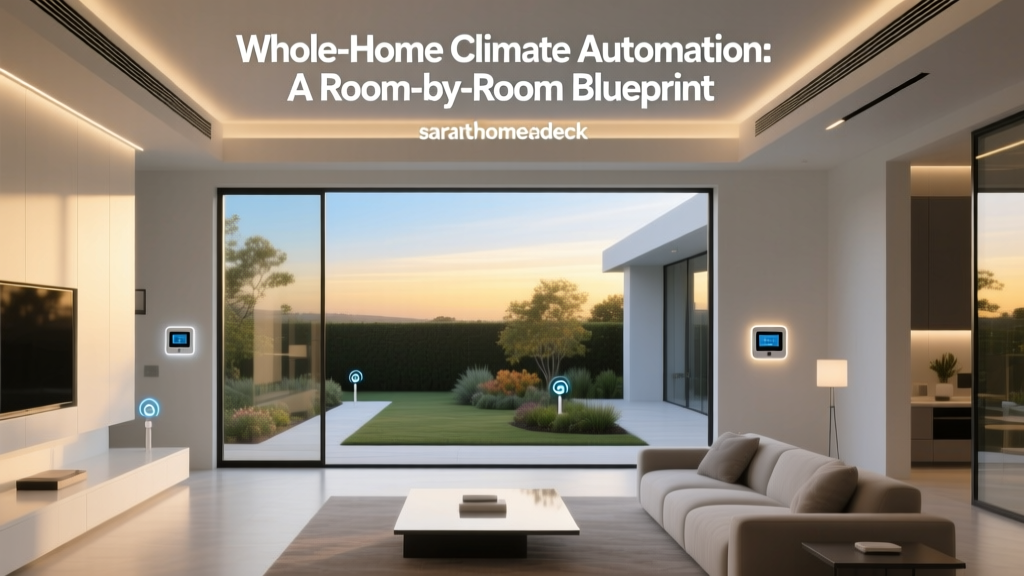
The living room is the high-traffic hub of the home, requiring a balance of entertainment control, climate management, and adaptive lighting. Aesthetic integration is crucial here; devices should blend into the decor rather than look like industrial equipment.
Device Recommendations
- Lighting (Nanoleaf Shapes or Skylight): Matter-compatible Nanoleaf panels offer stunning geometric wall art that doubles as ambient bias lighting for your TV. Installation Tip: Use the included mounting tape for drywall, but for textured walls, use the screw-mount adapters to prevent gravity-induced detachment over time.
- Climate (Ecobee Smart Thermostat Premium): According to the U.S. Department of Energy, smart thermostats can save homeowners 10% to 15% on heating and cooling costs. The Ecobee Premium features a built-in smart speaker and air quality monitor. Design Note: Its sleek, glass-fronted black or white finish easily matches modern minimalist interiors.
- Occupancy (Aqara Presence Sensor FP2): Unlike standard PIR motion sensors that turn off lights when you sit still, the FP2 uses mmWave radar to detect micro-movements like breathing. Installation Tip: Mount the FP2 at a height of 6.5 feet, angled slightly downward, to achieve its full 160-degree coverage cone without false triggers from ceiling fans.
Kitchen: Safety, Monitoring, and Appliance Control
The kitchen is a high-risk area for water damage and fire hazards, making safety-oriented automation just as important as convenience. Because kitchens generate heat, steam, and grease, device placement must be strategic.
Device Recommendations
- Leak Detection (Eve Water Guard): This Matter-over-Thread device features a plug-in base and an 6.5-foot extendable sensing cable. Run the cable along the baseboards under your sink, dishwasher, and refrigerator ice maker. If moisture is detected, it triggers a localized 100-decibel siren and sends push notifications.
- Appliance Control (Meross Matter Smart Plugs): Use these to automate "dumb" appliances like coffee makers or slow cookers. Safety Warning: Always check the amperage rating. The Meross plug supports up to 15A, making it safe for coffee makers, but never use it for high-draw appliances like toaster ovens or microwaves.
- Smart Display (Amazon Echo Show 15 or Apple HomePod with iPad Mount): Mount a smart display on the wall or under cabinets to follow recipes, view security cameras, and manage kitchen timers via voice.
Bedroom: Circadian Rhythms and Privacy-First Automation
Bedroom automation should prioritize sleep hygiene, privacy, and comfort. Cameras and microphones should be avoided in this space to maintain a sanctuary-like environment.
Device Recommendations
- Window Treatments (Aqara Roller Shade Driver E1): This Matter-ready motor attaches to your existing roller shades via a 3D-printed or included adapter. Automation Logic: Program the shades to open gradually over 15 minutes at your wake-up time, mimicking a natural sunrise to halt melatonin production.
- Circadian Lighting (Philips Hue via Matter Bridge): Hue bulbs automatically adjust color temperature from a crisp 5000K daylight during the morning to a warm 2000K amber in the evening. Design Tip: Use Hue Lightstrips behind the headboard for indirect, glare-free reading light.
- Air Quality (Dyson Purifier Cool Formaldehyde): While not natively Matter, it integrates via HomeKit and IFTTT to trigger high-speed purification when indoor VOC levels rise, ensuring optimal breathing conditions during sleep.
Bathroom and Outdoor: Leak Prevention and Perimeter Security
Bathrooms demand moisture management, while outdoor spaces require robust security and curb appeal. Devices in these areas must be rated for high humidity or extreme weather.
Bathroom Automation
- Humidity Control (Lutron Caseta Fan Switch): Replace your standard exhaust fan switch with a Lutron Caseta smart switch (connected via the Caseta hub to Matter). Pair it with a wireless humidity sensor to automatically run the exhaust fan until moisture levels drop below 50%, preventing mold growth.
- Water Monitoring (Moen Flo Smart Water Shutoff): Installed on your main water line, this device uses AI to learn your home's water usage patterns and will automatically shut off the water supply if it detects a catastrophic micro-leak or pipe burst.
Outdoor and Garage Security
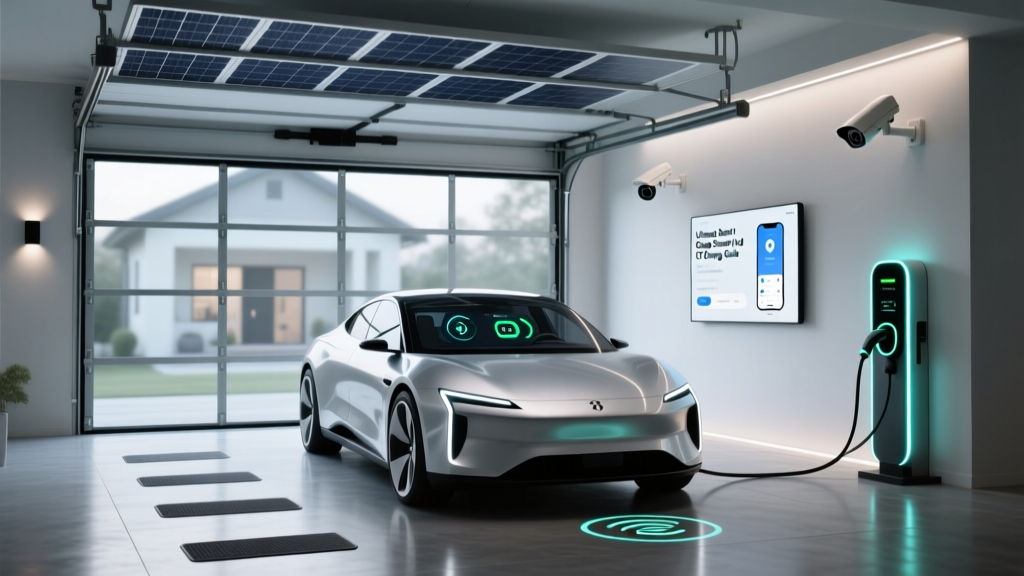
- Garage Access (Meross Matter Smart Garage Door Opener): This device adds Matter control to your existing garage door motor. It includes a magnetic door sensor to provide real-time open/closed status to your smart home dashboard.
- Pathway Lighting (Eve Outdoor Energy): A weatherproof (IP65) smart plug that monitors the energy draw of your outdoor landscape lighting, allowing you to automate pathway lights based on local sunset/sunrise APIs rather than unreliable photocells.
Design, Aesthetics, and Installation Considerations
"The best smart home technology is invisible. It should enhance the architectural beauty of a space, not clutter it with blinking LEDs and plastic hubs." — SmartHomeDeck Design Philosophy
When executing a whole-home plan, aesthetic consistency is paramount. Stick to a single brand ecosystem for visible elements like light switches and wall plates. For example, if you choose Lutron Caseta for your living room, use their Pico remotes and matching wall plates in the bedrooms and hallways to maintain visual uniformity. Avoid mixing glossy white plastic switches with matte black faceplates.
For hardwired installations, always ensure you have a neutral wire in your switch boxes. Most modern smart switches (like those from Lutron, Leviton, and GE Cync) require a neutral wire to power their internal radios when the light is turned off. If your home was built before 1985, consult a licensed electrician to pull neutral wires or opt for no-neutral-required solutions like the Lutron Caseta dimmers, which use a proprietary bypass for low-wattage LED circuits.
Budgeting Your Matter-Ready Home
Below is a breakdown of estimated costs per room based on the device tiers. The Starter tier focuses on basic voice and app control, the Mid tier introduces Thread sensors and local automations, and the Pro tier includes premium finishes, advanced radar sensors, and whole-home safety shutoffs.
| Room | Starter Tier | Mid Tier | Pro Tier |
|---|---|---|---|
| Living Room | $150 | $450 | $1,100+ |
| Kitchen | $80 | $280 | $650+ |
| Bedroom | $120 | $320 | $800+ |
| Bathroom | $60 | $150 | $500+ |
| Outdoor/Garage | $90 | $350 | $900+ |
Bar chart showing estimated mid-tier device cost by room for a Matter-compatible smart home setup
Cross-Room Automation Routines
The true power of a Matter-ready home lies in cross-room automations that trigger based on context, not just time. Here are three advanced routines to program into your primary hub.
1. The "Cinematic Evening" Routine
- Trigger: Voice command "Movie Time" or Apple TV turns on.
- Living Room: Nanoleaf Shapes dim to 10% brightness and shift to a deep amber bias light. Ecobee drops the temperature by 2 degrees to compensate for body heat in a crowded room.
- Kitchen & Hallway: All overhead lights fade to off; only low-level baseboard LED strips remain at 5% to guide midnight snack runs without ruining night vision.
2. The "Kitchen Safety Net" Protocol
- Trigger: Eve Water Guard detects moisture OR Aqara Smoke Alarm triggers.
- Action: Moen Flo immediately shuts off the main water valve (if leak detected).
- Whole Home: All smart speakers announce the specific location of the hazard. Living room and bedroom lights flash red three times to alert family members wearing noise-canceling headphones.
3. The "Deep Sleep" Sequence
- Trigger: Withings Sleep Tracking Mat detects you have fallen asleep (or manual "Goodnight" button press).
- Bedroom: Aqara Roller Shades close completely. Philips Hue lights fade to zero over 10 minutes.
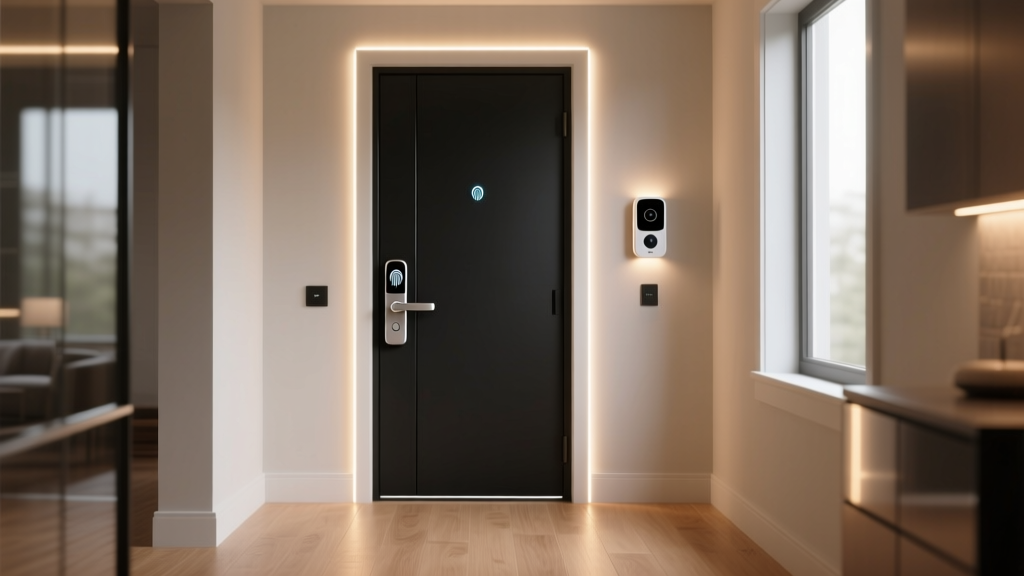
- Whole Home: All exterior doors verify their smart lock status; if unlocked, they auto-lock. Garage door verifies closed status. Thermostat enters "Sleep" eco-mode.
Conclusion
Designing a whole-home automation plan is an investment in both convenience and property value. By prioritizing Matter-compatible devices and Thread border routers, you insulate your home against the rapid obsolescence that plagued early smart home adopters. Whether you are starting with a single Mid-Tier living room setup or deploying a Pro-Tier whole-home safety net, the room-by-room approach ensures that every device serves a distinct, purposeful role in your daily life. Remember to prioritize network stability, respect the aesthetic flow of your interior design, and leverage local automations to create a home that truly thinks for itself.
For more information on how smart home technology can reduce your environmental footprint, refer to the energy-efficient lighting and appliance guidelines provided by the U.S. Department of Energy. Building a smart home is not just about luxury; it is about creating a responsive, efficient, and secure environment for years to come.