The Renter's Dilemma: Smart Homes Without the Security Deposit Risk
Renting an apartment often feels like a barrier to entering the smart home ecosystem. Landlords strictly prohibit drilling holes for hardwired smart switches, mounting heavy security cameras, or replacing existing HVAC thermostats. However, the modern smart home market has evolved significantly, offering a plethora of non-destructive, portable, and renter-friendly devices. According to the Environmental Protection Agency (EPA), integrating smart home technology can significantly reduce energy waste, a benefit that renters can enjoy without violating lease agreements or risking their security deposits.
This comprehensive guide explores how to build a fully automated, portable smart apartment setup. We will cover room-by-room solutions, budget tiers, automation routines, and the crucial moving-day teardown process to ensure your walls remain pristine.
Core Principles of a No-Drill Setup
Before purchasing any devices, it is essential to understand the foundational tools and protocols that make a renter-friendly smart home possible.
- Adhesive Mounting Solutions: Heavy-duty removable adhesives are your best friend. 3M Command Picture Hanging Strips (rated for up to 16 pounds) can securely hold smart hubs, indoor cameras, and LED light panels without damaging drywall.
- Tension and Magnetic Mounts: For window treatments, motorized tension rods eliminate the need for drilling into window frames. Magnetic mounts are perfect for attaching sensors to metal doors or appliances.
- Retrofitting Over Replacing: Instead of replacing entire fixtures, look for devices that retrofit over existing ones. This includes smart lock adapters that fit over interior thumb-turns and robotic button-pushers for existing appliances.
- Thread and Matter Protocols: When building a portable network, prioritize devices using the Thread mesh protocol. Thread devices do not rely on your apartment's Wi-Fi password, meaning when you move to a new unit, you only need to update your main border router, and all peripheral sensors will automatically reconnect.
Room-by-Room Portable Smart Solutions
Entryway and Security
Securing your apartment door without replacing the landlord's hardware is a top priority. The August Wi-Fi Smart Lock is the gold standard for renters. It replaces only the interior thumb-turn, leaving the exterior deadbolt and keys completely untouched. It fits standard doors between 1.375 and 2.25 inches thick and requires zero drilling.
For visual security, the Ring Peephole Cam replaces the existing optical peephole. By simply unscrewing the old lens from the inside and outside, you can mount the camera using the pre-existing hole. It features a built-in doorbell, two-way talk, and motion detection, all powered by a removable, rechargeable battery pack.
Living Room and Lighting
Hardwired smart switches are out; smart plugs and adhesive lighting are in. Use Kasa Smart Plug Minis to control floor lamps and decorative lighting. For ambient lighting, the Govee Glide Hexa Light Panels use 3M VHB adhesive tape. They provide stunning, modular wall designs that can be peeled off safely using a heat gun or hairdryer.
Window treatments can be automated using the SwitchBot Curtain Rod. This device utilizes a high-tension internal spring mechanism to wedge itself securely inside your existing window frame, supporting up to 22 pounds of fabric without a single screw.
Kitchen and Appliances
The kitchen is a high-risk area for water damage. Place Wyze Leak Sensors or D-Link mydlink Smart Water Leak Detectors under the sink and behind the refrigerator. These battery-powered sensors use peel-and-stick adhesive and will instantly send a push notification to your phone if moisture is detected, potentially saving you from massive liability claims.
For appliances like coffee makers or slow cookers, use a smart plug, but ensure the appliance has a physical, mechanical toggle switch. Appliances with digital standby modes will not turn on when the smart plug restores power.
Bedroom and Climate Control
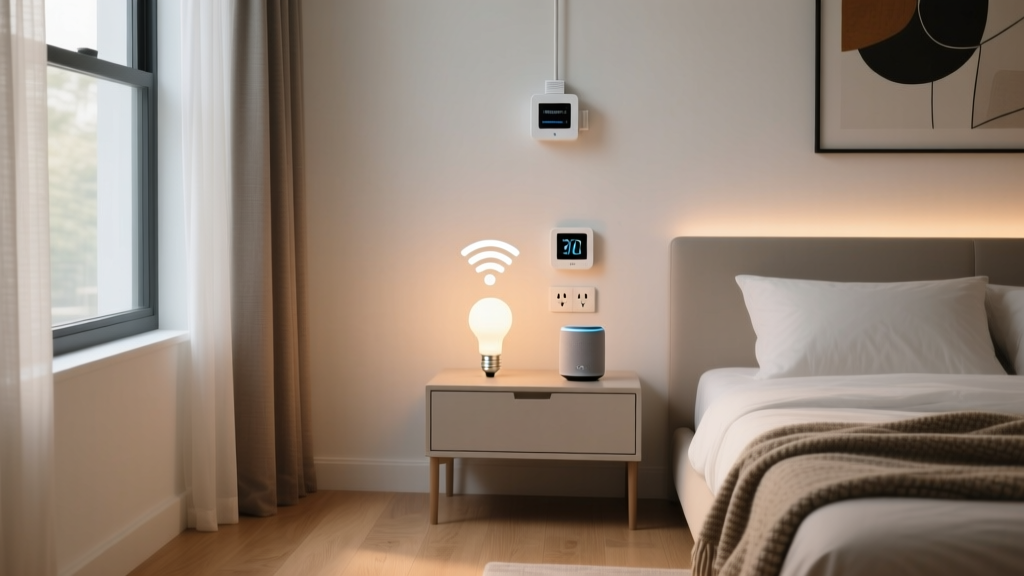
Apartment HVAC systems are often controlled by centralized, landlord-owned thermostats. To automate your bedroom climate, use the SwitchBot Bot. This ingenious, adhesive-mounted robotic finger physically presses the buttons on your portable AC unit, window AC remote, or standalone fan. Pair it with a SwitchBot Contact Sensor on your window to automatically turn off the portable AC if you open the window to let in a breeze.
Budget Tiers: Starter, Mid, and Pro
Building a smart apartment does not require a massive upfront investment. Here is a breakdown of budget tiers to suit different financial comfort levels.
| Tier | Estimated Cost | Included Devices | Best For |
|---|---|---|---|
| Starter | $100 - $180 | 4x Smart Plugs, 2x Smart Bulbs, 1x Leak Sensor, 1x Smart Hub | First-time renters wanting basic voice control and remote access. |
| Mid | $350 - $550 | Starter gear + August Smart Lock, Ring Peephole Cam, Govee LED Strips | Renters prioritizing security and ambient lighting aesthetics. |
| Pro | $700 - $1,000+ | Mid gear + SwitchBot Curtain Rod, SwitchBot Bots, Advanced Matter Sensors | Tech enthusiasts wanting full automation without structural changes. |
Data Visualization: Cost vs. Portability
When selecting devices for a rental, balancing the upfront cost with how easily the device can be packed and moved is crucial. The chart below illustrates the average market cost of popular renter-friendly devices compared to their portability score (a scale of 1-10, where 10 means it takes less than 60 seconds to pack and leaves zero residue).
As the data indicates, smart plugs and bulbs offer the highest portability with the lowest barrier to entry, making them the foundational layer of any apartment setup. No-drill locks represent the highest upfront cost but remain highly portable since they simply slide off the door spindle during a move.
Automation Routines for Small Spaces
In an apartment, square footage is limited, meaning a single smart routine can often affect the entire living space. Here are three essential routines to program into your hub (such as the Amazon Echo Show or Apple HomePod Mini):
1. The 'Leaving Home' Geofence
Triggered when your smartphone leaves a 100-meter radius of your apartment.
- Actions: August Lock deadbolt engages. All Kasa smart plugs turn off (ensuring the coffee maker and iron are unplugged). Govee lights power down. SwitchBot Bot turns off the portable AC unit.
2. The 'Movie Night' Scene
Triggered via voice command or a wireless, adhesive-mounted smart button on your coffee table.
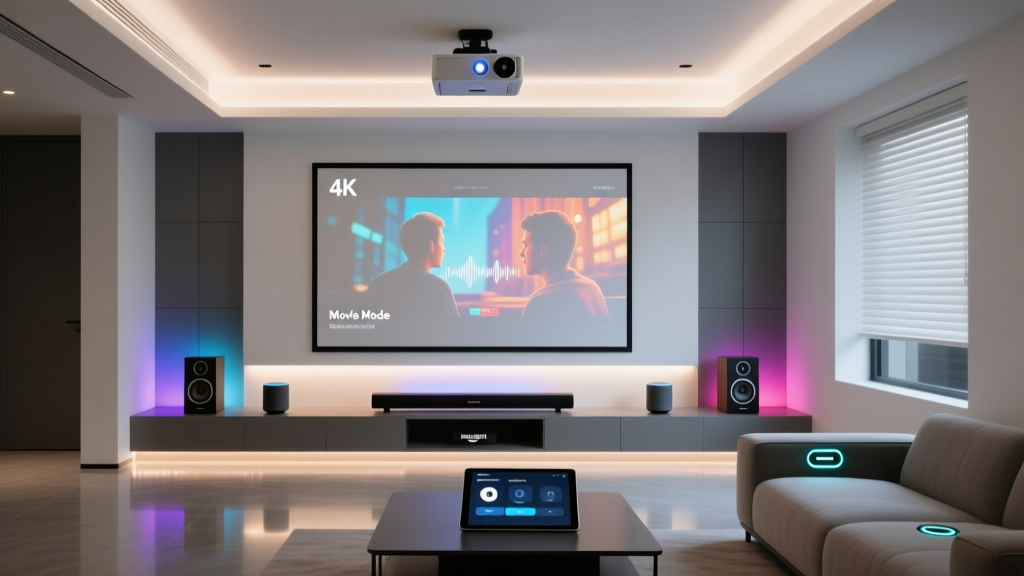
- Actions: Overhead smart bulbs dim to 10% warm white. Govee Hexa panels shift to a synchronized, low-brightness bias lighting mode. SwitchBot Curtain Rod closes the blinds to eliminate screen glare.
3. The 'Midnight Climate Saver'
Triggered by time (11:30 PM) and temperature sensors.
- Actions: If the bedroom temperature drops below 68°F (20°C), the SwitchBot Bot turns off the portable heater. According to the U.S. Department of Energy, carefully managing heating and cooling schedules can save up to 10% a year on heating and cooling costs, a massive benefit for renters paying their own utility bills.
Design and Aesthetic Considerations
Smart home tech can quickly look cluttered in a small apartment. To maintain a cohesive interior design:
- Hide the Hubs: Use Command strips to mount smart hubs and Zigbee coordinators behind the TV console, on the sides of bookshelves, or under desks. Ensure they are not enclosed in metal cabinets, which block radio frequencies.
- Color Match Your Plugs: If your apartment features white baseboards and white walls, purchase white smart plugs. Black plugs stand out starkly against white trim and draw the eye to the technology rather than the room's decor.
- Peel-and-Stick NFC Tags: Instead of placing bulky smart speakers in every room, buy inexpensive, aesthetic peel-and-stick NFC tags. Stick one on your nightstand; tapping your phone to it can trigger your 'Goodnight' routine, turning off the lights and locking the door without speaking a word.
Network Security in Shared Buildings
Apartment complexes often feature shared walls and overlapping Wi-Fi networks, making your IoT devices vulnerable to local interference or malicious probing. The Federal Communications Commission (FCC) strongly recommends securing your home network to protect connected devices.
For renters, the best practice is to purchase a router that supports a 'Guest Network' or VLAN tagging. Connect all your smart plugs, bulbs, and sensors to this isolated Guest Network. This prevents a compromised, inexpensive smart bulb from serving as a backdoor into the primary network where your laptop and smartphone reside. Furthermore, always change the default administrative passwords on your smart hubs and disable Universal Plug and Play (UPnP) on your router.
Moving Day: The Safe Teardown Process
The true test of a renter-friendly smart home is how well it packs up. Improper removal of adhesives is the number one cause of lost security deposits.
The Hairdryer Trick: Never simply yank a 3M VHB adhesive strip off the drywall. Use a hairdryer on medium heat to warm the adhesive for 45 to 60 seconds. This softens the acrylic bonding agent. Once warm, gently pull the adhesive tab straight down, parallel to the wall, stretching it slowly until it releases. This leaves zero residue and prevents the drywall paper from tearing.
For devices mounted with tension rods, simply twist the internal mechanism to reduce the pressure before pulling them out of the window frame. Pack all proprietary mounting plates, tension springs, and adapter rings into a dedicated 'Smart Home Hardware' bin. Losing the specific adapter ring for an August Lock or the tension spring for a SwitchBot Curtain can render the device useless in your next apartment if the door or window dimensions differ slightly.
Conclusion
Living in a rental property no longer means sacrificing the convenience, security, and energy efficiency of a modern smart home. By focusing on retrofitting hardware, utilizing heavy-duty removable adhesives, and leveraging portable mesh networks like Thread, you can build a sophisticated ecosystem that moves with you. Whether you are starting with a simple smart plug and a leak sensor or going all-in with automated tension-rod blinds and robotic button pushers, the no-drill approach ensures your apartment remains smart, stylish, and entirely deposit-safe.