The Architecture of Daily Routines
When designing a smart home, most enthusiasts focus heavily on the hardware: the aesthetic of a smart switch, the resolution of a security camera, or the brightness of a smart bulb. However, the true magic of a connected home lies not in the devices themselves, but in the invisible orchestration of room automation routines. Transitioning seamlessly from morning to evening, and securing the home when away, transforms a collection of gadgets into a cohesive, responsive living environment.
In this comprehensive guide, we break down room-by-room automation strategies tailored to the three primary phases of your day: Morning, Evening, and Away. By aligning your bedroom, living room, and whole-home ecosystem with your natural circadian rhythms and security needs, you can dramatically improve your comfort, safety, and energy efficiency.
Morning Routines: Waking Up the Bedroom and Kitchen
The ideal morning routine should gently pull you from deep sleep into a state of alertness without the jarring shock of a loud alarm or harsh overhead lighting. The bedroom and kitchen are the primary stages for this transition.
Circadian Lighting and Smart Blinds
Biological wake-up routines rely heavily on light exposure. According to the Sleep Foundation, exposure to specific light wavelengths and gradual brightness increases helps regulate the body's circadian rhythm, suppressing melatonin production naturally. To achieve this, pair Philips Hue White and Color Ambiance bulbs with SwitchBot Curtain Rod 2 motors.
- The Routine: At 6:30 AM, the smart blinds slowly open over 15 minutes, allowing natural sunlight to enter. Simultaneously, the bedroom smart bulbs fade in from a dim, warm 2200K (candlelight) to a bright, crisp 4500K (daylight) at 80% brightness.
- Installation Tip: Ensure your SwitchBot Curtain motor is calibrated to the exact length of your curtain rod to prevent motor strain. Use the 'Sunrise' feature in the SwitchBot app to tie the opening speed to your local weather API.
Climate and Beverage Automation
Stepping onto a cold floor or waiting for coffee to brew can disrupt a peaceful morning. Integrate an Ecobee SmartThermostat Premium to begin warming the house 30 minutes before your wake time. In the kitchen, a smart plug like the TP-Link Kasa Smart Plug Mini can power on your coffee maker (provided it has a physical 'on' switch that remains engaged when power is cut).
Evening Routines: Transforming the Living Room for Relaxation
As the sun sets, your living room should transition from a multi-purpose workspace or family hub into a sanctuary for relaxation and entertainment. Evening routines focus on dimming, securing, and media integration.
Lighting and Entertainment Sync
Harsh blue light in the evening can disrupt sleep preparation. Your living room lighting should shift to warm, low-level accent lighting. Using Lutron Caseta Smart Dimmers combined with Sonos smart speakers creates an immersive wind-down environment.
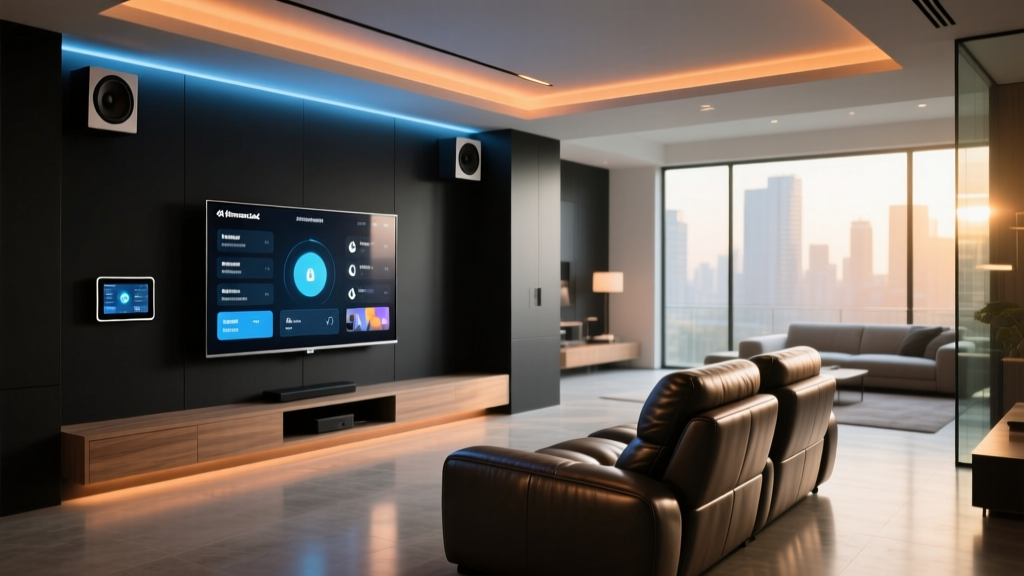
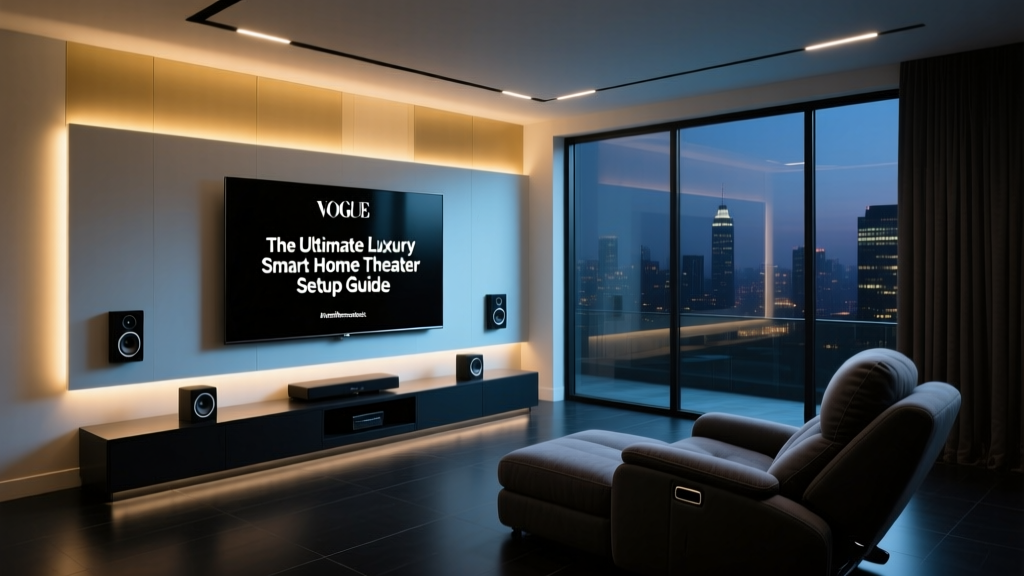
- The Routine: Triggered by a 'Good Evening' voice command or a set time (e.g., 8:00 PM), the main overhead lights dim to 20%, while LED strip lights behind the TV and under the media console glow in a soft amber. The Sonos soundbar automatically switches to the TV input and sets the volume to a conversational level (e.g., 15%).
- Design Consideration: Hide LED strips behind crown molding or floating shelves to create indirect, glare-free lighting that enhances the room's architecture without causing eye strain during movie viewing.
Security and Perimeter Lockdown
Evening routines must also address home security. The August Wi-Fi Smart Lock and Ring Alarm Security Kit can be tied into a single 'Lockdown' scene.
- The Routine: At 11:00 PM, the smart lock engages the deadbolt automatically. The Ring system arms the perimeter sensors, and exterior Wyze Cam v3 cameras switch from daylight recording to motion-triggered spotlight alerts.
- Compatibility Note: Ensure your smart lock has a DoorSense sensor installed so the automation doesn't attempt to lock the door while it is accidentally left ajar, which can damage the latch mechanism.
Away Routines: Securing and Optimizing the Entire Home
When the house is empty, the focus shifts entirely to energy conservation, maintenance, and security. An effective 'Away' routine operates silently in the background, ensuring the home is protected and efficient until your return.
HVAC Setbacks and Energy Conservation
Heating and cooling an empty house is a massive waste of resources. The U.S. Department of Energy notes that you can save up to 10% a year on heating and cooling by simply turning your thermostat back 7°-10°F for 8 hours a day from its normal setting. Furthermore, ENERGY STAR highlights that certified smart thermostats can learn your schedule and optimize these setbacks automatically without sacrificing comfort upon your return.
- The Routine: When the last person's smartphone leaves the designated geofence radius (e.g., 2 miles from home), the Ecobee thermostat shifts to 'Eco-Away' mode. Simultaneously, smart plugs powering entertainment centers and home office equipment cut power entirely to eliminate vampire energy drain.
Simulated Presence and Maintenance
Security relies on making the home look occupied, while maintenance relies on taking advantage of the empty space.
- Simulated Presence: Instead of setting lights to a rigid timer, use the 'Smart Away' feature in the Lutron Caseta app, which randomly toggles specific living room and bedroom lights within a realistic time window to mimic human behavior.
- Maintenance: The Roborock S8 Pro Ultra robot vacuum is triggered to begin its deep-clean cycle. Because the house is empty, the noise of the vacuum and its auto-empty dock won't disturb anyone. Concurrently, Aqara Water Leak Sensors under the kitchen sink and water heater are polled; if a leak is detected, an automated smart water shut-off valve (like the Moen Flo) cuts the main water line and sends a critical push notification.
Budget Tiers for Routine Automation
Building a routine-based smart home doesn't require an unlimited budget. Here is how you can approach your setup based on your financial comfort zone:
- Starter Tier ($150 - $300): Focus on high-impact, low-cost devices. Use a basic Amazon Echo Dot as your hub, TP-Link Kasa smart plugs for vampire power reduction, and Wyze smart bulbs for basic morning/evening lighting transitions.
- Mid-Range Tier ($300 - $800): Introduce dedicated hubs and hardwired solutions. Add a SmartThings Station, Lutron Caseta starter kit for reliable dimming, an August Smart Lock for evening security, and a basic smart thermostat like the Amazon Smart Thermostat.
- Pro Tier ($800 - $2,000+): The ultimate seamless experience. Incorporate an Ecobee Premium thermostat, SwitchBot automated curtains, Philips Hue gradient lighting, a Roborock S8 for away maintenance, and a Home Assistant server for complex, locally-processed logic that doesn't rely on the cloud.
Choosing the Right Hub for Complex Routines
The 'brain' of your smart home dictates how complex and reliable your routines can be. Below is a comparison of the top ecosystems for managing temporal routines.
| Hub / Ecosystem | Best For | Cloud Dependency | Advanced Triggers (e.g., Lux, Geofence) |
|---|---|---|---|
| Samsung SmartThings | Beginner to Intermediate users wanting broad compatibility. | High | Moderate (Requires SmartThings API or third-party apps like SharpTools) |
| Apple HomeKit | Privacy-focused users deeply embedded in the Apple ecosystem. | Low (Local processing via HomePod) | Moderate (NFC tags, basic geofencing, time/sunrise) |
| Amazon Alexa | Voice-first homes with a mix of budget and premium devices. | High | Low to Moderate (Routines are easy but lack deep conditional logic) |
| Home Assistant | Power users, tinkerers, and those demanding 100% local control. | None (100% Local) | Extremely High (Custom sensors, complex YAML logic, local lux tracking) |
Energy Impact of Automated Routines
Automating your home isn't just about luxury; it is a highly effective strategy for reducing your carbon footprint and monthly utility bills. By systematically cutting vampire power, optimizing HVAC usage based on real-time occupancy, and ensuring lights are never left on in empty rooms, the financial returns compound over time.
Note: Savings estimates are based on average US household energy consumption and utility rates. Actual savings will vary based on local climate, home insulation, and specific utility pricing.
Installation and Network Considerations
When deploying dozens of devices to execute morning, evening, and away routines, network congestion becomes a real threat to reliability. A routine that fails to lock the front door or turn off the HVAC because a smart bulb timed out is a frustrating experience.
Embrace Thread and Matter
Whenever possible, choose devices that support the Thread networking protocol and the Matter connectivity standard. Thread creates a low-power, self-healing mesh network that operates independently of your primary Wi-Fi. Devices like the Eve Energy smart plug or Nanoleaf Essentials bulbs use Thread, ensuring that your evening lighting routines execute instantly without bogging down your router's 2.4GHz Wi-Fi band.
Local vs. Cloud Processing
For critical routines—like the 'Away' security lockdown or the 'Morning' HVAC adjustment—rely on local processing hubs. If your internet service provider experiences an outage, cloud-dependent routines (like those relying entirely on Alexa or basic SmartThings cloud routines) will fail. Hubs like the Hubitat Elevation or a Home Assistant Green server process logic locally, ensuring your home remains secure and comfortable regardless of your WAN connection status.
Conclusion
Mastering room automation routines requires a shift in perspective: from viewing smart devices as individual tools to treating them as actors in a daily play. By carefully curating your morning wake-up sequences in the bedroom, your evening wind-down scenes in the living room, and your away-mode security and efficiency protocols, you create a home that actively cares for you. Start small with a single routine, refine the triggers and delays, and gradually expand your automated ecosystem to achieve the ultimate smart home experience.