The Strategic Approach to Whole-Home Automation
Building a smart home is rarely as simple as buying a few gadgets and plugging them in. Without a cohesive strategy, homeowners often end up with a fragmented ecosystem of incompatible devices, multiple conflicting apps, and automated routines that trigger at the wrong times. The most successful smart home installations utilize a Whole-Home Room-by-Room Automation Plan. This methodology breaks down the complex process of home automation into manageable, localized zones, ensuring that each room serves its specific functional purpose while remaining tethered to a centralized, unified hub.
Whether you are retrofitting a century-old craftsman or wiring a new build, this comprehensive blueprint will guide you through selecting the right protocols, choosing specific devices for every room, managing budget tiers, and designing automation routines that genuinely improve your daily life.
The Foundation: Choosing Your Protocol and Hub
Before purchasing a single smart switch, you must establish the communication backbone of your home. The modern smart home relies on a mesh of protocols. While Wi-Fi is ubiquitous, it is notoriously power-hungry and congested. For a robust whole-home plan, prioritize devices that support Thread or Zigbee, and ensure your ecosystem supports the Matter standard. According to the Connectivity Standards Alliance, Matter is the universal language for smart home devices, allowing products from Apple, Amazon, Google, and Samsung to communicate seamlessly regardless of the manufacturer.
Recommended Central Hubs:
- Apple TV 4K (Ethernet model): Ideal for Apple HomeKit users, acting as a Thread border router and Matter controller.
- Amazon Echo Show 15 or Echo (4th Gen): Features a built-in Zigbee hub and Matter support, perfect for Alexa-centric homes.
- Home Assistant Green: The ultimate choice for privacy-focused power users who want local processing and unmatched cross-brand compatibility.
Room 1: The Living Room (Entertainment and Ambiance)
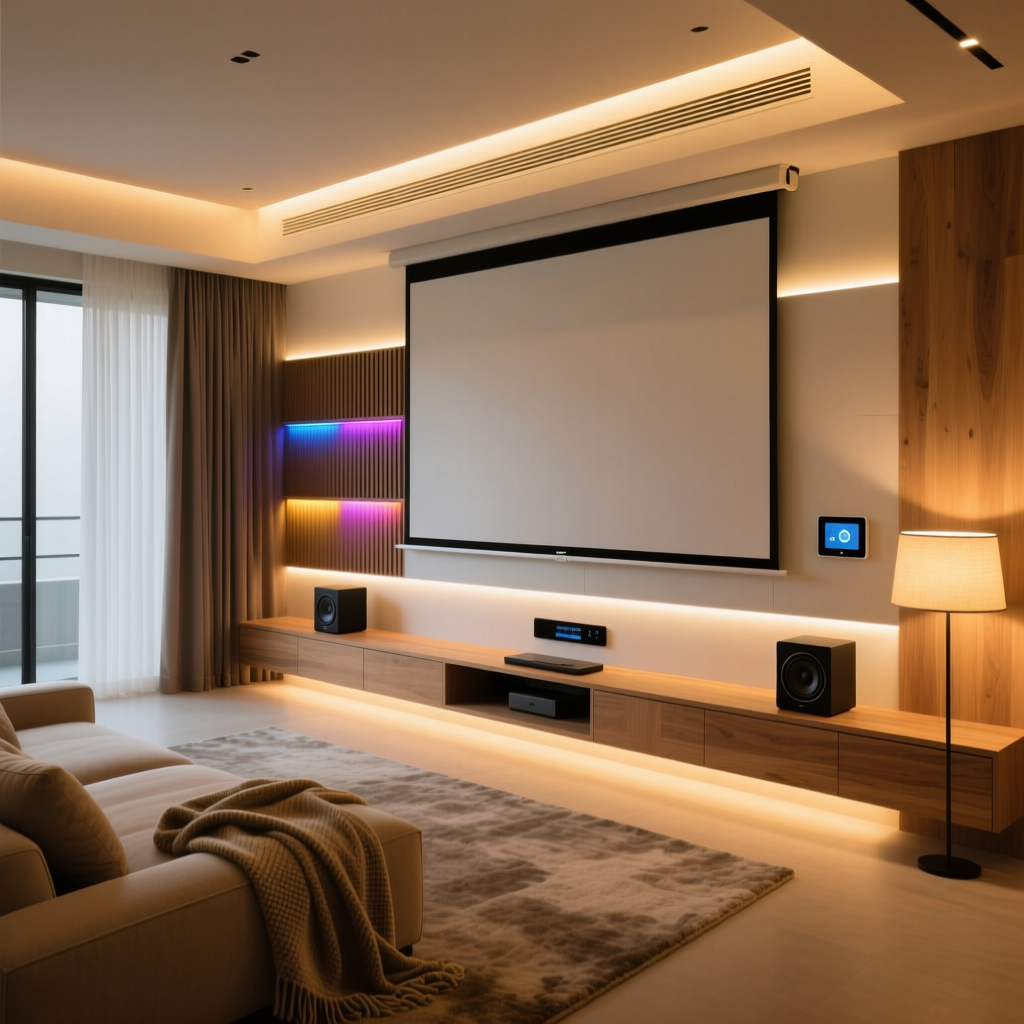
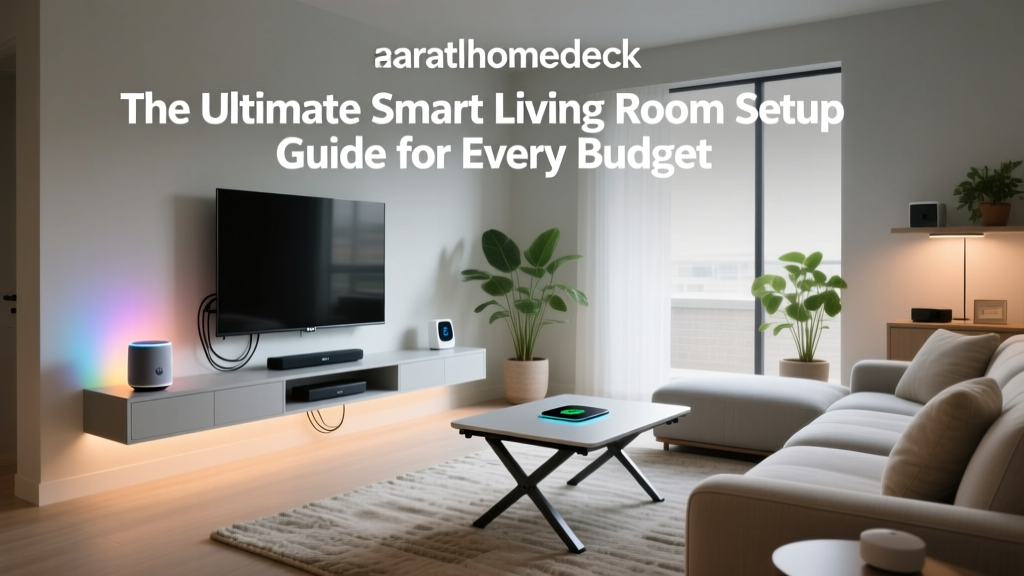
The living room is the high-traffic hub of the home. Automation here should focus on seamless entertainment transitions and dynamic ambient lighting that adapts to the time of day.
Device Recommendations
- Lighting: Philips Hue Play Gradient Lightstrip (mounted behind the TV for bias lighting) paired with a Lutron Caseta Diva smart dimmer for overhead fixtures.
- Climate: Ecobee Smart Thermostat Premium. Its remote room sensors ensure the living room stays at the target temperature during the evening, regardless of what the hallway sensor reads.
- Window Treatments: Lutron Serena Honeycomb Shades. These motorized shades automatically lower during peak afternoon sunlight to prevent glare on the television and reduce HVAC load.
Installation & Aesthetic Tips
When installing Lutron Caseta dimmers, verify that your switch boxes have a neutral wire. If you live in an older home without neutral wires, Lutron's Caseta line is one of the few that operates reliably without one, though you may need to install a Lutron Pico remote bracket to cover a multi-gang box. Aesthetically, hide the Philips Hue sync box behind the media console and use paintable cable concealers to route power to the TV, maintaining a clean, gallery-like wall.
The 'Movie Time' Routine
Trigger: Apple TV detects the 'Infuse' or 'Netflix' app is launched, or a physical Hue Dimmer Switch button is pressed.
Action: Overhead Lutron lights dim to 15%. Serena shades lower to 100%. Philips Hue bias lighting activates in 'Cinema' mode. Ecobee adjusts the temperature down by 1 degree to account for body heat generated by a crowded room.
Room 2: The Kitchen (Safety, Efficiency, and Utility)
The kitchen requires automation that prioritizes safety, hands-free operation, and resource management. You want devices that can withstand high humidity, grease, and the occasional splash of water.
Device Recommendations
- Lighting: Govee Cabinet Lights (hardwired or plug-in under-cabinet LED strips) controlled via a Matter-enabled switch.
- Safety: Aqara Water Leak Sensor placed under the sink and behind the dishwasher. Pair this with an automated smart water shut-off valve like the Moen Flo.
- Displays: Google Nest Hub Max. Its proximity sensors turn the screen on when you approach, displaying recipes or family calendars without requiring you to touch the screen with messy hands.
Installation & Aesthetic Tips
Under-cabinet lighting transforms a kitchen. For a high-end look, route the Govee LED strip along the back edge of the cabinet's face frame rather than the front. This hides the diodes from direct sightlines while casting a smooth, even wash of light across the backsplash. Ensure any smart plugs used for appliances like coffee makers are rated for the specific amperage of the appliance to prevent fire hazards.
The 'Morning Brew & Prep' Routine
Trigger: Aqara Motion Sensor detects movement in the kitchen between 5:30 AM and 8:00 AM.
Action: Under-cabinet lights turn on to 40% brightness at a warm 2700K color temperature. The Nest Hub Max displays the daily weather and calendar. The smart plug connected to the espresso machine powers on, allowing it to pre-heat.
Room 3: The Bedroom (Circadian Health and Sleep Hygiene)
Automation in the bedroom should be invisible, silent, and biologically supportive. The goal is to align your home's environment with your natural circadian rhythm. Research highlighted by the Sleep Foundation demonstrates that exposure to blue light in the evening suppresses melatonin production, while warm light promotes sleepiness.
Device Recommendations
- Lighting: Nanoleaf Essentials Matter Smart Bulbs. These support adaptive lighting, shifting from cool, energizing white in the morning to deep, amber hues at night.
- Climate: Eight Sleep Pod Cover. This smart mattress cover uses water-based temperature regulation to cool the bed as you fall asleep and gently warm it before your alarm goes off.
- Sensors: Eve Room (Thread). Monitors indoor air quality, specifically tracking Volatile Organic Compounds (VOCs) and humidity, ensuring your sleeping environment remains healthy.
Installation & Aesthetic Tips
Avoid placing bright LED status lights on smart devices in the bedroom. Use electrical tape or specialized 'Light Dims' stickers to cover any glaring blue or green LEDs on smart plugs or air purifiers. For window treatments, switch to blackout smart shades like the IKEA Dirigera ecosystem or SwitchBot Curtain, which physically block out early morning streetlights.
The 'Deep Sleep' Routine
Trigger: Time-based (10:30 PM) or triggered by pressing a Flic Button on the nightstand.
Action: All bedroom lights fade to 0% over 5 minutes. Nanoleaf bulbs in adjacent rooms turn off. Eight Sleep Pod drops to 64°F (17°C). The Eve Room triggers the smart air purifier to 'Silent Night' mode if VOCs are elevated.
Room 4: The Bathroom (Moisture Control and Luxury)
Bathrooms present unique challenges due to extreme humidity and water exposure. Automation here focuses on mold prevention, ventilation, and luxurious convenience.
Device Recommendations
- Ventilation: Panasonic WhisperSense Smart Exhaust Fan with built-in humidity sensors.
- Water Control: Kohler Konnect Smart Valve for the shower, allowing you to set exact water temperatures and pause the flow while you lather, saving gallons of water.
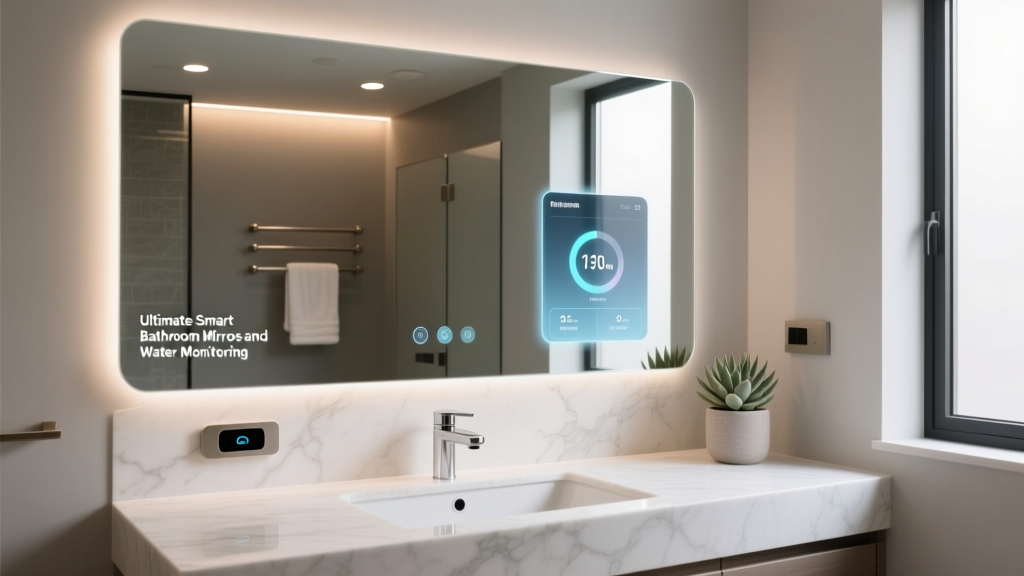
- Mirror: Electric Mirror Radiance, featuring integrated defoggers and tunable white lighting for perfect makeup application or grooming.
Installation & Aesthetic Tips
Never install standard smart switches inside the shower zone or directly above a tub. All devices must be rated for damp or wet locations. For the exhaust fan, ensure the ducting is insulated if it runs through an unconditioned attic space to prevent condensation from dripping back into the fan housing.
The 'Post-Shower Recovery' Routine
Trigger: Panasonic fan detects humidity rising above 65%.
Action: Fan kicks into high-speed ventilation mode. Once humidity drops back to 45%, the fan runs for an additional 10 minutes to clear residual moisture from the drywall, then powers off silently.
Room 5: Outdoor and Garage (Security and Perimeter Defense)
The exterior of your home is your first line of defense and a major source of energy loss if left unmanaged.
Device Recommendations
- Lighting: Philips Hue Outdoor Bollard Lights and a Ring Smart Lighting Pathway system.
- Security: Aqara G4 Video Doorbell (supports HomeKit Secure Video and Matter) paired with a Yale Assure Lock 2.
- Garage: Chamberlain MyQ Smart Garage Control or a Meross Smart Garage Door Opener (for Matter/HomeKit support).
Installation & Aesthetic Tips
When mounting outdoor cameras or doorbells, position them at eye level (about 5 feet high) to capture clear facial features rather than just the tops of hats. Use silicone sealant around the mounting brackets to prevent water intrusion into your exterior siding. In the garage, integrate a smart plug with a heavy-duty space heater to prevent pipes from freezing in detached structures during winter.
Budget Tiers: Planning Your Investment
A whole-home automation plan can scale to fit almost any budget. Below is a breakdown of what to expect across three distinct investment tiers.
| Room / Category | Starter Tier ($800 - $1,500) | Mid Tier ($2,500 - $5,000) | Pro Tier ($10,000+) |
|---|---|---|---|
| Hub & Network | Echo Dot + Standard Router | Apple TV 4K + Eero 6 Mesh | Home Assistant Server + Ubiquiti UniFi |
| Living Room | Smart Bulbs + Smart Plug | Lutron Caseta + Hue Sync Box | Lutron RadioRA 3 + Motorized Shades |
| Kitchen | Leak Sensor + Smart Display | Under-cabinet LEDs + Moen Flo | Smart Appliances + Touchless Faucets |
| Bedroom | Smart Plug + Basic Sensor | Nanoleaf Thread Bulbs + Eve Room | Eight Sleep Pod + Lutron Serena Shades |
| Bathroom | Smart Switch for Fan | Humidity-sensing Fan + Smart Mirror | Kohler Smart Shower + Heated Floors |
| Outdoor | Wi-Fi Camera + Smart Plug | Ring Pathway + Smart Lock | Hue Outdoor + POE Camera System |
For most homeowners, the Mid Tier offers the best balance of reliability, aesthetic integration, and return on investment. It moves away from unreliable Wi-Fi-only gadgets and embraces dedicated protocols like Thread and Zigbee.
Energy Savings and Industry Insights
Beyond convenience, a strategic automation plan significantly impacts your home's energy footprint. The U.S. Department of Energy notes that utilizing smart thermostats and automated shading can reduce HVAC energy consumption by 10% to 15% annually. By programming your Lutron shades to close during the hottest part of the day in the summer, you reduce the solar heat gain coefficient (SHGC) of your windows, allowing your Ecobee thermostat to run the air conditioning less frequently.
Furthermore, the transition to Matter is eliminating the 'walled garden' effect. Homeowners are no longer forced to buy a $300 smart lock simply because it matches their existing doorbell camera brand. This interoperability drives competition, lowers prices, and ensures that your whole-home automation plan remains future-proof as new devices enter the market.
Final Thoughts on Execution
Executing a room-by-room automation plan requires patience. Start with the living room and the front door—these areas provide the highest daily utility and the most immediate 'wow' factor for guests and family members. Once you have mastered the logic of your central hub and verified that your electrical boxes are compatible with smart switches, expand into the kitchen and bedrooms. Always prioritize hardwired solutions (like Lutron or Leviton) over battery-operated smart bulbs where possible, as they provide a much more reliable and aesthetically pleasing foundation for your smart home ecosystem.