Introduction to the Smart Living Room
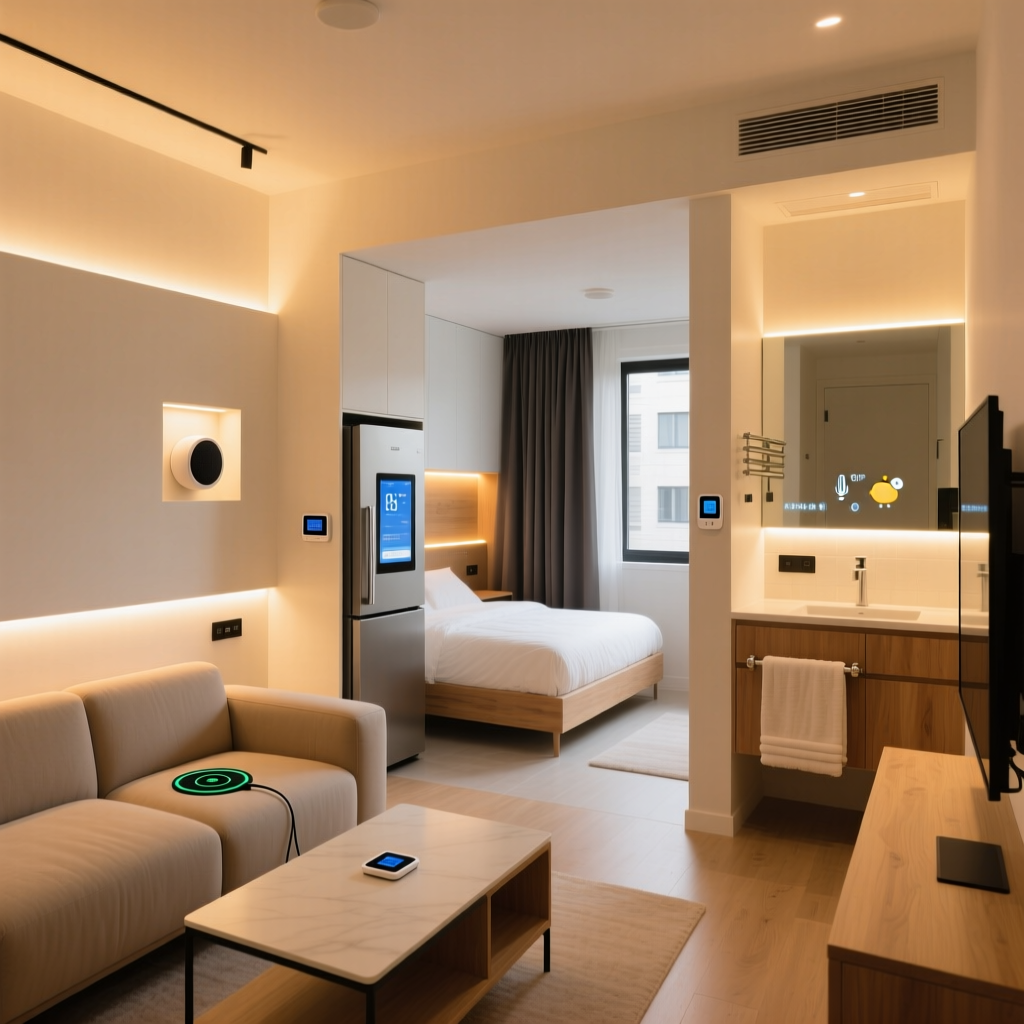
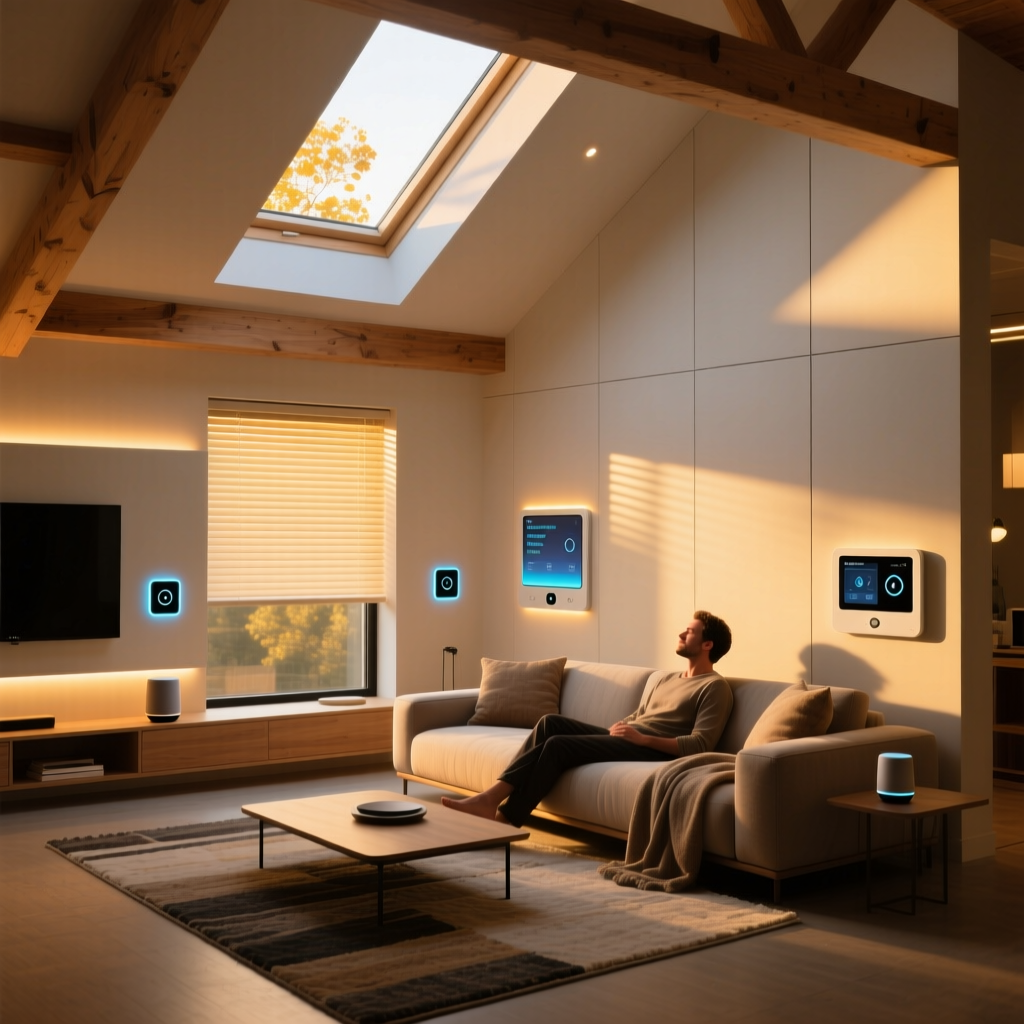
The living room is the heart of the modern home. It is where we gather to watch movies, host friends, read, and relax. Historically, upgrading this space meant buying a larger television or a more comfortable sofa. Today, the ultimate upgrade is a comprehensive smart living room setup that seamlessly blends entertainment, ambient lighting, climate control, and security into one cohesive, automated environment. A well-designed smart living room anticipates your needs, adjusting the environment to match your mood or activity without requiring you to lift a finger.
However, navigating the vast ecosystem of smart home devices can be overwhelming. With competing protocols like Zigbee, Z-Wave, Wi-Fi, Thread, and the newly adopted Matter standard, building a system that actually works together requires careful planning. This complete setup guide will walk you through the core components, budget tiers, specific product recommendations, and automation routines needed to transform your living room into a futuristic yet comfortable sanctuary.
Core Components of a Connected Living Space
Before diving into specific brands and models, it is essential to understand the four pillars of a smart living room:
- Lighting & Ambiance: Smart bulbs, LED light strips, and motorized blinds that adjust based on the time of day or media being consumed.
- Audio & Visual Entertainment: Smart TVs, streaming devices, and soundbars or surround sound systems that integrate with voice assistants and lighting sync boxes.
- Climate Control: Smart thermostats and localized sensors that maintain the perfect temperature based on room occupancy.
- Control & Connectivity: The central hubs, voice assistants, and network infrastructure that allow all these disparate devices to communicate reliably.
Budget Tiers: Starter, Mid-Range, and Pro Setups
Not every smart home needs to cost thousands of dollars. Below is a breakdown of what you can achieve at different investment levels.
| Tier | Lighting | Audio/Video | Climate/Control | Est. Budget |
|---|---|---|---|---|
| Starter | Wyze Bulb Color (x4) | Roku Streambar, Echo Dot | Amazon Smart Plug, Blink Mini | $300 - $500 |
| Mid-Range | Philips Hue Starter Kit | Sonos Beam Gen 2, Apple TV 4K | Ecobee SmartThermostat, SwitchBot Hub | $900 - $1,500 |
| Pro | Lutron Caseta, Nanoleaf Shapes | Sonos Arc + Sub, Samsung Frame TV | Hubitat Elevation, Hunter Douglas Blinds | $2,500 - $5,000+ |
Top Device Recommendations by Category
Lighting: Philips Hue and Lutron Caseta
For ambient and accent lighting, the Philips Hue White and Color Ambiance ecosystem remains the gold standard. Hue bulbs offer exceptional color accuracy, a wide color temperature range (2200K to 6500K), and deep integration with third-party apps. For a living room, you will want approximately 1,500 to 3,000 total lumens. Pairing Hue bulbs with the Hue Play HDMI Sync Box allows the lights to mirror the colors on your TV screen, creating an immersive bias lighting experience that also reduces eye strain during dark movie scenes.
For hardwired overhead lighting and reliability, the Lutron Caseta smart switch system is unparalleled. Unlike Wi-Fi-based switches that can clog your network, Caseta uses a proprietary Clear Connect RF protocol that operates independently of your Wi-Fi, ensuring your lights turn on instantly even if the internet goes down.
Audio & Visual: Sonos Arc and Samsung The Frame
The Samsung The Frame TV solves the aesthetic problem of a giant black rectangle dominating your living room. When turned off, it displays high-resolution artwork on a matte screen, blending seamlessly into your decor. For audio, the Sonos Arc soundbar delivers Dolby Atmos through 11 precisely engineered speakers and up-firing drivers. To unlock the Arc's full potential, ensure your TV features an HDMI eARC port, which provides the bandwidth necessary for uncompressed, high-bitrate audio formats.
Climate: Ecobee SmartThermostat Premium
Living rooms often suffer from temperature fluctuations due to large windows or varying occupancy. The Ecobee SmartThermostat Premium solves this by utilizing wireless room sensors. You can place a sensor on your living room coffee table, instructing the thermostat to prioritize the temperature in that specific zone during the evening. According to the EPA's ENERGY STAR program, certified smart thermostats can save homeowners an average of 8% on heating and cooling bills, making this device a smart financial investment as well as a comfort upgrade.
Control Hubs and The Matter Standard
The Apple TV 4K and Amazon Echo Show 15 serve as excellent central controllers. More importantly, modern hubs are increasingly acting as Thread border routers. As noted by the Connectivity Standards Alliance (CSA), the Matter protocol and Thread networking layer are revolutionizing smart home interoperability. Matter ensures that a Philips Hue bulb, an Ecobee thermostat, and a Nanoleaf light panel can communicate locally and securely, regardless of whether you use Apple HomeKit, Amazon Alexa, or Google Home.
Visualizing the Investment: Cost vs. Value
Understanding the financial commitment is crucial for planning your smart living room. The chart below illustrates the estimated entry costs for the three primary budget tiers.
While the Pro tier requires a significant upfront investment, the longevity, reliability, and aesthetic integration of hardwired systems like Lutron and premium audio like Sonos often provide a higher long-term value and better home resale appeal compared to entry-level Wi-Fi gadgets.
Network Requirements: Wi-Fi 6, Thread, and Mesh
A fully equipped smart living room can easily house 30 to 50 connected devices. Traditional single-router Wi-Fi setups will quickly become congested, leading to laggy smart lights and dropped connections. Upgrading to a Wi-Fi 6 Mesh System (such as the Eero Pro 6E or Asus ZenWiFi) is highly recommended. Wi-Fi 6 introduces OFDMA technology, which allows the router to communicate with multiple smart home devices simultaneously, drastically reducing latency.
Furthermore, prioritize devices that support Thread. Thread creates a low-power, self-healing mesh network among your smart devices. Instead of every smart bulb talking directly to your Wi-Fi router, they talk to each other and route data through a Thread border router (like the Apple TV 4K or Nest Hub), keeping your primary Wi-Fi bandwidth free for streaming 4K video and video conferencing.
Automation Routines for Everyday Living
The true magic of a smart living room lies in automation. Here are three essential routines to program into your hub:
1. The 'Movie Time' Routine
- Trigger: TV turns on after 6:00 PM, or voice command 'Start Movie Time'.
- Actions: Main overhead lights turn off. Hue ambient lamps dim to 15% warm white (2200K). Smart blinds close completely. Thermostat adjusts to 71°F. Sonos soundbar switches to Night Sound mode to prevent bass from traveling through walls.
2. The 'Morning Wake Up' Routine
- Trigger: Weekday schedule at 7:00 AM, or motion detected in the living room before 9:00 AM.
- Actions: Motorized blinds open to 50%. Lights slowly fade up to 4000K (cool white) to simulate morning sunlight. Smart speaker reads the daily news brief and weather forecast.
3. The 'Entertaining' Routine
- Trigger: Voice command 'I have guests' or triggered via NFC tag on the coffee table.
- Actions: Lights set to a vibrant, colorful scene. Multi-room audio begins playing a curated jazz or lo-fi playlist on Sonos. Thermostat drops by 2 degrees to account for body heat from multiple people in the room.
Design and Aesthetic Considerations
Technology should enhance your living room's design, not clutter it. Cable management is paramount. Use in-wall rated HDMI and power cables (like the Legrand On-Q in-wall power kit) to hide wires behind wall-mounted TVs. For media consoles, incorporate LED light strips behind the unit to create a floating effect and provide subtle bias lighting.
When selecting smart speakers and hubs, consider their visual footprint. The Amazon Echo Show 15 is designed to be wall-mounted like a picture frame, making it a natural fit for gallery walls. Conversely, the Sonos Era 300 speakers feature a sleek, acoustic fabric finish that blends well with modern bookshelves and decor. Avoid placing smart devices in direct sunlight, as UV exposure can yellow plastics and interfere with infrared and optical sensors.
Installation Tips and Best Practices
Proper installation ensures your smart living room functions flawlessly for years to come.
- Check for Neutral Wires: Before purchasing smart switches like Lutron Caseta or GE Cync, remove your existing switch plates to verify the presence of a neutral wire (usually a bundle of white wires in the back of the box). While some systems work without it, having a neutral wire provides a stable power source for the switch's internal radio.
- Optimize TV Viewing Distance: When upgrading to a smart 4K OLED or QLED TV, ensure your seating is at the correct distance. The general rule for 4K resolution is to sit at a distance 1 to 1.5 times the diagonal screen size. For a 65-inch TV, your couch should be between 5.5 and 8 feet away.
- Speaker Placement: For the best stereo imaging and Dolby Atmos effects, place your left and right speakers at ear level when seated, forming an equilateral triangle with your primary listening position. Avoid pushing soundbars deep into enclosed media cabinets, as this muffles high frequencies and ruins acoustic tuning.
- Secure Your Network: Create a dedicated Guest or IoT VLAN (Virtual Local Area Network) on your router specifically for smart home devices. This isolates your smart bulbs and thermostats from your personal computers and smartphones, providing an extra layer of cybersecurity.
Conclusion
Building the ultimate smart living room is a journey that blends cutting-edge technology with interior design and personal lifestyle habits. Whether you are starting small with a few color-changing bulbs and a smart plug, or going all-in with architectural lighting, motorized shades, and immersive Dolby Atmos audio, the key to success is choosing devices that communicate reliably via modern standards like Matter and Thread. By thoughtfully planning your budget, optimizing your network, and crafting automation routines that genuinely simplify your life, your living room will evolve from a simple gathering space into an intelligent, responsive environment that elevates your everyday experience.