Introduction to Seasonal Smart Home Shifts
A truly intelligent home is not static; it breathes and adapts to the changing environment outside. As the seasons shift from the sweltering heat of summer to the biting chill of winter, your home’s environmental needs change dramatically. Relying on a single, year-round thermostat setting or manual blind adjustments is an outdated approach that leads to energy waste and compromised comfort. According to the U.S. Department of Energy, you can save as much as 10% a year on heating and cooling by simply turning your thermostat back 7°-10°F for 8 hours a day from its normal setting. Smart home technology automates this process, tailoring the climate, lighting, and ambiance of each room to the specific demands of the season.
In this comprehensive room-by-room guide, we will explore how to configure your living spaces for peak summer efficiency and cozy winter comfort. We will cover specific device recommendations, budget tiers, advanced automation routines, and aesthetic considerations to ensure your smart home remains both functional and beautiful year-round.
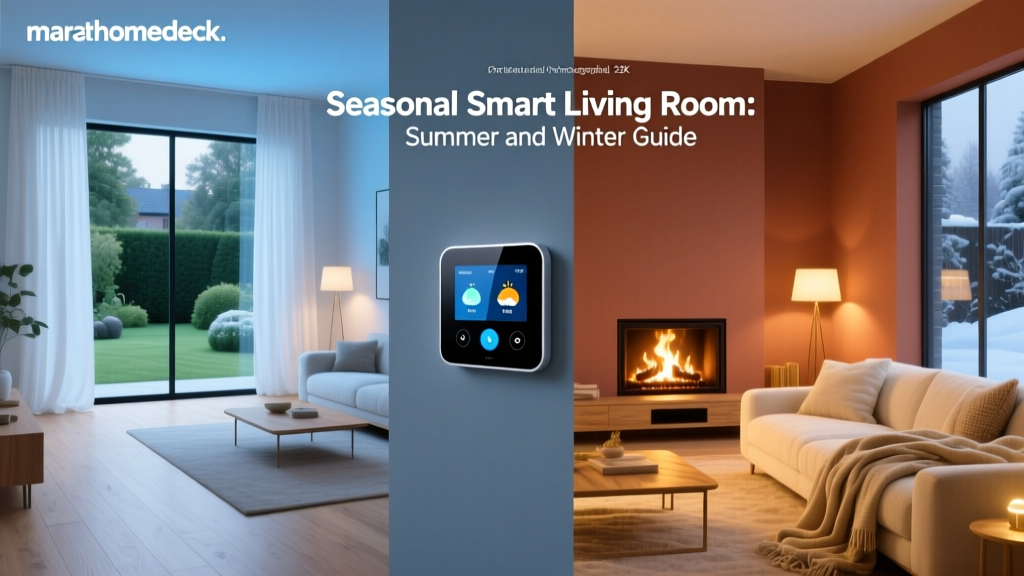
The Living Room: Managing Solar Gain and Heat Retention
The living room is typically the largest communal space in a home, featuring expansive windows and high occupancy rates. This makes it highly susceptible to solar heat gain in the summer and draft-induced heat loss in the winter.
Summer Adjustments: Blocking the Sun and Optimizing Airflow
During the summer, the primary goal is to minimize solar heat gain while maintaining a comfortable ambient temperature without overworking your HVAC system. The SwitchBot Blind Tilt is an exceptional, non-invasive retrofit device for this purpose. By pairing it with the SwitchBot Hub 2, which features a built-in light and temperature sensor, you can automate your existing blinds to close automatically when the sun hits the windows during peak afternoon hours (typically between 1 PM and 5 PM). This simple adjustment can reduce room temperatures by up to 5°F.
For homes utilizing ductless mini-split air conditioners or window units, the Sensibo Sky or Sensibo Air acts as a smart IR blaster. It transforms your 'dumb' AC into a smart climate device, allowing you to set geofencing routines that turn the AC on only when you are within a mile of your home, preventing you from cooling an empty house.
Winter Adjustments: Retaining Warmth and Eliminating Cold Spots
In winter, the objective flips to trapping heat and ensuring even distribution. The Ecobee SmartThermostat Premium is the gold standard here. Its accompanying SmartSensors detect occupancy and temperature variations in specific rooms. If your living room features large, drafty windows, the Ecobee will prioritize heating the living room when it senses you are relaxing there in the evening, overriding the hallway thermostat's reading.
Additionally, programming your SwitchBot blinds to open fully during the brightest part of the winter day (10 AM to 3 PM) allows for passive solar heating, naturally warming the room and reducing the load on your furnace.
The Bedroom: Engineering the Perfect Sleep Climate
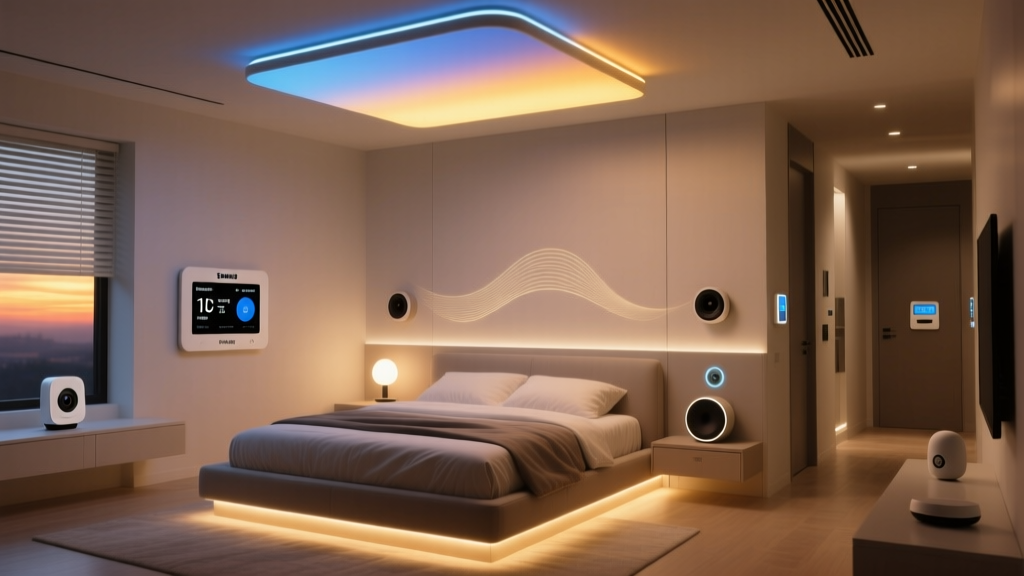
Your bedroom environment directly impacts your circadian rhythm and sleep quality. The Sleep Foundation notes that the ideal bedroom temperature for sleep is surprisingly cool, hovering around 65°F (18.3°C), though this can be difficult to maintain in summer without freezing the rest of the house.
Summer Sleep: Active Cooling and Air Circulation
Instead of blasting the central AC all night, consider the Eight Sleep Pod 4. This smart mattress cover utilizes hydro-cooling technology to actively regulate the surface temperature of your bed. You can set it to drop to 60°F at bedtime and gradually warm up to 70°F by morning to help you wake up naturally. For air circulation, the Hunter Symphony Smart Fan integrates with Apple HomeKit and Alexa, allowing you to create a 'Summer Breeze' routine that turns the fan on at a low, quiet speed whenever the room temperature exceeds 72°F at night.
Winter Sleep: Warmth and Circadian Lighting
Winter mornings are dark and cold, which can disrupt your wake cycle. Use Philips Hue smart bulbs to simulate a sunrise. Set a routine that gradually shifts the color temperature from a dim, warm 2000K amber to a bright, crisp 4500K daylight over 30 minutes before your alarm sounds. For physical warmth, connect a low-wattage heated throw blanket to a TP-Link Kasa Smart Plug. Configure the plug to turn on the blanket 20 minutes before your bedtime and shut off automatically after two hours to prevent overheating and save electricity.
Kitchen and Bathroom: Humidity and Ventilation Control
While not primary lounging areas, the kitchen and bathroom generate massive amounts of humidity and require specialized seasonal attention.
Summer: Combating Humidity and Exhaust
Boiling water and hot showers in the summer introduce excess humidity, making the home feel muggy and forcing the AC to work harder to dehumidify the air. Install a SwitchBot Smart Switch on your bathroom and kitchen exhaust fans. Pair these with a smart humidity sensor (like the Eve Room or Aqara Temperature and Humidity Sensor). Set an automation to trigger the exhaust fans whenever indoor humidity exceeds 60%, ensuring rapid moisture removal without leaving the fans running all day.
Winter: Preventing Dry Air and Monitoring Water Heating
Winter air is inherently dry, and heating systems exacerbate this. While smart humidifiers are great, monitoring your hot water usage is equally important. The Moen Flo Smart Water Monitor and Shutoff installs on your main water line. In winter, it monitors for micro-leaks and can automatically shut off the water if a pipe bursts due to freezing. Furthermore, it tracks hot water usage, helping you identify if your water heater is working overtime due to poor pipe insulation.
Budget Tiers for Seasonal Climate Control
Upgrading your home for seasonal shifts does not require an unlimited budget. Below is a structured breakdown of device ecosystems based on investment levels.
| Budget Tier | Estimated Cost | Core Devices Included | Best For |
|---|---|---|---|
| Starter | $150 - $350 | Sensibo Sky, SwitchBot Smart Switch, Kasa Smart Plugs | Apartments, renters, and single-room optimization. |
| Mid-Range | $400 - $900 | Ecobee SmartThermostat, SwitchBot Blind Tilt (x2), Smart Fans | Homeowners looking for whole-home HVAC and lighting control. |
| Pro / Luxury | $1,500+ | Eight Sleep Pod 4, Philips Hue Full Home Kit, Moen Flo, Motorized Lutron Shades | Tech enthusiasts prioritizing biometric sleep tracking and premium aesthetics. |
Advanced Seasonal Automation Routines
To truly leverage these devices, you must move beyond manual app control and implement seasonal automation routines. If you are using platforms like SmartThings, Home Assistant, or Hubitat, you can create 'Seasonal Variables' that change your home's behavior based on the calendar month or outdoor temperature thresholds.
Summer Routine: 'The Solar Shield'
- Trigger: Outdoor temperature exceeds 80°F AND time is between 12 PM and 5 PM.
- Condition: Season = Summer (May - September).
- Action 1: Close living room and west-facing bedroom blinds to 100%.
- Action 2: Set living room AC to 78°F (the DOE recommended summer setting for energy savings).
- Action 3: Turn on ceiling fans in occupied rooms to create a wind-chill effect.
Winter Routine: 'The Hearth & Home'
- Trigger: Sun sets (based on local astronomical data) OR outdoor temperature drops below 40°F.
- Condition: Season = Winter (November - March).
- Action 1: Close all smart blinds to create an extra layer of insulation against cold glass.
- Action 2: Set thermostat to 68°F and activate Ecobee SmartSensor priority for the living room.
- Action 3: Shift Philips Hue lighting to 2700K warm white at 50% brightness to simulate firelight and promote melatonin production.
Visualizing the Energy Savings
One of the most compelling reasons to implement seasonal smart room adjustments is the reduction in peak energy costs. By utilizing smart blinds to block summer sun and smart thermostats to manage winter drafts, homeowners can significantly lower their monthly utility bills. The ENERGY STAR program certifies that smart thermostats alone can save users roughly 8% on heating and cooling bills annually, and when combined with automated window treatments and smart fans, the savings compound.
As illustrated in the chart above, the living room and bedroom see the most dramatic cost reductions. This is because these rooms typically house the largest windows (impacting solar gain) and are where occupants spend the most time, triggering the highest HVAC demands. By shifting to localized cooling (like the Eight Sleep or smart fans) and passive heating (solar gain management), the central HVAC system runs significantly less.
Installation and Aesthetic Considerations
When integrating seasonal smart devices, preserving the aesthetic integrity of your rooms is paramount. Bulky sensors and trailing wires can ruin a carefully curated interior design.
Hiding Sensors and Hubs
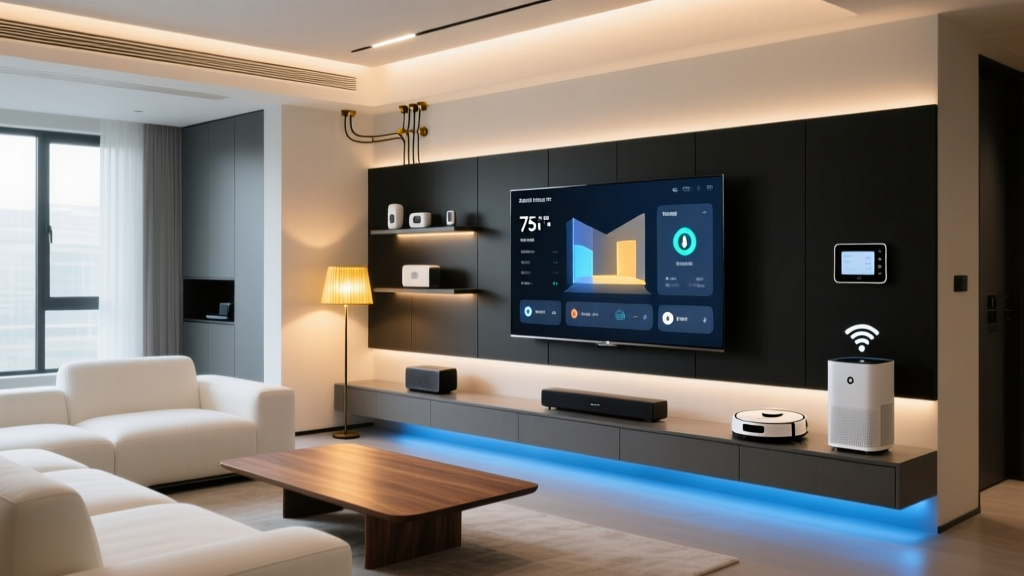
Devices like the SwitchBot Hub 2 or Sensibo Sky require line-of-sight or strategic placement. Instead of mounting IR blasters awkwardly on walls, utilize floating shelves or mount them near the ceiling behind crown molding where they can easily beam signals to your AC units without being visible. For temperature sensors, avoid placing them near heat-generating electronics, direct sunlight, or drafty doors, as this will skew your automation triggers. Many smart sensors, like those from Aqara or Eve, are small enough to be mounted discreetly on the side of a bookshelf or behind a picture frame.
Blending Window Treatments
Retrofit blind motors like the SwitchBot Blind Tilt are incredibly convenient, but they do add a small mechanical box to your window frame. To maintain a clean look, opt for color-matching the device to your window trim or hide it behind the valance of your existing curtains. If you are in the Pro budget tier and renovating, consider hardwired, recessed motorized tracks from Lutron or Hunter Douglas, which hide the mechanics entirely within the ceiling or window casing.
Managing Cable Clutter
For devices like the Eight Sleep Pod or heated blankets, cable management is crucial. Use paintable cord channels along the baseboards to route power cables from the bed to the nearest outlet. This not only improves the visual appeal of your bedroom but also prevents tripping hazards and protects the cables from damage during seasonal deep cleaning or bed frame adjustments.
Conclusion
Transitioning your smart home from a summer sanctuary to a winter retreat does not require constant manual intervention. By strategically deploying smart thermostats, automated window treatments, and localized climate devices like smart fans and hydro-cooling mattress covers, you can create a home that anticipates your needs. Whether you are starting with a simple IR blaster for your window AC or investing in a fully integrated, sensor-driven ecosystem, the key lies in creating robust, season-specific automation routines. Embrace the shift in seasons, and let your smart home handle the heavy lifting of comfort and energy efficiency.