The Rise of the Smart Renter
Historically, smart home technology has been heavily skewed toward homeowners. Hardwired thermostats, drilled-in security cameras, and in-wall smart switches require permanent modifications that violate most residential lease agreements. However, the landscape of modern renting is shifting. According to the Pew Research Center, a growing share of U.S. households are renting rather than owning, creating a massive demand for non-destructive, portable, and renter-friendly smart home solutions.
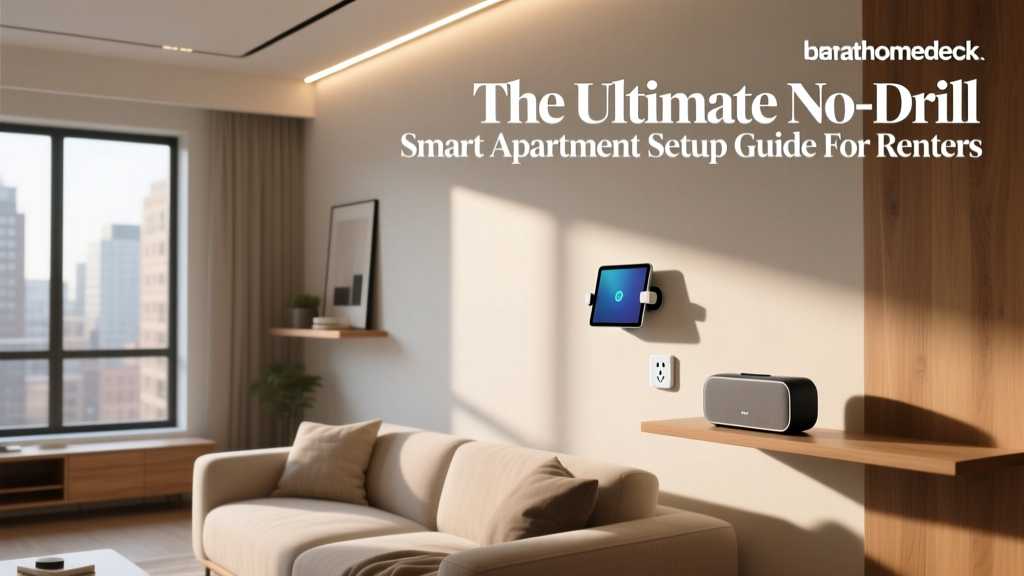
Living in an apartment or studio does not mean you have to sacrifice the convenience, security, and energy efficiency of a connected home. By focusing on plug-in devices, adhesive-mounted sensors, and retrofitting smart locks, you can build a robust smart home ecosystem that travels with you when your lease ends. This comprehensive guide will walk you through the best no-drill smart apartment setups, categorized by room and function, complete with budget tiers, installation hacks, and automation routines designed specifically for renters.
Essential No-Drill Smart Lighting
Lighting is the most impactful entry point into smart home automation, and fortunately, it is entirely renter-friendly. You do not need to replace hardwired ceiling fixtures or install smart switches to achieve dynamic, voice-controlled illumination.
Smart Bulbs and Portable Lamps
Swap out standard apartment bulbs with smart alternatives like the Philips Hue White and Color Ambiance or the more budget-friendly WiZ Connected LED bulbs. These screw directly into existing fixtures and connect via Wi-Fi or a dedicated hub. For areas where you cannot install overhead lighting, freestanding smart lamps are your best friend. The Govee Lyra RGBICWW Floor Lamp and the Philips Hue Play Gradient Lightstrip (which can be mounted behind entertainment centers or desks using heavy-duty adhesive) provide immersive ambient lighting without a single drill hole.
Tension Rod Pendant Lights
If your apartment lacks overhead lighting in the dining area or kitchen island, you can create a faux pendant light setup using a heavy-duty tension rod. By placing a tension rod securely between two walls or within a sturdy window frame, you can hang lightweight smart pendant lights (like the Hue Pendant) using zip ties or decorative cord wraps. This provides the aesthetic of hardwired architectural lighting with zero damage to the drywall.
Renter-Friendly Security and Access
Security in a rental requires a delicate balance: you need to monitor your space and control access without altering the door hardware or drilling into the exterior walls, which is strictly prohibited in most multi-family buildings.
Retrofit Smart Locks
Traditional smart locks require you to remove the existing deadbolt, which often violates lease terms. The solution is a retrofit lock like the SwitchBot Lock or the August Wi-Fi Smart Lock. The SwitchBot Lock is particularly brilliant for renters because it attaches directly over the interior thumb turn of your existing deadbolt using industrial-strength 3M VHB adhesive tape. It requires no tools, no drilling, and leaves the exterior of your door completely untouched. When your lease is up, you simply twist it off, apply some adhesive remover, and take it to your next home.
Plug-In and Adhesive Cameras
For interior monitoring, the Blink Mini or Wyze Cam v3 are excellent plug-in options that sit discreetly on shelves or bookcases. For the front door, avoid wired doorbells. Instead, opt for the Ring Peephole Cam, which replaces your existing door peephole (a reversible modification that takes five minutes with a basic wrench) or a magnetic over-the-door mount for a standard wireless camera. Window and door sensors, such as the Aqara Door and Window Sensor or Eve Door & Window, utilize 3M adhesive strips and can be placed on frames to trigger alarms or lighting routines when opened.
Climate Control Without Hardwiring
Many apartments rely on wall-mounted PTAC units, window air conditioners, or portable AC units, none of which are compatible with standard smart thermostats. While the EPA notes that ENERGY STAR certified smart thermostats can save homeowners up to 8% on heating and cooling, renters need a different approach to achieve similar savings.
Infrared Blasters for AC Units
If your apartment uses a window AC, portable AC, or a ductless mini-split system, an infrared (IR) blaster like the Sensibo Sky or Mysa Smart AC Controller is a game-changer. These small, plug-in devices mount to a wall or sit on a shelf using adhesive strips. They learn the IR signals of your AC remote and connect to your Wi-Fi, allowing you to control the temperature, set schedules, and use geofencing to turn off the AC when you leave the apartment. This prevents the dreaded scenario of leaving the AC blasting while you are at work.
Smart Plugs for Space Heaters and Fans
For seasonal climate control, heavy-duty smart plugs like the Eve Energy or TP-Link Kasa Smart Plug Mini can automate tower fans and ceramic space heaters. Safety Note: Always ensure your space heater has a physical toggle switch that remains 'on' when plugged in, and never leave high-wattage heating appliances running unattended via smart plug automation.
Budget Tiers: Starter, Mid, and Pro Setups
Building a smart apartment does not require an unlimited budget. Below is a breakdown of three distinct tiers tailored for renters, focusing on portability and ease of installation.
| Category | Starter (Under $200) | Mid-Tier ($200 - $500) | Pro ($500+) |
|---|---|---|---|
| Hub / Voice | Amazon Echo Pop | Apple HomePod Mini or Echo Studio | Sonos Era 100 + Hub |
| Lighting | 2x WiZ Smart Bulbs | Philips Hue Starter Kit (Bridge + 4 Bulbs) | Hue Gradient Lightstrips + Govee Floor Lamps |
| Security | 1x Wyze Cam v3 + Aqara Door Sensor | SwitchBot Lock + Blink Mini | SwitchBot Lock + Hub + Eufy Indoor Cam Pan/Tilt |
| Climate | 1x Kasa Smart Plug | Sensibo Sky IR Blaster | Multiple Sensibo Units + Eve Energy Plugs |
Visualizing Your Investment
The chart below illustrates the estimated cost distribution across different smart home categories based on the budget tiers outlined above. This helps renters prioritize which areas of the home to automate first based on their available capital.
No-Drill Installation Masterclass
The success of a renter-friendly smart home relies entirely on your mounting techniques. Using the wrong adhesive can result in damaged paint and lost security deposits, while using the right materials ensures your devices stay put for years and remove cleanly.
The Power of 3M VHB and Command Strips
For lightweight devices like door sensors, IR blasters, and smart plugs, standard Command Poster Strips are perfect. They use a stretch-release adhesive that peels off without damaging paint. For heavier devices like the SwitchBot Lock or indoor security cameras, you must use 3M VHB (Very High Bond) tape. VHB tape is incredibly strong but can damage drywall upon removal. To mitigate this, apply a layer of Command Strip adhesive to the wall first, then apply the VHB tape to the Command Strip. This creates a safe, heavy-duty mounting sandwich.
Freestanding and Tension Solutions
Avoid wall-mounting TVs or heavy shelves. Instead, invest in freestanding TV consoles and floor-to-ceiling tension shelving units. For window treatments, the SwitchBot Curtain Rod 2 utilizes a built-in tension rod that expands to fit inside your window frame, allowing you to automate your existing curtains without drilling brackets into the window trim. This is an incredibly elegant solution for bedrooms and living rooms where light control is essential for sleep and media consumption.
High-Impact Automation Routines
Once your hardware is installed, the true magic of a smart apartment lies in automation. Because renters often use a mix of brands (e.g., Hue for lights, SwitchBot for locks, Sensibo for climate), utilizing a universal platform like Apple HomeKit, Amazon Alexa, or third-party integrators like Home Assistant (run on a portable Raspberry Pi or mini PC) is crucial for unifying your routines.
The 'Leave Home' Routine
Triggered by geofencing (your phone leaving a virtual perimeter around your apartment) or a physical smart button placed near the door.
- Lighting: Turns off all smart bulbs and Govee lamps.
- Climate: Sensibo sets the window AC to an eco-friendly 78°F (25°C) or turns it off completely.
- Security: SwitchBot Lock auto-locks the deadbolt; Blink Mini arms its motion detection.
- Audio: Pauses any playing media on your Sonos or Echo devices.
The 'Movie Night' Routine
Triggered by voice command or a tap on your phone widget.
- Lighting: Hue lightstrips behind the TV dim to 20% brightness with a bias-lighting color match; overhead lights turn off.
- Curtains: SwitchBot Curtain motors close the living room blinds to eliminate screen glare.
- Climate: Adjusts the AC to a comfortable, quiet fan speed.
The Move-Out Protocol
When your lease ends, your smart home must be dismantled without leaving a trace. Proper removal is just as important as installation.
First, never pull adhesive mounts directly off the wall. Use a hairdryer or heat gun on a low setting to warm the adhesive for 30 to 60 seconds. This softens the bond and allows you to slide a piece of dental floss or fishing line behind the mount, sawing it gently away from the wall. Any residual adhesive can be removed using isopropyl alcohol or a commercial citrus-based adhesive remover, which will not harm standard latex paint.
Second, perform a factory reset on all devices before packing them. This clears your local Wi-Fi credentials and unbinds the devices from your cloud accounts, ensuring you start fresh at your new address and preventing the next tenant from accidentally accessing your hardware. Finally, update your home location in all your automation apps and geofencing settings so your routines function correctly the moment you unpack in your new space.
By embracing portable, no-drill technology, you can transform a sterile rental unit into a highly personalized, automated sanctuary. The smart home is no longer just for homeowners; it is a portable lifestyle that moves with you, adapting to every new floor plan, layout, and lease agreement you encounter.