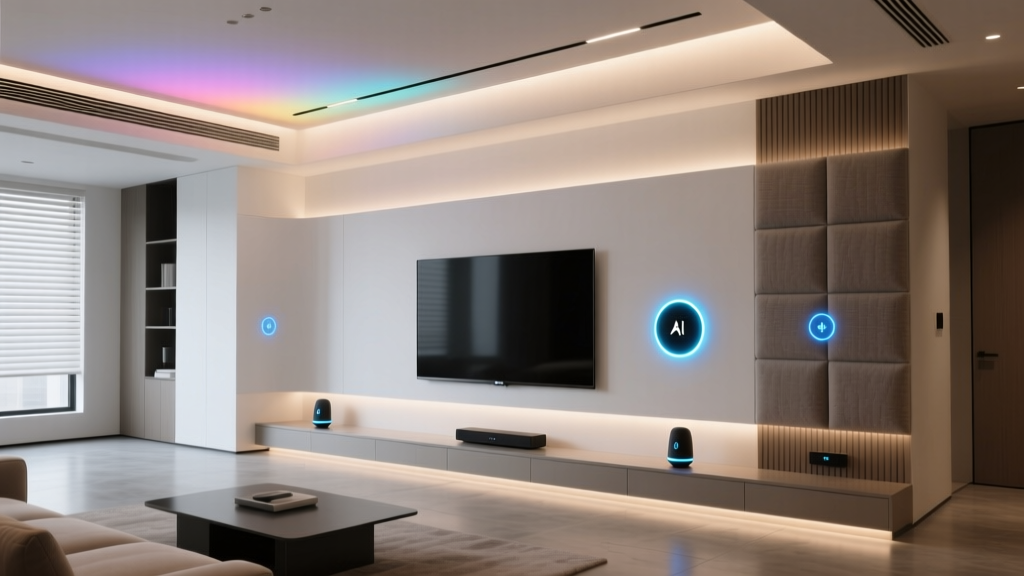
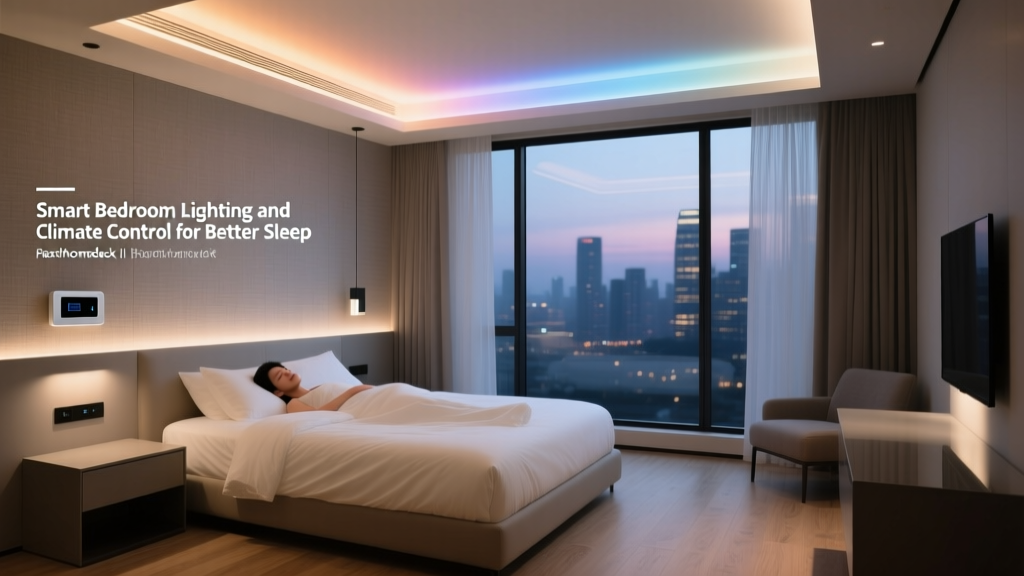
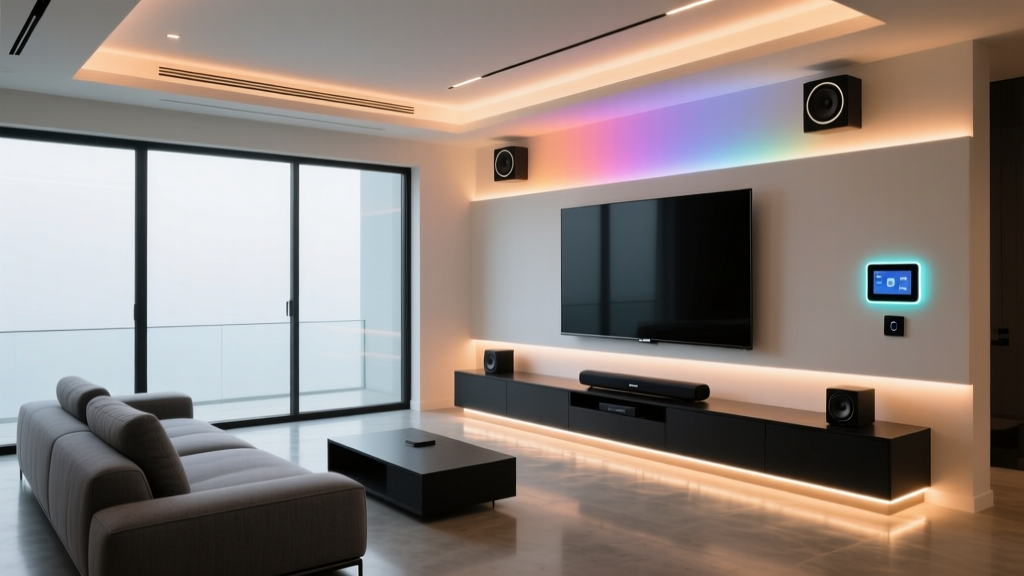
A well-designed library or reading room is more than a place to store books — it is a sanctuary for focus, reflection, and long-form thinking. Unlike a home office optimized for productivity or a living room tuned for entertainment, a reading space must balance visual comfort, acoustic calm, and environmental stability. Two systems matter more here than anywhere else in the home: lighting and climate. Get them right and the room disappears around you. Get them wrong and eye strain, dry air, warped spines, and restless reading sessions follow.
This room-by-room guide from Smart Home Deck walks through every decision you need to make when automating a smart library or reading room. We cover lighting layers, color temperature strategy, humidity targets for book preservation, recommended devices across three budget tiers, automation routines that match how readers actually behave, and the installation details that separate a polished space from a glitchy one.
Room Overview: Why the Library Demands a Different Approach
Most smart home guides treat rooms as interchangeable boxes with a bulb and a thermostat. A reading room is not interchangeable. It has three competing needs that pull in different directions:
- Human visual comfort. Readers need high, even illumination with minimal glare, a color temperature that supports alertness during the day and melatonin production in the evening, and task light that can be directed at the page without washing out the rest of the room.
- Book and media preservation. Paper, leather bindings, vinyl records, and artwork degrade under UV exposure, fluctuating humidity, and extreme temperatures. A stable environment is not a luxury — it is the difference between a collection that lasts decades and one that yellows, warps, or mildews.
- Acoustic and psychological calm. The room should feel like a retreat. Automation should be invisible, routines should be silent, and devices should never announce themselves with beeps or blinking LEDs mid-chapter.
Lighting and climate are the two systems that touch all three needs simultaneously. That is why they deserve their own dedicated guide, rather than being lumped in with general whole-home automation.
Budget Tiers: Starter, Mid, and Pro Setups
Before choosing individual devices, decide which tier fits your room and your collection. A casual reading nook in a guest bedroom does not need museum-grade humidity control, and a dedicated two-story library does not belong on a starter budget.
Starter Tier — The Reading Nook
Ideal for a corner armchair, a small built-in bookshelf, or a converted bedroom. Budget range is modest, and the goal is comfort without rewiring.
- Two to four smart bulbs with tunable white (see our Philips Hue White Ambiance review)
- One plug-in smart lamp for dedicated task lighting
- One smart plug for a floor lamp or reading sconce
- One smart thermostat or smart radiator valve, depending on your HVAC
- One temperature and humidity sensor near the bookshelf
- Voice or app control, with one or two simple automations
Mid Tier — The Dedicated Reading Room
A full room with built-in shelving, a primary reading chair, and a secondary seating area. The goal is layered lighting and stable climate with minimal manual adjustment.
- Smart switches on every circuit (we recommend the Lutron Caseta system for reliability)
- Tunable white recessed lighting or track heads for ambient fill
- Dedicated smart picture lights or shelf lighting for display areas
- Smart thermostat with room sensor, such as the Ecobee SmartThermostat
- Two to three temperature and humidity sensors distributed through the room
- Occupancy and daylight sensors to drive automations
- Scene controller or keypad near the entrance
Pro Tier — The Collector’s Library
A serious collection, rare books, artwork, or a home archive. The goal is preservation-grade environment control and architectural lighting.
- Wired DMX or DALI lighting with circadian tuning across every zone
- UV-filtering window treatments with smart motors
- Dedicated humidification and dehumidification tied to a central controller
- Multiple environmental sensors with alerts for out-of-range readings
- Keypad scene control with engraved buttons (Morning, Reading, Evening, Away, Preserve)
- Integration with whole-home automation (Control4, Savant, or Home Assistant)
- Battery-backed leak and smoke detection near valuable collections
Smart Lighting for Reading Comfort
Lighting in a reading room is not one decision — it is four decisions layered on top of each other. Treat them as separate systems and the room will feel effortless. Treat them as one and you will always be reaching for a switch.
The Four Layers of Reading Room Light
- Ambient fill. Soft, even light that illuminates the entire room without casting harsh shadows. Recessed tunable-white downlights, cove lighting, or indirect wall washes work best. Aim for 100–200 lux at floor level.
- Task light. Focused illumination on the page or the desk. A floor lamp with an adjustable arm, a sconce beside the reading chair, or a desk lamp. Target 300–500 lux on the reading surface.
- Accent light. Light that highlights shelves, art, or architectural features. Low-output picture lights, shelf-integrated LED strips, or narrow-beam track heads.
- Circadian rhythm light. Light that shifts color temperature through the day — cooler (4000K) in the morning for alertness, warmer (2200K) in the evening to support sleep.
Color Temperature Strategy
The single most important lighting decision in a reading room is color temperature, and it should never be static. A fixed 3000K bulb feels fine at noon and wrong at 10 p.m. Tunable-white bulbs or fixtures that shift from 2200K to 5000K across the day are worth the premium. Our smart lighting setup guide covers the full science, but for a reading room the target curve looks like this:
- 6 a.m. – 10 a.m.: 4000K–5000K, 80% brightness
- 10 a.m. – 4 p.m.: 3500K–4000K, 100% brightness
- 4 p.m. – 8 p.m.: 3000K, 70% brightness
- 8 p.m. – 11 p.m.: 2400K–2700K, 40% brightness
- After 11 p.m.: 2200K or amber, 10% brightness (night reading mode)
Glare, Shadows, and the Reading Chair
Place the reading chair before you finalize any lighting plan. The worst glare in a reading room almost always comes from a single overhead downlight landing on glossy pages or a tablet screen. Use two softer sources at 45-degree angles to the chair instead of one direct source above it. If the room has a window, position the chair so daylight comes from the side rather than straight on or directly behind.
Bookshelf Lighting That Does Not Damage the Collection
Shelf lighting is beautiful but comes with a caveat: any light accelerates fading, and heat from poorly chosen fixtures can dry out bindings. Use low-output LED strips (under 5 watts per foot), mount them behind a lip so the source is hidden, and wire them to turn off automatically when the room is unoccupied for more than 20 minutes. For rare or valuable books, keep shelf lighting off by default and trigger it only on a “Show” scene.
Climate Control for Books & Readers
Climate in a reading room serves two masters: the people who sit in it and the objects stored in it. Fortunately, their ideal ranges overlap — but the tolerance for fluctuation does not.
The Target Ranges
- Temperature: 65°F–72°F (18°C–22°C). Stable within 2–3 degrees day to day.
- Relative humidity: 40%–50%. Stable within 5% day to day.
- Air circulation: Gentle and constant. Stagnant air invites mildew on leather and paper.
- UV exposure: As close to zero as possible. Direct sunlight is the enemy of any collection.
Humans are comfortable across a wide humidity band (30%–60%). Books, photographs, and vinyl records are not. Below 35% relative humidity, paper becomes brittle and leather bindings crack. Above 55%, mold spores germinate and pages cockle. The smart move is to target the overlap — 45% ± 5% — and treat deviations as alerts, not background noise.
Sensor Placement Matters More Than the Thermostat
A single thermostat in the hallway tells you almost nothing about the conditions on the top shelf of a bookcase against an exterior wall. Place at least two dedicated temperature and humidity sensors in the room:
- One at seated head height near the primary reading chair (human comfort)
- One on a middle shelf of the largest bookcase, away from direct airflow (collection conditions)
- A third near any exterior window or door, where drafts and solar gain create microclimates
Compare readings once a week for the first month. If the bookcase sensor consistently reads 5°F warmer or 10% drier than the chair sensor, you have an airflow or insulation problem that no amount of automation will fix. Address the room first, then tune the system.
Humidification and Dehumidification
Most homes need active humidity control in at least one season. In dry winters, a smart humidifier tied to your humidity sensor keeps bindings supple. In humid summers, a smart dehumidifier (or a whole-home unit integrated with your HVAC) prevents mold. Choose units that can be triggered by a smart plug or a dedicated smart humidistat — standalone units with their own dials cannot be coordinated with the rest of the room.
Window Treatments as a Climate Tool
Motorized shades are often sold as a convenience feature. In a reading room, they are a preservation feature. A west-facing window that pours afternoon sun across a bookshelf will fade spines in a single season, regardless of the UV rating of the glass. Automate shades to close during direct-sun hours on any exposure that hits shelving or artwork. Pair them with your lighting system so the room compensates with warmer, softer electric light when the shades are down.
Recommended Smart Devices for the Reading Room
The devices below are chosen for reliability, quiet operation, and compatibility with the most common smart home platforms. For full benchmarks, see our individual reviews.
Lighting Devices
- Tunable-white bulbs: Philips Hue White Ambiance, IKEA Dirigera-compatible tunable bulbs, or WiZ tunable bulbs for budget builds.
- Smart switches: Lutron Caseta for rock-solid reliability, or Shelly relays behind existing switches if you want to keep original hardware.
- Shelf and accent lighting: Low-voltage LED strip systems from WAC Lighting or Hera, driven by a smart dimmer.
- Task lamps: BenQ ScreenBar or similar architectural desk lamps paired with a smart plug for scheduling.
Climate Devices
- Smart thermostat: Ecobee SmartThermostat with room sensors, or a Nest Thermostat with remote sensors for zoned control.
- Environmental sensors: Aqara Temperature & Humidity Sensor, SwitchBot Meter, or Eve Room for air quality in addition to climate.
- Smart humidifier: Models with external humidistat support, controlled via smart plug or direct integration.
- Motorized shades: Lutron Serena, Hunter Douglas PowerView, or SwitchBot Curtain for retrofit installations.
Control and Sensing
- Occupancy sensor: Aqara or Hue motion sensor, mounted to avoid false triggers from a reader sitting still for long periods (see installation tips below).
- Scene keypad: Lutron Pico, Hue Dimmer, or a custom engraved keypad for one-touch room scenes.
- Leak sensor: Placed under any humidifier or near exterior windows, because water and books do not mix.
If you are building a multi-room system, our smart home hub comparison walks through which platform handles a dedicated reading room best.
Automation Routines for the Avid Reader
Automation in a reading room should feel like the room is reading along with you — adjusting in the background without ever demanding attention. These five routines cover almost every scenario.
Morning Reading Scene
Triggers at sunrise or on first occupancy before 10 a.m. Shades rise to 50%, ambient lights come up to 80% at 4000K, and the HVAC brings the room to the daytime setpoint. Gentle and bright, designed to support focus without glare on morning pages.
Deep Reading Scene
Triggered manually from a keypad or voice command. Task light rises to 100%, ambient light dims to 30%, accent lights on shelves fade out, and notifications on connected devices are silenced. This is the “do not disturb” scene for long sessions.
Evening Wind-Down
Triggers automatically after sunset. All lights shift to 2400K, brightness drops to 40%, and the thermostat eases up by one or two degrees. The room signals to the body that the day is ending, even if the chapter is not.
Night Reading Mode
Triggers after 11 p.m. or on a late-night occupancy event. Only the task lamp near the chair turns on, at 2200K and 15% brightness. Overhead lights stay off. This preserves night vision and protects a partner sleeping in the next room.
Away and Preserve Mode
Triggers when the room has been unoccupied for more than 30 minutes. All lights turn off, shades close on sun-exposed windows, and the climate system shifts to preservation setpoints (68°F, 45% RH) rather than comfort setpoints. Humidity alerts remain active. This is the scene that protects the collection when nobody is home.
Seasonal Adjustments
Once per season, review the automation curves. Summer sun angles are different from winter ones, and the shades that protected the shelves in June may miss them in December. A 15-minute seasonal walk-through prevents more damage than any device upgrade.
Design and Installation Tips
The difference between a smart reading room that feels magical and one that feels buggy almost always comes down to installation details. These are the ones worth getting right the first time.
Motion Sensors and the Still Reader Problem
Standard PIR motion sensors turn off lights when they stop detecting movement. A reader sitting still for 30 minutes looks, to a sensor, like an empty room. The fix is twofold: use a sensor with adjustable timeout (set to 30–45 minutes in a reading room) and pair it with a secondary trigger, such as a door contact or a manual “reading” scene that disables auto-off entirely until the scene is released. Some newer mmWave presence sensors detect breathing and solve this problem natively — see our Aqara sensor review for details.
Wiring for Future Upgrades
If you are opening walls, run neutral wires to every switch box and pull a low-voltage conduit to each bookshelf run. Shelf lighting almost always gets upgraded or expanded, and having a conduit in place turns a weekend project into an afternoon one. Also run Cat6 to the room — a hardwired access point eliminates the Wi-Fi dead zone that thick bookshelves reliably create.
Switch and Keypad Placement
Place the primary scene keypad at the room entrance, at elbow height, where it can be tapped without breaking stride. Place a secondary control — a dimmer or a button — within arm’s reach of the reading chair. Nobody wants to get up to adjust the light mid-paragraph.
Acoustic Considerations
Smart devices make noise. Thermostat relays click, humidifier compressors hum, and some smart bulbs emit a faint whine when dimmed below 20%. In a quiet reading room, these become noticeable. Test every device at its lowest operating level before committing to a permanent install. If a bulb whines, swap it. If a humidifier is loud, move it to a closet with a ducted outlet into the room.
Design Language
A reading room rewards visual coherence. Choose one finish for all visible hardware — switch plates, sensor housings, shade fascias — and stick with it. Matte black, satin brass, or painted-to-match white all work, but mixing them breaks the calm. For visible fixtures, choose designs that read as furniture rather than technology. The best smart reading rooms do not look smart at all.
Frequently Asked Questions
Is smart lighting safe for rare books and artwork?
Yes, with two conditions. First, use LED sources only — they emit virtually no UV and very little infrared heat compared to halogen or incandescent. Second, automate the lights to turn off when the room is unoccupied. Cumulative light exposure is what causes fading, so reducing unnecessary on-time is the most effective preservation step you can take. For genuinely rare materials, add UV-filtering film to any nearby windows and keep accent lighting off by default.
What humidity level should I target if I have both books and vinyl records?
Aim for 45% relative humidity, plus or minus 5%. This is the overlap zone where paper stays flexible, leather bindings stay supple, and vinyl records do not warp or develop mold. Avoid rapid swings — a stable 42% is better than oscillating between 40% and 50% several times a day. A dedicated humidistat with a tight deadband is worth the investment for a mixed-media collection.
Do I need a smart thermostat if my reading room shares HVAC with the rest of the house?
You do not need a separate thermostat, but you do need a room sensor. Most smart thermostats measure temperature only at the unit itself, which is usually in a hallway. A remote sensor in the reading room lets the system prioritize that space during scheduled reading hours and revert to whole-home comfort the rest of the time. For rooms with extreme solar gain or poor airflow, a smart vent or a dedicated mini-split is a better long-term solution.
How do I prevent my motion sensor from turning off the lights while I am reading?
Use a presence sensor (mmWave) instead of a traditional PIR motion sensor, or pair the motion sensor with a manual “reading” scene that disables auto-off. If you stick with PIR, extend the timeout to at least 30 minutes and mount the sensor where it has a direct line of sight to the reading chair — small movements like turning a page are enough to reset the timer if the sensor can see them.
Can I integrate my reading room with the rest of my smart home?
Absolutely, and you should. The reading room’s “Away” scene should feed into your whole-home away mode, its climate readings should inform your thermostat’s decisions, and its lighting should coordinate with adjacent rooms so you are not walking from a dim library into a blinding hallway. If you are building on a platform like Home Assistant, Hubitat, or a pro system like Control4, treat the reading room as a zone within the larger home rather than a standalone setup. Our whole-home automation planning guide covers how to structure zones cleanly.
Final Thoughts
A smart reading room is one of the most rewarding spaces to automate, because the payoff is so direct. The right light at the right color temperature makes long sessions easier on the eyes. A stable climate preserves the collection you have spent years building. Quiet, thoughtful automation removes every small friction between you and the page.
Start with the tier that matches your room and your collection. Get the lighting layers and the humidity targets right before adding complexity. And remember that the best smart room is the one you stop noticing — the one where the light simply feels right, the air simply feels still, and the only thing that holds your attention is the book in your hands.
For more room-by-room guides, see our setups for the smart bedroom, the home office, and the living room. Each one applies the same layered approach to the specific needs of the space.