The Evolution of the Smart Media Room
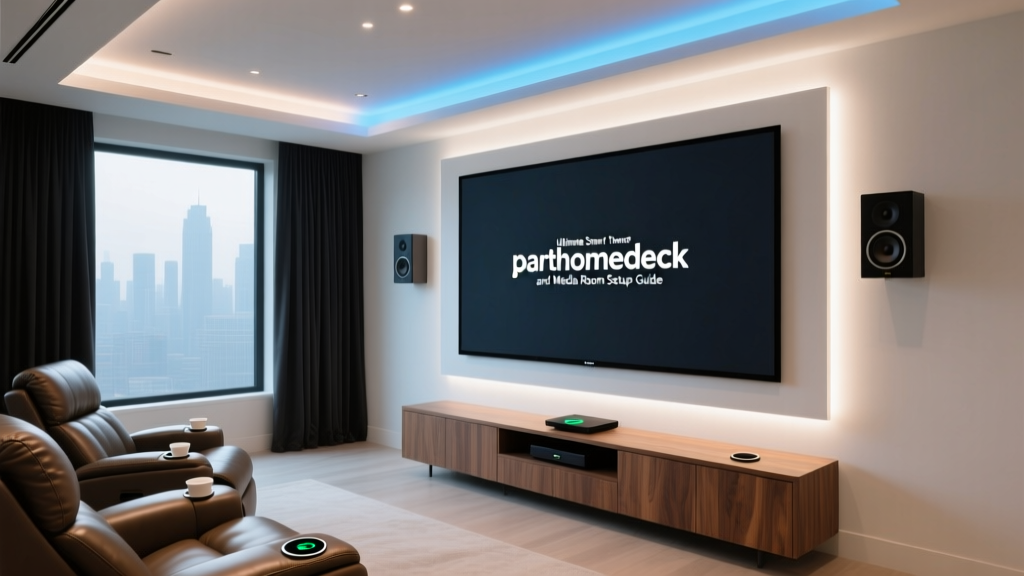
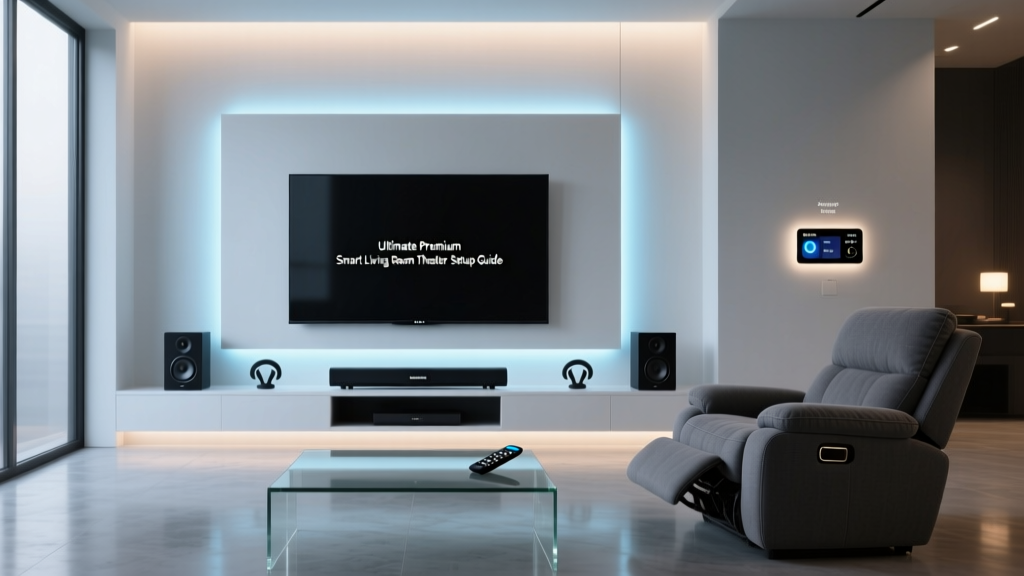
The modern media room has evolved far beyond a simple flat-screen television and a comfortable sofa. Today, a dedicated entertainment and media room is a fully integrated smart ecosystem designed to deliver a cinematic, immersive experience that rivals commercial theaters. By combining high-fidelity audio, precision visual displays, automated environmental controls, and intelligent lighting, homeowners can create a space that adapts to their media consumption habits seamlessly.
Whether you are converting a spare bedroom, finishing a basement, or designing a dedicated home theater from scratch, this comprehensive guide will walk you through the essential components of a smart media room. We will explore the best visual displays, immersive audio configurations, bias lighting techniques, and the automation routines that tie everything together into a single, cohesive experience.
The Visual Centerpiece: OLED vs. Smart Projectors
The foundation of any media room is the display. When designing your space, you must choose between a high-end OLED television, a Mini-LED display, or a 4K laser projector. The decision largely depends on your room's ambient light control and the available throw distance.
For dedicated, light-controlled rooms (often called 'bat caves'), OLED technology remains the undisputed king of contrast and black levels. The LG G3 OLED utilizes Micro Lens Array (MLA) technology to achieve staggering brightness levels that compete with LED panels while maintaining perfect pixel-level dimming. However, if your media room doubles as a living space with large windows, or if you desire a screen size exceeding 85 inches, a laser projector paired with an Ambient Light Rejecting (ALR) screen is the superior choice. The Epson Pro Cinema LS12000B offers a massive 150-inch image with excellent color accuracy and a laser light source rated for 20,000 hours of use.
| Technology | Top Pick | Ideal Room Type | Max Practical Size | Estimated Cost |
|---|---|---|---|---|
| OLED | LG G3 83-inch | Light-controlled / Dark | 97 inches | $5,000 - $6,500 |
| Mini-LED | Sony X95L 85-inch | Mixed Ambient Light | 98 inches | $4,500 - $6,000 |
| Laser Projector | Epson LS12000B | Large / Dedicated Theater | 150+ inches | $3,500 - $5,000 (incl. screen) |
Pro Tip: According to the Society of Motion Picture and Television Engineers (SMPTE), the ideal viewing angle for a cinematic experience is 30 degrees. For a 120-inch diagonal screen, your primary seating should be positioned approximately 16 feet away.
Immersive Audio: Soundbars vs. Dedicated Receivers
Visuals draw you into the story, but audio grounds you in the environment. The industry standard for immersive home theater sound is Dolby Atmos, which introduces height channels to create a three-dimensional soundscape. When selecting an audio system, you must weigh the convenience of a premium soundbar against the raw power and customization of an Audio/Video Receiver (AVR) and discrete speakers.
For mid-tier setups or rooms where running in-wall speaker wire is impossible, the Samsung HW-Q990C or the Sonos Arc (paired with a Sonos Sub and Era 300 rears) offer phenomenal 7.1.4 channel emulation and genuine up-firing drivers. As highlighted in Wirecutter's guide to surround sound systems, high-end soundbars have closed the gap significantly for casual listeners and gamers.
However, for the ultimate enthusiast setup, a dedicated AVR like the Denon AVR-X3800H paired with a 7.1.4 discrete speaker layout (such as the KEF R Series or SVS Prime system) is unmatched. Discrete setups allow for precise acoustic calibration using Dirac Live or Audyssey MultEQ XT32, ensuring that every explosion, whisper, and spatial cue is rendered with pinpoint accuracy based on your room's unique dimensions.
Bias Lighting and Ambiance Control
One of the most overlooked aspects of media room design is bias lighting. Watching a high-contrast HDR movie in a pitch-black room forces your pupils to constantly dilate and constrict as the screen transitions between dark and bright scenes, leading to severe eye strain. Bias lighting—placed behind the display—raises the ambient light level just enough to keep your pupils stable without washing out the screen's contrast.
For the most authentic experience, bias lighting should be calibrated to the D65 white point (6500 Kelvin). The Philips Hue Play HDMI Sync Box takes this a step further by analyzing the video signal in real-time and extending the colors on the screen onto the wall behind it. This 'screen mirroring' effect tricks the brain into perceiving a larger, more immersive image. For budget-conscious builders, the Govee Envisual TV Backlight T2 uses a built-in camera to capture screen colors and sync the LED strips, offering 80% of the performance of the Hue ecosystem at a fraction of the cost.
Environmental Control: Smart Blinds and Acoustics
Lighting and acoustics are the twin pillars of a professional media room. Glare from windows can ruin the contrast of even the most expensive OLED TV, while hard surfaces like drywall and hardwood floors create acoustic reflections that muddy dialogue and distort bass response.
To combat glare, integrate motorized smart blinds such as the Lutron Serena or IKEA FYRTUR (for budget setups). These can be programmed to automatically lower when the media room's smart hub detects that a movie has started. For acoustics, consult the guidelines set forth by CEDIA (Custom Electronic Design & Installation Association), which recommend treating first reflection points on the side walls with high-density fiberglass acoustic panels, and placing bass traps in the front corners to eliminate low-frequency standing waves.
The Ultimate 'Movie Time' Automation Routine
The true magic of a smart media room lies in its automation. Using a hub like Home Assistant, SmartThings, or Hubitat, you can create a single 'Movie Time' routine that orchestrates your entire environment with one voice command or button press. Here is a blueprint for a professional-grade automation sequence:
Trigger Conditions
- Voice command: 'Hey Google, start Movie Time' OR
- State change: Plex Media Server detects 'Playing' state on the Apple TV 4K OR
- Physical trigger: Hue Dimmer Switch (Button 1 pressed)
Automated Actions Sequence
- Lighting (T-minus 0s): Main ceiling recessed lights fade to 0% over 3 seconds. Philips Hue bias lighting turns on to 15% brightness at 3000K (warm white) for pre-show ambiance.
- Environment (T-minus 1s): Lutron Serena blackout shades lower to 100% closed. HVAC smart vent in the media room closes to 50% to reduce ambient fan noise.
- AV Power (T-minus 2s): Send IR/IP command to Denon AVR to power on and switch input to 'Apple TV'. Send CEC command to turn on the OLED display and Epson Projector screen trigger.
- Audio DSP (T-minus 3s): AVR switches sound mode to 'Dolby Surround' or 'Pure Direct' depending on the content type detected.
- Sync Lighting (Playback Start): Once the hub detects the 'Playing' state from the media server API, bias lighting switches from warm white to HDMI Sync Mode for dynamic color matching.
When the movie ends or is paused, a 'Pause Routine' can trigger the lights to slowly fade up to 30% and pause the bias lighting sync, providing enough light for bathroom breaks or snack refills without ruining the cinematic mood.
Media Room Budget Tiers
Building a smart media room is an investment that can scale to fit almost any budget. Below is a breakdown of what you can expect to spend across three distinct tiers.
1. Starter Setup (Approx. $1,200 - $2,000)
Ideal for apartments and small bedrooms. This tier relies on a high-quality 65-inch LED TV (like the TCL QM8), a premium soundbar with a wireless subwoofer (Sonos Beam Gen 2 + Sub Mini), Govee camera-based bias lighting, and IKEA smart blinds. Automation is handled via a basic smart plug and IR blaster setup.
2. Mid-Tier Setup (Approx. $4,500 - $7,000)
The sweet spot for most homeowners. Features a 77-inch LG C3 OLED, a Samsung HW-Q990C 11.1.4 Atmos soundbar system, Philips Hue Sync Box with gradient lightstrips, Lutron Caseta smart lighting and shades, and a dedicated Apple TV 4K integrated with SmartThings for robust automation routines.
3. Pro Enthusiast (Approx. $12,000 - $25,000+)
A dedicated, acoustically treated theater space. Includes an 83-inch Sony A95L QD-OLED or a 4K Laser Projector with a 135-inch Stewart Filmscreen, a Denon AVR-X3800H receiver, a full 7.2.4 discrete speaker layout with dual SVS subwoofers, Lutron RadioRA 3 environmental controls, and a Control4 or Crestron centralized automation hub.
Installation Tips and Cable Management
Even the most expensive AV equipment will look and perform poorly if the installation is sloppy. When wiring your media room, always use CL3-rated cables for any wire running inside walls to comply with fire safety building codes. For speaker wire, 12 AWG (American Wire Gauge) oxygen-free copper is recommended for runs longer than 50 feet to prevent signal degradation and ensure your amplifier can properly control the speaker drivers.
Cable management is crucial for both aesthetics and preventing electromagnetic interference (EMI) between power cables and low-voltage HDMI/audio cables. Always cross power and data cables at 90-degree angles rather than running them parallel to each other. Use velcro ties instead of plastic zip-ties to bundle cables, allowing for easy adjustments and preventing damage to the cable shielding over time.
Conclusion
Designing a smart media room is a highly rewarding project that transforms how you consume entertainment. By carefully selecting your display technology based on room lighting, investing in immersive Dolby Atmos audio, utilizing bias lighting to enhance contrast and reduce eye strain, and tying it all together with intelligent automation routines, you can create a sanctuary for movie lovers and gamers alike. Start with a solid plan, prioritize acoustic and light control, and let smart home technology handle the rest.