The Ultimate Guide to Smart Home Room Presence Detection
There is nothing more frustrating in a modern smart home than sitting perfectly still on the couch, engrossed in a book or movie, only for the lights to suddenly shut off because a basic motion sensor failed to detect you. For years, smart home enthusiasts have relied on Passive Infrared (PIR) sensors to trigger automations. While PIR sensors are excellent for detecting a person walking into a room, they are entirely blind to a person sitting still. This fundamental limitation has led to the rise of smart home room presence detection, a technological leap that transforms how our homes interact with us.
Presence detection moves beyond simple movement. It answers the critical question: Is someone currently occupying this space? By leveraging advanced technologies like millimeter-wave (mmWave) radar, thermal imaging, and Wi-Fi sensing, your home can now detect the subtle rise and fall of your chest as you breathe, ensuring your environment remains perfectly tailored to your needs without you ever having to wave your arms at a ceiling sensor.
In this comprehensive, room-by-room guide, we will explore the technology behind presence detection, break down the best devices across different budget tiers, and provide actionable installation and automation strategies to create a truly seamless, intelligent living space. Whether you are outfitting a smart bathroom or building a comprehensive whole-home radar network, this guide will serve as your definitive blueprint.
Understanding Presence vs. Motion: The Technology Behind the Magic
To build a reliable smart home, you must first understand the tools at your disposal. The market is currently dominated by three primary sensing technologies, each with distinct advantages and limitations. Choosing the right technology for the right room is the cornerstone of a frustration-free automation experience.
Passive Infrared (PIR) Sensors
PIR sensors detect changes in infrared radiation (heat) moving across their field of view. When a warm body walks across a cooler background, the sensor triggers. The limitation: If you stop moving, the sensor assumes the room is empty. PIR is incredibly energy-efficient, making it ideal for battery-powered devices, but it is fundamentally a motion sensor, not a presence sensor.
Millimeter-Wave (mmWave) Radar
mmWave sensors emit high-frequency radio waves that bounce off objects in the room. By analyzing the returning waves, the sensor can detect micro-movements, such as typing on a keyboard, turning a page, or even the subtle expansion of your lungs as you breathe. The advantage: True occupancy detection. The limitation: They require constant power (USB or hardwired), can be overly sensitive to interference (like ceiling fans or moving curtains), and struggle to penetrate certain materials like thick metal or water.
Thermal & Grid-EYE Sensors
Thermal sensors use low-resolution infrared grids to map the heat signature of a room. They do not detect breathing, but they can detect the static heat blob of a person sitting on a couch or lying in bed. The advantage: Excellent for privacy-sensitive areas like bedrooms and bathrooms, as they do not use cameras or penetrating radar. The limitation: They can be confused by heat sources like radiators, space heaters, or direct sunlight.
For a deep dive into how these protocols communicate with your hub, check out our guide on Matter & Thread and Zigbee vs Wi-Fi to ensure your sensors integrate smoothly with your ecosystem.
Room-by-Room Presence Detection Strategy
Presence detection is not a one-size-fits-all solution. The environment, typical activities, and physical layout of each room dictate which sensor technology and placement strategy will yield the best results. Here is how to approach presence detection across the most critical zones in your home.
The Living Room: Multi-Zone Mapping
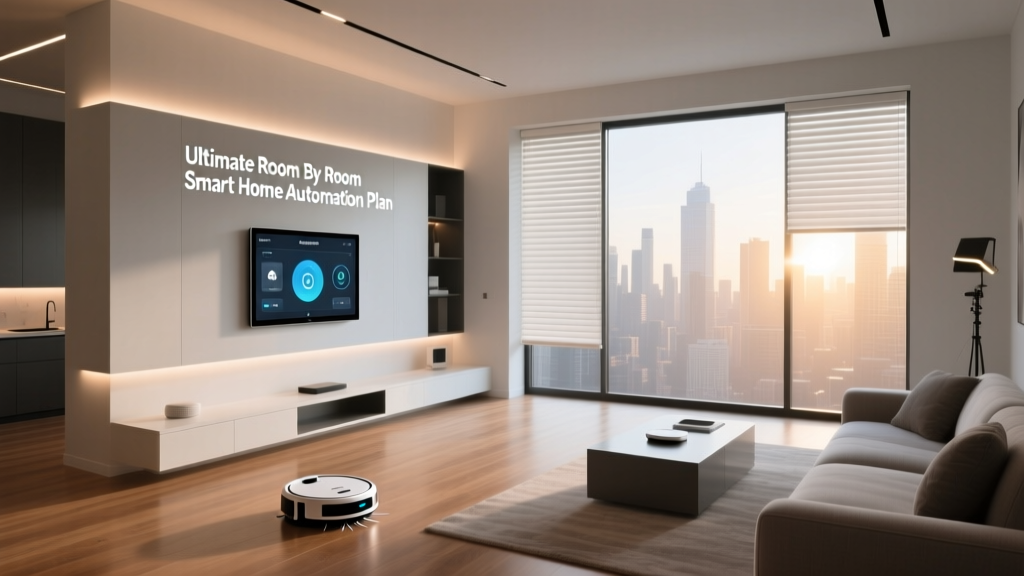
The living room is a high-traffic, multi-purpose environment. You might be walking through it to get to the kitchen, sitting on the couch watching TV, or reading in a corner armchair. Basic motion sensors fail here because they cannot distinguish between a person passing through and a person settling in. Advanced mmWave sensors with multi-zone mapping allow you to draw virtual boundaries. You can create a "Couch Zone" that keeps the lights on and the HVAC running, while a "Walkway Zone" only triggers temporary pathway lighting. This prevents the lights from blasting on at 100% brightness when someone simply walks to the kitchen for a glass of water.
The Bedroom: Sleep Tracking & Gentle Transitions
The bedroom requires a delicate touch. You want presence detection to trigger under-bed nightlights when you swing your legs out of bed, but you do not want radar waves constantly bouncing off you while you sleep, nor do you want the lights to turn on if you roll over. For the bedroom, a combination of low-sensitivity mmWave, thermal sensors, or even physical bed-occupancy contact sensors is ideal. Many users prefer thermal grid sensors here for privacy and reliability, ensuring the room knows you are asleep without relying on penetrating radar.
The Bathroom: The Steam & Glass Challenge
The smart bathroom is notorious for defeating traditional PIR sensors. When you take a hot shower, the steam obscures your heat signature, and the glass shower door refracts infrared light, causing the lights to turn off mid-shower. mmWave radar is the ultimate solution here, as radio waves pass effortlessly through steam and glass. However, because water absorbs radar waves, the sensor must be placed strategically outside the direct splash zone and angled to detect the upper body or head, ensuring a reliable presence lock while you bathe.
The Home Office: Focus & Desk Occupancy
In a smart home office, presence detection is tied to productivity and energy efficiency. You need the sensor to know you are sitting at your desk, even if you are perfectly still while reading a document or on a long video call. A desk-mounted or ceiling-mounted mmWave sensor can trigger your PC to wake up, adjust your smart standing desk to the correct height, and activate your "Focus Mode" lighting scene. When you leave the desk for more than five minutes, the system can automatically put your monitors to sleep and lower the climate control.
Hallways & Transitional Spaces
Hallways do not require expensive mmWave radar. These are purely transitional spaces where basic, battery-powered PIR motion sensors are perfectly adequate. Save your budget for the rooms where you actually spend time sitting still, and use cheap, reliable Zigbee or Z-Wave motion sensors to guide your lighting from room to room.
Recommended Devices for Every Budget Tier
Building a robust presence detection network can be done on a shoestring budget or scaled up to a professional-grade, whole-home radar system. Here is a breakdown of the best devices across three distinct budget tiers.
Starter Tier: The PIR & Timer Approach
Budget: $15 - $30 per room
Technology: Zigbee / Z-Wave PIR Motion Sensors
Best For: Hallways, closets, garages, and basic lighting automation.
At the starter level, you are relying on traditional motion sensors from brands like Philips Hue, IKEA, or third-party Zigbee manufacturers. To mitigate the "lights turning off" problem, you must rely on smart timer logic in your hub. Instead of turning the lights off immediately when motion clears, you set a long delay (e.g., 15 minutes). While not true presence detection, it is a cost-effective way to begin automating your home without running USB power cables to every corner of the ceiling.
Mid Tier: Entry-Level mmWave Radar
Budget: $30 - $60 per room
Technology: Single-Zone mmWave Radar
Best For: Home offices, kitchens, and standard bedrooms.
The mid-tier introduces true presence detection. Devices like the Sonoff SNZB-06 or the SwitchBot Motion Sensor offer affordable mmWave radar combined with basic PIR. These sensors plug directly into a wall outlet or USB port and provide a simple binary output: Occupied or Unoccupied. They are incredibly reliable for keeping the lights on while you are cooking or working at a desk, though they lack the advanced spatial awareness to differentiate between a person and a moving ceiling fan.
Pro Tier: Multi-Zone Spatial Awareness
Budget: $80 - $150+ per room
Technology: Multi-Zone mmWave, LiDAR, & Thermal
Best For: Living rooms, master suites, and complex open-concept spaces.
The professional tier is where the magic truly happens. Devices like the Aqara FP2 or the community-favorite Everything Presence One offer advanced spatial mapping. These sensors connect to your Wi-Fi or Thread network and allow you to divide a room into dozens of distinct zones via a smartphone app. They can track multiple people simultaneously, detect falls (ideal for elderly care), and integrate seamlessly with advanced hubs like Home Assistant. If you want your living room to know exactly who is sitting on the couch and adjust the lighting and temperature accordingly, the Pro tier is mandatory.
Installation Tips & Sensor Placement Guide
Even the most expensive, advanced mmWave sensor will perform terribly if installed incorrectly. Radar is highly sensitive to the environment, and improper placement is the number one cause of "ghost presence" (where the sensor thinks the room is occupied when it is empty). Follow these golden rules for sensor placement.
1. Avoid the "Interference Triangle"
mmWave sensors will detect any movement, including non-human movement. You must avoid pointing your sensor directly at:
- Ceiling Fans & HVAC Vents: The moving blades or the fluttering of dust in a strong air stream will trigger the radar.
- Curtains & Blinds: A slight breeze moving a curtain will register as a person breathing.
- Large Glass Windows: Radar can sometimes reflect off glass or detect movement outside the window, causing false positives.
2. The Ideal Height & Angle
For most mmWave sensors, the ideal mounting height is between 6.5 and 8 feet (2 to 2.4 meters). Wall-mounting in a corner, angled slightly downward toward the center of the room, provides the best coverage cone. Ceiling mounting is excellent for open-concept rooms, but ensure the sensor is rated for ceiling use and that its detection cone is wide enough to cover the seating areas below.
3. Managing Water & Metal
Water absorbs millimeter-wave frequencies. If you are installing a sensor in a bathroom, do not place it where the direct spray of the shower will hit it, and avoid pointing it through a glass shower door if the glass is heavily coated in condensation. Similarly, large metal objects (like refrigerators or metal filing cabinets) will reflect radar waves, creating "ghost" reflections that confuse the sensor.
4. Power Considerations
Unlike PIR sensors that run on coin-cell batteries for years, mmWave sensors require constant power. When planning your installation, map out your USB outlets, hardwired junction boxes, or PoE (Power over Ethernet) drops. Running a sensor network means dealing with cable management, so plan your routes before buying your devices.
Advanced Automation Routines & Sensor Fusion
Having presence data is only half the battle; knowing how to use it in your smart lighting automation and climate routines is what separates a gimmick from a true smart home. Advanced users rely on a concept called Sensor Fusion to create bulletproof automations.
The Power of Sensor Fusion
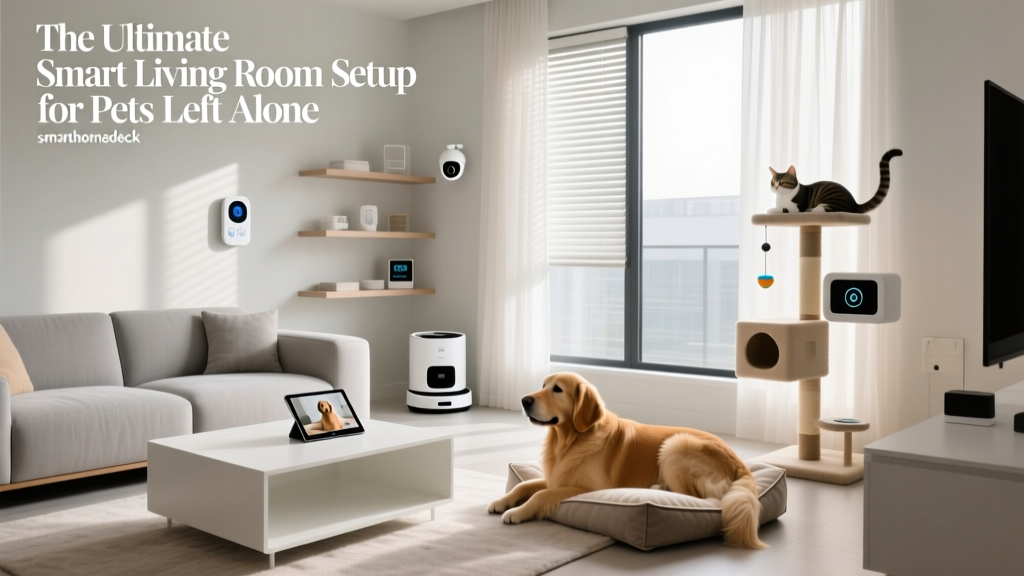
mmWave sensors are incredibly sensitive, sometimes too sensitive. They can get "stuck" in an occupied state if a pet enters the room, or if a blanket is left in a position that reflects radar waves oddly. Sensor fusion involves combining a highly sensitive mmWave sensor with a traditional PIR sensor or a door contact sensor.
The Logic: IF mmWave detects presence, turn on lights. IF mmWave detects presence BUT the PIR sensor has not detected motion for 30 minutes AND the room door is closed, THEN reset the mmWave sensor to "Unoccupied." This hybrid approach guarantees you never suffer from ghost lights staying on all night.
Integrating Lux (Ambient Light) Sensors
Presence detection should never trigger lights in a vacuum. You must pair presence data with lux (light level) data. If your living room is flooded with natural afternoon sunlight, the presence sensor should know that turning on the smart bulbs is a waste of energy. Always include a lux threshold in your automation logic: Only turn on lights if Presence = True AND Lux < 50.
Climate & HVAC Setbacks
Presence detection is a game-changer for energy efficiency. Instead of relying on a schedule to heat or cool your home, use room-level presence to create dynamic climate zones. If the home office is unoccupied for more than an hour, smart vents or smart thermostats can adjust the temperature in that specific zone, saving money on utility bills while ensuring the occupied living room remains perfectly comfortable.
Morning & Evening Routines
In the bedroom, presence detection can trigger your morning routine. When the sensor detects that you have left the bed and walked to the bathroom, it can slowly fade up the bedroom lights, start the coffee maker in the kitchen, and read out your daily calendar. Conversely, when the sensor detects you have returned to bed and the lights are turned off, it can lock the front doors, arm the security system, and lower the thermostat for the night.
Frequently Asked Questions
What is the difference between motion and presence detection?
Motion detection (typically via PIR sensors) relies on detecting the physical movement of a heat source across a field of view. If you sit still, the sensor assumes the room is empty. Presence detection (via mmWave radar or thermal grids) detects the actual occupancy of a space, including micro-movements like breathing or the static heat signature of a human body, ensuring the room knows you are there even when you are perfectly still.
Can mmWave sensors detect multiple people in the same room?
Yes, but it depends on the specific model. Entry-level mmWave sensors provide a binary "occupied/unoccupied" state for the entire room. Advanced, multi-zone sensors like the Aqara FP2 or high-end LiDAR sensors can track the exact location of multiple individuals simultaneously, allowing you to trigger different automations based on who is sitting where.
Do presence sensors work through walls or glass?
mmWave radar can easily penetrate standard drywall, wood, and glass, which is why they are excellent for detecting people in showers or behind room dividers. However, they cannot penetrate metal, and water heavily absorbs radar waves. Be cautious when placing sensors near large mirrors, metal appliances, or exterior walls, as the radar may bounce off or detect movement outside the home.
How do I prevent false triggers from pets or ceiling fans?
Most modern mmWave sensors feature adjustable sensitivity levels and "interference zones" in their companion apps. You can map out the exact location of your ceiling fan or your pet's bed and tell the sensor to ignore movement in those specific coordinates. Additionally, using sensor fusion (combining radar with a PIR sensor) helps filter out non-human anomalies.
What hub or ecosystem is best for presence detection?
While many presence sensors work natively with Apple HomeKit, SmartThings, or Alexa via Matter or Wi-Fi, the absolute best ecosystem for advanced presence logic is Home Assistant. Home Assistant allows for complex sensor fusion, custom zone mapping, and granular control over automation timers that proprietary hubs often restrict. If you are building a serious, whole-home presence network, investing time in a local hub is highly recommended.