Mastering Temporal and Spatial Home Automation
Smart home technology has evolved far beyond simple voice commands and manual app toggles. The true power of a connected home lies in its ability to operate invisibly, anticipating your needs based on the intersection of time, occupancy, and spatial context. By designing specialized room-by-room automation routines for the morning, evening, and away periods, you can dramatically improve your daily comfort, fortify your home's security, and reduce your carbon footprint. According to the U.S. Department of Energy, properly scheduled smart home devices—particularly smart thermostats and automated lighting—can significantly reduce residential energy consumption without sacrificing comfort.
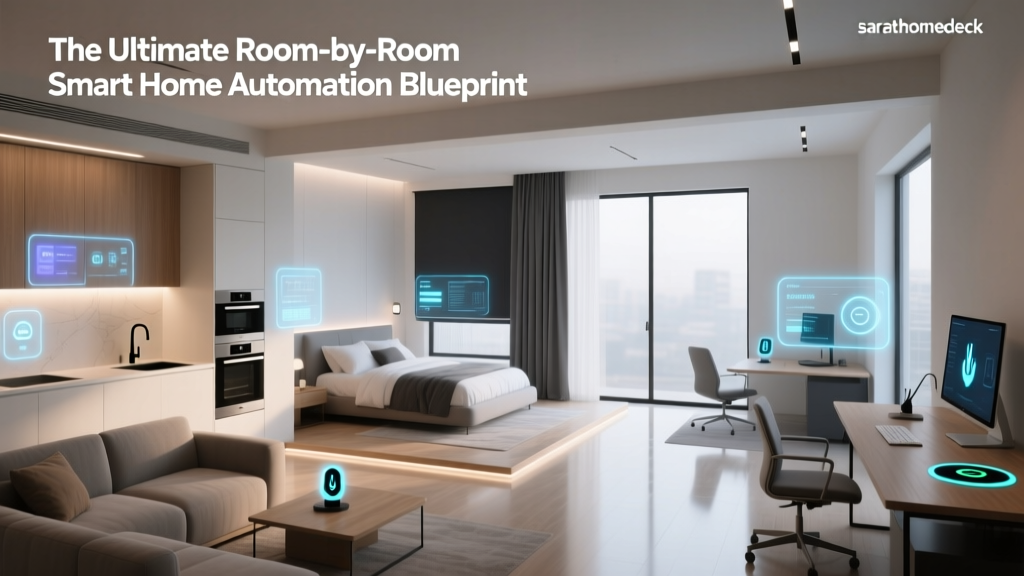
In this comprehensive guide, we will break down how to program your smart home ecosystem room-by-room. Whether you are utilizing Apple HomeKit, Home Assistant, SmartThings, or Amazon Alexa, these temporal routines will transform your living space into a proactive, responsive environment.
The Morning Routine: Waking the Home Gently
The morning routine is all about transitioning the home from a dormant state to an active, energized environment. The goal is to align your home's artificial environment with your natural circadian rhythms, making waking up feel organic rather than jarring.
Bedroom: Circadian Lighting and Climate Ramping
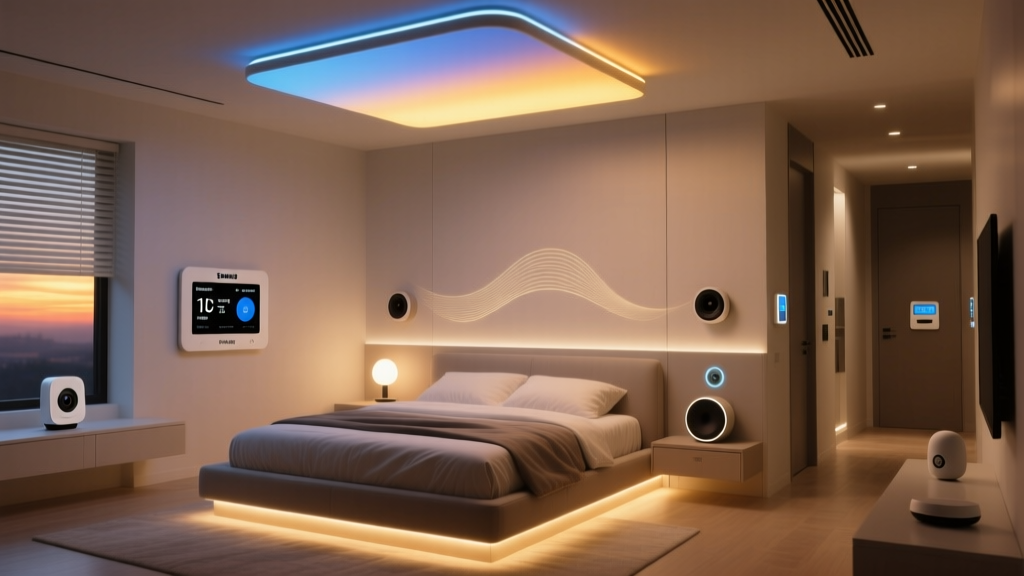
Your bedroom should initiate the wake-up process before your alarm even sounds. Using smart bulbs like the Philips Hue White and Color Ambiance or Lutron Ketra, you can program a "Wake Up" routine that begins 45 minutes before your alarm. The lights should start at a dim 10% brightness with a warm, amber color temperature (around 2000K) and gradually transition to a bright, cool daylight spectrum (4500K to 5000K) at 100% brightness. This mimics a natural sunrise, suppressing melatonin production and signaling to your brain that it is time to wake.
Simultaneously, your smart thermostat should adjust the ambient temperature. The Ecobee SmartThermostat Premium can be programmed to raise the temperature from a sleep-optimized 65°F (18°C) to a comfortable 70°F (21°C) right as your feet hit the floor. By utilizing the Ecobee's remote room sensors, the system ensures the bedroom is the priority zone during the morning ramp-up, ignoring the rest of the empty house to save energy.
Kitchen: The Culinary Command Center
As motion sensors detect your movement from the bedroom toward the kitchen, the pathway lighting should illuminate at 30% brightness to guide you safely without blinding you. Once you enter the kitchen, the primary overhead lights should snap to a crisp 4000K daylight setting, ideal for food preparation and reading recipes.
For the coffee enthusiast, integrating a smart plug like the Wemo Smart Plug or a dedicated smart appliance allows your coffee maker to begin brewing the moment your bedroom motion sensor is tripped. Furthermore, smart displays like the Amazon Echo Show 15 or Google Nest Hub Max can be automated to automatically launch your preferred morning news briefing, display the day's weather forecast, and read out your calendar events the moment the kitchen lights turn on.
Bathroom: Comfort, Ventilation, and Efficiency
The bathroom morning routine focuses on immediate comfort and moisture management. If you have radiant underfloor heating controlled by a smart thermostat like the Mysa, it should be scheduled to turn on 30 minutes before your typical wake-up time. Smart mirrors with built-in defoggers can be wired to smart relays (like the Shelly 1) to activate automatically when the bathroom door is opened between 6:00 AM and 9:00 AM.
Crucially, the exhaust fan should be tied to a humidity sensor. According to the U.S. Department of Energy's guidelines on home efficiency, managing indoor humidity and ventilation is key to preventing mold and maintaining structural integrity. Automating the exhaust fan to run until humidity levels drop below 50% ensures the room is properly ventilated long after you have left for work.
The Evening Routine: Winding Down and Securing
As the sun sets, your home should transition into a relaxed, secure, and entertainment-ready state. The evening routine is triggered either by a specific time (e.g., sunset via local astronomical clock data) or by a manual "Movie Time" or "Wind Down" voice command.
Living Room: Entertainment Sync and Ambiance
The living room is the hub of evening relaxation. When your smart TV is turned on, or when you trigger your "Evening Media" routine, the Philips Hue Play HDMI Sync Box can take over, matching your smart lights to the colors on the screen for an immersive viewing experience. If you are simply reading or conversing, the routine should dim the overhead lights to 20% and turn on warm accent lamps (2200K) to reduce eye strain.
Automated window treatments play a massive role here. Lutron Serena or IKEA Fyrtur smart blinds should be programmed to lower automatically at dusk. This provides immediate privacy, reduces heat loss through the glass during winter months, and eliminates screen glare from outdoor streetlights.
Bedroom: Preparing for Deep Sleep
The evening bedroom routine is the inverse of the morning. An hour before your target sleep time, the home should initiate a "Sunset" protocol. All overhead lights in the bedroom should turn off, leaving only low-level floor lamps or LED strip lighting behind the headboard glowing in a deep, warm amber (under 2000K). This specific wavelength avoids disrupting your circadian rhythm.
The Ecobee or Nest Learning Thermostat should drop the temperature to the optimal sleep range (between 60°F and 67°F). If you use a smart speaker or a dedicated device like the Hatch Restore 2, the routine can automatically begin playing a white noise or pink noise soundscape, gradually increasing the volume to mask external neighborhood noise.
Exterior and Garage: Perimeter Security
As the interior winds down, the exterior must wake up. The National Institute of Standards and Technology (NIST) emphasizes the importance of securing IoT devices and establishing automated physical security protocols to protect smart homes from intrusion. Your evening routine should automatically arm your perimeter security cameras, such as the Ring Floodlight Cam or Arlo Pro 4, switching them from a passive recording state to an active, motion-triggered alert state.
Smart locks like the Yale Assure Lock 2 or August Wi-Fi Smart Lock should automatically engage at 11:00 PM, or immediately if the system detects that all occupants' smartphones have crossed the geofence boundary into the home. The garage door, monitored by a Chamberlain myQ hub, should automatically close if left open past 9:00 PM, sending a push notification to your phone as a confirmation.
The Away Routine: Efficiency and Simulated Occupancy
The "Away" routine is perhaps the most critical for long-term home maintenance, energy savings, and security. Triggered automatically when the last person's smartphone leaves a 5-mile geofence radius, this routine transforms the house into an efficient, secure fortress.
Whole-Home HVAC and Lighting
Immediately upon triggering the Away routine, the smart thermostat shifts into Eco-Mode, widening the temperature deadband to save on HVAC costs. The Roborock S8 Pro Ultra or iRobot Roomba j7+ receives a command to begin its deep-cleaning cycle, taking advantage of the empty house to vacuum and mop without disturbing anyone.
For security, the lighting system should engage "Simulated Occupancy." Rather than leaving lights on continuously (which wastes electricity and looks suspicious to seasoned burglars), advanced hubs like Home Assistant or the Hubitat Elevation can randomize lighting schedules. The system will turn various lamps on and off in different rooms between 7:00 PM and 11:00 PM, mimicking the natural movement of a person walking through the home.
Plumbing and Disaster Prevention
Water damage is one of the most costly home disasters. During an Away routine, smart water monitors like the Moen Flo Smart Water Shutoff or Phyn Plus should be instructed to run a daily micro-leak pressure test. If the system detects an anomaly—such as a running toilet or a burst pipe while you are on vacation—it will automatically shut off the main water valve and send an emergency alert to your phone, potentially saving you tens of thousands of dollars in repairs.
Data Visualization: Energy Impact of Routines
Implementing temporal routines drastically alters a home's energy profile. The chart below illustrates the estimated daily energy consumption differences between a standard home and a home utilizing aggressive Morning, Evening, and Away automation routines.
Estimated Daily Energy Consumption by Category
Room-by-Room Automation Matrix
To help you plan your ecosystem, refer to the matrix below detailing the primary triggers, actions, and recommended device categories for each room across the three core routines.
| Room | Morning Trigger & Action | Evening Trigger & Action | Away Action | Primary Device Category |
|---|---|---|---|---|
| Bedroom | Sunrise simulation (2000K to 4500K) | Amber dimming, temp drop to 65°F | Randomized lamp toggles | Circadian Bulbs, Smart Thermostat |
| Kitchen | Motion-triggered bright lights, coffee brew | Under-cabinet dimming, display off | Appliances powered down via smart plugs | Smart Plugs, Motion Sensors |
| Bathroom | Heated floors on, mirror defogger | Humidity-triggered exhaust fan | Water shutoff valve armed | Smart Relays, Humidity Sensors |
| Living Room | Blinds raised, natural light | HDMI sync, blinds lowered, 20% dim | Simulated TV/light flicker | Smart Blinds, HDMI Sync Box |
| Exterior | Path lights off at sunrise | Security cameras armed, path lights on | Perimeter alerts maximized | Smart Cameras, Outdoor Lighting |
| Garage | Door unlocked for departure | Door auto-closes at 9 PM | Door locked, motion alerts on | Smart Garage Hub, Door Sensors |
Choosing the Right Hub for Complex Routines
While basic routines can be handled by native ecosystems like Alexa or Apple Home, complex spatial-temporal logic often requires a more robust hub. Home Assistant is the gold standard for advanced users, offering local processing, zero cloud latency, and the ability to write complex YAML automations (e.g., "If motion is detected in the hallway between 11 PM and 5 AM, turn on the bathroom lights to 5% brightness and set color to red").
For those who prefer a plug-and-play experience with local processing, the Hubitat Elevation hub is an excellent choice, natively supporting Zigbee, Z-Wave, and Matter devices without relying on external servers. As the Matter protocol continues to roll out, ensuring your chosen hub supports Thread and Matter over Ethernet will future-proof your room-by-room routines, allowing devices from different manufacturers to communicate seamlessly and instantly.
Conclusion
Designing room-by-room automation routines for the morning, evening, and away periods is the ultimate expression of a mature smart home. By carefully selecting the right sensors, lighting, and climate control devices, and tying them together with logical, time-based triggers, you create a living space that actively cares for its inhabitants. Not only does this elevate your daily comfort and security, but as the data shows, it also yields substantial long-term energy savings, making your home as efficient as it is intelligent.