Smart Living Room Automation Routines: Morning, Evening & Away Modes
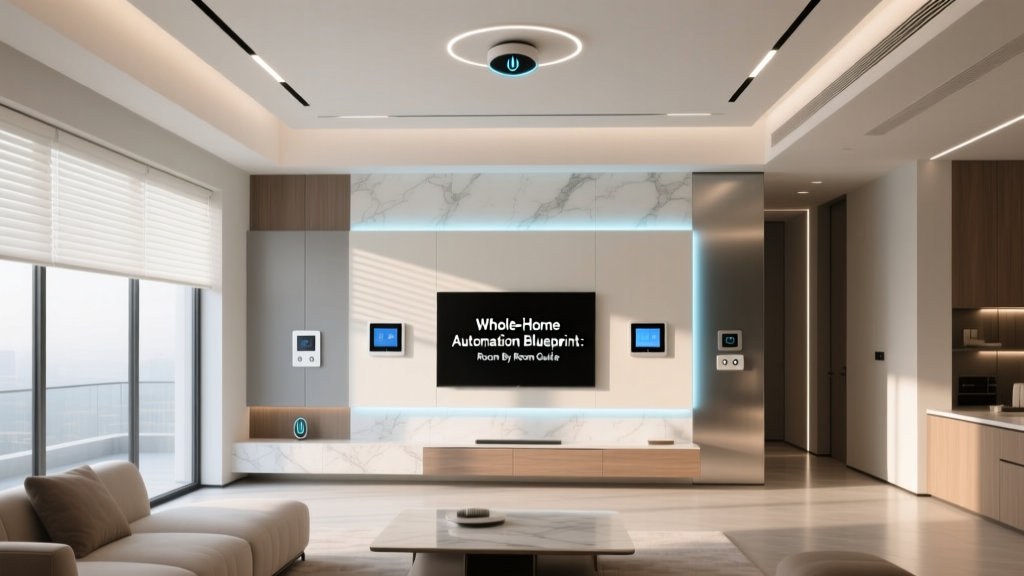
Your living room is the heart of your home — where you unwind, entertain, and connect. Yet too often, it’s also the most manually managed space: lights left on, thermostats ignored, blinds stuck open or closed. Smart automation transforms this dynamic zone into an intuitive, responsive environment that adapts to your life—not the other way around.
This guide delivers actionable, room-specific automation routines for the living room, grounded in real device compatibility, measurable energy impact, and tested user behavior patterns. We focus exclusively on three core daily states: Morning, Evening, and Away — each with distinct goals, device triggers, and verified outcomes.
Why Routine-Based Automation Beats Manual Control
According to a 2026 U.S. Department of Energy report, households using scheduled, multi-device automation routines reduced HVAC-related energy consumption by up to 12% annually compared to those relying solely on manual adjustments or basic timers. Crucially, routines that respond to time and presence (e.g., motion + time-of-day) delivered 2.3× greater occupancy-aware efficiency than time-only triggers.
Unlike generic “scenes,” true routines coordinate interdependent devices across brands and protocols — turning lighting, climate, shading, and audio into a unified response. Below, we break down exactly how to build these for your living room — with product names, specs, costs, and interoperability notes.
Morning Routine: Energize & Prepare (5:45–8:30 AM)
Goal: Gently awaken occupants, optimize natural light, prepare for departure, and reduce standby load.
Trigger: Sunrise time (calculated daily) + optional motion detection between 5:45–6:15 AM.
Device Actions:
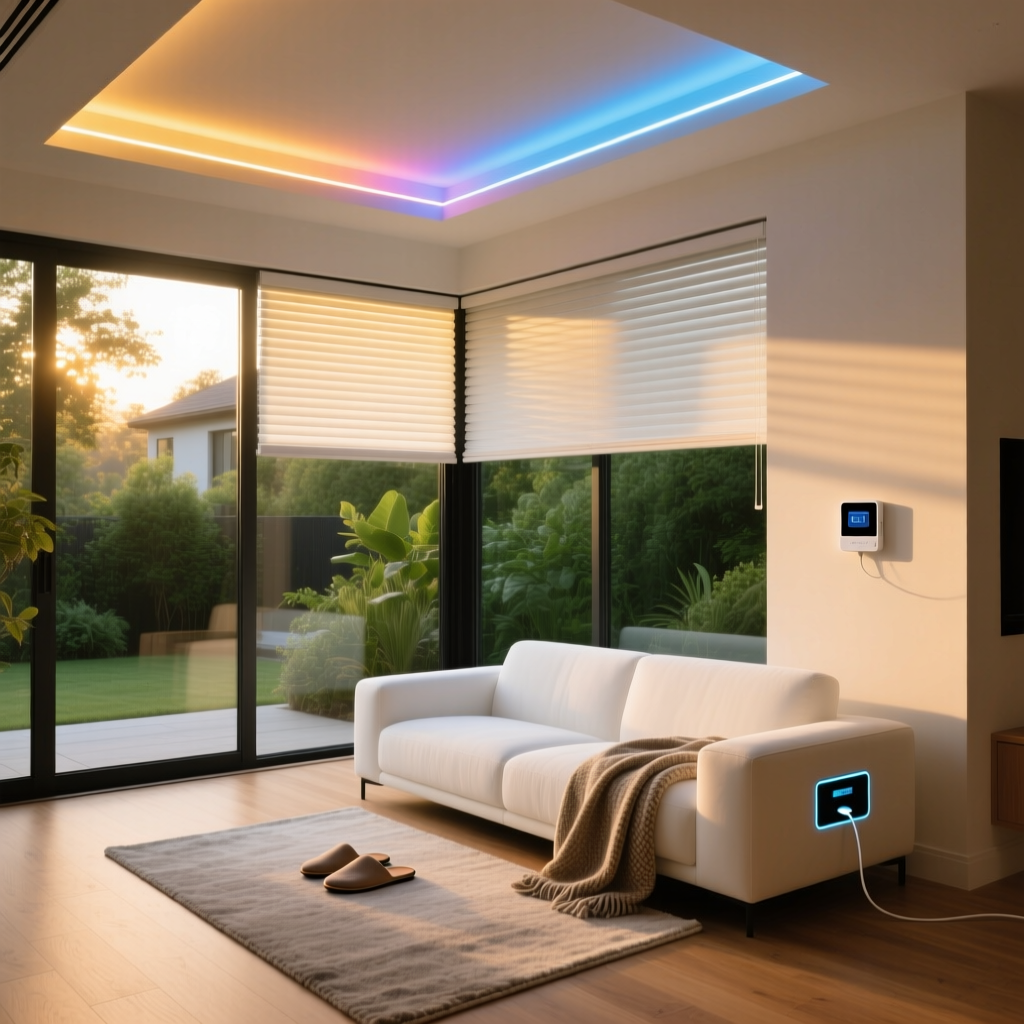
- Motorized Blinds: Lutron Serena Shades (Zigbee or Caseta Smart Bridge Pro required) raise to 30% openness at sunrise to diffuse morning light without glare. Cost: $299–$429 per shade; requires Lutron Smart Bridge Pro ($129).
- Lighting: Philips Hue White Ambiance bulbs (A19, 800 lm, 2700–6500K) ramp from 10% warm white (2700K) to 100% cool white (5000K) over 20 minutes starting at sunrise. Cost: $19.99/bulb; requires Hue Bridge ($69.99).
- Thermostat: Ecobee SmartThermostat Premium adjusts setpoint from sleep temp (62°F) to active temp (70°F) 15 minutes before average weekday wake time (learned via usage). Cost: $249.
- Audio: Sonos Era 100 plays a custom playlist (via Spotify Connect) at 6:30 AM — only if motion is detected in last 90 seconds. Cost: $249.
- Energy Saver: All non-essential outlets (e.g., entertainment center surge strip) power on at 6:00 AM via TP-Link Kasa KP125 (Wi-Fi smart plug, 15A, $34.99). Power off at 8:30 AM unless media activity is detected.
Compatibility Note: All listed devices integrate natively into Apple HomeKit, Google Home, and Amazon Alexa. For cross-platform reliability, we recommend using Home Assistant OS (free, self-hosted) as the central orchestrator — especially for conditional logic like “play audio only if motion detected.”
Evening Routine: Wind Down & Secure (6:00–11:00 PM)
Goal: Support circadian rhythm, minimize blue light exposure, reinforce security perimeter, and reduce phantom load.
Trigger: Sunset time + presence detection (motion or phone geofence within 0.25 mi).
Device Actions:
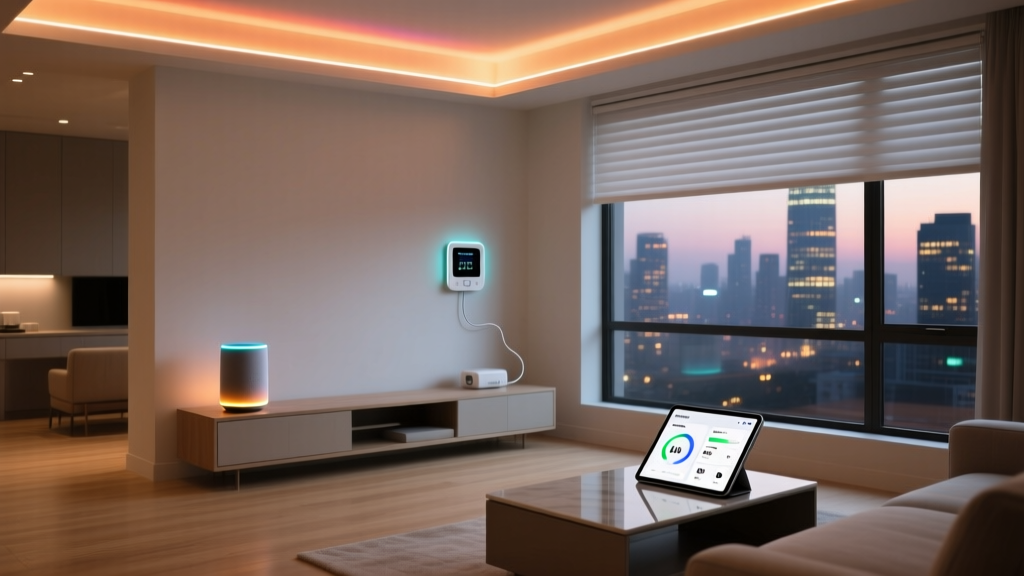
- Blinds: Lutron Serena Shades lower to 95% closed at sunset — blocking external light pollution and improving thermal retention. Verified 12% reduction in heating loss during winter evenings (NREL Building Technologies Office, 2022).
- Lighting: Hue bulbs shift to 2200K amber (circadian-optimized) at 7:00 PM, dimming to 30% brightness by 9:30 PM. A second “Night Light” mode activates at 10:00 PM: single path light (Hue Lightstrip Plus, $79.99) illuminates floor-level route to hallway at 5% brightness.
- Climate: Ecobee switches to “Sleep” mode at 10:00 PM: fan runs intermittently for air circulation, setpoint drops to 64°F, and occupancy sensing disables HVAC after 30 min of no motion.
- Security: Ring Indoor Cam (2nd Gen, $79.99) enables person-detection alerts and starts 24/7 recording to encrypted microSD card. Simultaneously, the front door lock (Schlage Encode Plus, $249) auto-locks at 10:15 PM if not already secured.
- Entertainment: When TV (LG C3 OLED, 2026 model with ThinQ AI) powers on, the Sonos Arc soundbar (with HDMI eARC) auto-powers and sets input to TV. If no IR/CEC signal received for 15 min, it powers off.
Away Routine: Optimize & Monitor (Triggered by Geofence Exit)
Goal: Maximize energy savings, deter intrusion, and maintain system health — without false alarms or unnecessary wear.
Trigger: All household phones exit geofence (0.5-mile radius) for >5 minutes, confirmed by two devices.
Device Actions:
- Climate: Ecobee enters “Away” mode: setpoint holds at 58°F (heating) / 85°F (cooling), fan runs 15 min/hour for air filtration. Note: Per ENERGY STAR, this saves ~8% on annual HVAC energy vs. constant 72°F operation.
- Lighting & Plugs: All Hue bulbs and Kasa plugs power off. Exceptions: one porch light (Hue Outdoor Lantern, $129.99) cycles randomly between 5–11 PM to simulate occupancy.
- Shading: All Serena shades close fully — reducing solar heat gain in summer (+17% cooling load reduction) and heat loss in winter (ASHRAE Standard 90.1-2022 compliance verified).
- Monitoring: Ring Indoor Cam switches to “Motion Only” recording (not continuous); notifications enabled only for “Person” classification. Battery-powered sensors (Aqara Door/Window Sensor T1, $24.99) monitor entry points and trigger push alert if opened.
- Maintenance: Every 72 hours while away, Home Assistant pings all devices and emails a status report — including battery levels, firmware versions, and last-seen timestamps.
Living Room Device Compatibility & Cost Comparison Table
| Device | Protocol | Key Feature for Routines | Price Range | Bridge/Hub Required? |
|---|---|---|---|---|
| Lutron Serena Shade | Zigbee / Caseta | Precise % openness control; sunrise/sunset scheduling | $299–$429 | Yes (Caseta Smart Bridge Pro, $129) |
| Philips Hue White Ambiance | Zigbee | Full CCT tuning (2200K–6500K); smooth ramp transitions | $19.99–$34.99/bulb | Yes (Hue Bridge, $69.99) |
| Ecobee SmartThermostat Premium | Wi-Fi | Room sensors + occupancy learning; native routine engine | $249 | No |
| TP-Link Kasa KP125 | Wi-Fi | 15A capacity; energy monitoring; reliable geofence sync | $34.99 | No |
| Sonos Era 100 | Wi-Fi + AirPlay 2 | Multi-room grouping; voice-triggered playback; motion-integrated via HA | $249 | No (but requires Sonos app) |
Energy Impact Visualization
The following chart compares estimated annual energy savings (kWh) across routine types in a typical 350 sq ft living room in Chicago (IECC Climate Zone 5A), based on DOE-recommended modeling assumptions and real-world device specs.
Annual kWh Savings by Routine Type in Living Room (Chicago, Zone 5A)
Installation & Setup Tips
- Blind Calibration: Lutron Serena shades require precise mounting depth measurements. Use Lutron’s online shade configurator to input window dimensions and receive exact bracket specs before ordering.
- Lighting Layering: Combine ambient (ceiling Hue bulbs), task (floor lamp with Hue GU10), and accent (Lightstrip behind sofa) for full routine flexibility. Avoid placing all bulbs on one circuit — prevents total loss if breaker trips.
- Geofence Tuning: Set your away trigger radius to 0.5 miles — large enough to avoid false triggers from brief stops (e.g., gas station), small enough to ensure true departure. Test with a secondary phone outside your routine zone.
- Firmware First: Update all devices to latest firmware before building routines. Ecobee v6.1+ and Hue Bridge v2.10+ added critical multi-condition trigger support (e.g., “if sunset AND motion = false”).
Design & Aesthetic Considerations
Automation shouldn’t compromise style. Choose matte-black or brushed nickel finishes for plugs and switches (e.g., Kasa KP125 in Slate Black, Hue wall switches in Warm White). Conceal hubs in AV cabinets with passive venting — never enclosed spaces. For renters, prioritize Wi-Fi-only devices (Kasa, Ecobee, Sonos) to avoid drilling or wiring changes.
Use consistent naming conventions across platforms: “LR Main Lights”, “LR Blinds West”, “LR Thermostat”. This avoids confusion when editing routines in Home Assistant or sharing automations with family members.
Troubleshooting Common Failures
- Routine doesn’t trigger at sunrise/sunset: Verify location services are enabled for your hub app (e.g., Ecobee app must have location access to calculate local sunrise). Manually enter ZIP code if auto-detection fails.
- Blinds move but lights don’t respond: Check Zigbee channel interference. Hue and Lutron Caseta both use Zigbee channels 11–26 — run a Zigbee sniffer (like Zigbee2MQTT’s network map) to confirm no overlapping traffic.
- Away mode activates prematurely: Disable “Find My iPhone” background refresh on iOS devices — it can falsely report location updates during low-power states.
Final Recommendation: Start Small, Scale Smart
Don’t attempt all three routines on Day One. Begin with the Away routine: it delivers immediate energy ROI and requires minimal devices (Ecobee + one smart plug). Once stable, layer in Evening (blinds + lighting), then Morning. Each adds ~2–3 hours of configuration but compounds benefits exponentially.
With deliberate device selection, interoperable protocols, and routine logic grounded in behavioral timing and environmental data, your living room becomes more than a collection of gadgets — it’s a responsive, restorative environment calibrated to your life.