The Case for a Unified Smart Home Strategy
Transitioning from a collection of disjointed smart gadgets to a cohesive, whole-home automation ecosystem requires careful planning. A room-by-room approach ensures that each space serves its unique functional purpose while contributing to a unified network. According to the Connectivity Standards Alliance (CSA), the adoption of the Matter standard is revolutionizing interoperability, allowing devices from different manufacturers to communicate seamlessly. This blueprint guides you through transforming every room in your house into an intelligent, responsive environment, ensuring that your technology works for you, rather than the other way around.
Phase 1: The Living Room Command Center
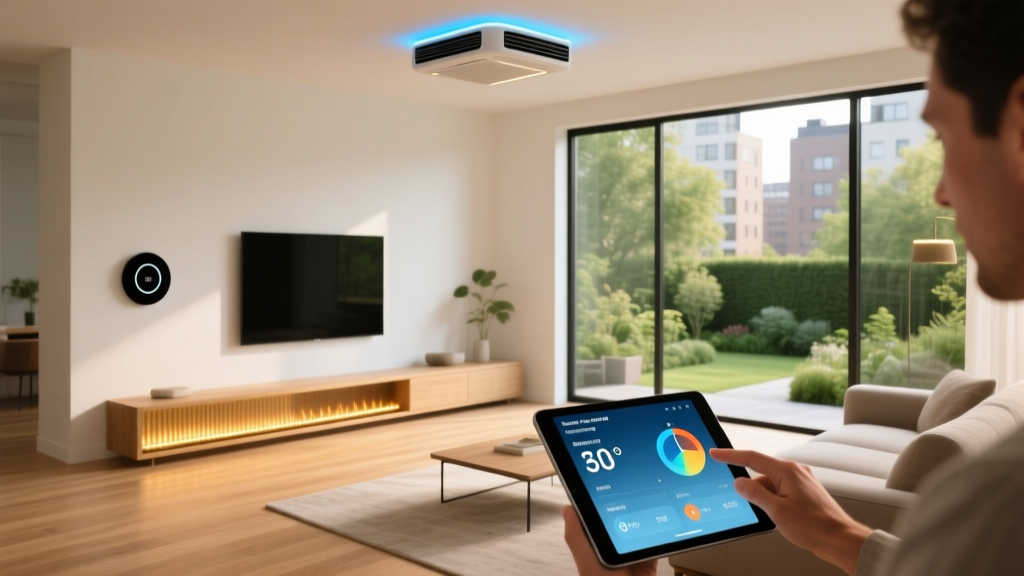
The living room is the primary gathering space and often the hub of your home's entertainment and climate control systems. Your goal here is to balance ambient lighting, climate efficiency, and media control without creating a cluttered environment.
Recommended Devices
- Climate: Ecobee SmartThermostat Premium. This device not only regulates temperature but includes a built-in smart speaker and room sensors to eliminate hot and cold spots. Upgrading to an ENERGY STAR certified smart thermostat can save homeowners an average of 8% on heating and cooling bills annually.
- Lighting: Philips Hue Gradient Lightstrip for behind the TV, paired with Hue Ambiance ceiling fixtures. These provide bias lighting that reduces eye strain and syncs with on-screen action for an immersive experience.
- Control Hub: Apple TV 4K or Amazon Echo Show 15. Both act as central controllers and Thread border routers, extending your mesh network to other rooms while providing a visual dashboard for your home.
Installation & Design Tips
When installing smart switches like the Lutron Caseta line, ensure your electrical boxes have a neutral wire. For a clean aesthetic, hide the Ecobee room sensors on built-in bookshelves rather than mounting them starkly on drywall. Use bias lighting behind your television to create a cinematic glow that makes the room feel larger and more immersive.
Phase 2: The Kitchen Culinary Hub
The kitchen demands hands-free operation, safety monitoring, and task-specific lighting. Automation here should focus on convenience while you are cooking and preventing disasters when you are away.
Recommended Devices
- Smart Display: Google Nest Hub Max. Its large screen is perfect for following recipes, and the built-in camera allows for quick video calls or checking the living room while your hands are covered in flour.
- Safety: Moen Flo Smart Water Shutoff. Installed on your main water line, it learns your home's water usage patterns and automatically shuts off the water if it detects a catastrophic leak, potentially saving thousands in water damage.
- Lighting: GE Cync Reveal HD+ Smart Under-Cabinet Light Strips. These provide high-CRI (Color Rendering Index) lighting, ensuring that the colors of your fresh ingredients look accurate while you prep meals.
Modern smart appliances are also entering the kitchen space. The GE Profile Smart Mixer, for example, features built-in scales and auto-sensing technology that adjusts mixing speed based on the viscosity of the batter. While expensive, these integrated appliances represent the next frontier of culinary automation, reducing the cognitive load of complex baking recipes.
Automation Routines
Create a "Cooking Mode" routine. When triggered by voice or a smart button under the counter, the under-cabinet lights turn to 100% daylight white, the smart speaker starts your favorite cooking playlist, and the living room camera feed pops up on the Nest Hub so you can keep an eye on the kids.
Phase 3: The Bedroom Sanctuary
Your bedroom automation should prioritize sleep hygiene, circadian rhythm alignment, and passive security. Bright screens and harsh lights have no place here; the technology should fade into the background.
Recommended Devices
- Window Treatments: Lutron Serena Smart Wood Blinds or SwitchBot Curtain Rod. Automating your blinds allows natural sunlight to wake you up gently, which is proven to be more effective and less jarring than audio alarms.
- Lighting: Nanoleaf Essentials Thread Bulbs. These support adaptive lighting, gradually shifting from cool, energizing tones in the morning to warm, amber hues at night to promote melatonin production.
- Climate & Air: Dyson Purifier Cool Autoreact, integrated via smart plugs or native APIs to monitor and purify the air while you sleep, ensuring you wake up in a fresh environment.
The "Goodnight" Routine
A master "Goodnight" routine is essential. When you say "Goodnight" to your bedside smart speaker, the system should lock all exterior doors, arm the security system, lower the thermostat by three degrees, close the smart blinds, and turn off all lights except for a dim, warm hallway path light.
Phase 4: The Bathroom Wet Zone
Bathrooms are high-humidity environments where electrical safety and moisture management are paramount. Smart home tech here is often overlooked but highly impactful for preventing damage and improving comfort.
Recommended Devices
- Leak Detection: Aqara Water Leak Sensor. Place these near the toilet base and under the vanity sink. They integrate with HomeKit and can trigger water shutoff valves if a leak is detected.
- Ventilation: Lutron Caseta Smart Fan Switch. Automate your exhaust fan to turn on when humidity levels spike (detected via a multi-sensor like the Eve Room) and stay on for 20 minutes after you leave to prevent mold growth.
- Comfort: Smart towel warmers or radiant floor heating controlled by a smart thermostat relay to ensure the floor is warm when you step out of the shower.
For a touch of luxury, consider installing a smart mirror with integrated anti-fog technology and adjustable LED lighting. Brands like HiMirror offer models that not only provide perfect lighting for grooming but also display your daily calendar, weather, and skincare analysis right on the glass. Ensure that any device installed in the bathroom is rated for damp locations and is protected by a GFCI (Ground Fault Circuit Interrupter) outlet to prevent electrical hazards in this high-moisture environment.
Phase 5: Outdoor Perimeter and Garage
The exterior of your home is your first line of defense and the primary zone for resource management (water and electricity).
Recommended Devices
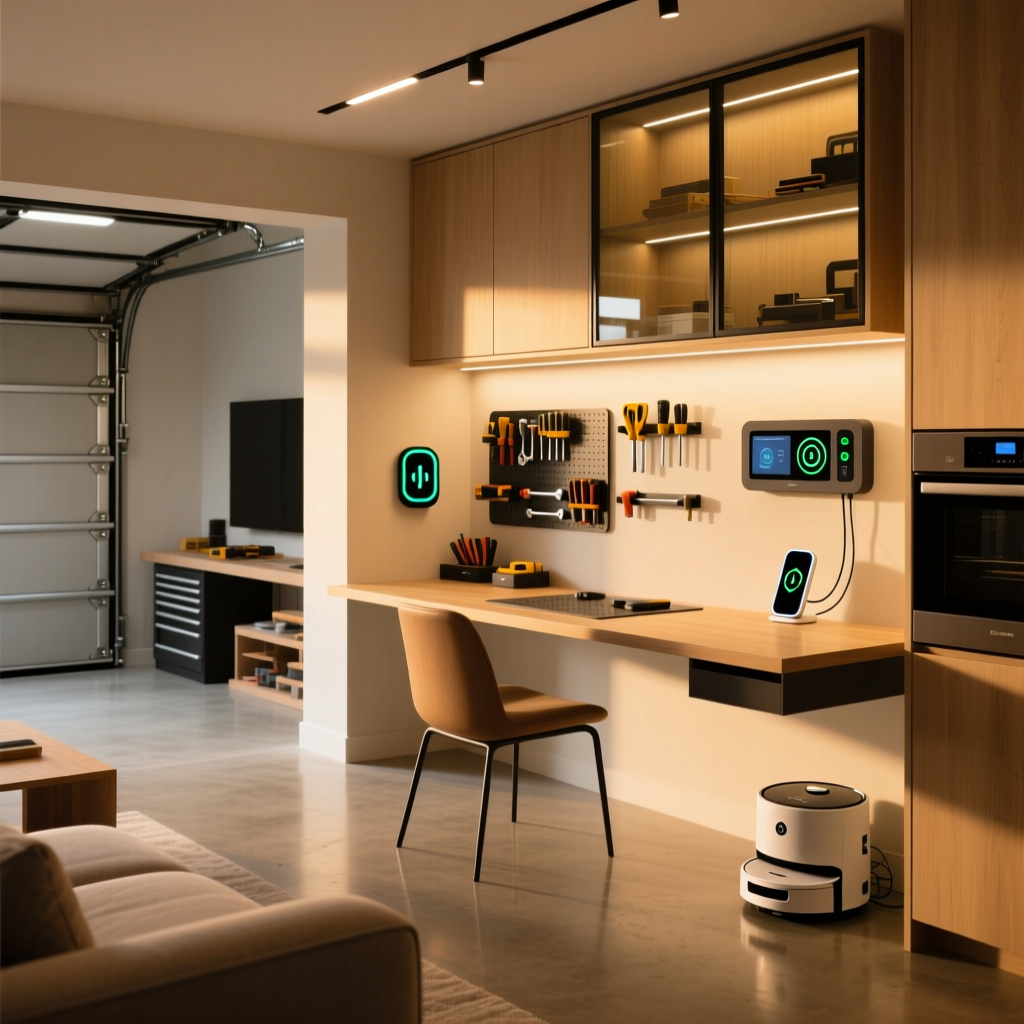
- Security: Ring Floodlight Cam Wired Pro or Ubiquiti UniFi Protect G4 Pro. Hardwired floodlights provide both deterrence and high-resolution recording without the battery anxiety of wireless cameras.
- Irrigation: Rachio 3 Smart Sprinkler Controller. This device connects to local weather stations to skip watering when rain is in the forecast, saving immense amounts of water and preventing lawn over-saturation.
- Access: Chamberlain myQ Smart Garage Control or a Meross Smart Garage Door Opener. These allow you to check if you left the garage open after driving away and grant temporary access to delivery drivers.
Whole-Home Budget Breakdown
Planning a whole-home rollout requires understanding the financial commitment. Below is a comparative breakdown of estimated costs per room based on three different adoption tiers.
| Room | Starter Tier (Basic) | Mid-Tier (Integrated) | Pro Tier (Premium) |
|---|---|---|---|
| Living Room | $250 | $600 | $1,500+ |
| Kitchen | $150 | $400 | $900+ |
| Bedroom | $200 | $550 | $1,200+ |
| Bathroom | $80 | $200 | $500+ |
| Outdoor/Garage | $300 | $700 | $1,800+ |
Estimated Smart Home Costs by Room and Tier (USD)
Power, Wiring, and Infrastructure Considerations
Before purchasing a single smart switch or hardwired camera, you must audit your home's electrical infrastructure. Many older homes lack a neutral wire in their switch boxes, which is required for most modern smart switches to remain powered on even when the light is off. If you lack a neutral wire, you will either need to hire an electrician to run new Romex wiring or opt for specific no-neutral solutions, though these often suffer from flickering issues with low-wattage LED bulbs.
Furthermore, consider the placement of your smart home hubs. Hubs should be placed centrally in the home, elevated on a shelf, and away from dense masonry walls or large metal appliances like refrigerators that can block RF, Zigbee, and Thread signals. For outdoor devices, ensure your Wi-Fi mesh nodes reach the exterior walls, or consider running dedicated Ethernet cables to PoE (Power over Ethernet) cameras for ultimate reliability.
Network Infrastructure and The Matter Standard
A whole-home automation plan will fail without a robust network foundation. As you add dozens of IoT devices, your standard ISP router will quickly become overwhelmed, leading to dropped connections and unresponsive devices.
Upgrading to a Mesh Network
Invest in a Wi-Fi 6 Mesh system like the Eero Pro 6E or TP-Link Deco XE75. These systems dedicate specific backhaul channels to ensure that your smart home traffic does not compete with your 4K streaming or video calls. Furthermore, many modern mesh nodes double as Thread border routers.
Embracing Matter and Thread
Thread is a low-power, mesh-networking protocol designed specifically for smart home devices. Unlike Wi-Fi, Thread devices route signals through one another, meaning the more Thread devices you have, the stronger your network becomes. The Connectivity Standards Alliance (CSA) developed the Matter standard to run over Thread and Wi-Fi, ensuring that a smart lock from one brand can seamlessly trigger a light from another brand without relying on cloud servers. When purchasing new devices, prioritize those with the "Built on Matter" logo to future-proof your home.
Master Automation Routines for the Whole Home
The true magic of a smart home lies in automation—devices working together without your explicit command. Here are three essential whole-home routines to program:
1. The "Away" Protocol
Triggered automatically when all registered smartphones leave the home's geofence. This routine turns off all lights, adjusts the HVAC to an eco-friendly temperature, arms the security cameras, and ensures the garage door is closed. It also activates smart plugs connected to vampire-power appliances like coffee makers.
2. The "Cinematic" Experience
Triggered by voice or a smart remote in the living room. The blinds lower, the main ceiling lights fade to 0%, the TV bias lighting turns on, and the smart thermostat drops by one degree to compensate for the body heat of multiple guests.
3. The "Morning Wake-Up"
Triggered by a time schedule on weekdays. The bedroom blinds open slowly over 15 minutes. The hallway lights turn on to a dim, warm 20% brightness. The kitchen smart plug turns on the coffee maker, and the smart speaker provides a brief morning news and weather briefing.
Final Thoughts on Whole-Home Integration
Executing a whole-home automation plan is a marathon, not a sprint. Start with the living room and kitchen to establish your core hub and network infrastructure. From there, expand outward to the bedrooms and exterior. By prioritizing interoperability through Matter, investing in a robust mesh network, and focusing on routines that genuinely simplify your daily life, you will build a smart home that feels less like a gadget showcase and more like a seamless, intuitive extension of your living space.