Room Overview & Budget Tiers
Transforming a standard space into a fully integrated smart room is one of the most rewarding home improvement projects you can undertake. A true smart room is not merely a collection of gadgets controlled by a smartphone; it is a cohesive, context-aware ecosystem that anticipates your needs, adapts to your routines, and enhances your daily life. Whether you are upgrading a living room for immersive entertainment, optimizing a bedroom for restorative sleep, or designing a home office for peak productivity, the foundational principles of a smart room setup remain the same: seamless integration, reliable connectivity, and intuitive automation.
Before diving into specific devices and wiring diagrams, it is crucial to establish a budget that aligns with your goals. Smart home technology scales beautifully, meaning you can start small and expand over time without ripping out your existing infrastructure.
Starter Tier: The Entry-Level Ecosystem ($100 - $300)
The Starter Tier is perfect for renters or those dipping their toes into home automation. This tier relies heavily on Wi-Fi and Bluetooth devices that do not require complex wiring or dedicated hubs. You will typically utilize smart bulbs, entry-level smart plugs, and a basic smart speaker. While easy to install, this tier can struggle with network congestion if you add too many devices, and it often lacks local processing, meaning your automations may fail if your internet connection drops.
Mid Tier: The Reliable Enthusiast ($300 - $800)
The Mid Tier introduces dedicated smart hubs and low-power mesh networks like Zigbee, Z-Wave, or the newer Matter and Thread protocols. This is the sweet spot for most homeowners. You will upgrade from smart bulbs to hardwired smart switches, add a dedicated smart thermostat, and integrate multi-room audio. This tier offers significantly improved reliability, faster response times, and the ability to create complex, multi-step automation routines that run locally.
Pro Tier: The Luxury Integration ($800 - $2,000+)
The Pro Tier is for those who demand invisible technology and flawless performance. This setup includes hardwired solutions like Lutron Caseta or Control4, motorized blackout shades, built-in architectural speakers, and advanced millimeter-wave (mmWave) presence sensors. Pro setups often utilize professional-grade network racks, PoE (Power over Ethernet) switches, and local servers like Home Assistant to ensure absolute privacy and zero latency.
Recommended Devices & Room-by-Room Strategies
Building a smart room requires selecting the right hardware for the specific environment. A device that thrives in a living room might be completely inappropriate for a bathroom. Below, we break down the essential device categories and provide tailored strategies for the most important rooms in your home.
Essential Device Categories
- Smart Lighting: The backbone of any smart room. For permanent fixtures, smart switches are vastly superior to smart bulbs because they maintain physical control. Explore our comprehensive smart lighting reviews to find the best switches and color-tunable bulbs for your space.
- Climate Control: A smart thermostat learns your schedule and adjusts the HVAC system to save energy while maintaining comfort. Check out our smart thermostat guides to find models that support remote room sensors.
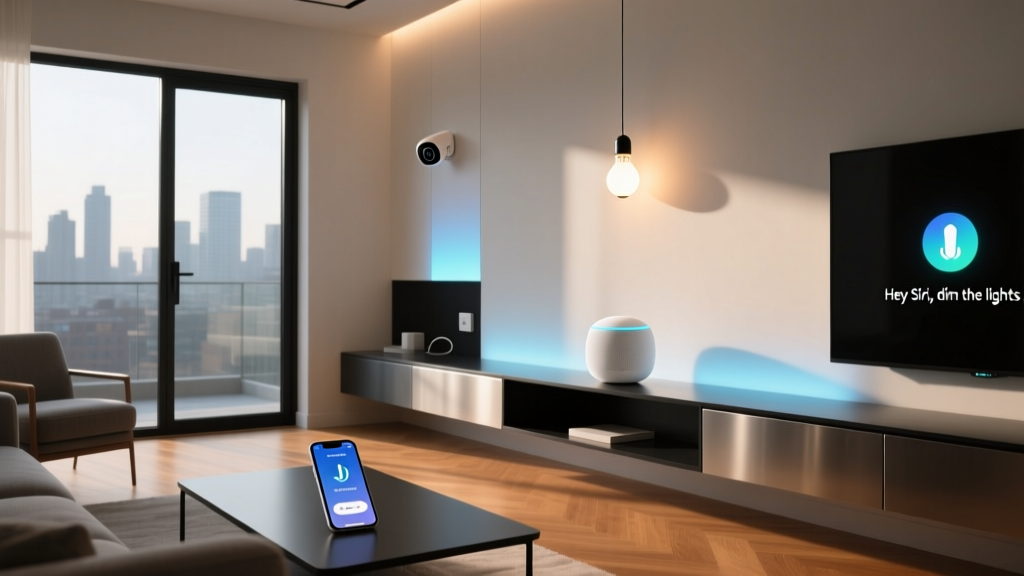
- Audio & Voice Control: Smart speakers and displays act as the nerve center for voice commands and ambient music. Read our smart speaker reviews to compare audio quality and microphone sensitivity.
- Hubs & Bridges: The unsung heroes of a smart room. A good hub translates different wireless protocols and processes automations locally. Visit our smart hub comparison to choose the right brain for your setup.
The Living Room: Entertainment & Ambiance
The living room is a multi-purpose space that transitions from a bright, active family area during the day to a dim, immersive home theater at night. Your smart room setup here should focus on entertainment integration and mood lighting.
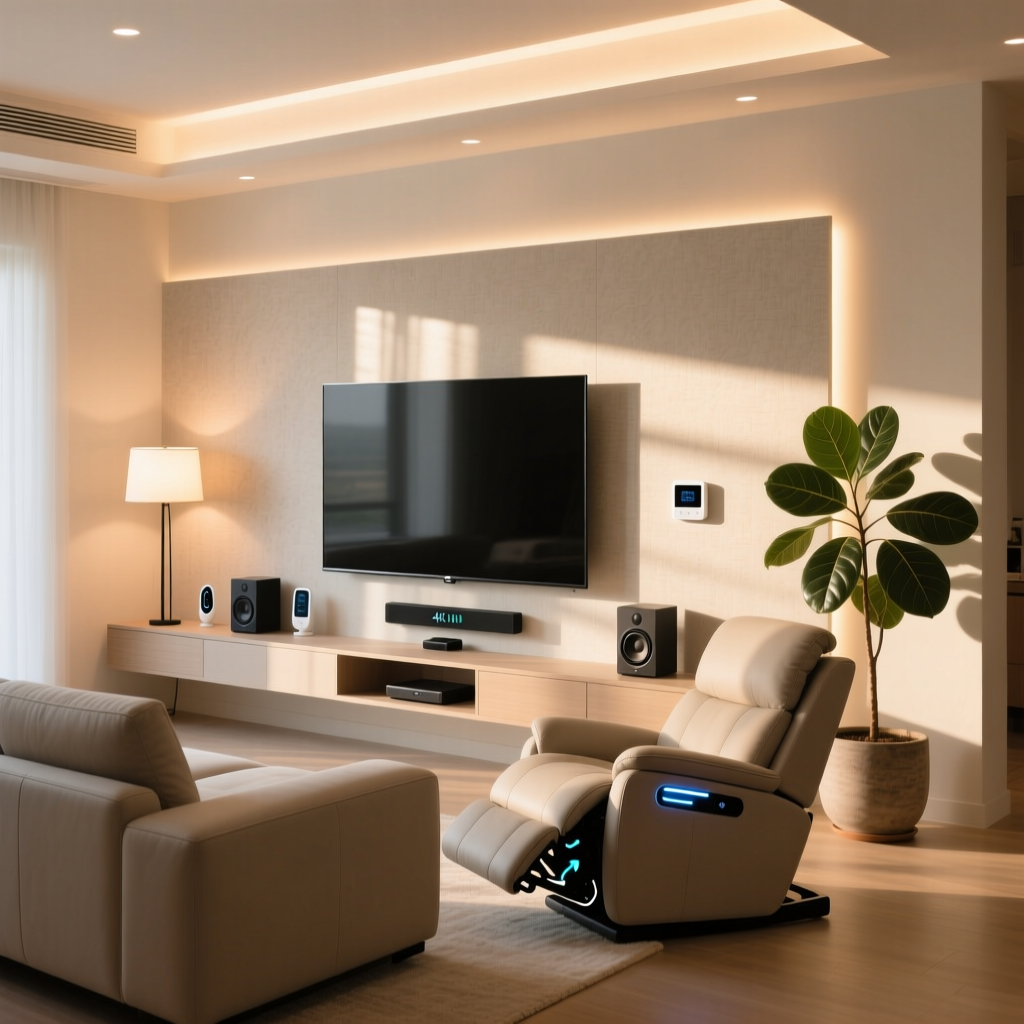
Recommended Setup: Install smart switches for your main overhead lights and use color-tunable LED light strips behind your television for bias lighting. This reduces eye strain during movie nights and creates a stunning visual effect. Integrate an IR (Infrared) blaster or a smart home theater hub to control your TV, receiver, and streaming sticks via voice or automated routines. Add smart plugs to your media console to completely eliminate vampire power draw from standby devices when you leave the house.
The Bedroom: Sleep & Sanctuary
A smart bedroom should prioritize circadian health and sleep hygiene. Technology in this room should be felt, not seen or heard.
Recommended Setup: Avoid smart speakers with bright LED rings; opt for minimalist smart displays or dedicated bedside controllers. Install motorized smart blinds programmed to slowly open with the sunrise, providing a natural wake-up experience that outperforms any audio alarm. Utilize circadian lighting that shifts from cool, energizing white during the morning to a deep, warm amber in the evening to promote melatonin production. Place a smart plug on your bedside lamp to ensure it turns off automatically if you fall asleep reading.
The Home Office: Productivity & Focus
Your home office needs to minimize distractions and support long hours of deep work. The smart room setup here is all about environmental control and routine enforcement.
Recommended Setup: Use a smart thermostat with a dedicated room sensor to ensure your office stays perfectly climate-controlled, regardless of what the rest of the house is doing. Install a smart plug on your monitor and desk accessories to create a definitive 'Start Work' and 'End Work' routine, physically cutting power to work devices to help you disconnect. Implement a 'Focus Mode' automation that dims the lights to a specific cool-white temperature, turns on a white noise machine via a smart plug, and pauses smart home notifications on your phone.
The Kitchen & Dining Area: Hands-Free Command
The kitchen is a high-traffic, messy environment where your hands are often wet or occupied. Voice control and touchless automations are paramount here.
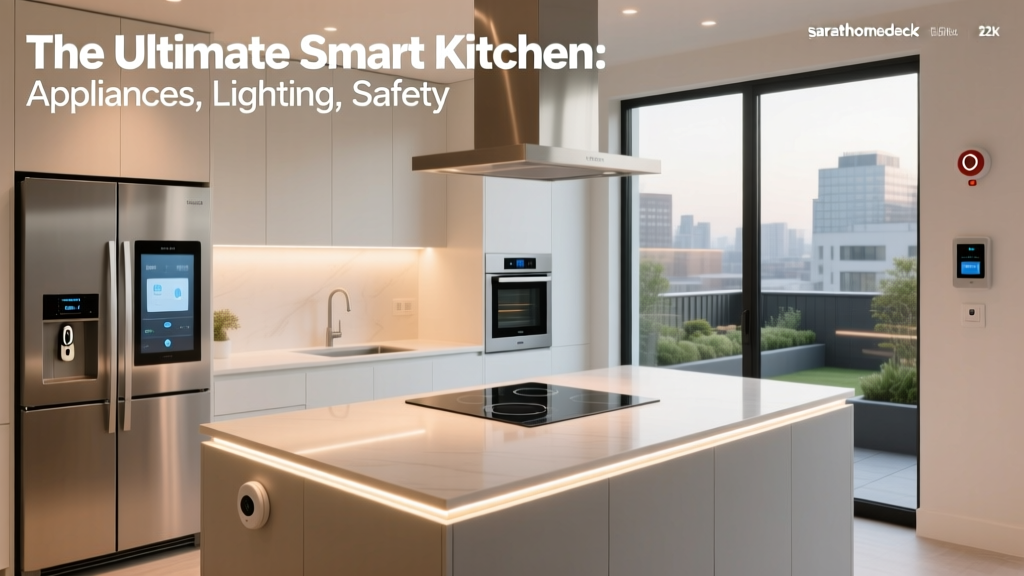
Recommended Setup: Mount a smart display near your prep area for hands-free recipe reading, timer management, and grocery list updates. Install under-cabinet smart lighting linked to motion sensors, so the kitchen counters illuminate automatically when you walk in for a late-night glass of water. Crucially, place smart water leak sensors under the sink and behind the dishwasher to catch plumbing failures before they cause catastrophic damage.
Installation Tips & Network Best Practices
The most brilliant smart room automations will fail if the underlying infrastructure is flawed. Proper installation and network management are the difference between a frustrating gadget collection and a seamless smart home.
Electrical Wiring & Switch Upgrades
Before purchasing any hardwired smart switches, turn off your breaker and inspect your existing wall boxes. The most critical factor is the presence of a neutral wire. Most modern smart switches require a neutral wire to power their internal radios and processors when the light is turned off. If your home was built before the 1980s, you may lack neutral wires. In this case, you must either hire an electrician to run new wiring, purchase specific 'no-neutral' smart switches (which often require a bypass capacitor at the fixture), or rely on smart bulbs instead of smart switches.
Additionally, smart switches are physically deeper than standard dumb switches. Ensure your wall boxes have enough depth to accommodate the extra wiring and the bulky electronics on the back of the smart switch. If the boxes are too shallow, the drywall may crack, or the switch may not sit flush.
Network Topology & IoT Segregation
A smart room setup can easily introduce dozens of new endpoints to your home network. Relying on a single, standard ISP-provided router will inevitably lead to dropped connections and IP address exhaustion.
- Mesh Wi-Fi: Invest in a high-quality Mesh Wi-Fi system to eliminate dead zones. Ensure your smart devices are connected to the 2.4GHz band, which offers better range and wall penetration, while reserving the 5GHz or 6GHz bands for high-bandwidth devices like laptops and streaming TVs.
- Mesh Protocols (Zigbee/Thread): Instead of crowding your Wi-Fi network, use devices that operate on Zigbee or Thread. These protocols create their own low-power mesh networks. Every hardwired Zigbee or Thread device (like a smart switch or plug) acts as a repeater, strengthening the signal for battery-powered sensors further away.
- VLANs for Security: For advanced users, setting up a Virtual Local Area Network (VLAN) specifically for IoT devices is highly recommended. This isolates your cheap, potentially vulnerable smart plugs and cameras from your primary network where your personal computers and banking data reside.
Automation Routines & Scenes
Devices are merely tools; automations are where the magic happens. A well-programmed smart room operates invisibly, reacting to environmental cues and user behavior without requiring manual input. When building your automations, think in terms of Triggers (what starts the action), Conditions (what must be true for it to happen), and Actions (what the devices actually do).
The 'Good Morning' Routine
Trigger: A specific time, or the disarm of your security system. Condition: It must be a weekday, and the local weather API reports sunrise. Action: The bedroom smart blinds slowly raise over 15 minutes. The smart lighting in the bathroom and kitchen turns on to a cool, energizing 4000K color temperature at 50% brightness. Your smart speaker begins playing a gentle news briefing, and the smart thermostat adjusts to your daytime 'Awake' setpoint.
The 'Cinema Mode' Scene
Trigger: Voice command ('Start Movie Time') or pressing a dedicated smart button on the coffee table. Condition: The living room TV is turned on. Action: The main overhead lights fade to 0%. The bias lighting behind the TV shifts to a dim, warm amber to enhance contrast. The smart blinds close completely to eliminate glare. The smart thermostat drops the temperature by two degrees to compensate for the body heat of multiple people in the room.
Advanced Presence Detection
Standard PIR (Passive Infrared) motion sensors are notorious for turning off the lights while you are sitting still on the couch or reading in bed. To solve this, upgrade your smart room setup with mmWave (millimeter-wave) presence sensors. These radar-based sensors can detect the micro-movements of your breathing and heartbeat. By integrating an mmWave sensor, your home office or reading nook will only turn the lights off when the room is genuinely, completely empty, creating a truly frictionless experience.
Geofencing & Location Awareness
Utilize the GPS on your smartphone to create a virtual perimeter around your home. When the last person leaves the geofence, the 'Away' routine triggers: all lights turn off, the thermostat shifts to an eco-friendly temperature, smart plugs cut power to non-essential appliances, and robot vacuums are deployed. When the first person re-enters the geofence, the 'Welcome Home' routine prepares the house for your arrival.
Design & Aesthetics: Blending Tech with Decor
The best smart room setup is one where the technology is practically invisible. 'Gadget clutter' can quickly ruin the aesthetic of a beautifully designed space. The goal is to integrate smart home capabilities while maintaining your interior design vision.
Hiding Sensors & Hubs
Motion sensors, temperature pucks, and smart hubs do not need to be mounted prominently on your walls or displayed on your shelves. Many modern sensors come with paintable covers, allowing you to blend them seamlessly into the ceiling or trim. Hubs and bridges should be tucked away in media consoles, network closets, or mounted behind furniture. As long as they have adequate ventilation and are not enclosed in metal boxes that block RF signals, they will function perfectly out of sight.
Minimalist Switches & Keypads
Replace banks of four or five ugly toggle switches with a single, elegant smart keypad. High-end smart lighting systems offer screwless wall plates and customizable, backlit buttons that can control entire scenes with a single tap. This not only cleans up the wall visually but also makes the smart room accessible to guests and children who may not want to use an app or voice command.
Cable Management
Smart displays, motorized blinds, and architectural speakers require power and data cables. Plan your smart room setup during the renovation or decorating phase to run wires behind the drywall. If you are retrofitting, utilize paintable cord channels, route cables behind baseboards, or use furniture with built-in cable management systems to keep the visual noise to an absolute minimum.
Frequently Asked Questions
Do I need a smart hub for my room setup?
While many modern devices connect directly to Wi-Fi or use Bluetooth, a dedicated smart hub is highly recommended for any serious smart room setup. Hubs provide local processing, meaning your automations will continue to run even if your internet service goes down. They also support low-power mesh protocols like Zigbee and Thread, which are far more reliable and responsive than Wi-Fi for battery-powered sensors and smart switches.
How do I handle smart lighting in a room with multiple switches?
Rooms with 3-way or 4-way switch configurations (where multiple switches control the same light) can be tricky. The cleanest solution is to install a smart switch at the primary location and use a wireless, battery-powered smart remote or accessory switch at the secondary locations. This avoids the need to rewire complex traveler wires and ensures the smart switch always has power to communicate with your hub.
Will my smart room automations work if the internet goes down?
This depends entirely on your hardware and setup. Cloud-dependent devices (like many budget Wi-Fi plugs and cameras) will lose their smart features and remote access during an internet outage. However, if you use a local hub (like Hubitat, Home Assistant, or Apple HomePod) paired with Zigbee, Z-Wave, or Thread devices, your local automations, motion-triggered lights, and smart switches will continue to function perfectly without an active internet connection.
What is the best wireless protocol for a smart room?
There is no single 'best' protocol; it depends on the device. For high-bandwidth devices like cameras and smart displays, Wi-Fi is necessary. For hardwired switches and battery sensors, Thread and Zigbee are currently the gold standards due to their low latency and mesh capabilities. Matter is the new universal language that allows devices from different ecosystems to talk to each other, but it relies on underlying transport layers like Thread or Wi-Fi to function.
Is a smart room setup energy efficient?
Yes, when configured correctly. Smart thermostats optimize HVAC usage based on occupancy and weather, while smart lighting ensures lights are never left on in empty rooms. Smart plugs can eliminate 'vampire draw' from electronics that consume power in standby mode. While the smart devices themselves consume a tiny amount of electricity to stay connected, the energy savings from optimized heating, cooling, and lighting far outweigh the minimal power draw of the smart home infrastructure.