The Philosophy of a Whole-Home Automation Plan
Transitioning from a collection of disjointed smart gadgets to a fully integrated smart home requires a strategic blueprint. A piecemeal approach often leads to app fatigue, incompatible protocols, and unreliable automations. By adopting a comprehensive whole-home automation plan, you ensure that every room serves a specific purpose within a unified ecosystem. Whether you are retrofitting a century-old house or wiring a new build, organizing your smart home room by room allows you to phase your budget, test device reliability, and scale your network infrastructure methodically.
In this guide, we break down the ultimate room-by-room automation strategy, providing specific product recommendations, budget tiers, and cross-room routines that transform a standard house into an intelligent, responsive environment.
Phase 1: Establishing the Infrastructure
Before buying a single smart bulb, you must establish a robust foundation. The modern smart home relies on a combination of Wi-Fi, Zigbee, Z-Wave, and the emerging Matter and Thread protocols. According to the Connectivity Standards Alliance (CSA), the Matter standard is designed to unify smart home ecosystems, ensuring that devices from different manufacturers can communicate seamlessly. Investing in a Thread border router and a central hub is non-negotiable for a whole-home plan.
Core Hub and Network Recommendations
| Component | Starter Tier | Mid Tier | Pro Tier |
|---|---|---|---|
| Central Hub | Apple TV 4K / Echo Show 8 | Home Assistant Green / Hubitat Elevation | Custom Home Assistant Server / Control4 |
| Network | Standard Mesh (eero 6) | Wi-Fi 6E Mesh (Orbi) | Hardwired Access Points (UniFi) |
| Protocol Bridge | Built-in Hub (Zigbee) | Home Assistant SkyConnect | Dedicated Z-Wave 800 + Thread Dongles |
Phase 2: Room-by-Room Execution Strategy
1. The Living Room: Entertainment and Ambiance
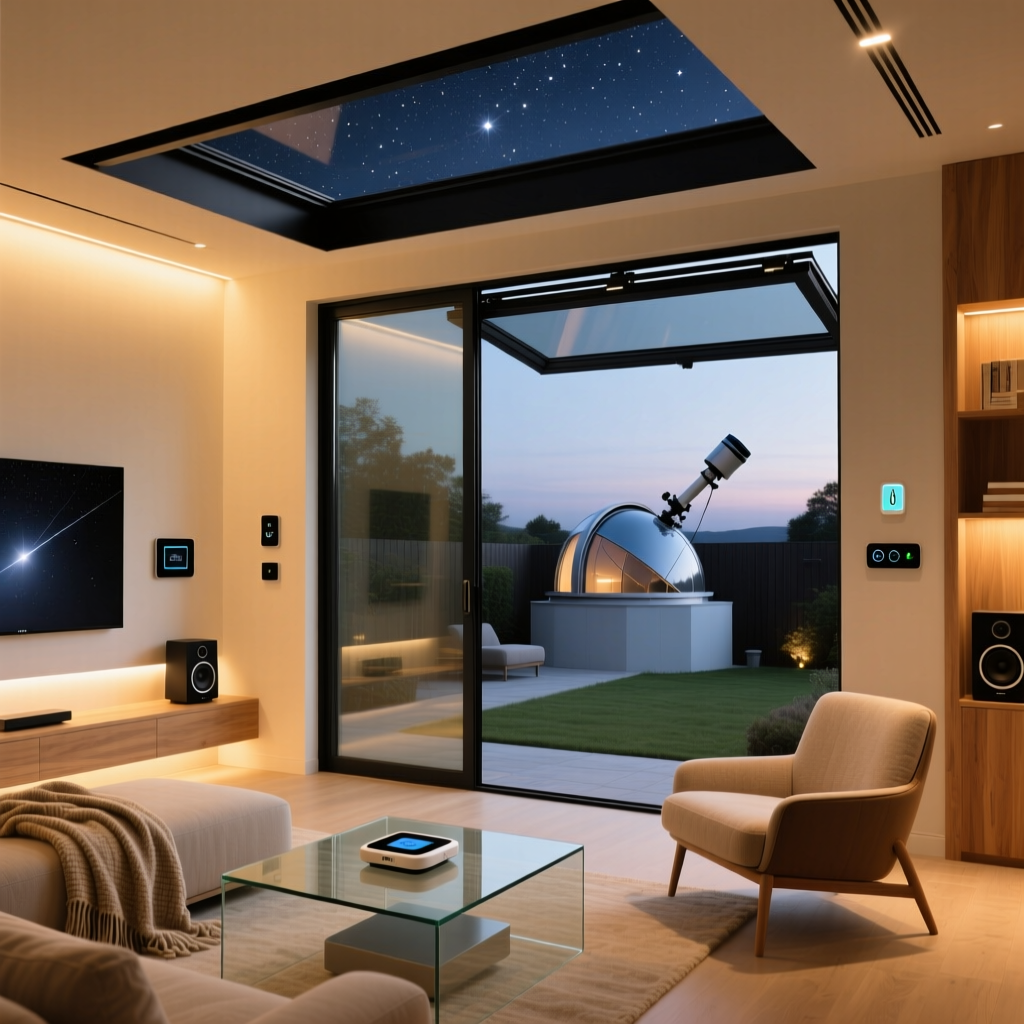
The living room is the high-traffic hub of your home. Automation here should focus on lighting scenes, climate control, and media integration. Aesthetic considerations are paramount; visible wires and bulky sensors will ruin the room's design.
- Lighting: Replace standard switches with Lutron Caseta dimmers. They require a neutral wire in most cases but offer rock-solid reliability. Pair them with a Pico remote for aesthetic, wireless control from the couch.
- Climate: Install an Ecobee SmartThermostat Premium. Its room sensors ensure the living area is perfectly tempered during movie night, ignoring empty hallways.
- Media: Use a Logitech Harmony Hub (or switch to a Home Assistant IR blaster) to unify your TV, receiver, and streaming sticks into a single 'Watch Movie' command.
Budget Tiers: Starter ($250 - Focus on smart plugs and bulbs), Mid ($800 - Lutron switches and smart thermostat), Pro ($2500+ - Motorized Lutron shades and architectural lighting).
2. The Kitchen: Safety, Efficiency, and Hub Central
The kitchen demands hands-free operation and stringent safety monitoring. Water damage and fire hazards are primary concerns, making leak detection and smart appliances vital.
- Water Safety: Install the Moen Flo Smart Water Shutoff on your main water line. It uses AI to detect micro-leaks and can automatically shut off your water supply, preventing catastrophic damage.
- Hands-Free Control: Mount a smart display (like the Echo Show 15 or Nest Hub Max) flush against the backsplash. Use it for recipe displays, video calls, and voice-controlled timers.
- Appliance Integration: Use heavy-duty smart plugs (like the TP-Link Kasa EP25) for coffee makers or slow cookers, ensuring they draw enough wattage without tripping the relay.
Budget Tiers: Starter ($150 - Smart plugs and basic leak pucks), Mid ($500 - Smart display and under-cabinet LED strips), Pro ($1500+ - Moen Flo and smart appliances).
3. The Bedroom: Sleep Hygiene and Climate Control
Automation in the bedroom should be invisible and conducive to circadian rhythms. Harsh blue light and sudden mechanical noises are the enemies of sleep hygiene.
- Circadian Lighting: Use Philips Hue or LiFX bulbs configured to mimic the sun. They should glow a warm, dim amber at 9 PM and gradually shift to bright, cool white at 7 AM to simulate a sunrise.
- Window Treatments: SwitchBot Curtain Rod 2 or Lutron Serena shades automate your blinds. Programming them to open with your morning alarm is a gentle, natural way to wake up.
- Air Quality: The Awair Element monitors CO2, VOCs, and humidity. If CO2 spikes overnight, it can trigger your HVAC fan to circulate fresh air.
According to the EPA, optimizing your bedroom climate is crucial for both comfort and energy savings. ENERGY STAR certified smart thermostats can save homeowners an average of 8% on heating and cooling bills by learning your sleep schedules and adjusting the temperature while you are under the covers.
4. The Bathroom: Moisture Management and Luxury
Bathrooms present unique challenges due to high humidity and water exposure. Devices here must be rated for damp environments or placed strategically away from direct splash zones.
- Humidity Control: Place an Aqara Temperature and Humidity Sensor near the ceiling. Create an automation that triggers your smart exhaust fan (like the Leviton Decora Smart Fan) to run until humidity drops below 50%, preventing mold growth.
- Lighting: Install motion-sensor LED strips under the vanity. Set them to a low-lumen, warm red/orange tone for midnight bathroom trips so you don't blind yourself or disrupt melatonin production.
- Smart Showers: For luxury setups, the Kohler DTV+ system allows you to pre-set water temperature and showerhead preferences via voice or app before you even step in.
5. Outdoor and Garage: Security and Curb Appeal
The perimeter of your home is your first line of defense. Automation here focuses on deterrence, monitoring, and energy-efficient landscaping.
- Lighting & Security: Use Ring Floodlight Cam Pro or Philips Hue Outdoor fixtures. Geofencing can turn on exterior lights when you pull into the driveway, while motion zones can trigger specific pathway lights if a person is detected.
- Garage Access: The Chamberlain myQ Smart Garage Control allows you to monitor and operate your garage door remotely, complete with camera integration for package deliveries.
- Irrigation: The Rachio 3 Smart Sprinkler Controller connects to local weather stations, skipping watering schedules when rain is in the forecast, saving thousands of gallons of water annually.
Budgeting Your Whole-Home Rollout
Understanding the financial commitment is crucial for a phased rollout. Below is a visualization of estimated costs per room based on the Starter, Mid, and Pro tiers outlined above.
Note: Pro tier costs can scale significantly based on home square footage and the need for hardwired, low-voltage installations.
Unifying the Home: Cross-Room Automation Routines
The true magic of a whole-home plan lies in cross-room routines. By utilizing a central platform like Home Assistant, Apple HomeKit, or Samsung SmartThings, you can chain actions across different zones.
The 'Goodnight' Routine
Trigger: Voice command ('Goodnight') or Master Bedroom motion sensor turns off at 11 PM.
Actions:
1. Living Room & Kitchen lights fade to 0% over 5 seconds.
2. Exterior doors lock (Yale/Schlage smart deadbolts).
3. Garage door closes (if open) and myQ camera arms.
4. Thermostat drops to 65°F for optimal sleep.
5. Hallway motion sensors switch to 'Night Mode' (triggering only 5% red under-cabinet lighting).
The 'Away' Routine
Trigger: Geofencing detects all registered smartphones have left a 1-mile radius.
Actions:
1. All non-essential smart plugs turn off.
2. Robot vacuum (Roborock/Roomba) deploys from the kitchen baseboard.
3. Security cameras switch to high-fidelity recording.
4. HVAC switches to Eco-Mode.
5. Interior lights randomize on a 'Vacation' schedule to simulate occupancy.
Installation Tips and Aesthetic Considerations
Executing a whole-home plan requires attention to physical installation details to maintain the aesthetic integrity of your rooms.
- Neutral Wire Verification: Before ordering smart switches, open your existing wall plates to check for neutral wires (usually a bundle of white wires capped together in the back of the box). If your home was built before the 1980s, you may need to use Lutron Caseta (which doesn't require a neutral) or hire an electrician to pull new wiring.
- Sensor Placement: Avoid placing PIR (Passive Infrared) motion sensors facing windows or HVAC vents, as rapid temperature changes can cause false triggers. For bathrooms, consider mmWave radar sensors (like the Aqara FP2) which detect micro-movements like breathing, ensuring the lights don't turn off while you are sitting still in the tub.
- Concealing Hubs: Hubs and routers generate heat and blink with distracting LEDs. Designate a ventilated, central closet or media cabinet as your 'IT Rack'. Use a smart plug with energy monitoring to track your network rack's power draw and allow for remote hard-reboots if your internet goes down while you are on vacation.
Conclusion
Building a cohesive whole-home automation plan is a marathon, not a sprint. By approaching your home room by room, you can carefully curate devices that solve specific problems—whether that's moisture control in the bathroom, sleep hygiene in the bedroom, or security at the perimeter. Start with a robust network and a universal protocol like Matter, invest in reliable infrastructure, and let the automations evolve with your lifestyle. The result is not just a house full of gadgets, but a truly intelligent home that anticipates your needs, saves energy, and elevates your daily living experience.