The Foundation: Network and Interoperability
Designing a whole-home smart automation plan requires more than just buying disconnected gadgets; it demands a cohesive ecosystem where devices communicate seamlessly. The days of juggling five different apps are over. Today, the gold standard for smart home interoperability is Matter, an open-source connectivity standard developed by the Connectivity Standards Alliance (CSA). Matter ensures that whether a device uses Wi-Fi, Thread, or Ethernet, it can securely communicate with your primary hubs—be it Apple HomeKit, Amazon Alexa, Google Home, or Samsung SmartThings.
Before mapping out individual rooms, you must establish a robust network foundation. Smart homes generate immense local traffic. A standard mesh Wi-Fi system is a start, but integrating a dedicated Thread Border Router (found in devices like the Apple TV 4K, Nest Hub Max, or Aeotec Smart Home Hub) creates a low-latency, self-healing mesh network for your sensors and smart switches. This prevents network congestion and ensures your automations trigger in milliseconds, not seconds.
Room-by-Room Automation Blueprint
Each room in your home serves a distinct purpose, and your automation logic should reflect the unique behavioral patterns of those spaces. Below is a comprehensive, room-by-room breakdown of device recommendations, automation routines, and design considerations.
The Living Room: The Entertainment and Gathering Hub
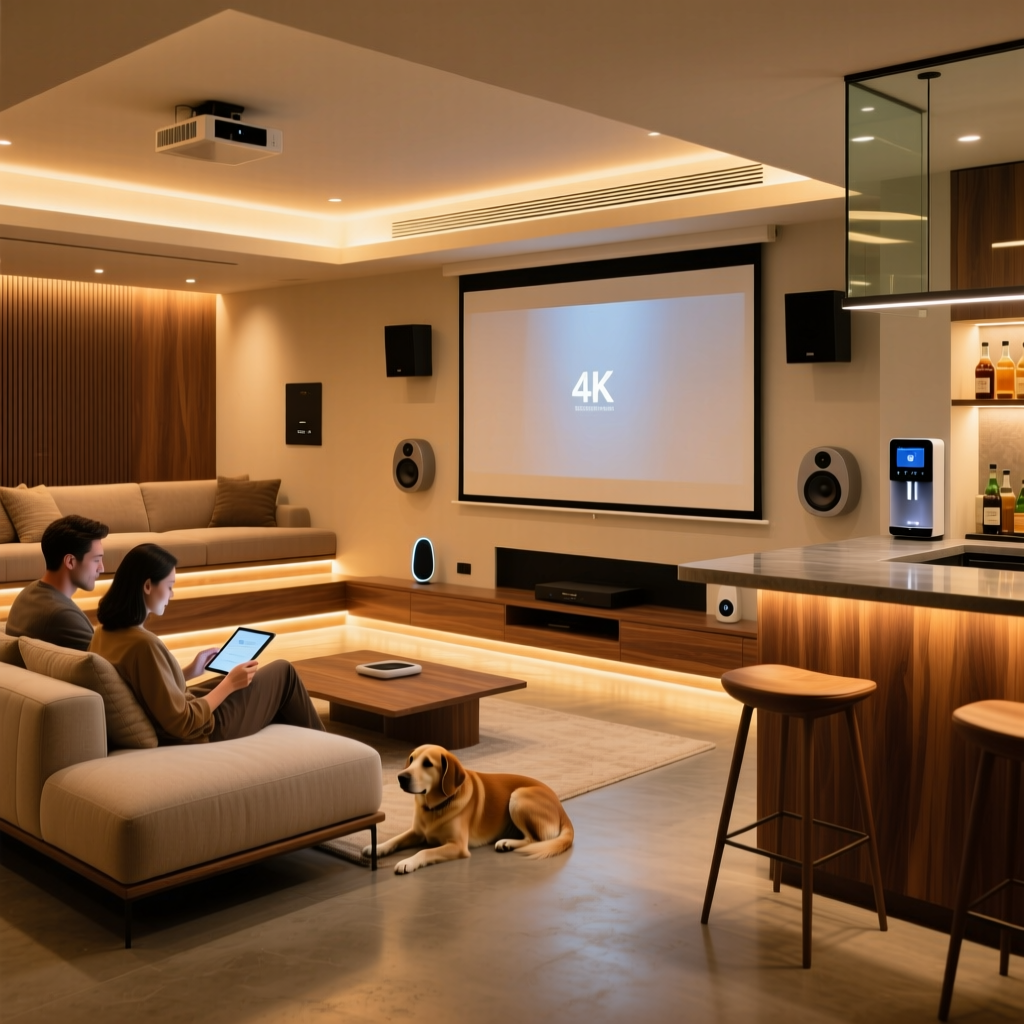
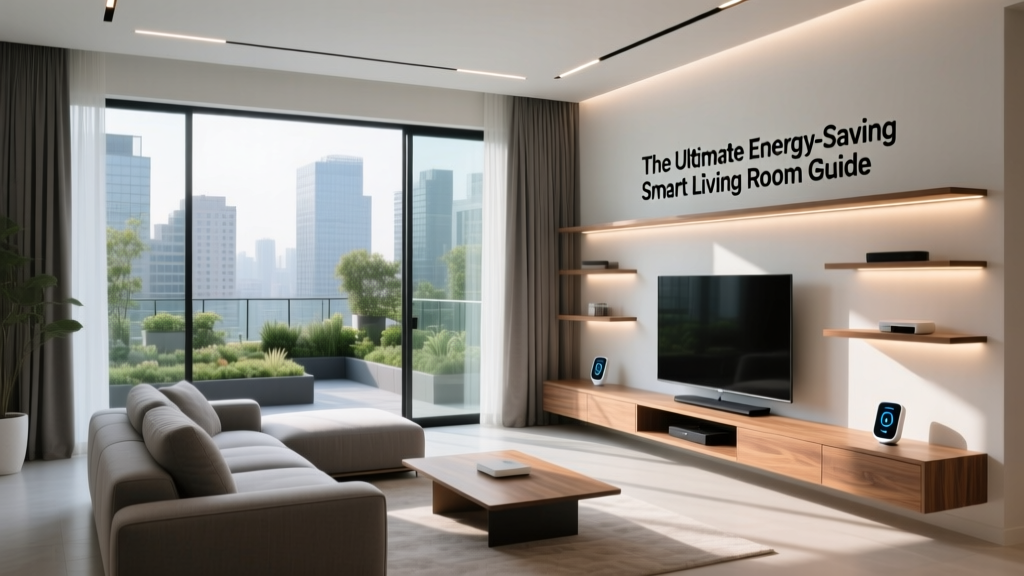
The living room is a high-traffic, multi-use environment. Lighting and climate control must adapt dynamically to activities ranging from reading to hosting guests to watching movies.
- Lighting: Replace standard switches with Lutron Caseta Smart Dimmers. Lutron uses its proprietary Clear Connect RF protocol, which is incredibly reliable and doesn't clog your Wi-Fi. Pair them with Philips Hue Gradient Lightstrips behind the TV for immersive bias lighting.
- Climate: The Ecobee Smart Thermostat Premium features built-in room sensors that detect occupancy, ensuring the living room is comfortable when you are present, while saving energy when empty.
- Entertainment Control: Use the SwitchBot Hub 2 with its built-in IR blaster to control legacy AV receivers and air conditioning units via voice or routines.
Signature Routine: "Movie Time"
When triggered via voice or a Lutron Pico remote, the Hue bias lighting dims to 15% (amber hue), the main overhead lights fade to 0%, the smart blinds close, and the TV and soundbar power on via IR commands.
The Kitchen: The Culinary Command Center
Kitchen automation should prioritize safety, hands-free operation, and energy monitoring for heavy appliances.
- Lighting: Under-cabinet lighting is essential. Use Philips Hue White Ambiance Lightstrips linked to an Aqara Motion Sensor P2 (Matter over Thread). If you enter the kitchen at 2 AM, the lights trigger at 10% brightness in a warm 2200K tone to preserve your night vision.
- Safety: Install the Aqara Smoke and Gas Detector near the ceiling. If a gas leak or smoke is detected, it triggers an automation that shuts off the smart gas valve and turns on the exhaust fan.
- Utility: Use a Eve Energy Smart Plug (Thread-enabled) for your espresso machine or slow cooker. It monitors exact wattage and can be scheduled to pre-heat the espresso machine at 6:30 AM.
Signature Routine: "Morning Brew"
At 6:30 AM, the Eve Energy plug powers the espresso machine. The under-cabinet lights fade to 80% brightness (cool daylight 5000K) to help you wake up, and the smart speaker begins a gentle news briefing.
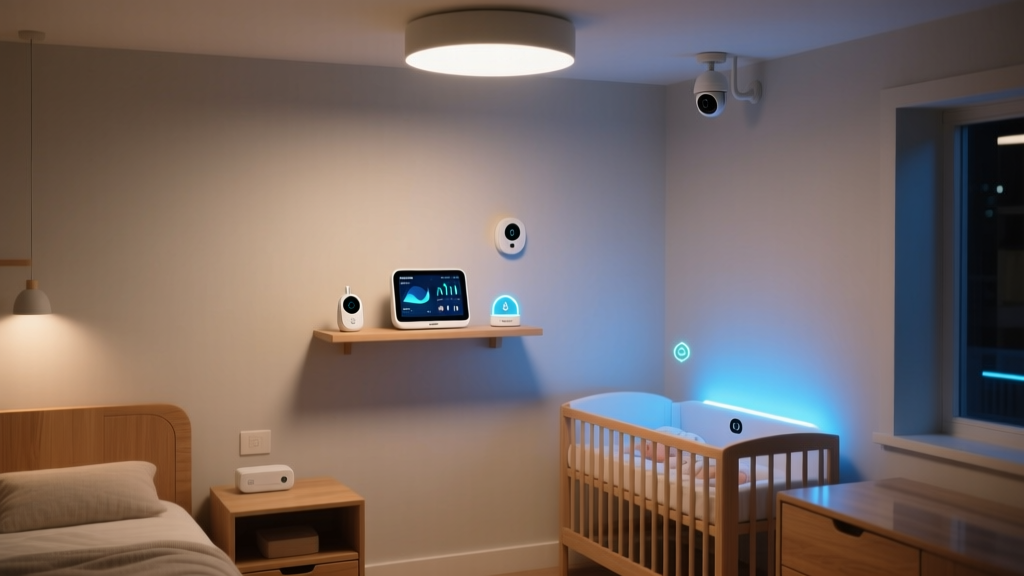
The Bedroom: The Rest and Recovery Zone
Bedroom automation must support circadian rhythms and sleep hygiene. Bright screens and harsh lights are the enemy of melatonin production.
- Environment Monitoring: The Airthings View Plus tracks indoor air quality, including VOCs, CO2, PM2.5, and Radon. If CO2 levels exceed 1000 ppm during the night, it can trigger an automated window actuator or HVAC fan to cycle fresh air.
- Window Treatments: SwitchBot Blind Tilt motors with solar panels allow you to automate natural light without running wires. They open gradually with the sunrise.
- Lighting: Smart bedside lamps with circadian scheduling (e.g., Govee Glide Wall Lights) automatically shift from energizing blue-white in the morning to deep amber in the evening.
Signature Routine: "Wind Down"
Triggered manually or by a bed-occupancy sensor at 10:30 PM. All house lights turn off, the bedroom lights shift to 1% warm amber, the thermostat drops to 65°F (18°C) for optimal sleep temperature, and the blinds seal shut.
The Bathroom: The Wellness Sanctuary
Bathrooms present unique challenges due to high humidity and the lack of neutral wires in older homes.
- Ventilation: Install a Shelly Plus 1 PM behind your exhaust fan switch. It monitors humidity levels and automatically runs the fan until moisture drops below 50%, preventing mold growth.
- Lighting: Motion-activated toe-kick lighting using Wyze LED Strip Pros provides safe, low-level illumination for nighttime visits without waking you fully.
Pro-Tip for Bathroom Installations: Always check for a neutral wire before purchasing smart switches. If your bathroom lacks a neutral wire, opt for Lutron Caseta dimmers or Shelly 1L relays, which are specifically designed for no-neutral configurations.
Outdoor and Garage: Security and Utility
Exterior spaces require rugged, weather-resistant devices (IP65 rated or higher) focused on security, access, and resource management.
- Irrigation: The Rachio 3 Smart Sprinkler Controller uses Weather Intelligence Plus to pull hyper-local weather data, automatically skipping watering schedules if rain is imminent, saving thousands of gallons annually.
- Security: A Ring Alarm Pro system serves as both a security hub and a Wi-Fi 6 mesh router for your outdoor cameras. Pair it with Aqara Door and Window Sensors P2 on the garage doors for instant intrusion alerts.
- Lighting: Ring Pathlights use local geofencing to illuminate walkways only when you arrive home after sunset, deterring wildlife and improving safety.
Budgeting Your Whole-Home Plan
Scaling a smart home across multiple rooms can quickly become expensive. Below is a structured budget table to help you plan your investments based on your financial comfort zone.
| Room | Starter (Budget-Friendly) | Mid-Tier (Balanced) | Pro (Premium Ecosystem) |
|---|---|---|---|
| Living Room | Wyze Bulbs + Broadlink IR ($60) | Hue White + SofaBaton Hub ($350) | Lutron Caseta + Hue Gradient ($1,200) |
| Kitchen | Wyze Motion + Kasa Plug ($40) | Aqara Motion + Eve Plug ($150) | Hue Lightstrips + Aqara G3 Hub ($450) |
| Bedroom | SwitchBot Bot + Wyze Plug ($50) | SwitchBot Blind Tilt + Govee ($200) | Airthings + Lutron + Premium Blinds ($900) |
| Bathroom | Manual Timer Switch ($25) | Shelly Plus 1 PM ($35) | Shelly + Hue Motion + Smart Mirror ($350) |
| Outdoor | Wyze Cam V3 + Kasa Outdoor Plug ($80) | Ring Floodlight + Rachio 3 ($450) | UniFi Protect + Rachio + Smart Valves ($1,500+) |
Visualizing Energy Efficiency and ROI
One of the most compelling arguments for a whole-home automation plan is the long-term return on investment through energy conservation. According to the U.S. Department of Energy, smart thermostats alone can save homeowners 10% to 15% on heating and cooling costs annually. Furthermore, devices certified by ENERGY STAR are rigorously tested to ensure they deliver on these efficiency promises without sacrificing performance.
The chart below illustrates the estimated annual energy savings across different smart device categories in an average 2,000-square-foot home.
Estimated Annual Energy Savings by Smart Device Category
By automating your HVAC based on geofencing and utilizing smart irrigation that respects local weather patterns, a Pro-tier setup can pay for itself in energy and water savings within three to five years.
Installation, Aesthetics, and Design Rules
A truly premium smart home should feel invisible. The technology should serve the architecture, not distract from it. When executing your room-by-room plan, adhere to these core design and installation principles:
- Consolidate Hubs: Avoid placing a hub in every room. Utilize a centralized network closet or media rack for your primary hubs (SmartThings, Home Assistant Green, or Hue Bridge) and rely on Thread/Zigbee mesh repeaters (like smart plugs) to extend the signal to the far corners of your home.
- Standardize Switch Styles: Mixing and matching switch brands creates visual clutter. If you use Lutron Caseta in the living room, try to use it throughout the main floor. Utilize Pico remote wallplates to create multi-gang switch layouts without the need for complex wiring.
- Hide the Hardware: In the living room, use in-wall HDMI conduits and recessed outlets to hide the Apple TV, SwitchBot Hub, and power bricks behind the wall-mounted television. In the kitchen, route under-cabinet lightstrip wires through the drywall or use specialized aluminum diffuser channels to eliminate the "LED dot" effect.
- Fail-Safe Manual Overrides: Every smart switch must function as a traditional switch if the internet or hub goes down. Avoid smart bulbs in main overhead fixtures where a guest might flip the physical wall switch, rendering the smart bulb offline. Instead, use smart switches/dimmers with dumb, high-CRI LED bulbs for primary lighting.
Conclusion
Executing a whole-home room-by-room automation plan transforms a collection of disparate gadgets into a living, breathing ecosystem. By prioritizing interoperability through Matter and Thread, selecting the right devices for the unique demands of each room, and designing automations that anticipate your needs, you create a home that is not only more secure and energy-efficient but fundamentally more comfortable. Start with the foundational network, tackle one room at a time, and let the compounding benefits of smart home technology elevate your daily life.