Migrating from one smart home ecosystem to another can feel like moving into a new house where none of your furniture fits. For years, Google Home (now largely branded under the Google Nest umbrella) has been the default choice for many smart home enthusiasts due to its broad compatibility and aggressive pricing. However, a growing number of users are making the leap to the Apple HomeKit ecosystem. Driven by concerns over cloud-dependent latency, privacy, and a desire for local processing, switching to Apple's walled garden is a major trend in the smart home space.
This comprehensive guide will walk you through the exact steps, costs, and hardware requirements to successfully migrate your smart home from Google Home to Apple HomeKit, leveraging modern protocols like Matter and Thread to make the transition as painless as possible.
Why Migrate from Google Home to Apple HomeKit?
Before ripping out your existing hardware, it is essential to understand what you stand to gain from the migration. While Google Assistant remains incredibly capable at processing natural language voice commands, Apple HomeKit offers distinct architectural advantages:
- Local Processing and Speed: Apple HomeKit processes most automations locally via your home hub. This means turning on a light via a motion sensor happens in milliseconds, even if your internet connection drops. Google Home relies heavily on cloud processing for many third-party devices, which can introduce latency.
- Privacy and Security: Apple's business model is rooted in hardware and services, not targeted advertising. According to Apple Privacy, smart home data is encrypted end-to-end, and Apple does not use your home data to build advertising profiles.
- HomeKit Secure Video (HKSV): If you subscribe to iCloud+, Apple provides end-to-end encrypted video storage for compatible cameras without the need for third-party monthly subscriptions like Nest Aware.
- Unified Aesthetics: The Apple Home app offers a highly polished, uniform interface that integrates seamlessly with iOS, iPadOS, and macOS control centers.
The Role of Matter and Thread in Migration
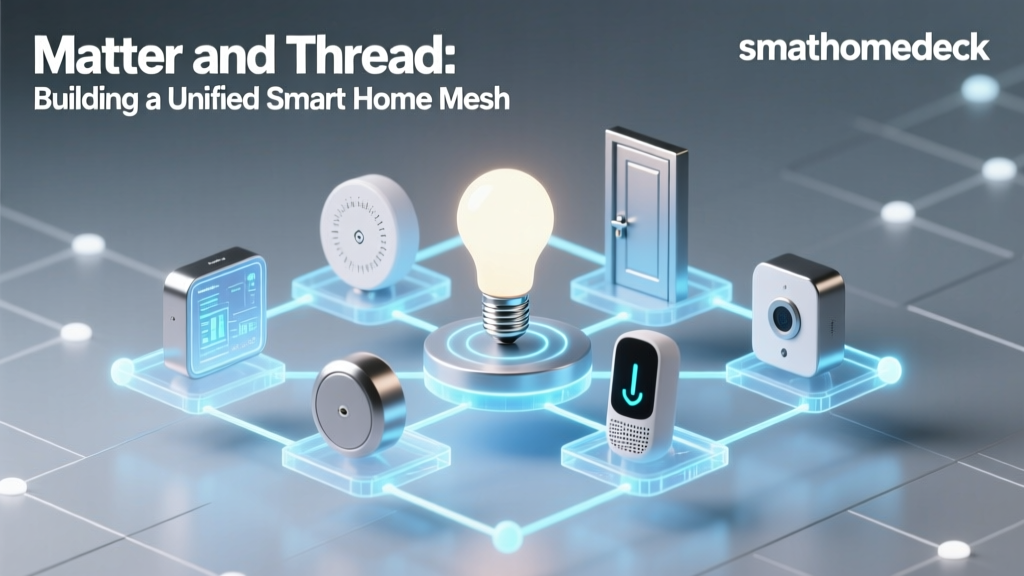
Historically, switching ecosystems meant throwing away your existing devices and buying new ones. The introduction of the Matter smart home standard has fundamentally changed this. As detailed by the Connectivity Standards Alliance, Matter is an open-source, royalty-free connectivity protocol that allows devices to be controlled by multiple ecosystems simultaneously.
If you own Matter-compatible devices (such as recent smart bulbs from Nanoleaf or smart plugs from Eve), you do not need to replace them. You can simply unpair them from the Google Home app and add them directly to the Apple Home app using the Matter QR code. Furthermore, Matter over Thread utilizes a low-power, mesh-networking protocol (IEEE 802.15.4) that increases device reliability and eliminates Wi-Fi congestion.
Step 1: Audit Your Current Hardware
The first step in your migration is to audit your current device list. Devices generally fall into three categories during a migration:
1. Native HomeKit or Matter Compatible (Keep)
Many premium devices support multiple ecosystems out of the box. If you own a Philips Hue Bridge, Lutron Caseta Smart Bridge, or an ecobee SmartThermostat, these natively support both Google Home and Apple HomeKit. You simply need to add the manufacturer's bridge to the Apple Home app using the HomeKit setup code.
2. Firmware-Updatable to Matter (Keep and Update)
Devices like the SwitchBot Hub 2, certain Aqara sensors, and newer Nanoleaf light panels have received over-the-air (OTA) firmware updates enabling Matter support. Update your firmware via the manufacturer's native app, then expose the device to Apple HomeKit via Matter.
3. Google/Nest Exclusive (Replace)
Google's first-party hardware is strictly locked to the Google ecosystem. If you own a Google Nest Learning Thermostat, Nest Cam, or Nest Hub, these cannot be migrated to HomeKit and must be replaced or repurposed.
Step 2: Choose Your Apple Home Hub and Border Router
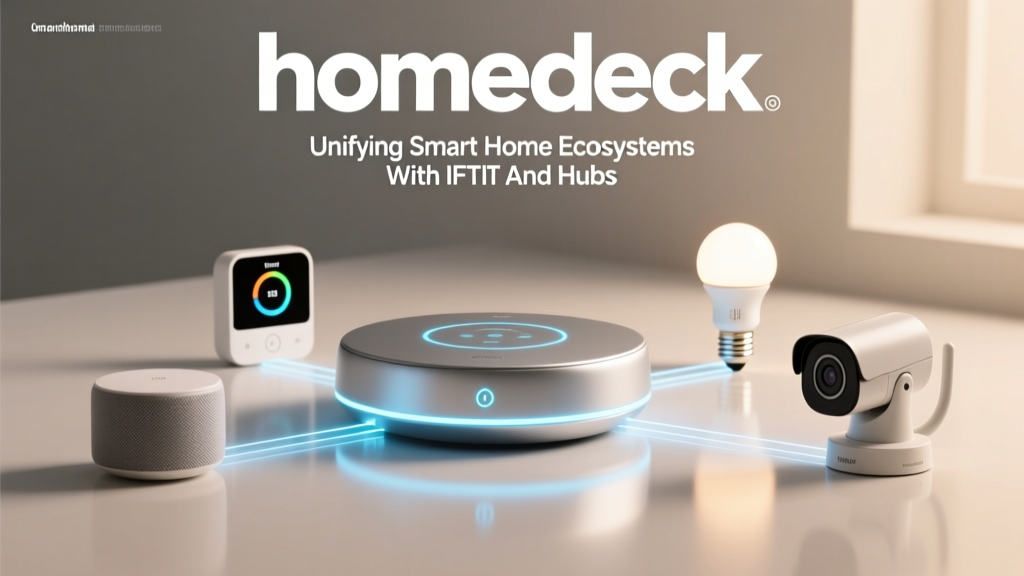
Unlike Google, which uses Nest Hubs and Wi-Fi routers as controllers, Apple requires a dedicated Home Hub for remote access and automation. More importantly, to utilize Thread and Matter over Thread, your hub must act as a Thread Border Router.
| Device | Price Range | Thread Border Router? | Best For |
|---|---|---|---|
| Apple TV 4K (128GB) | $149 | Yes | Living rooms, primary home hub, Ethernet connectivity |
| HomePod mini | $99 | Yes | Bedrooms, extending Thread mesh network range |
| HomePod (2nd Gen) | $299 | Yes (Matter/Thread) | Audiophiles needing a hub and premium speaker |
Pro Tip: For a robust Thread mesh network, it is highly recommended to have at least two Thread Border Routers (e.g., one Apple TV 4K and one HomePod mini) placed on opposite sides of your home to ensure seamless device failover.
Step 3: Device Replacement and Compatibility Guide
For the hardware that cannot make the jump, you will need to purchase Apple HomeKit-compatible alternatives. Below is a strategic replacement guide mapping popular Google/Nest devices to their best-in-class HomeKit equivalents.
| Category | Google/Nest Device (Leaving) | Apple HomeKit Alternative (Adopting) | Estimated Cost |
|---|---|---|---|
| Thermostat | Nest Learning Thermostat | ecobee SmartThermostat Premium | $249 |
| Smart Lock | Nest x Yale Lock | Schlage Encode Plus (HomeKey) | $279 |
| Indoor Camera | Nest Cam (Wired) | Aqara G3 Camera Hub | $100 |
| Smart Display | Nest Hub Max | iPad (9th Gen) with Home Widget | $329 |
| Doorbell | Nest Doorbell | Logitech Circle View Doorbell | $199 |
Step 4: Migrating Lighting and Switches
Lighting is the backbone of any smart home. If you are using Wi-Fi-based smart bulbs that were exclusive to Google (like older C by GE bulbs), you will need to replace them. For a reliable HomeKit lighting setup, consider the following tiers:
- The Gold Standard (Lutron Caseta): Lutron replaces your physical wall switches rather than the bulbs. This ensures the smart connection is never broken by someone flipping the switch. The Lutron Smart Bridge Pro is required, but it is widely considered the most reliable smart lighting system on the market.
- The Flexible Choice (Philips Hue): The Philips Hue Bridge connects to your router via Ethernet and exposes all connected Zigbee bulbs to HomeKit. The Hue ecosystem supports both Google and Apple simultaneously, making it a perfect bridge during your migration phase.
- The Modern Thread Choice (Nanoleaf Essentials): Nanoleaf's Essentials line of bulbs and light strips use Thread. They do not require a proprietary hub; they connect directly to your Apple TV 4K or HomePod mini's Thread network, reducing points of failure.
Step 5: Understanding the Financial Impact
Migrating ecosystems carries a financial cost, primarily driven by the need to replace proprietary hardware and purchase an Apple home hub. The chart below visualizes the estimated cost of outfitting a standard home across both ecosystems, highlighting the "Apple Tax" often associated with HomeKit-certified security and camera hardware.
Migration Cost by Device Category
As the data illustrates, while basic accessories like bulbs and plugs have achieved price parity across ecosystems, high-bandwidth and security-critical devices like cameras and smart locks carry a premium in the HomeKit space. This is largely due to the stringent hardware requirements for HomeKit Secure Video and Apple's MFi (Made for iPhone) certification processes.
Step 6: Security, Cameras, and HomeKit Secure Video
One of the most compelling reasons to switch to Apple is HomeKit Secure Video (HKSV). Unlike Google Nest Aware, which requires a monthly subscription per camera or home, HKSV includes secure video recording with an iCloud+ subscription (starting at $0.99/month for 50GB, which covers one camera, or $2.99/month for 200GB, which covers up to five cameras).
When migrating your security setup, look for cameras that explicitly state "HomeKit Secure Video" support. The Apple Home App integrates these feeds directly into your lock screen notifications, complete with facial recognition powered by your Apple devices' neural engines. Top recommendations include the Aqara G3 (which also acts as a HomeKit hub and IR blaster) and the Eufy Solo IndoorCam C24. For outdoor setups, the Logitech Circle View Outdoor Camera remains a premium, weather-resistant choice.
Step 7: Recreating Automations and Routines
Google Home's "Routines" are highly flexible, allowing for complex multi-step actions and broadcast messages. Apple HomeKit uses "Scenes" and "Automations." While HomeKit's native automation engine is incredibly fast and reliable, it historically lacked the granular conditional logic of Google or Amazon.
However, with the introduction of iOS 16 and later, Apple has significantly improved HomeKit automations. You can now use multiple triggers, conditions (e.g., "If motion is detected AND it is between sunset and sunrise"), and convert state changes into triggers. For power users migrating from Google who require extreme complexity (like tracking device GPS geofences to trigger HVAC adjustments based on local weather APIs), integrating a Home Assistant server as a bridge via HomeKit Controller is the ultimate fallback, though it requires advanced networking knowledge.
Privacy and Data Handling: The Final Verdict
The migration from Google to Apple is ultimately a shift in philosophy regarding data ownership. Google's ecosystem thrives on data aggregation to improve machine learning models and serve targeted ecosystem integrations. Apple's ecosystem treats the home as a private sanctuary. By utilizing local Thread networks, end-to-end encrypted video streams, and on-device Siri processing for basic commands, Apple ensures that your daily routines remain your own.
While the upfront cost of migrating to Apple HomeKit is undeniably higher, the long-term benefits of local reliability, zero mandatory camera subscriptions, and a unified, privacy-first interface make it a highly rewarding project for smart home enthusiasts ready to take control of their digital environment.
Conclusion
Switching from Google Home to Apple HomeKit is no longer the arduous task it was five years ago. Thanks to the advent of Matter, Thread border routers, and multi-platform bridges like Philips Hue and ecobee, you can migrate your home in phases. Start by setting up your Apple TV 4K as a Thread hub, audit your existing devices for Matter compatibility, and strategically replace your Nest-exclusive hardware with HomeKit Secure Video alternatives. By taking a methodical approach, you will build a smart home that is not only faster and more reliable but fundamentally more private.