Welcome to the Modern Smart Home Ecosystem
Setting up your first smart home used to mean choosing a single, restrictive ecosystem and buying expensive, proprietary hardware. Today, the landscape has fundamentally shifted. For DIY installers and homeowners embarking on their first whole-home automation journey, the introduction of Matter and Thread has completely revolutionized how devices communicate, connect, and automate. If you are starting from scratch, bypassing legacy protocols and building your foundation on a Matter and Thread smart hub is the most future-proof decision you can make.
This comprehensive guide will walk you through the exact steps of selecting the right hub, preparing your home network, physically installing the hardware, and commissioning your first mesh network. By the end of this tutorial, you will have a robust, low-latency, and highly secure smart home backbone ready to support dozens of sensors, switches, and automated routines.
Understanding the Backbone: Matter and Thread
Before unboxing any hardware, it is crucial to understand the two technologies that will power your new smart home. They are often mentioned together, but they serve entirely different purposes in your network stack.
What is Matter?
Matter is an open-source application layer. Developed by the Connectivity Standards Alliance, Matter acts as a universal language that allows smart devices from different manufacturers to talk to each other seamlessly. Whether you buy a smart lock from Yale, a thermostat from Ecobee, or a lightbulb from Philips Hue, Matter ensures they can all be controlled by your chosen hub without relying on third-party cloud servers. This local processing capability is a game-changer for reliability and privacy.
What is Thread?
While Matter is the language, Thread is the road it travels on. The Thread Group developed this low-power, wireless mesh networking protocol specifically for IoT (Internet of Things) devices. Unlike Wi-Fi, which requires a lot of power and connects every device directly to your main router, Thread devices connect to each other, creating a self-healing mesh. A smart plug can relay a signal to a motion sensor in the next room, vastly extending the range of your smart home without taxing your primary Wi-Fi network.
Choosing Your First Smart Hub and Border Router
To use Thread, you need a Thread Border Router. To use Matter, you need a Matter Controller. Fortunately, modern smart home hubs combine both of these functions into a single device. When selecting your first hub, you are essentially choosing the primary app interface and voice assistant ecosystem you prefer.
| Hub Device | Ecosystem | Thread Border Router | Matter Controller | Avg. Cost |
|---|---|---|---|---|
| Apple TV 4K (Wi-Fi + Ethernet) | Apple HomeKit | Yes | Yes | $129 - $149 |
| Amazon Echo (4th Gen) | Alexa | Yes | Yes | $79 - $99 |
| Google Nest Hub Pro | Google Home | Yes | Yes | $99 - $129 |
| HomePod Mini | Apple HomeKit | Yes | Yes | $99 |
Pro Tip for DIY Installers: If you choose an Apple TV 4K or a high-end Wi-Fi mesh system like Eero or Deco, ensure you select the model with an Ethernet port. Hardwiring your primary Thread Border Router to your network switch drastically reduces latency and prevents wireless interference during the initial commissioning phase.
Pre-Installation Network Preparation
The most common point of failure in smart home setups is a poorly optimized underlying Wi-Fi network. Thread and Matter rely on your IP network for broader internet access and multi-admin capabilities. Before plugging in your new hub, complete these network prep steps:
- Separate Your IoT Devices: Access your router's admin panel and create a dedicated 2.4GHz Guest Network or an IoT VLAN. Thread border routers use Bluetooth Low Energy (BLE) and 2.4GHz Wi-Fi to commission new devices. A crowded main network with dozens of laptops and streaming TVs can cause BLE handshakes to timeout.
- Upgrade to Wi-Fi 6: If your router is more than four years old, consider an upgrade. The Wi-Fi Alliance notes that Wi-Fi 6 includes Target Wake Time (TWT), which significantly reduces power consumption for IoT devices that still rely on Wi-Fi rather than Thread.
- Disable AP Isolation: Ensure that 'Client Isolation' or 'AP Isolation' is turned off on your IoT network. Matter devices need to be able to discover and communicate with your hub via local multicast DNS (mDNS). If isolation is on, your hub will never find your new smart plugs.
Step-by-Step Physical Installation
Where you place your first Thread Border Router dictates the initial coverage map of your mesh network. Thread signals operate on the 2.4GHz spectrum, meaning they are susceptible to the same physical barriers as standard Wi-Fi.
Optimal Placement Guidelines
- Centralize the Hub: Place your hub in a central, elevated location (e.g., on top of a media console or bookshelf in the center of your home). Avoid hiding it inside metal cabinets or behind large LCD televisions, which act as Faraday cages and block RF signals.
- Avoid Interference Sources: Keep the hub at least three feet away from microwave ovens, cordless phone bases, and Bluetooth speakers. These devices can cause signal degradation in the 2.4GHz band.
- Line of Sight for Initial Pairing: When you are ready to pair your first few Thread devices (like smart plugs or switches), plug them into outlets in the same room as the hub. Once they join the mesh, you can move them to their permanent locations, and the mesh will automatically route the signal through them.
Software Commissioning and Pairing
With the hub physically installed and connected to your network, it is time to bring the software online.
- Download the Native App: Use the Apple Home app, Amazon Alexa app, or Google Home app, depending on your chosen hub.
- Scan the Matter QR Code: Matter devices feature a standardized QR code on the packaging or the device itself. This code contains the cryptographic credentials needed to securely add the device to your network without sending data to the cloud.
- The BLE Handshake: Your smartphone will use Bluetooth to find the new device. It will securely transfer your Thread network credentials to the device over BLE.
- Mesh Joining: The device will wake up its Thread radio, find the nearest Border Router (your hub), and join the mesh. You will see it appear in your app within seconds.
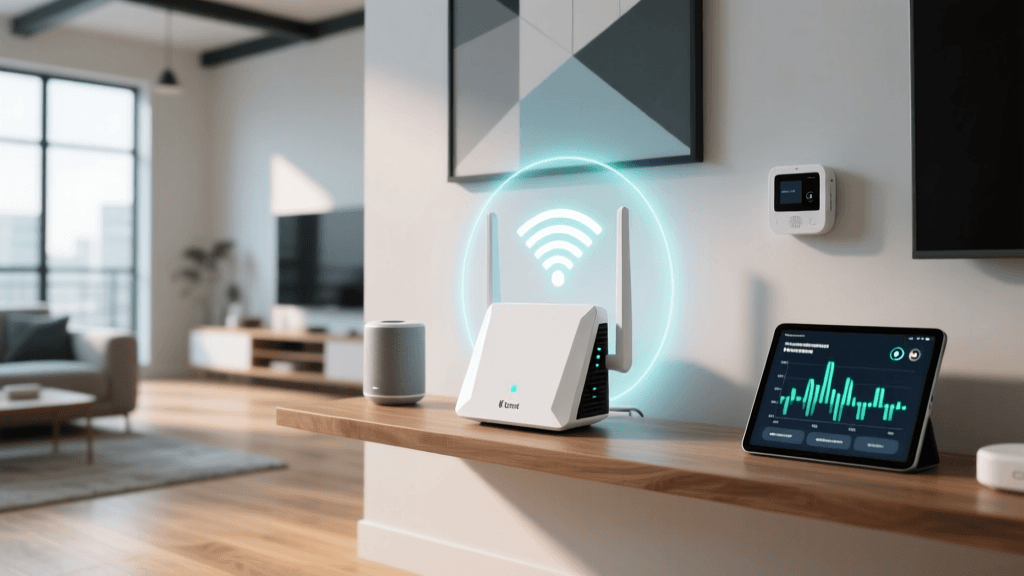
As visualized in the chart above, Thread significantly outperforms legacy protocols in local network latency. This sub-20ms response time is why Matter over Thread feels instantaneous when triggering automations, a critical factor for DIY installers configuring motion-activated lighting or security routines.
Building Your First Automation Workflow
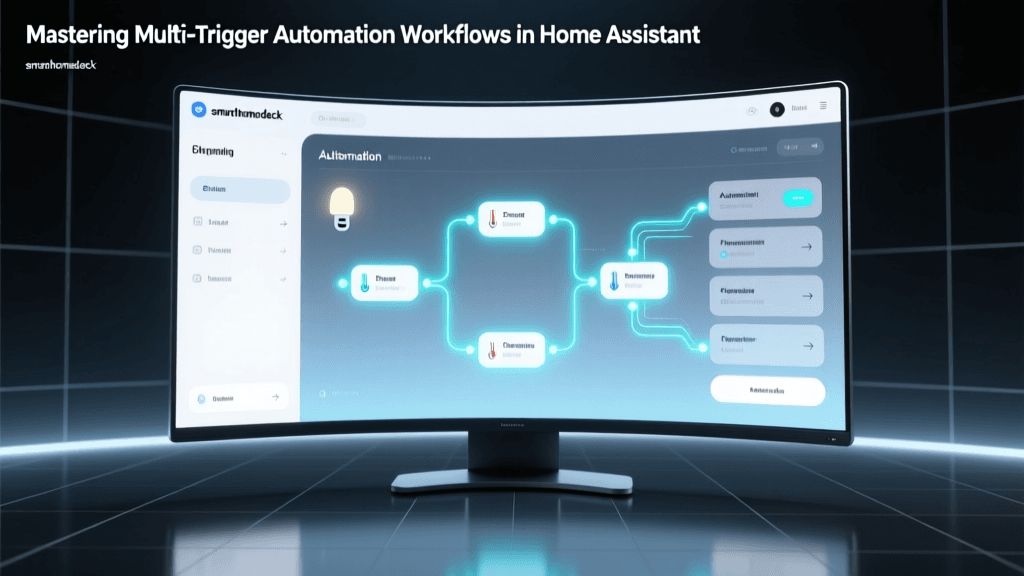
Once your hub and a few Thread devices (such as a smart switch and a door sensor) are online, you can create your first local automation. Because Matter processes locally, these automations will continue to work even if your internet connection goes down.
Example Workflow: The Foyer Welcome Scene
Trigger: When the Thread Door Sensor changes state to 'Open'.
Condition: Only between Sunset and Sunrise (using local geofencing).
Action: Turn on the Foyer Thread Smart Switch to 80% brightness, set color temperature to 2700K (Warm White).
In your hub's native app, navigate to the 'Automations' or 'Routines' tab. Select 'Create New'. The beauty of Matter is that you can use an Apple HomePod to control a Thread switch made by a company that primarily designs for Google Home, provided both support the Matter standard. This multi-admin capability eliminates vendor lock-in entirely.
Security Best Practices for New Installers
While Matter was built with security-by-design principles—including mandatory encryption and unique cryptographic keys for every device—your network topology still requires basic hygiene.
- Firmware Updates: Before adding devices to your live automation routines, check the manufacturer's app for firmware updates. Thread Border Routers frequently release OTA (Over-The-Air) updates to improve mesh healing algorithms and patch BLE vulnerabilities.
- Network Segmentation: As mentioned earlier, keeping your IoT devices on a separate VLAN or Guest Network prevents a compromised smart bulb from being used as a pivot point to access your personal computers or NAS drives.
- Disable UPnP: Universal Plug and Play (UPnP) on your main router can automatically open ports to the internet if requested by a device. Disable this feature in your router settings to ensure your Thread Border Router only communicates outbound through verified, encrypted Matter channels.
Troubleshooting Common Setup Issues
Even with the best preparation, DIY installers occasionally run into hurdles. Here is how to troubleshoot the most common Thread and Matter setup issues:
Device Shows as 'Offline' or 'No Response'
This usually indicates a mesh routing issue. Thread networks are self-healing, but if you move a smart plug that was acting as a router node for a sensor further down the hall, the sensor may lose its path to the Border Router. The Fix: Open your hub app and look for the 'Thread Network' or 'Diagnostics' menu. Force a mesh network scan. Alternatively, power cycle the offline device; it will automatically seek out the nearest available Thread router node.
Commissioning Fails at 90%
If the app hangs right at the end of the pairing process, it is almost always an mDNS or network isolation issue. The Fix: Ensure your smartphone and the Thread Border Router are on the exact same subnet during the initial setup. You can move the phone to your IoT network temporarily, complete the handshake, and then move your phone back to your main network. Multi-admin features will allow your phone to control the devices from your main network once the initial cryptographic keys are exchanged.
Border Router Conflicts
If you have multiple Thread Border Routers (e.g., an Apple TV and a Google Nest Hub), they will automatically form a single, unified Thread mesh network. However, occasionally they can fight for the 'Leader' status. The Fix: Ensure all Border Routers are updated to the latest firmware. The Thread protocol includes an algorithm that automatically elects the most stable, hardwired device as the primary Leader, demoting others to secondary routers to maintain mesh stability.
Expanding Your Ecosystem
Once your foundation is set, expanding is incredibly straightforward. You can mix and match Wi-Fi-based Matter devices (like high-bandwidth cameras or smart displays) with Thread-based Matter devices (like battery-powered window sensors and smart locks). Your hub will manage the translation seamlessly.
For large homes exceeding 2,000 square feet, consider purchasing standalone Thread Border Routers or Thread-enabled smart plugs to place in far corners of your house. Every Thread device that is plugged into mains power automatically acts as a router node, extending the reach of your mesh network without requiring you to buy additional hubs or Wi-Fi extenders.
Conclusion
Setting up your first Matter and Thread smart home hub is a rewarding weekend project that pays dividends in reliability, speed, and privacy. By moving away from cloud-dependent, fragmented ecosystems and embracing open standards, you are building a resilient automation infrastructure. Take the time to optimize your underlying Wi-Fi network, carefully place your Border Router, and leverage the power of local processing. Your smart home will not only respond faster but will continue to function flawlessly, day or night, regardless of your internet connection status.