Setting up a smart home in a rental property or apartment comes with a unique set of challenges. Unlike homeowners, renters must navigate strict lease agreements that prohibit drilling holes, running new wires, or replacing hardwired fixtures. The fear of losing a security deposit often deters tenants from upgrading their living spaces. However, the rapid evolution of wireless, battery-operated, and adhesive-mounted smart home technology has made it entirely possible to build a robust, automated apartment without picking up a power drill.
This comprehensive guide will walk you through a renter-friendly smart home setup, focusing on no-drill security, temporary lighting solutions, portable sensors, and overcoming the notorious apartment Wi-Fi hurdles. By the end of this article, you will know exactly how to automate your rental while keeping your security deposit fully intact.
The Golden Rules of Damage-Free Installation
Before purchasing any devices, it is crucial to understand the physics and chemistry of temporary mounting. The most common mistake renters make is relying on the double-sided foam tape included in the box of smart home accessories. This tape is often an industrial-strength 3M VHB (Very High Bond) adhesive designed for permanent applications. When applied to painted drywall, it will fuse to the paper layer of the gypsum board. When you attempt to remove it, it will tear the drywall paper, resulting in costly repair fees.
Use Removable Adhesives
Always swap out included adhesives for damage-free alternatives. 3M Command Large Picture Hanging Strips are the gold standard for renters. A single pair of large strips can hold up to 16 pounds, which is more than enough for most indoor smart cameras, motion sensors, and lightweight smart lighting panels. For heavier devices, use multiple strip pairs distributed evenly across the mounting bracket.
Surface Preparation is Mandatory
Adhesives fail when applied to dusty or greasy surfaces. Before applying any Command strip, wipe the wall and the device mount with isopropyl rubbing alcohol. Allow it to dry completely. Avoid using household surface cleaners, as they often leave behind a slippery residue that degrades adhesive bonds over time.
No-Drill Smart Security Cameras & Video Doorbells
Security is a top priority for apartment dwellers, but traditional video doorbells like the Ring Wired or Nest Doorbell require drilling into doorframes and splicing low-voltage wiring. Fortunately, there are brilliant workarounds.
The Peephole Camera Solution
If your apartment door features a standard peephole, the Ring Peephole Cam is the ultimate renter-friendly upgrade. Priced between $99 and $199, this device replaces your existing peephole lens without requiring any new holes. It uses a specialized tension nut to secure the camera to the exterior and the battery pack to the interior. The installation takes about 10 minutes using only a Phillips head screwdriver, and you can easily reverse it when your lease ends.
Shelf-Mounted Indoor Cameras
For indoor monitoring, avoid wall-mounting entirely. The Blink Mini (approx. $39) and the Wyze Cam Pan v2 (approx. $40) are designed with flat bases that sit securely on bookshelves, kitchen cabinets, or entertainment centers. The Wyze Cam Pan v2 offers 360-degree motorized rotation, allowing a single shelf-mounted camera to monitor an entire open-concept living room and kitchen area.
The Tension Rod Hack for Balconies
If you have a private balcony or patio and want an outdoor camera without drilling into the exterior siding or brick, use a heavy-duty indoor/outdoor tension rod (often sold for patio curtains, costing around $25-$40). Wedge the tension rod vertically between the balcony floor and the ceiling overhang. You can then use a standard hose clamp or a zip-tie to attach a weather-resistant camera like the Eufy SoloCam S40 to the rod. This provides a high vantage point for security while leaving zero marks on the building's exterior.
Apartment-Approved Smart Lighting
Smart lighting dramatically improves the ambiance and energy efficiency of a home. However, replacing wall switches is usually a lease violation because it involves working with 120V line voltage and requires a neutral wire, which many older apartment buildings lack.
Smart Bulbs Over Smart Switches
For renters, smart bulbs are the only viable path. The Philips Hue White and Color Ambiance line (E26 base, 800 lumens, approx. $50 per bulb) remains the industry leader due to its reliability and integration with Apple HomeKit, Amazon Alexa, and Google Home. Because they screw directly into existing lamps and fixtures, they require zero installation. According to ENERGY STAR, switching to LED smart bulbs also reduces lighting energy consumption by up to 90% compared to traditional incandescent bulbs, which is a great bonus if your utilities are included in your rent or if you want to lower your monthly electric bill.
Mounting Light Panels Safely
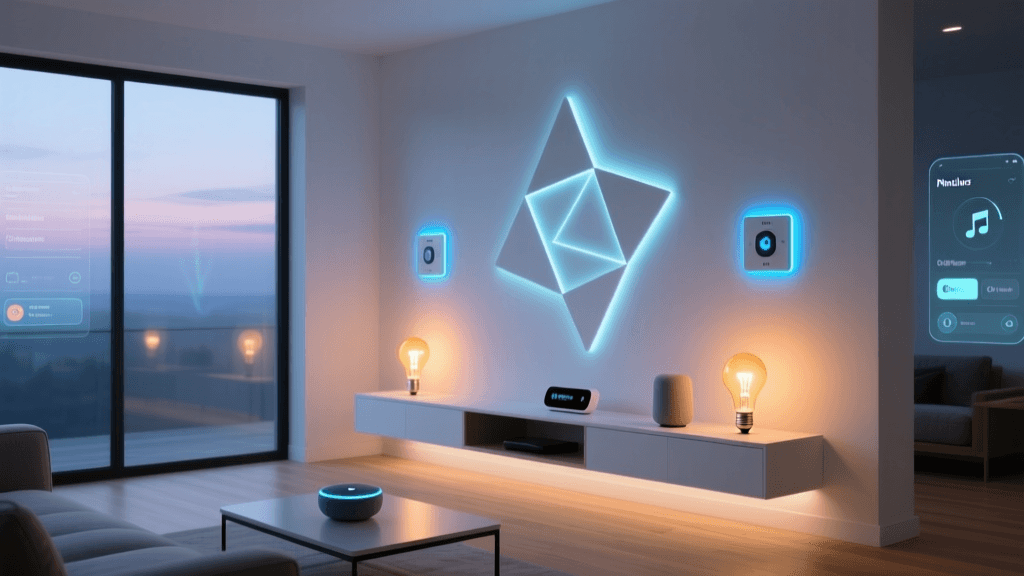
Decorative smart lights like Nanoleaf Shapes or Govee Glide Hexa Light Panels are incredibly popular for apartment accent lighting. However, as mentioned earlier, their included mounting tape will destroy drywall. To install them safely, purchase a pack of Command Small Wire Hooks or Command Picture Hanging Strips. Apply the adhesive strip to the wall, and use a small piece of removable mounting putty or a secondary, weaker double-sided tape to connect the strip's hook to the back of the light panel. This creates a "breakaway" layer that protects the wall upon removal.
Temporary Smart Sensors & Leak Detectors
Sensors are the unsung heroes of smart home automation, triggering routines based on environmental changes. They are also inherently renter-friendly due to their small size and low power consumption.
Door and Window Sensors
The Eve Door & Window sensor uses Thread and Bluetooth, eliminating the need for a proprietary hub while integrating seamlessly with Apple HomeKit. It mounts using a tiny strip of adhesive that can be easily removed with a hairdryer. You can set these sensors to trigger your smart bulbs to turn on the moment you open your apartment door, or to send a push notification if a window is left open while the AC is running.
Water Leak Detectors
Apartment water damage is a leading cause of security deposit disputes and liability issues. Place a Wi-Fi-enabled leak sensor, such as the D-Link Wi-Fi Water Leak and Freeze Sensor (approx. $35), directly under your kitchen sink, behind the toilet, and near the washing machine hookups. These devices sit flat on the floor, require no mounting, and will instantly alert your smartphone if they detect moisture, potentially saving you from catastrophic damage and subsequent eviction.
Hub & Network Setup for Shared Apartment Wi-Fi
One of the most frustrating aspects of apartment living is dealing with building-provided Wi-Fi. Many multi-dwelling unit (MDU) networks use "AP Isolation" or client isolation. This security feature prevents devices on the same network from talking to each other. While great for privacy, it completely breaks local smart home control, preventing your phone from discovering your smart bulbs or your hub from communicating with your sensors.
The Travel Router Workaround
To bypass AP isolation without violating your lease or angering your property manager, create your own private local network using a travel router. The GL.iNet GL-AXT1800 (Slate AX) (approx. $110) is a pocket-sized router that supports WISP (Wireless Internet Service Provider) mode. You connect the Slate AX to the apartment's public Wi-Fi as a client, and it broadcasts its own private, isolated SSID for your smart home devices. This ensures your devices can communicate locally, speeds up response times, and secures your data. The Electronic Frontier Foundation (EFF) highly recommends segmenting your smart home devices onto a separate network to protect your personal computers and phones from vulnerabilities in IoT firmware.
Cost Comparison: Wired vs. Wireless Setup
Many renters assume that building a wireless, temporary smart home is more expensive than a traditional wired setup. However, when factoring in the hidden costs of installation tools, potential drywall repair, and the inability to take wired devices with you, the renter-friendly approach is significantly more cost-effective.
Upfront vs Moving Costs for Smart Home Setups
Product Comparison Table
| Device Category | Recommended Product | Mounting Method | Estimated Cost |
|---|---|---|---|
| Video Doorbell | Ring Peephole Cam | Existing peephole hole | $99 - $199 |
| Indoor Camera | Wyze Cam Pan v2 | Flat surface (shelf/desk) | $39 - $50 |
| Accent Lighting | Govee Glide Hexa Panels | Command Strips (Modified) | $149 - $199 |
| Door/Window Sensor | Eve Door & Window | Removable adhesive pad | $39 - $45 |
| Network Hub | GL.iNet Slate AX Router | Flat surface (WISP Mode) | $109 - $129 |
Moving Out: Reversing the Setup Safely
When your lease is up, removing your smart home gear requires just as much care as the installation. The Federal Trade Commission (FTC) notes that landlords can legally deduct money from your security deposit for damages beyond normal wear and tear, which includes torn drywall paper or leftover adhesive residue.
The Heat and Floss Technique
If you accidentally used a semi-permanent adhesive, or if a Command strip is stubbornly refusing to release, do not pull it straight out. Instead, use a hairdryer on medium heat to warm the adhesive for 30 to 60 seconds. Heat softens the acrylic adhesive, reducing its grip on the paint. Once warm, take a piece of waxed dental floss, wrap it around your fingers, and use a gentle sawing motion to slice through the foam core of the tape. This separates the device from the wall without putting outward tension on the drywall paper.
Cleaning Up Residue
Any remaining sticky residue can be removed using a citrus-based cleaner like Goo Gone or a mixture of warm water and dish soap. Avoid using harsh solvents like acetone or paint thinner, as these will strip the paint right off the wall, guaranteeing a deduction from your deposit. Once the wall is clean and dry, your apartment will look exactly as it did on move-in day, but you get to take your entire smart home ecosystem with you to your next residence.
Conclusion
Living in a rental property no longer means sacrificing the convenience, security, and ambiance of a modern smart home. By prioritizing battery-operated devices, leveraging existing architectural features like peepholes and shelves, and utilizing damage-free adhesives, you can build a highly automated living space. Furthermore, by taking control of your network with a travel router, you ensure your devices work reliably despite the limitations of shared building Wi-Fi. With the right strategy, your smart home can be as mobile as you are, ready to pack up and move to your next apartment at a moment's notice.