The Challenge of Mixed Smart Home Ecosystems
In the modern smart home, the 'ecosystem divide' is a common household friction point. One partner may be deeply entrenched in the Apple ecosystem, relying on HomeKit and Siri, while the other prefers Android, Google Home, or Amazon Alexa. When you attempt to mix and match smart devices—such as Philips Hue lights, Ecobee thermostats, and Schlage smart locks—managing them across disparate apps quickly becomes a frustrating experience. Multi-ecosystem integration setup is the process of unifying these fragmented platforms into a single, cohesive, and reliable smart home infrastructure.
Historically, bridging Apple HomeKit, Google Home, and Amazon Alexa required complex workarounds, third-party cloud subscriptions, or reliance on manufacturer-specific hubs that only partially supported cross-platform control. Today, the landscape has shifted dramatically. With the advent of the Matter protocol and advanced local-processing hubs, DIY installers and homeowners can build a robust, multi-ecosystem smart home that responds instantly to voice commands from any major assistant, while maintaining strict local control and privacy.
The Game Changer: Matter and Thread
Before diving into hub configurations, it is critical to understand the foundation of modern multi-ecosystem setups: Matter. Developed by the Connectivity Standards Alliance (CSA), Matter is an open-source, royalty-free connectivity protocol designed to allow smart home devices to communicate seamlessly across different ecosystems. If a device is Matter-certified, it can be commissioned into Apple Home, Google Home, and Amazon Alexa simultaneously, without relying on the manufacturer's cloud.
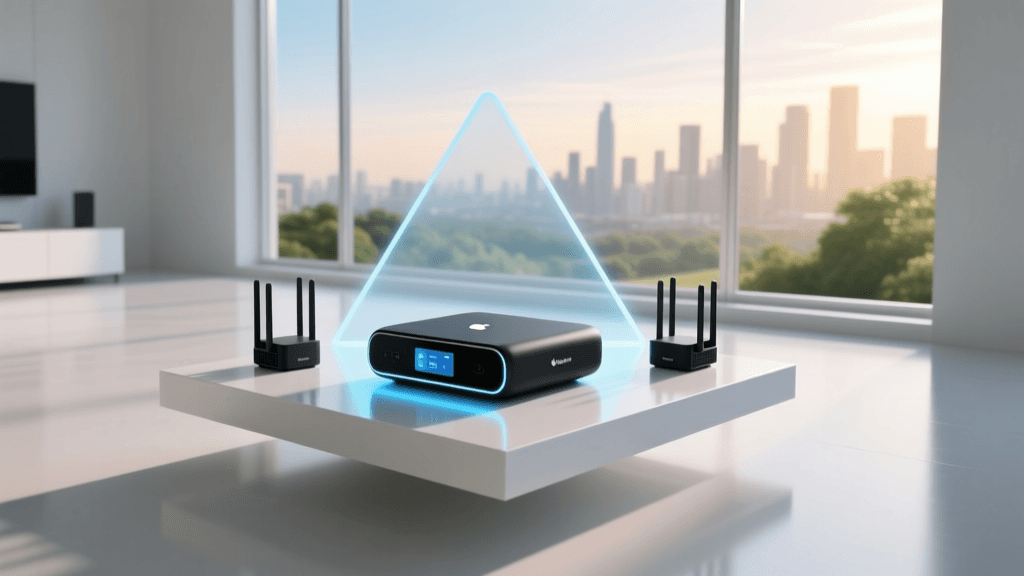
Matter operates over existing networking technologies, primarily Wi-Fi and Thread. Thread is a low-power, low-latency mesh networking protocol. Unlike Zigbee or Z-Wave, Thread does not require a proprietary hub; instead, it relies on Thread Border Routers (TBRs) like the Apple TV 4K, Nest Hub Max, or Amazon Echo (4th Gen) to bridge the Thread mesh to your home's IP network.
Pro Tip: When purchasing new devices for a mixed-ecosystem home, always prioritize Matter-over-Thread sensors and Matter-over-Wi-Fi plug-in devices. This ensures native compatibility across all major platforms without requiring intermediate cloud bridges.
Choosing the Right Hub for Multi-Ecosystem Control
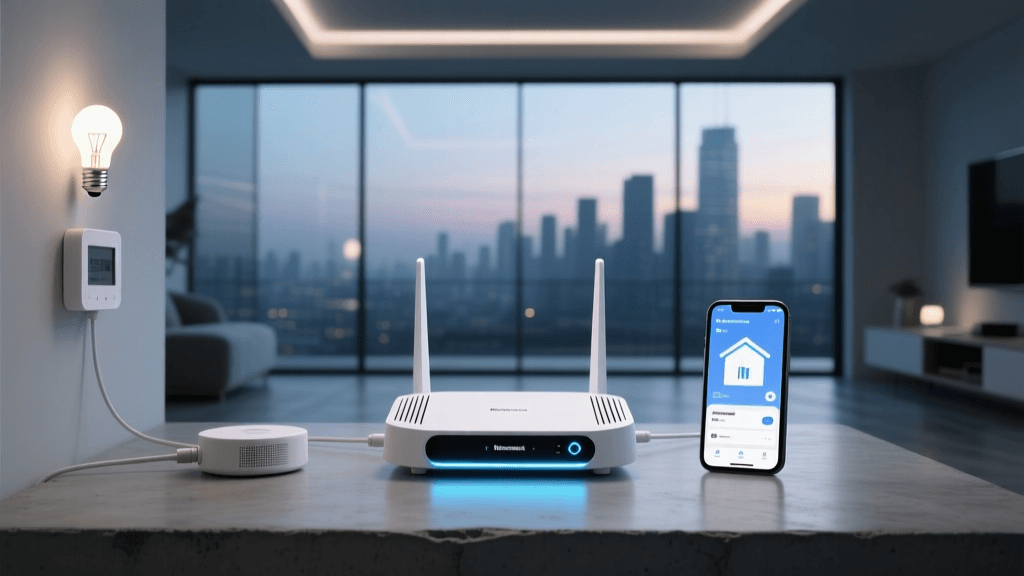
While Matter allows native multi-fabric joining, not all devices support Matter yet. To bridge legacy Zigbee, Z-Wave, and Wi-Fi devices into Apple, Google, and Amazon simultaneously, a central smart home hub is mandatory. Below is a comparison of the top hubs for multi-ecosystem integration.
| Hub Platform | Local Processing | Matter Support | Ecosystem Bridging | Estimated Cost |
|---|---|---|---|---|
| Home Assistant (Green/NUC) | Yes (100%) | Native (Controller & Bridge) | Apple, Google, Alexa | $99 - $150+ |
| Hubitat Elevation C-8 | Yes (100%) | Native (Controller) | Google, Alexa (No native Apple) | $149 |
| Samsung SmartThings Station | Hybrid (Cloud-dependent) | Native (Controller) | Google, Alexa (No native Apple) | $79 |
| Apple TV 4K (128GB) | Partial (HomeKit only) | Native (Controller & TBR) | Apple Only (Native) | $149 |
For a true multi-ecosystem home where Apple HomeKit, Google Home, and Alexa must all control legacy and modern devices, Home Assistant is the undisputed champion. It acts as the central brain, aggregating all devices and exposing them to the respective ecosystems via local APIs or secure cloud tunnels.
Step-by-Step: Setting Up Home Assistant as the Central Brain
Home Assistant has evolved from a niche Linux project into a polished, user-friendly operating system. For a reliable multi-ecosystem setup, avoid running Home Assistant on a standard Raspberry Pi SD card, as the constant database writes will corrupt the card over time. Instead, use the official Home Assistant Green or an Intel NUC with an NVMe SSD.
1. Initial Installation and Network Discovery
According to the Home Assistant Official Installation Guide, the setup process begins by flashing the Home Assistant OS image to your hardware or plugging in the Home Assistant Green. Connect the device via Ethernet to your primary router. Once booted, navigate to http://homeassistant.local:8123 on your desktop browser.
2. Adding Zigbee and Z-Wave Radios
To integrate legacy devices, connect a universal Zigbee dongle (like the Sonoff Zigbee 3.0 USB Dongle Plus-P) and a Z-Wave stick (like the Zooz 800-Series LR). Use a USB 2.0 extension cable to move the dongles away from the hub's motherboard, which prevents USB 3.0 interference—a common cause of Zigbee mesh instability.
3. Installing the Matter Server Add-On
To commission Matter devices, navigate to the Add-On Store in Home Assistant and install the Matter Server add-on. This enables Home Assistant to act as a Matter Controller, allowing you to pair Matter-over-Thread and Matter-over-Wi-Fi devices directly into your local dashboard.
Bridging the Big Three: Apple, Google, and Amazon
Once your devices are aggregated in Home Assistant, the next step is exposing them to the voice assistants and native apps your family uses daily.
Exposing Devices to Apple HomeKit
Apple's ecosystem is notoriously closed, but Home Assistant bypasses this using the HomeKit Bridge integration. By configuring the HomeKit Bridge in Home Assistant's settings, the hub emulates a native HomeKit accessory. You simply open the Apple Home app, scan the QR code generated by Home Assistant, and instantly gain Siri control over your Zigbee, Z-Wave, and Matter devices. Ensure your Home Assistant server and Apple devices are on the same VLAN and subnet, as HomeKit relies heavily on mDNS (Bonjour) for local discovery.
Integrating with Google Home
For Google Home integration, the most reliable method is using Nabu Casa (Home Assistant Cloud). While it requires a small monthly subscription, it provides a secure, zero-configuration tunnel to Google's servers. Once linked via the Google Home app, you can assign devices to rooms, enabling Google Assistant voice commands and Nest Hub touch control. If you prefer a strictly local (free) route, you can set up the Google Assistant SDK, though this requires configuring a Google Cloud Platform project and port forwarding, which is less secure.
Connecting to Amazon Alexa
Similar to Google, the Alexa Smart Home Skill provided by Nabu Casa offers the most frictionless setup. Alternatively, for local-only integration, you can use the Home Assistant Emulated Hue integration. This tricks older Amazon Echo devices into thinking Home Assistant is a Philips Hue Bridge, allowing local voice control without a cloud subscription, though it lacks support for newer Alexa features like routines and temperature sensors.
Network Configuration: VLANs for IoT Security
When bridging multiple ecosystems and aggregating dozens of IoT devices, network security and traffic management become paramount. The Cybersecurity and Infrastructure Security Agency (CISA) strongly recommends isolating IoT devices from your primary network to prevent lateral movement in the event a smart bulb or plug is compromised.
Setting Up an IoT VLAN
Using a prosumer router like the Ubiquiti UniFi Dream Router or TP-Link Omada ER605, create a dedicated VLAN (e.g., VLAN 20) specifically for IoT devices. Configure the DHCP server for this VLAN to hand out addresses in a separate subnet (e.g., 192.168.20.x).
- Firewall Rules: Block all traffic originating from the IoT VLAN to your main LAN (where your phones and PCs reside).
- mDNS Reflector: Because Apple HomeKit and Google Cast rely on mDNS, you must enable an mDNS reflector on your router. This allows discovery packets to cross the VLAN boundary so your phone on the main LAN can still control the smart lights on the IoT VLAN.
- IGMP Snooping: Enable IGMP Snooping to prevent multicast traffic (common in smart home protocols) from flooding your entire network and degrading Wi-Fi performance.
Visualizing Ecosystem Adoption and Hub Performance
When designing a multi-ecosystem setup, understanding the performance differences between cloud-dependent architectures and local hub processing is crucial for achieving instant automation responses. The chart below illustrates the average command latency across different hub architectures.
As visualized, local processing hubs like Home Assistant and Hubitat reduce latency to under 50 milliseconds, ensuring that when you press a smart switch, the corresponding lights react instantaneously, regardless of your internet connection status.
Troubleshooting Common Multi-Ecosystem Issues
Even with meticulous planning, multi-ecosystem setups can encounter unique technical hurdles. Here is how to resolve the most common issues.
Thread Border Router Conflicts
A frequent issue in homes with both Apple and Google devices is Thread network fragmentation. An Apple TV 4K and a Nest Hub Max will both attempt to act as Thread Border Routers, sometimes creating separate, incompatible Thread 'fabrics'. If a Matter sensor pairs to the Apple Thread network, the Google Nest Hub may not see it. The Fix: Ensure both ecosystems are updated to their latest firmware, which includes Thread fabric merging capabilities. Alternatively, designate one primary ecosystem as the Thread commissioner and disable the Thread radio on the secondary hub if the manufacturer allows it.
HomeKit 'No Response' Errors
If Apple HomeKit frequently shows 'No Response' for devices bridged through Home Assistant, the issue is almost always related to network multicast traffic. The Fix: Verify that your router's mDNS reflector is functioning correctly. If you are using a UniFi network, ensure 'Multicast Enhancement' (IGMP Snooping) is enabled on your Wi-Fi Access Points, and disable 'Block LAN to WLAN Multicast' if it is interfering with Bonjour discovery.
Matter Commissioning Failures
Matter relies on a secure handshake and QR code scanning. If a device fails to commission into Home Assistant, it may still be bound to a previous fabric. The Fix: Perform a hardware factory reset on the device (usually holding the physical button for 10-15 seconds) to clear its Matter fabric credentials before attempting to scan the QR code again.
Conclusion
Building a multi-ecosystem smart home no longer requires compromising on device choice or locking your family into a single tech giant's walled garden. By leveraging the Matter protocol, deploying a robust local hub like Home Assistant, and segmenting your network with VLANs, you can create a unified, secure, and lightning-fast smart home. Whether a family member asks Siri to turn off the lights, tells Alexa to lower the thermostat, or uses the Google Home app to check the front door camera, a properly configured multi-ecosystem setup ensures every command is executed seamlessly.