Smart Home Installation in Tamil Nadu: The Complete Step-by-Step Guide
Tamil Nadu is rapidly emerging as one of India's most tech-forward states, and smart home adoption is growing across cities like Chennai, Coimbatore, Madurai, Tiruchirappalli, and Salem. Whether you live in a traditional independent house, a modern apartment in OMR Chennai, or a villa in Coimbatore's growing suburbs, transforming your home into a smart home is more accessible than ever. This comprehensive guide walks you through every step of smart home installation in Tamil Nadu, from planning your setup to troubleshooting common issues unique to the region.
Quick Installation Overview
- Difficulty Level: Moderate (Intermediate DIY — some electrical knowledge helpful)
- Estimated Time: 1 to 3 days for a standard 2BHK or 3BHK home (depending on the number of devices)
- Best For: Homeowners and renters in Tamil Nadu looking to automate lighting, security, climate control, and entertainment
- Cost Range: ₹15,000 to ₹2,50,000+ depending on scope and device quality
Before diving into the installation steps, it is important to understand that Tamil Nadu presents some unique considerations for smart home setups. The state experiences high humidity along the coast, significant temperature variations between hill stations like Ooty and plains like Madurai, and occasional power fluctuations that can affect sensitive electronics. Keeping these factors in mind will help you choose the right devices and install them correctly for long-lasting performance.
Step 1: Plan Your Smart Home Layout & Choose the Right Ecosystem
The foundation of any successful smart home installation is careful planning. Before purchasing a single device, you need to map out your home, identify which areas you want to automate, and choose a central ecosystem that will tie everything together.
Assess Your Home's Layout
Start by walking through every room in your home and noting the following:
- Electrical switchboard locations: Identify all switchboards and note whether they have neutral wires available. Many older homes in Tamil Nadu, especially those built before 2010, may not have neutral wires at every switch point. This is critical because most smart switches require a neutral wire to function.
- Wi-Fi coverage: Use a speed test app on your smartphone to check Wi-Fi signal strength in every corner of your home. Smart home devices need a stable internet connection, and thick concrete walls common in Tamil Nadu construction can create dead zones.
- Door and window positions: Note the number of entry points for security sensor placement.
- Power backup status: Check if you have an inverter or UPS system. Tamil Nadu experiences periodic power cuts, especially during monsoon season, and your smart home devices should remain functional during outages.
Choose Your Smart Home Ecosystem
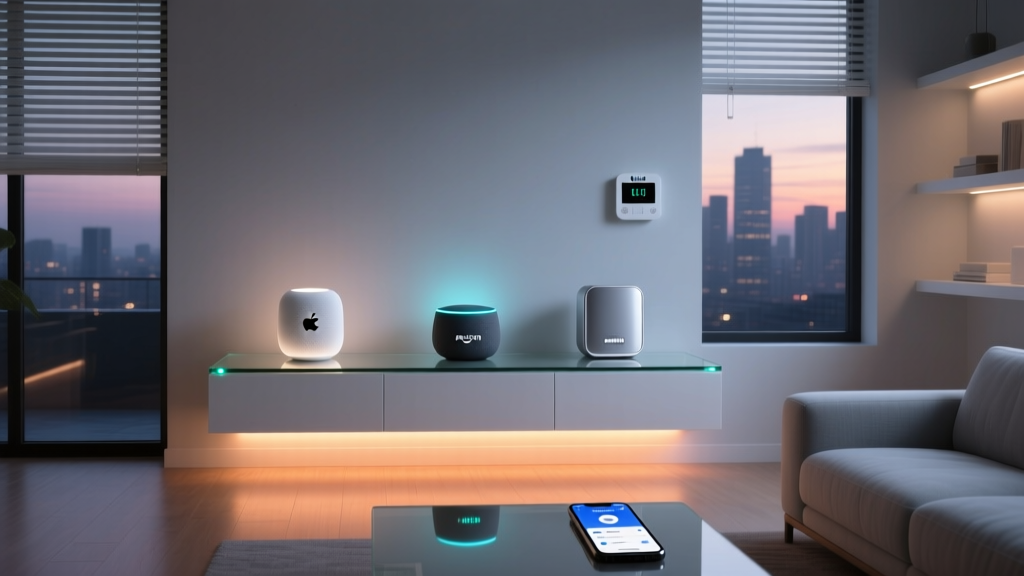
Selecting the right ecosystem is one of the most important decisions you will make. The three dominant platforms available in India are:
- Google Home: Excellent compatibility with a wide range of devices available in India. Works well with JioFiber, Airtel Xstream, and other popular internet services in Tamil Nadu. Best if you primarily use Android devices.
- Amazon Alexa: Strong device support and widely available through Amazon India. Alexa-compatible smart plugs, bulbs, and speakers are among the most affordable options in the Indian market.
- Apple HomeKit: Premium option with excellent security and privacy. Device selection is more limited in India and tends to be more expensive, but the integration quality is superior for those already in the Apple ecosystem.
For most homeowners in Tamil Nadu, Google Home or Amazon Alexa offers the best balance of affordability, device availability, and ease of use. You can also consider platforms like Oakter, Wipro, and Syska that offer India-specific smart home bundles designed for Indian electrical standards and voltage requirements.
Create a Device Priority List
Not every device needs to be installed at once. Prioritize your installation in phases:
- Phase 1 — Essentials: Smart switches for lights and fans, smart plugs for existing appliances, and a smart speaker as your central hub
- Phase 2 — Security: Smart door locks, security cameras, door/window sensors, and a video doorbell
- Phase 3 — Comfort: Smart AC controllers, smart curtains, air quality monitors, and smart water heater controls
- Phase 4 — Advanced: Smart irrigation for gardens, energy monitoring systems, and whole-home automation panels
Step 2: Set Up Your Network Infrastructure
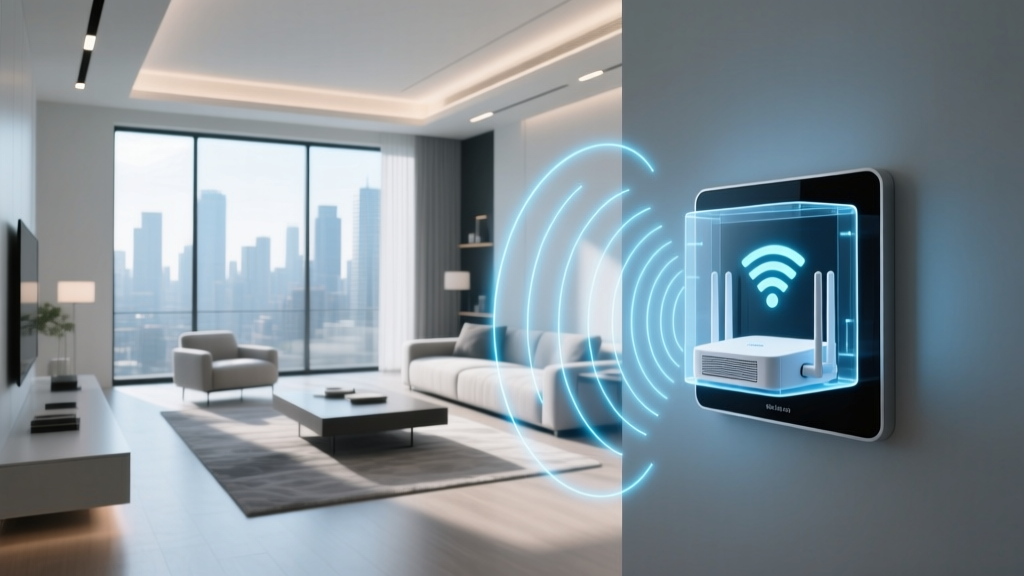
A robust network is the backbone of any smart home. In Tamil Nadu, where internet service providers range from ACT Fibernet and Hathway to Jio and Airtel, ensuring your network can handle dozens of connected devices is essential before you begin installing anything.
Upgrade Your Router if Necessary
Most ISP-provided routers in India support between 10 to 15 connected devices comfortably. A fully automated 3BHK home in Tamil Nadu might have 30 to 50 smart devices, which will overwhelm a basic router. Consider upgrading to a mesh Wi-Fi system for reliable coverage.
Recommended router specifications for smart homes:
- Dual-band (2.4 GHz and 5 GHz) or tri-band support
- Support for at least 50 simultaneous connections
- MU-MIMO technology for handling multiple devices efficiently
- At least 256 MB RAM for stable performance
Set Up a Dedicated 2.4 GHz Network for Smart Devices
Most smart home devices — including smart bulbs, switches, plugs, and sensors — operate exclusively on the 2.4 GHz Wi-Fi band. Creating a separate SSID (network name) for your smart devices provides several advantages:
- Reduces congestion on your primary network used for phones, laptops, and streaming
- Makes device pairing significantly easier during setup
- Improves reliability and reduces disconnection issues
- Simplifies troubleshooting when problems arise
To set this up, access your router's admin panel (usually at 192.168.0.1 or 192.168.1.1), navigate to wireless settings, and create a separate 2.4 GHz network with a name like "SmartHome_2.4G". Use WPA2 security with a strong password.
Install a UPS for Your Router
Power cuts are a reality in many parts of Tamil Nadu, particularly in tier-2 cities and suburban areas. When the power goes out, your smart home devices lose connectivity if your router goes down. Invest in a mini UPS specifically designed for routers — these are widely available online in India for ₹1,500 to ₹3,000 and can keep your router running for 4 to 8 hours during outages.
Connect your primary router and any mesh nodes to the UPS to ensure uninterrupted smart home operation. This is especially important if you rely on smart security cameras and door locks.
Step 3: Install Smart Switches, Lights & Plugs
This is where the physical installation begins. Smart switches and lights are the most impactful upgrades you can make, and they are also among the easiest to install. For homes in Tamil Nadu, it is important to choose devices rated for Indian electrical standards (230V, 50Hz) and designed to handle the local climate.
Installing Smart Switches
Smart switches replace your existing wall switches and allow you to control lights and fans through voice commands, mobile apps, and automation routines.
Step-by-step installation process:
- Turn off the main power supply at your distribution board. Never work on electrical wiring with the power on. Use a voltage tester to confirm that no current is flowing to the switchboard.
- Remove the existing switch plate by unscrewing the faceplate and carefully pulling out the switch mechanism. Take a photo of the existing wiring before disconnecting anything — this will be your reference.
- Identify the wires: You will typically see a live wire (red or brown), a neutral wire (black or blue), and an earth wire (green or yellow-green). Smart switches require both live and neutral connections. If your switchboard does not have a neutral wire, you will need to either run one from the nearest junction box or choose a no-neutral smart switch (available from brands like Anchor by Panasonic and Havells).
- Connect the smart switch according to the manufacturer's wiring diagram. Connect the live input, neutral, and load wires to the corresponding terminals on the smart switch. Ensure all connections are tight and no bare wire is exposed.
- Secure the switch back into the wall box and attach the faceplate. Most Indian smart switches are designed to fit standard modular switchboard plates (Roma, Anchor, Legrand, and Schneider compatible).
- Restore power and test the switch manually before proceeding to app configuration.
Installing Smart Bulbs
Smart bulbs are the simplest entry point into home automation. They screw into existing bulb holders and connect directly to your Wi-Fi network.
- Turn off the light switch and let the existing bulb cool down if it was recently on.
- Remove the old bulb and screw in the smart bulb (B22 bayonet and E27 screw bases are the most common in India).
- Turn the light switch on — the smart bulb should blink or change colors to indicate it is in pairing mode.
- Open the companion app (such as Wipro Next, Syska Smart, or Philips Hue) and follow the on-screen instructions to connect the bulb to your 2.4 GHz Wi-Fi network.
- Name the bulb according to its location (e.g., "Living Room Main Light") for easy voice control.
Pro tip for Tamil Nadu homes: Choose smart bulbs rated for high temperature tolerance. Coastal cities like Chennai and Thoothukudi experience high humidity and temperatures that can exceed 40°C during summer. Look for bulbs with an operating temperature range of at least -10°C to 45°C.
Setting Up Smart Plugs
Smart plugs are incredibly versatile and require no electrical work. Simply plug them into any existing socket and connect your appliance to the smart plug.
Common uses for smart plugs in Tamil Nadu homes include:
- Controlling geysers and water heaters — schedule them to turn on 30 minutes before your morning bath
- Managing mosquito repellent devices — automate them to turn on at dusk and off at dawn
- Operating table fans and air coolers during summer months
- Controlling decorative lights during festivals like Pongal and Diwali
- Monitoring energy consumption of high-wattage appliances
When purchasing smart plugs, ensure they are rated for the wattage of the appliance you plan to connect. Most smart plugs in India support up to 2,200W (10A), which is sufficient for most household appliances. For heavy appliances like air conditioners, look for 16A-rated smart plugs.
Step 4: Install Smart Security Devices
Security is one of the primary reasons homeowners in Tamil Nadu invest in smart home technology. From gated communities in Chennai's ECR to independent houses in Coimbatore, smart security devices provide peace of mind and remote monitoring capabilities.
Installing Smart Security Cameras
Security cameras are available in indoor and outdoor variants. For Tamil Nadu's climate, outdoor cameras must have at least an IP65 weather resistance rating to withstand monsoon rains and dust storms.
Indoor camera installation:
- Choose a location with a wide field of view, typically a corner of the room near the ceiling.
- Mark the mounting holes using the template provided in the box.
- Drill holes and insert wall plugs (use appropriate drill bits for concrete walls, which are standard in Tamil Nadu construction).
- Screw the mounting bracket securely to the wall or ceiling.
- Attach the camera to the bracket and adjust the angle.
- Connect the camera to power using the provided adapter and cable.
- Open the companion app and follow the Wi-Fi pairing process.
Outdoor camera installation:
- Select a position under an eave or overhang to provide additional weather protection, even for IP65-rated cameras.
- Ensure the camera is within range of your Wi-Fi signal — use a Wi-Fi extender if needed for areas like parking zones and backyards.
- Mount the camera at a height of 8 to 10 feet for optimal coverage and to prevent tampering.
- Route the power cable through conduits to protect it from weather and pests.
- Configure motion detection zones in the app to avoid false alerts from passing vehicles, stray animals, or swaying trees.
Recommended camera positions for Tamil Nadu homes:
- Main entrance gate and front door
- Parking area or car porch
- Back entrance and kitchen door
- Living room (indoor camera for monitoring elderly family members or children)
- Staircase landing for multi-story homes
Installing Smart Door Locks
Smart door locks replace or supplement your existing lock and allow keyless entry through fingerprints, PIN codes, RFID cards, mobile apps, and even facial recognition.
- Measure your door thickness — most smart locks in India are designed for doors between 35mm and 55mm thick. Wooden doors common in Tamil Nadu homes typically fall within this range.
- Remove the existing lock and handle. Keep all screws and parts in case you need to revert.
- Install the smart lock's mortise into the door edge. This may require chiseling or enlarging the existing cavity — consider hiring a carpenter if you are not comfortable with this step.
- Mount the exterior and interior panels, routing the connecting cable through the door.
- Secure all components with the provided screws and test the mechanical operation of the lock before activating the electronics.
- Insert batteries (most smart locks use 4 AA batteries or a rechargeable lithium battery) and complete the setup through the companion app.
- Register fingerprints and PIN codes for all family members. Create temporary access codes for domestic help, delivery personnel, or guests.
Important for Tamil Nadu: High humidity can affect fingerprint sensors. Look for smart locks with capacitive fingerprint sensors rather than optical ones, as they perform better in humid conditions. Also, ensure the lock has a physical key override for emergencies during power failures or battery depletion.
Installing Door & Window Sensors
These compact sensors alert you when a door or window is opened and can trigger automation routines.
- Clean the surface of the door frame and door where you plan to mount the sensor with rubbing alcohol.
- Peel the adhesive backing and attach the larger sensor unit to the door frame and the smaller magnet unit to the door itself.
- Ensure the gap between the sensor and magnet is less than 15mm when the door is closed.
- Open the companion app and add the sensor — most use Zigbee or Z-Wave protocols and require a hub, while some newer models connect directly to Wi-Fi.
- Test by opening and closing the door to verify alerts are received on your phone.
Step 5: Configure Automation, Voice Control & Advanced Features
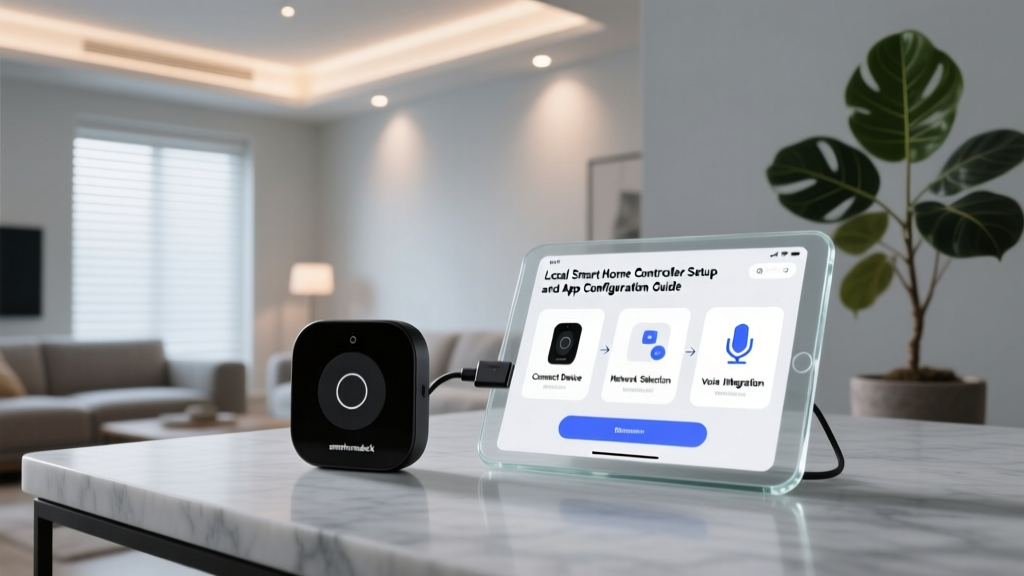
With all your devices physically installed and connected to Wi-Fi, the final step is to configure automations, voice control, and routines that make your smart home truly intelligent. This is where the magic happens — transforming individual devices into a cohesive, automated system.
Link Devices to Your Central Hub
Open your chosen ecosystem app (Google Home, Amazon Alexa, or Apple Home) and add each device:
- Open the app and tap "Add Device" or the "+" icon.
- Select the device type and follow the discovery process.
- Assign each device to the correct room — create rooms like "Master Bedroom," "Kitchen," "Living Room," and "Pooja Room" to match your home's actual layout.
- Name devices clearly and consistently — "Kitchen Light," "Living Room Fan," "Front Door Camera" — so voice commands work intuitively.
Create Smart Routines for Tamil Nadu Living
Automation routines allow multiple devices to work together based on triggers like time, location, sensor data, or voice commands. Here are some routines specifically useful for Tamil Nadu homes:
Morning Routine (6:00 AM):
- Bedroom lights gradually brighten to 50%
- Geyser turns on via smart plug
- Coffee machine activates via smart plug
- News briefing plays on smart speaker
Leave Home Routine (triggered when all phones leave the geofence):
- All lights turn off
- Fans and AC turn off
- Security cameras switch to active monitoring mode
- Smart lock auto-locks the front door
- Robot vacuum starts cleaning
Monsoon Routine (triggered by rain sensor or weather API):
- Smart curtains close automatically
- Windows with smart actuators close
- Outdoor lights turn on for visibility
- Alert sent to phone reminding you to bring in laundry
Night Routine (10:30 PM):
- All lights except bedroom and passage lights turn off
- Main door locks automatically
- Security system arms in night mode
- AC sets to sleep mode temperature (26°C recommended for energy savings)
- Mosquito repellent device turns on via smart plug
Set Up Voice Control
Voice control is the most intuitive way to interact with your smart home. Here are some tips for setting up voice control effectively:
- Place smart speakers strategically: Position one in the living room, one in the kitchen, and one in the master bedroom for whole-home coverage.
- Enable voice match: Both Google Home and Alexa support voice recognition, allowing personalized responses for different family members.
- Use Tamil-friendly naming: If family members prefer speaking in Tamil or Tanglish (Tamil-English mix), name devices with simple English words that are easy to pronounce and recognize by the voice assistant.
- Create custom routines with voice triggers: For example, saying "Goodnight" can trigger your entire night routine, and "I'm home" can turn on lights and disarm the security system.
Integrate Energy Monitoring
With Tamil Nadu Electricity Board (TANGEDCO) tariffs, managing electricity consumption is important for many households. Smart energy monitors and smart plugs with energy tracking can help you:
- Identify which appliances consume the most power
- Set daily or monthly energy budgets with alerts
- Schedule high-consumption appliances to run during off-peak hours
- Monitor your solar panel output if you have a rooftop solar installation (increasingly popular under Tamil Nadu's net metering policy)
Tools & Products Needed for Smart Home Installation
Having the right tools and products ready before you begin will make the installation process smooth and efficient. Here is a comprehensive checklist organized by category.
Essential Tools
| Tool | Purpose | Estimated Cost (₹) |
|---|---|---|
| Voltage tester / test pen | Verify power is off before electrical work | 50 – 200 |
| Phillips & flathead screwdriver set | Removing switch plates and mounting devices | 200 – 500 |
| Wire strippers & cutters | Preparing wires for smart switch connections | 150 – 400 |
| Electric drill with masonry bits | Drilling into concrete walls for camera mounts | 1,500 – 4,000 |
| Wall plugs and screws (assorted) | Securing mounts to walls | 100 – 300 |
| Electrical tape & wire nuts | Insulating wire connections | 50 – 150 |
| Cable clips and conduits | Managing and protecting cables | 200 – 500 |
| Ladder (step ladder) | Reaching ceiling-mounted devices and cameras | 1,000 – 3,000 |
| Smartphone with apps installed | Device pairing and configuration | — |
Recommended Smart Home Devices for Tamil Nadu
| Device Category | Popular Brands Available in India | Price Range (₹) |
|---|---|---|
| Smart switches (Wi-Fi) | Oakter, Wipro, Anchor Roma, Havells, Schneider | 500 – 2,500 per switch |
| Smart bulbs | Wipro, Syska, Philips Hue, TP-Link Kasa | 400 – 3,000 per bulb |
| Smart plugs | Oakter, Wipro, TP-Link, Gosund | 500 – 1,500 per plug |
| Smart speakers | Amazon Echo, Google Nest, Apple HomePod | 2,000 – 20,000 |
| Security cameras (indoor) | Qubo, CP Plus, Mi, D-Link, Godrej Eve | 1,500 – 5,000 |
| Security cameras (outdoor) | Qubo, Hikvision, CP Plus, Ezviz | 2,500 – 8,000 |
| Smart door locks | Godrej, Yale, Ultraloq, Dorset, Qubo | 8,000 – 35,000 |
| Door/window sensors | Oakter, Tuya-based brands, Aqara | 500 – 2,000 per sensor |
| Smart AC controllers (IR blasters) | Oakremote, Wipro, Sensibo | 1,500 – 8,000 |
| Mesh Wi-Fi system | TP-Link Deco, Google Nest WiFi, Netgear Orbi | 8,000 – 30,000 |
| Mini UPS for router | Cuzor, Resonate, ZEBRONICS | 1,500 – 3,500 |
Optional but Useful Additions
- Smart IR blaster: Controls your existing AC, TV, and set-top box through voice commands — especially useful in Tamil Nadu where split ACs and LED TVs are in almost every home
- Smart curtain motor: Automates curtain opening and closing — great for large windows in apartments facing the sea in Chennai or for blocking harsh afternoon sun
- Smart smoke and gas leak detectors: Essential for kitchen safety, especially in homes using LPG cylinders
- Smart water level sensor: Monitors overhead tank levels — very useful in Tamil Nadu where water management is critical during summer
- Smart doorbell with camera: See and speak to visitors at your door from anywhere — ideal for homes where family members may be alone during the day
Troubleshooting Common Smart Home Issues in Tamil Nadu
Even with careful installation, you may encounter issues. Here are solutions to the most common problems faced by smart home users in Tamil Nadu.
Device Won't Connect to Wi-Fi
Symptoms: Smart bulb, plug, or switch fails to pair during initial setup or disconnects frequently.
Solutions:
- Verify you are connecting to the 2.4 GHz network, not the 5 GHz network. Most smart home devices only support 2.4 GHz.
- Ensure your Wi-Fi password does not contain special characters that some devices cannot process.
- Move closer to the router during the pairing process, then relocate the device after successful connection.
- Restart your router — ISPs in Tamil Nadu sometimes push firmware updates that temporarily disrupt connections.
- If using a mesh system, try connecting the device to the main router rather than a satellite node.
Smart Switch Not Responding After Power Cut
Symptoms: After a TANGEDCO power cut, smart switches do not reconnect when power is restored.
Solutions:
- Most quality smart switches have an auto-reconnect feature. Wait 2 to 3 minutes after power restoration for the switch to reconnect to Wi-Fi.
- If the switch remains unresponsive, toggle the physical switch off and on, or turn off the MCB for that circuit and restore it after 30 seconds.
- Check if a firmware update is available in the companion app — manufacturers frequently release updates to improve reconnection reliability.
- Consider installing a whole-home UPS or at minimum a UPS for your router to prevent disconnections during brief power interruptions.
Security Camera Footage is Blurry or Laggy
Symptoms: Live feed is pixelated, delayed, or drops frequently.
Solutions:
- Check your upload speed — security cameras require a stable upload speed of at least 2 Mbps per camera for HD streaming.
- Reduce the streaming resolution from 1080p to 720p if your internet plan has limited upload bandwidth.
- Clean the camera lens — dust accumulation is common in Tamil Nadu, especially in cities like Madurai and Tirunelveli during dry months.
- Ensure the camera firmware is up to date.
- Consider using local storage (microSD card) instead of cloud recording to reduce bandwidth usage.
Voice Commands Not Working
Symptoms: Smart speaker does not respond to voice commands or controls the wrong device.
Solutions:
- Check that the smart speaker's microphone is not muted (look for the LED indicator).
- Ensure device names are unique and not similar sounding — "Bedroom Light" and "Bedroom Fan" are distinct, but "Light 1" and "Light 2" may cause confusion.
- Reduce background noise — fans and ACs running at high speed can make it difficult for the speaker to hear commands. Try speaking closer to the device or adding another speaker in noisy rooms.
- Verify that the device is still linked in the ecosystem app — sometimes account unlinking can occur after app updates.
Fingerprint Sensor on Smart Lock Not Working
Symptoms: Smart door lock fails to recognize registered fingerprints, especially during humid weather.
Solutions:
- Re-register fingerprints when your fingers are clean and dry. Register the same finger multiple times at slightly different angles for better recognition.
- Wipe the sensor with a dry, soft cloth regularly to remove moisture and oil buildup.
- Use the PIN code or RFID card as a backup during extremely humid days.
- Keep the lock's firmware updated for improved sensor algorithms.
Frequently Asked Questions
How much does smart home installation cost in Tamil Nadu?
The cost of smart home installation in Tamil Nadu varies significantly based on the scope of automation. A basic setup with smart bulbs, a few smart plugs, and a smart speaker for a 2BHK apartment can cost between ₹15,000 and ₹30,000. A mid-range setup including smart switches, security cameras, a smart lock, and smart AC controllers typically ranges from ₹50,000 to ₹1,20,000. A premium whole-home automation system with motorized curtains, comprehensive security, energy monitoring, and advanced scenes can cost ₹1,50,000 to ₹2,50,000 or more. The good news is that you can start small and expand gradually, spreading the cost over time.
Do I need to rewire my entire house for a smart home?
In most cases, no. If your home has neutral wires at the switchboards (common in homes built after 2010), you can install smart switches without any rewiring. For older homes without neutral wires at switch points, you have two options: use no-neutral smart switches (which are available from brands like Havells and Anchor) or have an electrician run a neutral wire to the switchboard, which typically costs ₹500 to ₹1,500 per switch point. Smart bulbs, plugs, sensors, and cameras require no electrical modification at all — they simply plug in or mount with basic tools.
Will smart home devices work during power cuts?
Smart home devices require electricity and internet to function. During TANGEDCO power cuts, devices connected to your home's main supply will stop working unless you have a power backup system. If your home has an inverter or UPS that powers your lights and router, your smart switches and Wi-Fi-dependent devices will continue to work. Smart locks with battery power will function regardless of mains power. It is highly recommended to connect your Wi-Fi router to a mini UPS (₹1,500 to ₹3,000) so that battery-powered devices like smart locks and sensors remain connected during outages. Devices with local processing (like some Zigbee-based systems) can continue to operate basic automations even without internet, as long as the hub has power.
Can I install smart home devices myself or should I hire a professional?
Many smart home devices can be installed as a DIY project. Smart bulbs, smart plugs, security cameras, door sensors, and smart speakers require no technical skills and can be set up by following the manufacturer's instructions. Smart switches require basic electrical knowledge — if you are comfortable working with electrical wiring and understand safety precautions, you can install them yourself. However, for smart door locks (which may require door modification), whole-home wiring changes, or complex automation setups, hiring a professional installer is recommended. Several smart home installation service providers operate across Tamil Nadu, particularly in Chennai, Coimbatore, and Madurai. Professional installation typically costs ₹5,000 to ₹25,000 depending on the number of devices and complexity of the setup.
Are smart home devices safe and secure from hacking?
Smart home devices from reputable brands are generally safe when configured correctly. To maximize security, follow these best practices: always use strong, unique passwords for your Wi-Fi network and device accounts; enable two-factor authentication wherever available; keep device firmware updated; purchase devices from established brands that provide regular security updates; avoid buying extremely cheap, unbranded smart devices from unknown manufacturers as they may have security vulnerabilities and lack firmware support. Additionally, creating a separate Wi-Fi network for your smart devices (as recommended in Step 2) adds an extra layer of security by isolating your smart devices from your personal computers and phones where sensitive data is stored. For smart security cameras, ensure you change default passwords immediately and enable encrypted cloud storage or local storage options.
Final Thoughts
Smart home installation in Tamil Nadu is a rewarding project that enhances comfort, security, and energy efficiency in your home. By following this step-by-step guide, you can transform your living space into a modern, connected home that adapts to your lifestyle and the unique conditions of the region. Start with the essentials, expand gradually, and enjoy the convenience that smart home technology brings to your daily life.
Whether you are automating a compact apartment in Chennai's Velachery, a spacious independent home in Coimbatore's RS Puram, or a traditional house in Madurai's Anna Nagar, the principles remain the same: plan carefully, choose compatible devices, ensure robust network infrastructure, and configure thoughtful automations. For more guides on specific smart home setups, explore our complete installation guides or browse our device reviews to find the best products for your home.