Remote Control vs. True Automation
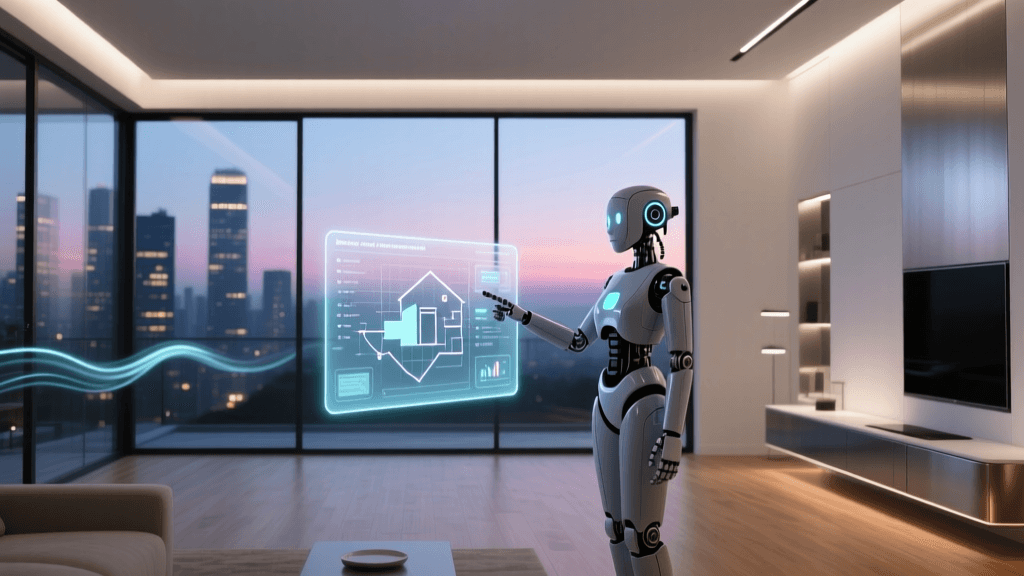
When most people first enter the smart home ecosystem, they confuse remote control with automation. Turning on your living room lights via a smartphone app while sitting on the couch is not automation; it is simply remote control. True smart home automation occurs when your environment anticipates your needs and reacts to changes without requiring your direct input. The ultimate goal of a smart home is invisibility—the technology should recede into the background, managing your home's climate, security, and lighting seamlessly.
To achieve this level of sophistication, you must understand the foundational logic that powers smart home routines. Whether you are using Apple HomeKit, Amazon Alexa, Google Home, or an advanced local hub like Home Assistant, all automations are built upon a universal trinity: Triggers, Conditions, and Actions. Mastering this logic is the key to transforming a house full of disconnected gadgets into a cohesive, intelligent living space.
The Core Trinity: Triggers, Conditions, and Actions
Every automation routine, from a simple motion-activated porch light to a complex multi-room security protocol, follows an 'If/And/Then' logical structure. Let us break down each component.
1. Triggers: The 'When'
The trigger is the catalyst. It is the specific event that tells your smart home hub to start evaluating a routine. Triggers can be categorized into four main types:
- Time and Schedule: The most basic trigger. This includes specific clock times (e.g., 7:00 AM), recurring schedules (e.g., every weekday), or astronomical events like sunrise and sunset, which dynamically adjust throughout the year.
- Device State Changes: Triggered when a specific device changes its status. For example, a smart lock transitioning from 'locked' to 'unlocked', or a smart plug turning from 'off' to 'on'.
- Sensor Data: Triggered by environmental changes detected by dedicated hardware. This includes motion sensors detecting movement, contact sensors registering a door opening, lux sensors measuring ambient light levels, or temperature sensors detecting a drop in degrees.
- Geofencing and Location: Triggered by the GPS location of your smartphone. This allows your home to react when the last person leaves the house or when the first person enters a predefined virtual perimeter (usually a 100 to 200-meter radius around your home).
2. Conditions: The 'Only If'
Conditions are the filters that prevent your triggers from causing chaos. A trigger tells the hub to wake up; a condition tells the hub whether it should actually proceed. Without conditions, your porch light would turn on every time a motion sensor tripped, even at 2:00 PM in broad daylight.
Common conditions include:
- Time Windows: 'Only run this routine if the current time is between sunset and sunrise.'
- Presence: 'Only adjust the thermostat if at least one person is home.'
- Device States: 'Only turn on the hallway lights if the living room TV is currently off.'
- Weather Data: 'Only close the smart blinds if the local weather API reports rain or high wind speeds.'
3. Actions: The 'What'
Actions are the physical or digital results of a successful trigger and condition check. Actions can be single commands, complex scenes, or multi-step sequences.
- Device Control: Turning a switch on, dimming a bulb to 40%, or setting a thermostat to 72°F.
- Scene Activation: Triggering a pre-configured 'Goodnight' scene that simultaneously locks doors, arms the security system, and turns off all lights.
- Delays and Waits: Advanced logic that pauses the routine. For example, 'Wait 5 minutes, and if no motion is detected, turn off the fan.'
- Notifications and Webhooks: Sending a push notification to your phone, sounding a smart speaker chime, or sending a webhook to a third-party service like IFTTT or Zapier.
Smart Home Ecosystem Logic Capabilities
Not all smart home platforms handle logic equally. The complexity of the conditions and actions you can build depends heavily on the ecosystem you choose. Below is a comparison of the major platforms available to consumers and enthusiasts.
| Ecosystem | Processing Type | Condition Complexity | Local Execution | Best For |
|---|---|---|---|---|
| Amazon Alexa | Cloud | Basic (Time, Device State) | Limited (Zigbee hub required) | Beginners, Voice Control |
| Google Home | Cloud | Basic (Time, Device State, Location) | Minimal | Google Workspace Users |
| Apple HomeKit | Local/Cloud | Moderate (Sensors, Time, Presence) | Yes (Requires Hub) | Apple Users, Privacy Focus |
| Home Assistant | Local | Extreme (Code, APIs, Webhooks) | Yes (100% Local) | Enthusiasts, Tinkerers |
| Hubitat Elevation | Local | High (Rule Machine logic) | Yes (100% Local) | Reliability, Zigbee/Z-Wave |
Pro Tip: If you rely heavily on cloud-based ecosystems like Alexa or Google Home, your automations will fail if your internet connection drops. For critical automations—such as water leak shutoff valves or security lighting—investing in a local hub like Home Assistant or Hubitat is highly recommended.
Visualizing Energy Savings Through Automation
One of the most compelling reasons to master automation logic is energy efficiency. By utilizing conditions and sensor triggers, you can drastically reduce phantom loads and unnecessary HVAC usage. According to the U.S. Department of Energy, properly utilizing smart and programmable thermostats can save households significant percentages on annual heating and cooling bills by automatically adjusting temperatures when the home is unoccupied.
The chart below illustrates the estimated annual energy savings potential across different smart home categories when automation logic is fully optimized compared to manual control.
To maximize lighting savings, the EPA's Energy Star program highlights the importance of combining smart devices with behavioral automation, ensuring lights and climate control are only active when necessary.
Practical Automation Blueprints
To help you transition from theory to practice, here are two advanced automation blueprints you can adapt to your own home.
Blueprint 1: The Climate-Conscious Away Mode
Goal: Save energy when the house is empty, but ensure it is comfortable upon return, without relying solely on easily spoofed GPS geofencing.
- Trigger: The last person's smartphone leaves the home geofence radius (150 meters) OR no motion is detected on interior sensors for 45 minutes.
- Conditions: The home security system is currently in 'Disarmed' state (to prevent triggering while you are sleeping in bed).
- Actions:
- Set Smart Thermostat to 'Eco' mode (65°F in winter, 80°F in summer).
- Turn off all smart plugs connected to entertainment centers and coffee makers.
- Arm the security system to 'Away' mode.
- Start a robot vacuum cleaning cycle.
Blueprint 2: Circadian Rhythm Lighting
Goal: Automatically adjust the color temperature and brightness of your smart bulbs to match the natural sun cycle, promoting better sleep hygiene.
- Trigger: A motion sensor in the hallway detects movement.
- Conditions: The time is between 8:00 PM and 6:00 AM.
- Actions:
- If time is between 8:00 PM and 10:00 PM: Turn on lights to 60% brightness, 3000K (Warm White).
- If time is between 10:01 PM and 4:59 AM: Turn on lights to 10% brightness, 2000K (Amber/Candlelight).
- If time is between 5:00 AM and 6:00 AM: Turn on lights to 40% brightness, 4000K (Cool White) to simulate dawn.
Common Automation Pitfalls and How to Avoid Them
As you build more complex routines, you will inevitably encounter logical paradoxes or hardware limitations. Here is how to troubleshoot the most common issues:
The Infinite Loop Problem
An infinite loop occurs when an action inadvertently re-triggers the automation. For example, if you set a trigger to 'When Living Room Light turns ON', and the action is 'Turn ON Kitchen Light', but you also have a reverse routine that turns on the Living Room when the Kitchen turns on, the hub will rapidly toggle the lights until it crashes or times out. Solution: Always use device states as conditions to break loops, or utilize 'Wait' commands to allow states to settle.
Sensor Timeout and Debounce Issues
Cheap motion sensors often have a built-in 'blind time' or timeout period (usually 2 to 3 minutes) to save battery life. If you use a motion sensor to turn off a bathroom light 'when motion stops', the light might turn off while you are sitting still in the tub. Solution: Never use 'motion stops' as a direct trigger for lights. Instead, use a 'Wait' action: 'Wait 5 minutes after motion stops, then check condition: if motion is still clear, turn off light.'
Geofencing Battery Drain and Inaccuracy
Relying entirely on GPS to turn off your HVAC system when you leave can result in your phone dying, or the GPS drifting while you are asleep, causing the heat to shut off in the middle of a winter night. Solution: Combine geofencing with physical presence sensors, Wi-Fi connection status, or smart lock states to create a robust 'presence' variable.
Hardware Requirements and Cost Breakdown
Building reliable automation logic requires reliable hardware. While Wi-Fi devices are cheap, they congest your router and rely on cloud servers. For robust logic, you should invest in a dedicated hub and low-power mesh network devices (Zigbee, Z-Wave, or Thread).
- The Hub (The Brain): A Home Assistant Green (approx. $99) or Hubitat Elevation (approx. $150) is essential for local processing and complex logic.
- Motion & Contact Sensors: Brands like Aqara, Sonoff, and Thirdreality offer Zigbee sensors ranging from $12 to $25 each. You will need these to serve as the physical eyes and ears of your triggers.
- Smart Switches vs. Smart Bulbs: For lighting automation, smart switches (like Lutron Caseta or Shelly Relays, $40-$60) are generally preferred over smart bulbs because they ensure the physical circuit remains powered, preventing the 'dumb switch' problem where a user manually cuts power to a smart bulb, breaking the automation.
The Role of Matter in Future-Proofing Automation
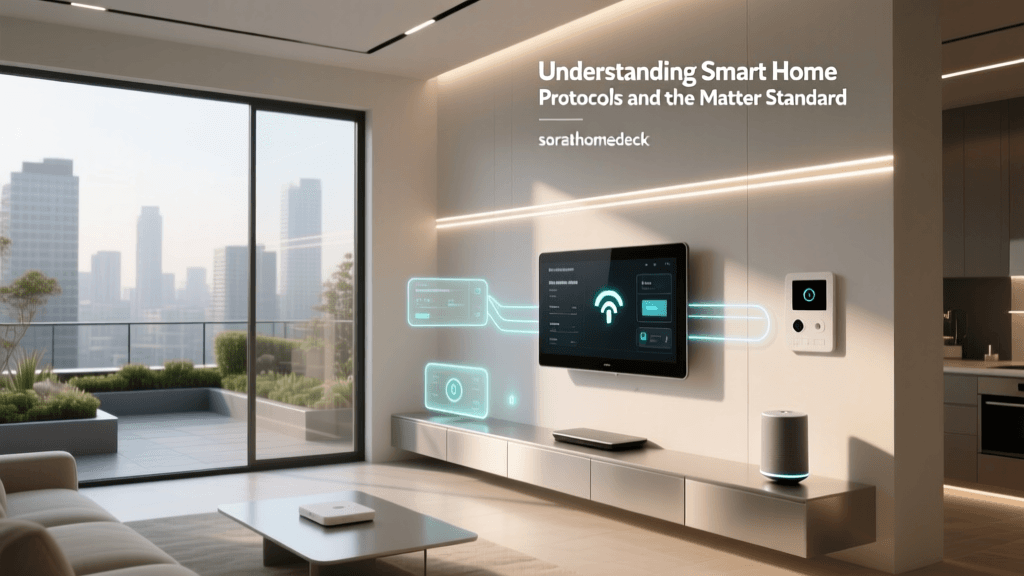
The smart home industry is currently undergoing a massive shift with the introduction of the Matter standard. Developed by the Connectivity Standards Alliance (CSA), Matter is an open-source, royalty-free connectivity protocol designed to allow devices from different brands to communicate locally and securely.
For automation logic, Matter is a game-changer. Previously, if you bought a smart plug from one brand and a motion sensor from another, you had to route their communication through a third-party cloud service like IFTTT, introducing latency and points of failure. With Matter, devices communicate directly over your local Thread or Wi-Fi network. This means your 'If motion, then plug' logic executes in milliseconds, entirely offline, and without being locked into a single brand's ecosystem.
Conclusion
Smart home automation is less about buying expensive gadgets and more about mastering the logic that connects them. By understanding the interplay between triggers, conditions, and actions, you can design a home that actively works for you. Start small with simple time-based lighting routines, gradually introduce sensor-based conditions, and eventually build out complex, multi-variable automations that optimize your home's energy usage and security. The true magic of a smart home is not in the hardware itself, but in the invisible, seamless logic that brings it to life.