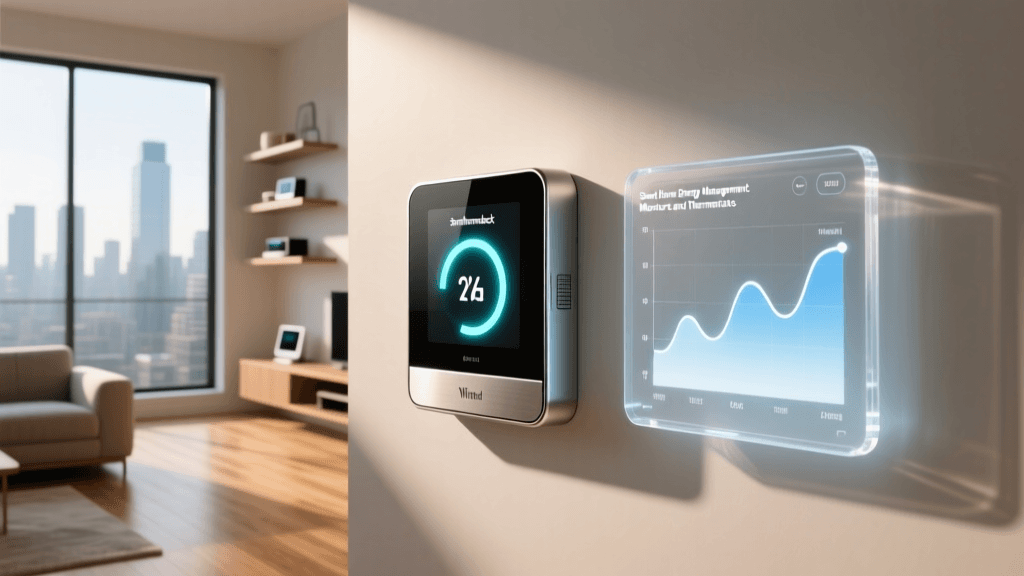
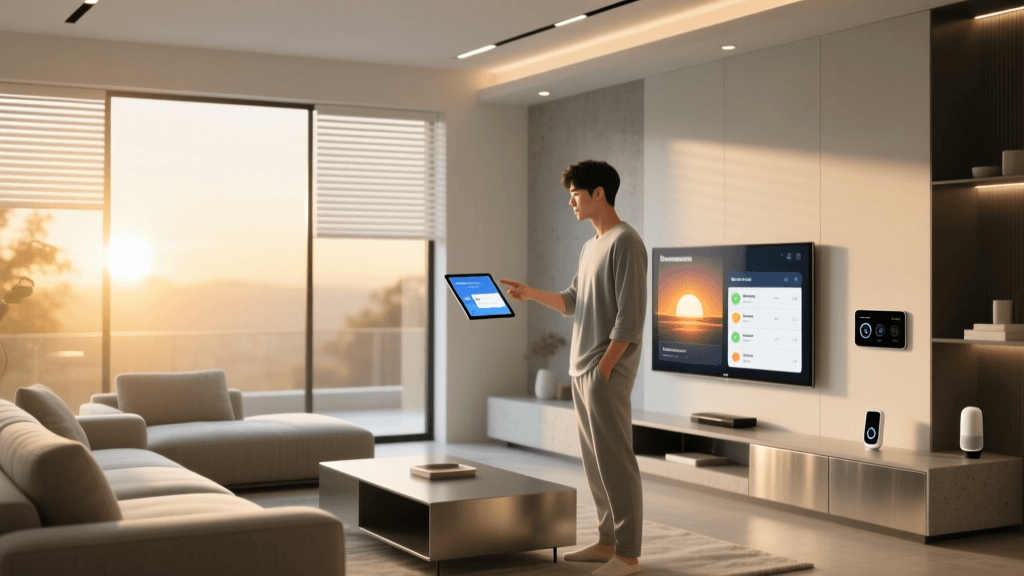
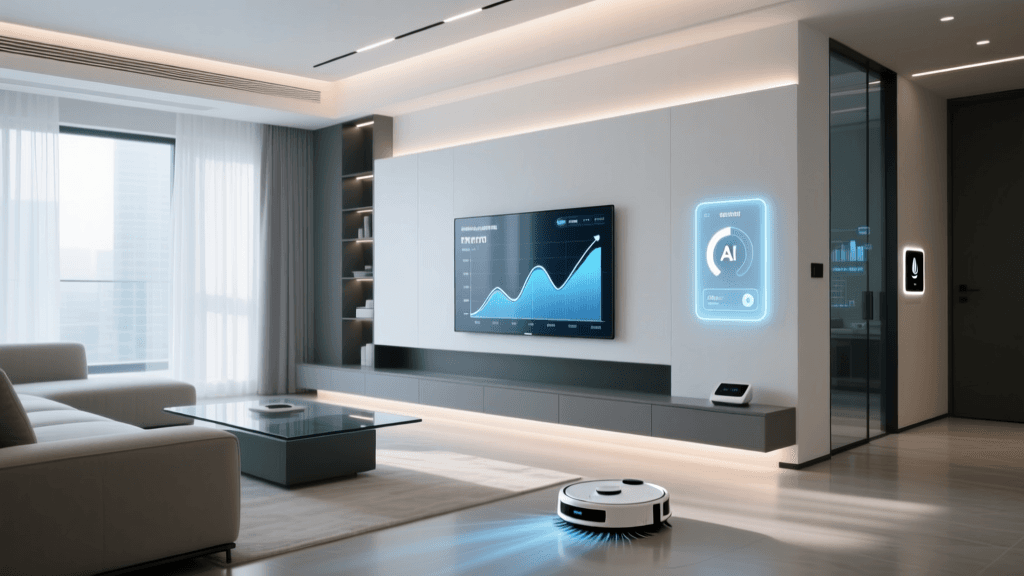
The Fragmentation Problem: Why Your Smart Home Feels Dumb
Imagine arriving home after a long day. You unlock your smart door lock, but then you have to open three separate apps on your phone to turn on the living room lights, adjust the thermostat, and start playing music on your smart speaker. This is the reality for millions of consumers experiencing 'app fatigue.' A collection of disconnected smart devices does not make a smart home; it merely makes a home filled with remote-controlled gadgets. True smart home integration is about making devices from different manufacturers communicate seamlessly, triggering automated actions without your direct intervention.
The goal of smart home automation is to create an ecosystem where devices work together contextually. When a motion sensor detects you walking into the kitchen at 2:00 AM, it should tell the smart lighting system to illuminate a dim pathway, while simultaneously ensuring the security camera knows you are an authorized resident and not an intruder. Achieving this level of harmony requires an understanding of wireless protocols, the strategic use of smart hubs, and the implementation of local execution engines. In this comprehensive guide, we will break down exactly how to bridge the gap between fragmented ecosystems and build a truly unified, automated home.
Decoding Smart Home Protocols: The Languages Devices Speak
Before you can make devices work together, you must understand how they communicate. Smart home devices use various wireless protocols to transmit data. Think of these protocols as different languages; if your smart bulb speaks Zigbee and your smart plug speaks Wi-Fi, they cannot converse without a translator. Here are the primary protocols dominating the market today:
Wi-Fi (High Bandwidth, High Power)
Wi-Fi is the most common protocol for entry-level smart home devices like smart plugs, cameras, and thermostats. It connects directly to your existing home router, eliminating the need for a dedicated hub. However, Wi-Fi is power-hungry, making it unsuitable for battery-operated sensors. Furthermore, stuffing 40 Wi-Fi smart bulbs onto a standard consumer router will quickly congest your network, leading to dropped connections and slow internet speeds for your laptops and streaming devices.
Zigbee (Low Power, Mesh Networking)
Zigbee operates on the 2.4 GHz frequency and is designed specifically for low-power, low-data-rate applications like door sensors, motion detectors, and smart switches. According to Silicon Labs Zigbee Solutions, Zigbee utilizes a mesh network topology. This means every mains-powered Zigbee device (like a smart plug or hardwired light switch) acts as a repeater, extending the range and reliability of the network. Zigbee requires a dedicated hub or bridge to connect to your home network.
Z-Wave (Sub-GHz, Interference-Free)
Z-Wave is similar to Zigbee but operates on sub-GHz frequencies (typically 908.42 MHz in North America). Because it does not share the crowded 2.4 GHz spectrum with Wi-Fi and Bluetooth, Z-Wave is highly resistant to interference. It is the gold standard for critical security and automation devices, such as smart locks and garage door controllers. Like Zigbee, it requires a hub and forms a robust mesh network.
Thread and Matter: The New Unified Standard
Thread is a low-power, IPv6-based mesh networking protocol that provides the transport layer, while Matter is the application layer that sits on top of it. Matter, developed by the Connectivity Standards Alliance (CSA), is an industry-wide standard backed by Apple, Google, Amazon, and Samsung. Matter ensures that a smart lock certified for Apple HomeKit will also work natively with Amazon Alexa and Google Home, effectively ending ecosystem lock-in.
Protocol Comparison Matrix
| Protocol | Range / Topology | Bandwidth | Power Usage | Hub Required? | Best Use Case |
|---|---|---|---|---|---|
| Wi-Fi | Star (Router dependent) | High | High | No | Cameras, Thermostats, Displays |
| Zigbee | Mesh (10-100m) | Low | Very Low | Yes | Lighting, Sensors, Switches |
| Z-Wave | Mesh (30-100m) | Low | Very Low | Yes | Smart Locks, Security, Garage |
| Thread | Mesh (IPv6 native) | Medium | Very Low | Border Router | Matter Devices, Next-Gen Sensors |
The Heart of Integration: Choosing the Right Smart Hub
If protocols are languages, the smart hub is the multilingual translator and the central brain of your automation. While cloud-based apps can simulate integration by linking accounts via the internet, a physical hub allows for local processing, faster response times, and cross-brand automations. Here are the top contenders for bridging your devices:
1. Home Assistant Green (Approx. $99)
For the ultimate integration enthusiast, Home Assistant is the undisputed king. The Home Assistant Green is a plug-and-play local server that supports over 2,000 integrations. It pulls data from your Wi-Fi, Zigbee (via a USB dongle like the Sonoff Zigbee 3.0), and Z-Wave devices into a single, privacy-focused dashboard. Because it executes locally, your automations run in milliseconds and continue to work even if your internet connection goes down.
2. Samsung SmartThings Station / Aeotec Smart Home Hub (Approx. $60 - $130)
SmartThings is the most accessible mainstream hub for cross-ecosystem integration. It natively supports Zigbee, Z-Wave, and Matter/Thread. It excels at bridging devices from different brands into a single routine. For example, you can easily create a routine where a Ring Doorbell (Wi-Fi) triggers a smart siren connected via Z-Wave and flashes your Philips Hue lights (Zigbee).
3. Apple TV 4K (Approx. $129)
If you are deeply embedded in the Apple ecosystem, the Apple TV 4K serves as an excellent Home Hub and a Thread Border Router. It allows for seamless local execution of HomeKit and Matter devices, leveraging Siri for voice control and providing robust geofencing capabilities based on the location of your iPhone.
Actionable Automation Blueprints: Making Devices Work Together
Having the right hub and protocols is only half the battle. The magic happens when you write the automation logic. Here are two advanced, practical blueprints you can implement to create a cohesive smart home experience.
Blueprint 1: The Geofenced Arrival Sequence
Instead of relying on a single device's location tracking, which can be inaccurate, use your hub to create a robust geofencing routine.
- Trigger: Hub detects the first smartphone entering a 500-meter radius of the home.
- Condition: Sun elevation is below 0 degrees (it is dark outside) AND the home alarm system is set to 'Armed Away'.
- Actions:
- Disarm the security panel.
- Turn on the porch light and foyer smart bulbs to 60% brightness (warm white 2700K).
- Adjust the Ecobee Smart Thermostat from 'Eco' mode to the 'Home' comfort profile.
- Send a text-to-speech announcement to the living room smart speaker: 'Welcome home, the house is unlocked and the temperature is adjusting.'
Blueprint 2: Localized Climate & Occupancy Control
Most smart thermostats only read the temperature in the hallway where they are installed. You can integrate remote Zigbee temperature and occupancy sensors to create a multi-room climate control system.
- Trigger: Zigbee motion sensor in the home office detects presence for more than 5 minutes.
- Condition: Time is between 8:00 AM and 6:00 PM on weekdays.
- Actions:
- Hub reads the temperature from the office sensor.
- If the temperature is above 72°F (22°C), the hub sends a command to the smart thermostat to prioritize the HVAC system's cooling cycle until the office sensor reads 70°F.
- Simultaneously, lower the smart blinds in the office to block direct solar heat gain.
Cloud vs. Local Execution: Speed and Reliability
When designing automations, you must understand the difference between cloud execution and local execution. Cloud-based automations (like those relying on IFTTT or basic manufacturer app routines) send a signal from your device, up to your router, across the internet to a manufacturer's server, back to the cloud, and finally down to the target device. This introduces latency (often 500ms to 2 seconds) and creates a single point of failure: your internet connection.
Local execution, championed by platforms like Home Assistant and Hubitat, keeps the logic processing inside your home. When a Zigbee motion sensor trips, the signal goes directly to the local hub, which instantly fires a command to the Zigbee light bulb. The latency is virtually imperceptible (under 50ms), and the automation will continue to function flawlessly even if your ISP experiences an outage. For critical automations like security alarms, bathroom lighting, and smart locks, local execution is an absolute necessity.
Network Architecture: Protecting Your Integrated Home
As you integrate dozens of devices, your home network's architecture becomes critical. Many budget smart home devices have minimal onboard security and infrequent firmware updates. If a malicious actor compromises a cheap Wi-Fi smart plug, they could potentially use it as a backdoor to access your personal computers or network-attached storage (NAS).
To secure your integrated home, implement an IoT VLAN (Virtual Local Area Network) or a dedicated Guest Network specifically for smart home gadgets. Modern mesh routers (like Eero, Asus ZenWiFi, or TP-Link Deco) allow you to create an 'IoT Network' that isolates these devices from your main network. Your phone can still communicate with the devices to control them, but the smart bulbs cannot 'see' or attempt to ping your work laptop. Furthermore, dedicating a 2.4 GHz SSID specifically for IoT devices prevents them from clogging the 5 GHz and 6 GHz bands required for high-speed streaming and video conferencing.
Troubleshooting Common Integration Roadblocks
Even with the best hubs and protocols, integration issues can arise. Here is how to troubleshoot the most common problems:
- Mesh Network Saturation: If your Zigbee devices are dropping offline, you likely have too many battery-powered end-devices and not enough mains-powered routers. Add a few smart plugs in central locations to strengthen the mesh routing paths.
- Wi-Fi Channel Interference: Zigbee and Wi-Fi both use the 2.4 GHz spectrum. If your Wi-Fi router is set to channel 1 or 6, it may overlap with your Zigbee hub's channel. Log into your router and set the 2.4 GHz band to channel 11, and configure your Zigbee hub to channel 15, 20, or 25 to ensure they do not interfere with one another.
- Firmware Mismatches: Matter and Thread are evolving rapidly. If a newly purchased Matter device refuses to pair with your hub, check for firmware updates on both the device and the hub itself. Early Matter 1.0 implementations had bugs that have largely been resolved in Matter 1.2 and 1.3 updates.
Conclusion
Smart home integration is the bridge between a house full of gadgets and a truly intelligent living space. By understanding the underlying protocols like Zigbee, Z-Wave, and Matter, investing in a robust local hub like Home Assistant or SmartThings, and prioritizing local execution, you can eliminate app fatigue and build a home that anticipates your needs. Start small, map out your desired automations on paper, and gradually expand your mesh network. The result is a seamless, responsive, and highly automated home that works for you, rather than the other way around.