The Importance of Aging in Place with Smart Technology
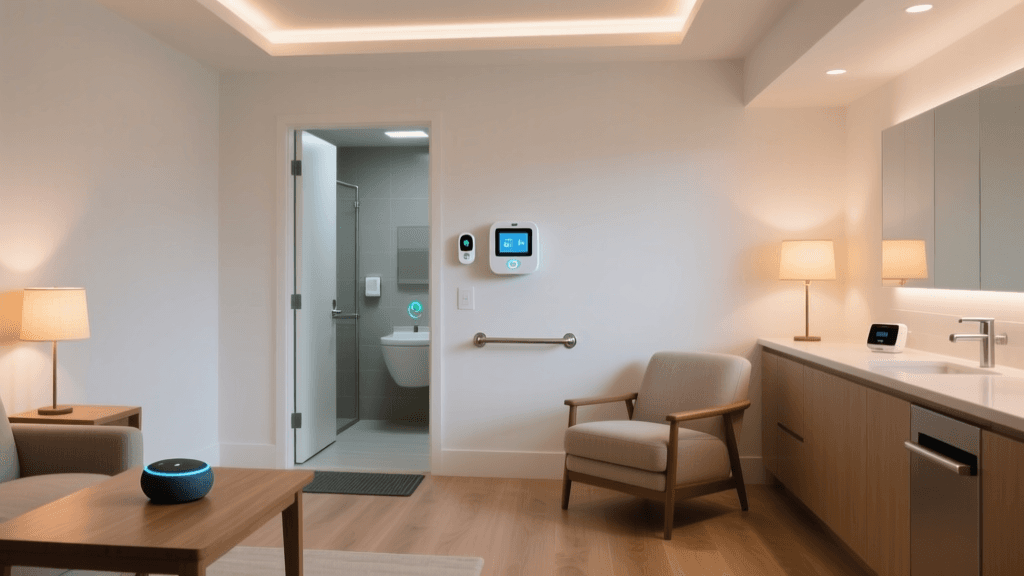
The concept of ‘aging in place’ has become a primary goal for millions of older adults who wish to maintain their independence and remain in their own homes as they grow older. Smart home technology has evolved from a luxury convenience into a vital accessibility tool that can bridge the gap between independent living and the need for daily assistance. By reducing physical friction, automating routine tasks, and providing caregivers with passive monitoring capabilities, smart homes empower seniors to live safely and comfortably.
According to the National Institute on Aging, falls are a leading cause of both fatal and nonfatal injuries among older Americans. Smart home devices directly address this risk through automated lighting, voice-activated emergency calls, and advanced fall detection wearables. Furthermore, for seniors dealing with arthritis, limited mobility, or visual impairments, replacing physical switches and heavy deadbolts with voice commands and smart locks drastically reduces daily physical strain.
This comprehensive guide will walk you through the foundational pillars of building an accessible smart home ecosystem, complete with specific product recommendations, cost estimates, and actionable setup advice for both seniors and their caregivers.
Core Pillars of an Accessible Smart Home
When designing a smart home for accessibility, the focus must shift from ‘cool tech’ to reliability, ease of use, and tangible safety benefits. Below are the essential categories to prioritize.
1. Voice-Activated Smart Displays and Assistants
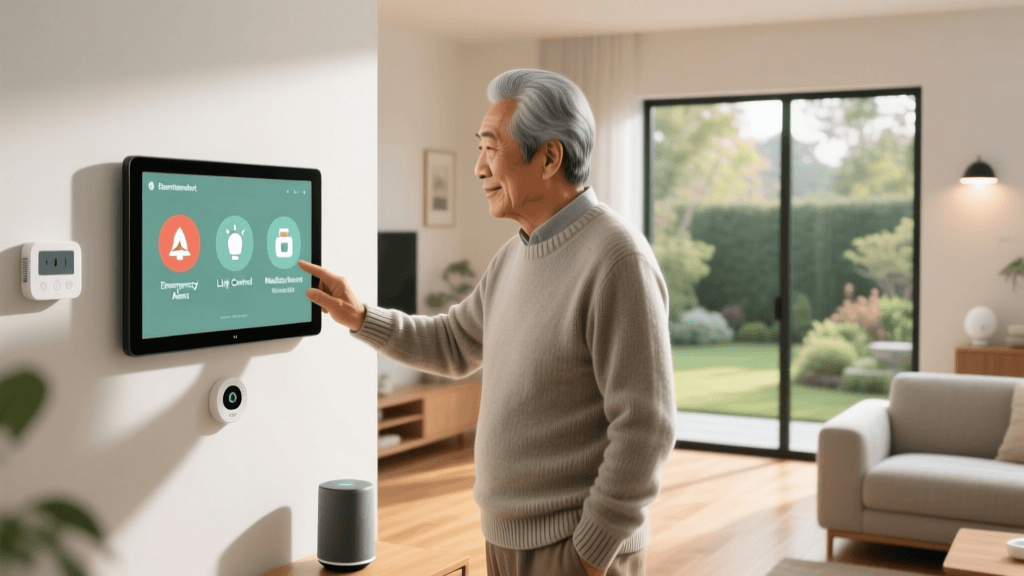
Voice control is the most accessible interface for seniors, eliminating the need to navigate complex smartphone apps or read small text. Smart displays add a crucial visual element for video calling and medication reminders.
- Amazon Echo Show 8 (3rd Gen): Priced around $150, this device features an 8-inch HD screen, adaptive sound, and a built-in camera. The ‘Drop In’ feature allows authorized caregivers to instantly initiate a two-way video call to check in, acting as an intercom system that requires no action from the senior to answer.
- Apple HomePod mini: At $99, this is ideal for seniors already embedded in the Apple ecosystem. Siri’s voice recognition is highly accurate, and it integrates seamlessly with the Apple Watch for fall detection and health monitoring.
- Accessibility Tip: Enable ‘VoiceView’ or screen reader features on displays, and adjust the wake word sensitivity so the device responds easily to softer or slower speech patterns.
2. Automated and Motion-Triggered Lighting
Poor lighting is a major contributor to nighttime falls. Smart lighting ensures that pathways are always illuminated without the need to fumble for switches in the dark.
- Philips Hue White Ambiance Starter Kit ($200): The industry standard for reliability. Pair these bulbs with the Philips Hue Motion Sensor ($45) to automatically illuminate hallways and bathrooms when a senior gets out of bed. You can program the lights to emit a dim, warm 20% brightness at night to avoid blinding glare while providing safe navigation.
- Wyze Bulb Color ($15): A budget-friendly alternative that connects directly to Wi-Fi without a hub. While less reliable in large homes with thick walls, it is excellent for single-story apartments.
- Smart Plugs (TP-Link Kasa Mini, $15): Perfect for seniors who have heavy, hard-to-reach floor lamps. A smart plug allows them to turn the lamp on via voice command rather than bending down to find the switch.
3. Intelligent Climate Control
Older adults are more susceptible to temperature extremes, making reliable climate control a health necessity. Smart thermostats learn routines and can be adjusted remotely by caregivers if the senior forgets to change the temperature.
- Ecobee SmartThermostat with Voice Control ($250): This device includes a remote room sensor, ensuring that the temperature in the senior’s primary living area (like the bedroom or den) is prioritized over empty hallways. It also features built-in Alexa, allowing voice adjustments without needing a separate smart speaker. The EPA ENERGY STAR program notes that certified smart thermostats can significantly reduce energy waste while maintaining optimal comfort.
- Google Nest Learning Thermostat ($279): Features a large, high-contrast dial that is easy to read for those with visual impairments, and it automatically adjusts to eco-temperatures when it detects the home is empty.
4. Security, Smart Locks, and Fall Detection
Physical security and emergency response are paramount. Traditional keys and deadbolts can be incredibly frustrating for individuals with Parkinson’s disease, rheumatoid arthritis, or general dexterity loss.
- Yale Assure Lock 2 ($279): This key-free touchscreen or keypad deadbolt eliminates the need to carry and turn physical keys. Caregivers can generate unique PIN codes for visiting nurses or family members and receive smartphone notifications when the door is unlocked.
- Apple Watch SE (2nd Gen, $249): While not strictly a ‘home’ device, it integrates with the smart home ecosystem. Its built-in Fall Detection can automatically call emergency services and notify designated caregivers if a hard fall is detected and the user is unresponsive.
- Ring Indoor Cam (2nd Gen, $60): With privacy covers that physically block the lens, these cameras can be placed in common areas (with the senior’s consent) to allow caregivers to visually verify that their loved one is safe after a missed phone call.
Comparing Smart Ecosystems for Accessibility
Choosing the right ecosystem is critical. A fragmented home with competing apps will only cause frustration. Below is a comparison of the three major platforms based on senior accessibility needs.
| Feature | Amazon Alexa | Apple HomeKit | Google Home |
|---|---|---|---|
| Voice Recognition | Excellent; handles diverse accents well | Very Good; relies on Apple device proximity | Excellent; superior natural language processing |
| Caregiver Access | Alexa App allows full remote management | Home App requires Apple ID sharing/invites | Google Home App allows easy household invites |
| Emergency Features | Alexa Together ($19.99/mo) for urgent alerts | Native Fall Detection via Apple Watch | Basic emergency calling via Assistant |
| Device Compatibility | Largest selection of budget-friendly devices | Strict security; higher-end, reliable devices | Wide selection; strong Nest integration |
| Best For | Most seniors; broad compatibility & Drop In | Seniors already using iPhones and iPads | Tech-savvy seniors wanting conversational AI |
Smart Home Priorities for Older Adults
When surveying the needs of older adults and their caregivers, certain categories consistently rank higher than others. While entertainment and advanced automation are popular with younger demographics, seniors prioritize safety, communication, and basic environmental control.
Step-by-Step Setup Guide for Caregivers
Setting up a smart home for a senior requires a different approach than setting one up for yourself. The goal is to make the technology invisible and effortless. Follow these steps to ensure a smooth transition.
Step 1: Audit and Upgrade the Network
Smart homes rely entirely on Wi-Fi. If the senior’s internet drops, their lights and locks may become unresponsive, causing panic. Invest in a reliable Mesh Wi-Fi system like the Eero 6+ ($200 for a 2-pack). Mesh systems eliminate dead zones and automatically reconnect devices if a node drops offline.
Step 2: Simplify the Interfaces
Seniors do not need to see every device in the app. If you are managing the home remotely via the Alexa or Apple Home app, group devices into simple rooms. Create a ‘Favorites’ dashboard on their smart display or tablet that only includes the 4 or 5 things they actually care about: Front Door Lock, Living Room Lights, Thermostat, and Call Caregiver.
Step 3: Program High-Value Routines
Automate the friction out of their day. Set up the following routines in your chosen ecosystem app:
- ‘Good Morning’ Routine: Triggered by a motion sensor in the bedroom at 7:00 AM. Slowly raises smart bulb brightness to 50% warm white, turns on the coffee maker (via smart plug), and has the smart display read the daily weather and news.
- ‘Nighttime’ Routine: Triggered by the voice command ‘Alexa, I’m going to bed.’ This locks the Yale front door, turns off all main lights, sets the Ecobee thermostat to a comfortable sleeping temperature, and arms the Ring security system.
- ‘Help’ Routine: Program a specific phrase like ‘Alexa, I need help’ to immediately trigger an announcement on all smart speakers in the house, send a push notification to the caregiver’s phone, and initiate a Drop-In video call.
Step 4: Introduce Technology Gradually
Do not install 20 devices in a single weekend. Start with a smart display for video calling and a few motion-sensor nightlights. Once the senior is comfortable and trusts the technology, introduce the smart lock and thermostat. Overwhelming them with new voice commands will lead to frustration and abandonment of the system.
Privacy, Security, and Maintenance
Older adults are frequent targets for digital scams, and a compromised smart home can be deeply invasive. Caregivers must take on the role of the home’s IT administrator to ensure security.
- Network Segmentation: Use your router’s ‘Guest Network’ feature to create a separate Wi-Fi network exclusively for smart home devices. If a cheap smart bulb is hacked, the attacker cannot access the senior’s personal laptop or smartphone where banking information is stored.
- Physical Privacy Shutters: Only purchase smart displays and indoor cameras that feature physical sliding shutters over the lenses. Teach the senior how to slide the shutter closed when they want guaranteed privacy.
- Automatic Firmware Updates: Ensure that all hubs, thermostats, and cameras are set to update automatically during the night. Seniors should never be prompted to ‘approve’ a software update, as this can lead to confusion or accidental dismissal of critical security patches.
- Disable Unnecessary Features: Turn off voice purchasing features (e.g., Amazon 1-Click ordering via Alexa) to prevent accidental orders or exploitation by malicious visitors.
Conclusion
Transforming a house into an accessible smart home is one of the most impactful investments a family can make for a senior’s quality of life. By focusing on voice-first interfaces, automated safety lighting, and reliable environmental controls, you can drastically reduce the physical and cognitive load of daily living. The key to success lies not in buying the most expensive gadgets, but in thoughtful setup, robust network infrastructure, and ongoing caregiver support. With the right ecosystem in place, aging in place becomes a safer, more connected, and highly empowering experience.