The Imperative of Aging in Place
As the global population ages, the desire to remain independent and comfortable in one's own home has never been stronger. According to the National Institute on Aging, aging in place—the ability to live in one's own home and community safely, independently, and comfortably, regardless of age, income, or ability level—is the top priority for the vast majority of older adults. However, physical limitations, cognitive decline, and mobility issues can make traditional homes hazardous or difficult to navigate.
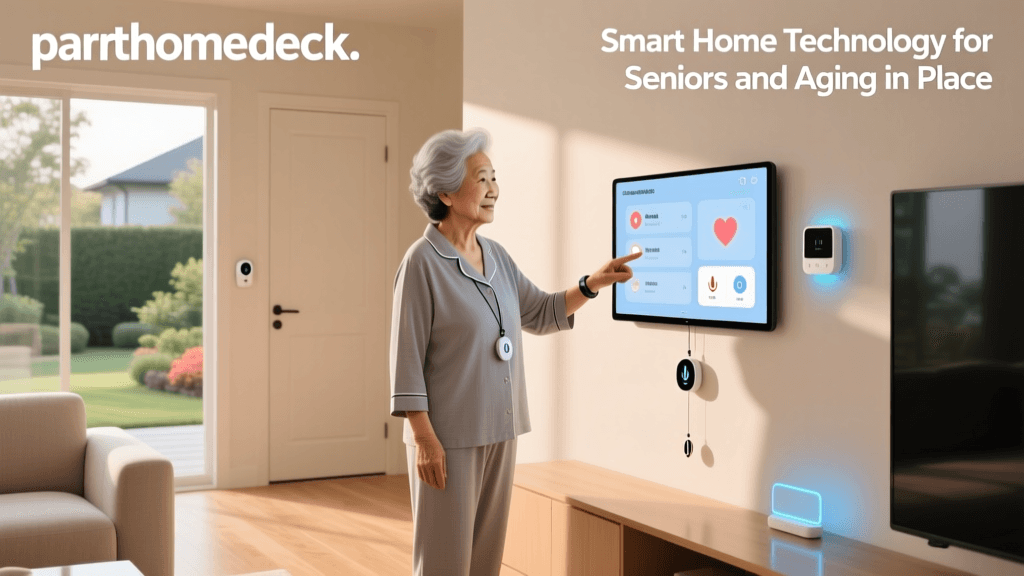
This is where smart home technology transitions from a luxury convenience to a vital accessibility tool. By automating routine tasks, enhancing security, and providing passive health monitoring, smart home ecosystems can significantly extend the years a senior can live independently. For caregivers and family members, these devices offer invaluable peace of mind, bridging the gap between total independence and the need for assisted living.
Essential Smart Home Categories for Accessibility
Building an accessible smart home is not about filling a house with gadgets; it is about strategically deploying technology to solve specific age-related challenges. Below are the core categories that yield the highest impact for seniors.
Voice Assistants and Smart Displays
For seniors with limited mobility, arthritis, or visual impairments, voice control is a game-changer. Smart displays combine voice interaction with visual cues, making them superior to audio-only speakers for aging users.
- Amazon Echo Show 8 (3rd Gen): Priced around $150, this device features an 8-inch HD screen and spatial audio. Its standout feature for seniors is 'Drop In,' which allows family members to initiate a two-way video call instantly, acting as an intercom system for emergencies or daily check-ins.
- Google Nest Hub (2nd Gen): Costing approximately $100, this device excels in its 'Sensing' capabilities. Using low-energy radar (Soli technology), it can track sleep patterns and detect coughing or snoring without requiring the user to wear a device, providing caregivers with passive health insights.
Actionable Tip: Program medication reminders using native voice routines. For example, setting a daily 8:00 AM alarm that displays a picture of the pill bottle on the screen and announces, 'Time for your morning blood pressure medication.'
Automated and Motion-Sensor Lighting
Falls are a leading cause of fatal and non-fatal injuries for older Americans. The CDC STEADI initiative highlights that poor lighting and nighttime navigation are major risk factors. Smart lighting mitigates this by ensuring pathways are illuminated automatically.
- Philips Hue System: While the initial investment is higher (a Hue Bridge is ~$60, and color/ambiance bulbs range from $25 to $50 each), the reliability of its Zigbee mesh network is unmatched. Pairing bulbs with the Philips Hue Motion Sensor ($40) ensures that when a senior gets out of bed at night, the hallway and bathroom lights gently fade on to 20% brightness, preventing disorientation and blinding glare.
- Circadian Rhythm Support: For seniors experiencing dementia or Alzheimer's, 'sundowning' (increased confusion in the late afternoon) is a common challenge. Smart bulbs can be programmed to shift from cool, energizing daylight tones in the morning to warm, amber tones in the evening, helping to regulate the user's internal clock and improve sleep quality.
Smart Locks and Video Doorbells
Fumbling with small metal keys can be incredibly frustrating and physically painful for seniors with osteoarthritis or Parkinson's disease. Smart locks eliminate this barrier while enhancing home security.
- Schlage Encode Plus ($300): This lock supports Apple Home Key, allowing users to tap their iPhone or Apple Watch against the lock to open the door, similar to using a transit card. It also features a traditional keypad for caregivers who need a unique PIN.
- Ring Video Doorbell Wired ($65): When paired with a smart display, seniors can see and speak to delivery personnel or visitors without needing to physically approach the door or risk opening it to strangers. The motion detection can also alert family members if the senior leaves the house at an unusual hour.
Health Monitoring and Fall Detection
Immediate response to a fall can be the difference between a full recovery and a permanent loss of independence. While traditional medical alert pendants are effective, many seniors refuse to wear them due to the associated stigma.
- Apple Watch SE (2nd Gen, $249): Features advanced fall detection using its accelerometer and gyroscope. If it detects a hard fall and the user remains immobile for 60 seconds, it automatically calls emergency services and sends a message with the user's GPS coordinates to designated emergency contacts.
- CarePredict Tempo ($450 + $100/month subscription): A more advanced, AI-driven wearable designed specifically for seniors. It tracks daily activities (eating, sleeping, toileting) and uses machine learning to detect subtle changes in behavior that might indicate a urinary tract infection (UTI) or early-stage cognitive decline, alerting caregivers before a crisis occurs.
Why Network Protocols Matter for Seniors
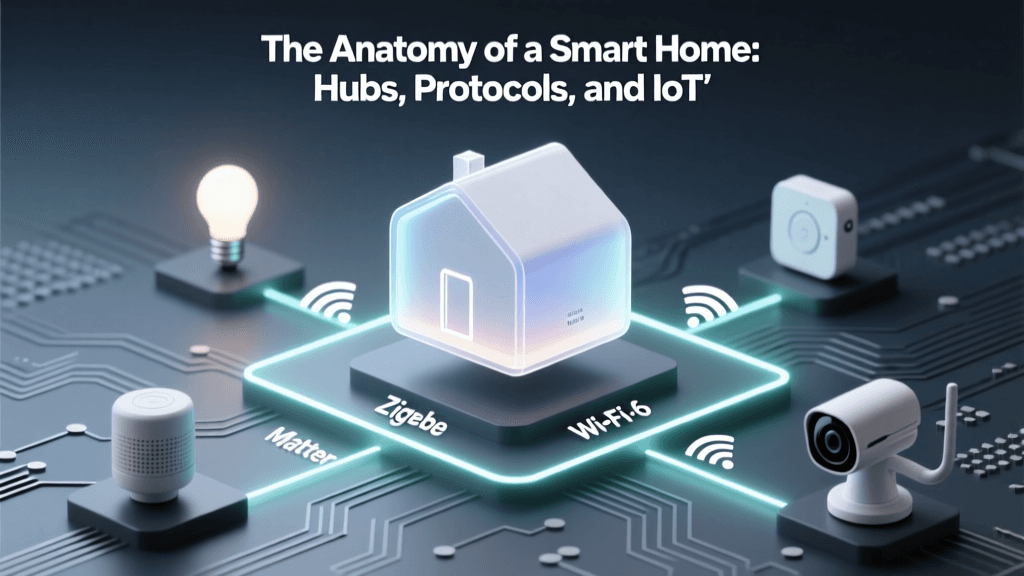
When setting up a smart home for a senior, reliability is paramount. A smart light that takes five seconds to turn on due to Wi-Fi congestion is not just annoying; it is a fall hazard. Understanding the underlying protocols is essential for a stable setup.
Thread and Matter: The new Matter standard, running over the Thread mesh networking protocol, is highly recommended for accessible homes. Unlike Wi-Fi, which can drop when too many devices are connected, Thread devices create a self-healing mesh network. If one smart plug loses power, the signal automatically reroutes through other devices, ensuring that critical accessibility features—like motion-sensor lights and smart locks—respond in milliseconds, every single time.
Cost Breakdown: Building an Accessible Smart Home
Below is a structured comparison of a foundational smart home setup designed specifically for senior accessibility, including estimated costs and primary benefits.
| Device Category | Recommended Product | Est. Cost | Primary Accessibility Benefit |
|---|---|---|---|
| Smart Display | Amazon Echo Show 8 | $150 | Hands-free video calls, visual medication reminders |
| Smart Lighting | Philips Hue Bridge + 4 Bulbs | $160 | Automated nightlights, fall prevention |
| Motion Sensors | Philips Hue Motion Sensor (x2) | $80 | Hands-free illumination for hallways/bathrooms |
| Smart Lock | Schlage Encode Plus | $300 | Keyless entry via smartphone/watch, caregiver PINs |
| Video Doorbell | Ring Video Doorbell Wired | $65 | Remote visitor screening, wander-alert for dementia |
| Fall Detection | Apple Watch SE (Cellular) | $299 | Automatic emergency dispatch, GPS tracking |
| Total Estimated Hardware Cost | $1,054 | Comprehensive aging-in-place foundation | |
Charting the Impact of Smart Tech on Independence
Adoption of smart home technology among seniors is growing rapidly as devices become more intuitive and reliable. The following chart illustrates the current adoption rates of various smart device categories among adults aged 65 and older who are utilizing technology to age in place.
Adoption rates of smart home devices among seniors for aging in place
Overcoming Barriers: Privacy, Security, and the Digital Divide
While the benefits are immense, introducing IoT (Internet of Things) devices into a senior's home raises valid privacy and security concerns. Seniors are often prime targets for digital scams, and insecure smart devices can provide a backdoor into a home's network.
The Federal Trade Commission advises consumers to secure their IoT devices by changing default passwords and keeping software updated. For caregivers setting up a home, this means taking on the role of 'IT Administrator.'
- Network Segmentation: Place all smart home devices on a dedicated 'Guest' Wi-Fi network or a separate VLAN. This ensures that if a cheap smart plug is compromised, hackers cannot access the senior's personal computer or smartphone where banking information is stored.
- Disable Unnecessary Features: Turn off voice purchasing on Amazon Alexa or Google Assistant to prevent accidental or scam-induced orders. Mute microphones on smart displays when not in active use if the senior expresses privacy concerns.
- Physical Overrides: Never rely 100% on smart technology. Always ensure that smart bulbs can be turned on via a physical wall switch, and that smart locks have a physical key backup stored in a secure lockbox for emergency responders.
A Caregiver’s Step-by-Step Implementation Guide
Deploying smart home tech for a senior requires empathy, patience, and strategic planning. Follow these steps to ensure a smooth transition:
- Conduct a Needs Assessment: Walk through the home with the senior. Identify pain points. Do they struggle to reach the thermostat? Are they afraid of answering the door? Do they forget to turn off the stove? Let the specific problems dictate the technology, not the other way around.
- Create a Dedicated Ecosystem Account: Do not use the senior's personal email to set up smart home accounts. Create a new, dedicated email address (e.g., smith.smart.home@gmail.com) and manage the passwords via a secure password manager that the caregiver has access to. This prevents the senior from being locked out of their own home if they forget a password.
- Simplify the Interface: Seniors can easily become overwhelmed by complex apps. Use features like 'Alexa Favorites' or 'Apple Home Control Center' to pin only the most critical controls (e.g., Front Door Lock, Hallway Lights, Thermostat) to the main screen of their tablet or smart display.
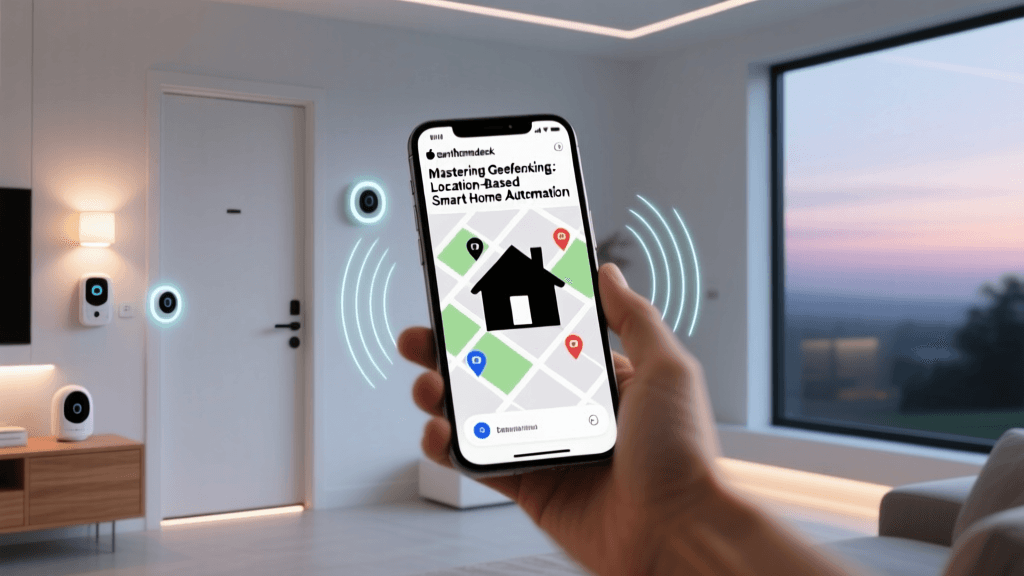
- Implement 'No-Touch' Routines: The best smart home for a senior is one they don't have to actively operate. Set up geofencing so the thermostat adjusts and the porch light turns on automatically when their phone approaches the house. Configure motion sensors to handle all nighttime lighting.
- Provide Ongoing Support: Technology updates and Wi-Fi outages happen. Set up remote management tools where possible, and ensure the senior knows how to use a simple, physical 'reset' button or who to call when the internet goes down. Label the router and smart hubs with clear, large-print instructions.
Conclusion
Smart home technology is fundamentally reshaping the landscape of eldercare. By thoughtfully integrating voice assistants, automated lighting, secure entry systems, and passive health monitors, families can create an environment that respects the senior's desire for independence while providing a robust safety net. As protocols like Matter improve reliability and AI enhances predictive health monitoring, the accessible smart home will continue to be the most powerful tool we have for enabling our loved ones to age in place with dignity, comfort, and security.