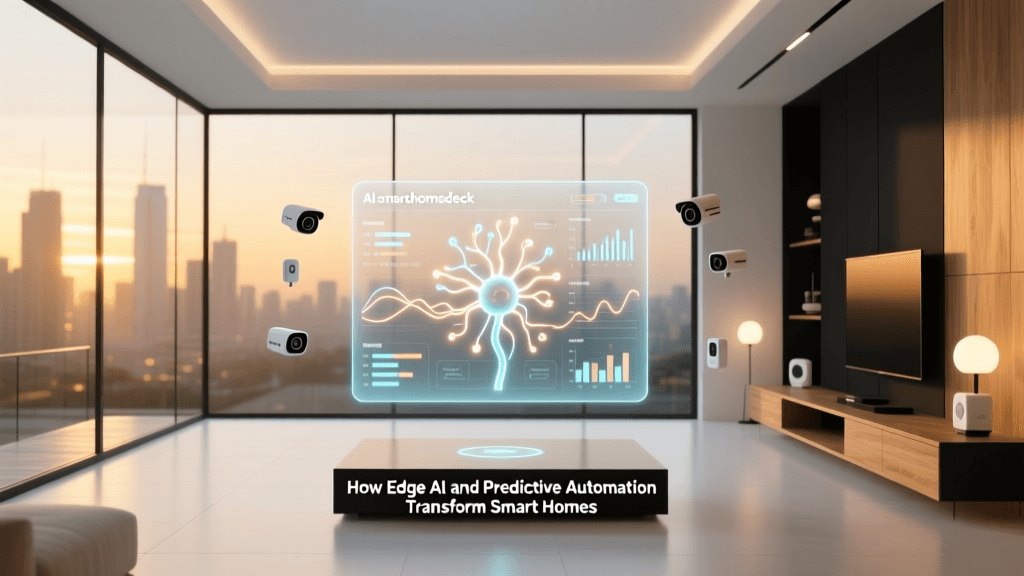
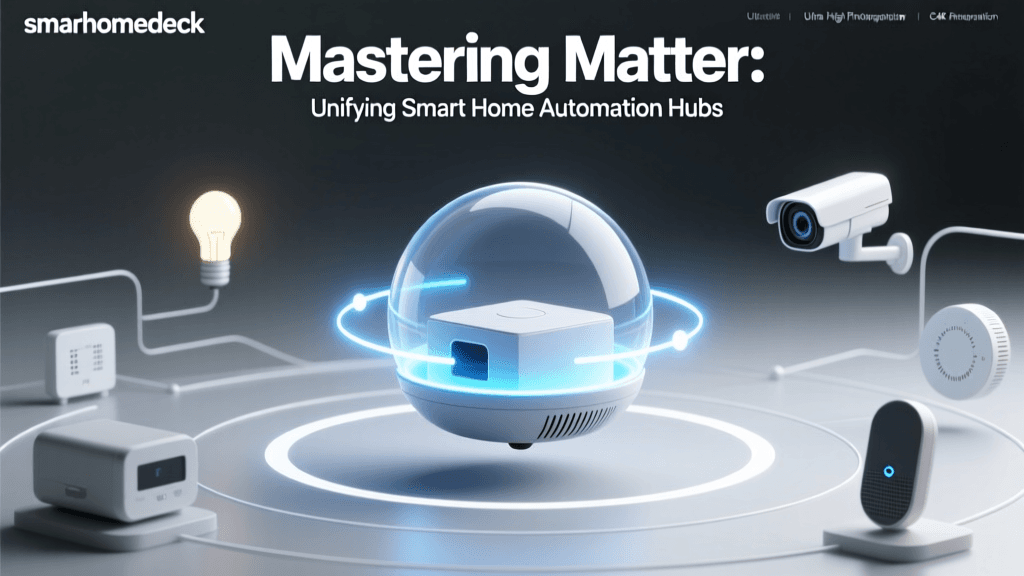
Beyond the Gadgets: Understanding the Smart Home Nervous System
When most people think of a smart home, they picture a collection of isolated gadgets: a voice-activated speaker on the kitchen counter, a video doorbell on the porch, or a smartphone-controlled lightbulb in the living room. However, treating these devices as standalone novelties misses the true power of home automation. A genuine smart home is not merely a house filled with electronics; it is a cohesive, interconnected nervous system where devices communicate, share data, and trigger automated responses without human intervention.
To build a reliable, responsive, and secure smart home, you must look beneath the surface of consumer marketing and understand the underlying architecture. This deep explainer will dissect the anatomy of a modern smart home, exploring the foundational network infrastructure, the wireless protocols that allow devices to speak, the central hubs that process logic, and the overarching ecosystems that tie everything together. Whether you are planning your first automated setup or looking to migrate away from unreliable cloud-dependent devices, understanding this architecture is critical.
The Foundation: Network Infrastructure and IoT VLANs
Before discussing smart bulbs or sensors, we must address the foundation of any connected home: the local area network (LAN). The average modern home contains between 15 and 30 internet-connected devices. If you are building a comprehensive smart home, that number can easily exceed 50 or even 100 endpoints. Relying on a standard, single-band router provided by your Internet Service Provider (ISP) is a recipe for network congestion, dropped connections, and severe security vulnerabilities.
Mesh Wi-Fi and Network Segmentation
To support a high-density IoT (Internet of Things) environment, investing in a robust Mesh Wi-Fi system is highly recommended. Systems like the Eero Pro 6E (approximately $400 for a 3-pack) or the TP-Link Deco XE75 (around $350) provide seamless coverage and dedicated backhaul channels, ensuring that your smart devices do not compete with your 4K video streaming for bandwidth.
More importantly, advanced routers allow for the creation of a Virtual Local Area Network (VLAN) or a dedicated IoT guest network. According to the National Institute of Standards and Technology (NIST), network segmentation is a primary defense mechanism for IoT security. By placing your smart plugs, cameras, and appliances on an isolated VLAN, you prevent a compromised, poorly secured smart bulb from acting as a gateway for hackers to access your personal computers, smartphones, or network-attached storage (NAS) drives.
The Nervous System: Smart Home Protocols Explained
If your Wi-Fi network is the physical highway system of your smart home, wireless protocols are the languages the vehicles speak. While Wi-Fi is ubiquitous, it is not always the best choice for smart home devices due to its high power consumption and network congestion. To solve this, the industry has developed several specialized low-power protocols.
Wi-Fi: The High-Bandwidth Heavyweight
Wi-Fi is ideal for devices that require high bandwidth or are plugged into a continuous power source, such as smart displays, security cameras, and smart TVs. However, connecting dozens of low-power Wi-Fi sensors to your main router can overwhelm its IP address allocation and degrade overall network performance.
Zigbee and Z-Wave: The Mesh Network Pioneers
To alleviate Wi-Fi congestion, the industry turned to mesh networking protocols. Zigbee operates on the crowded 2.4 GHz band but uses very little power, allowing battery-operated sensors to last for years. Z-Wave, on the other hand, operates on sub-GHz frequencies (typically 908.42 MHz in the US), which means it does not compete with your Wi-Fi or Bluetooth signals, offering superior range and wall penetration. According to the Z-Wave Alliance, Z-Wave's strict certification process ensures a 99% interoperability rate between different brands, making it a favorite for reliable, professional-grade installations.
Thread and Matter: The Modern Standard
The most significant shift in smart home history is the introduction of Thread and Matter. Thread is a low-power, IPv6-based mesh networking protocol that eliminates the need for proprietary bridges by allowing devices to route data through one another directly to your border router. Matter is the application layer that sits on top of Thread (and Wi-Fi), created by the Connectivity Standards Alliance (CSA). Matter ensures that a device certified under its umbrella will work natively with Apple, Google, Amazon, and Samsung ecosystems simultaneously, effectively ending the era of walled gardens.
| Protocol | Frequency | Topology | Power Draw | Best Use Case |
|---|---|---|---|---|
| Wi-Fi | 2.4 / 5 / 6 GHz | Star (Hub & Spoke) | High | Cameras, Displays, Plugs |
| Zigbee | 2.4 GHz | Mesh | Very Low | Lighting, Sensors, Switches |
| Z-Wave | Sub-GHz (908 MHz) | Mesh | Very Low | Door Locks, Critical Sensors |
| Thread | 2.4 GHz | Mesh (IPv6) | Very Low | Next-Gen Sensors, Lighting |
| Bluetooth (BLE) | 2.4 GHz | Star / Mesh | Low | Proximity Unlocking, Setup |
The Brain: Hubs, Bridges, and Edge Computing
A protocol is only as good as the translator that manages it. This is where hubs and bridges come into play. In the early days of smart homes, every brand required its own proprietary bridge (e.g., a Hue Bridge for Philips lights, a Lutron Smart Bridge for Caseta switches). Today, the focus has shifted toward universal hubs and local edge computing.
Cloud vs. Local Processing
Many entry-level smart home systems rely on cloud processing. When you press a button on your phone to turn on a light, the signal travels from your phone to the manufacturer's server in the cloud, and then back down to your home's device. This introduces latency (often 200ms to 500ms) and creates a single point of failure: if your internet goes down, your smart home becomes a dumb home.
Edge computing solves this by processing automations locally within your home. Universal hubs like the Hubitat Elevation C-8 (approx. $150) or the Home Assistant Green (approx. $99) feature built-in Zigbee and Z-Wave radios. They keep your automations entirely on your local network. When a motion sensor triggers a hallway light via a local hub, the latency drops to under 10 milliseconds, and the system continues to function flawlessly even during an internet outage.
Pro Tip: When shopping for a hub, always check if it supports 'Local LAN API' or local processing. Devices that require a constant connection to a remote server for basic automation logic will eventually become frustrating bottlenecks in a mature smart home setup.
The Personality: Ecosystems and Voice Assistants
While protocols handle the data and hubs handle the logic, the ecosystem is the user interface—the 'personality' of your smart home. The market is currently dominated by three major players, each with a distinct philosophy regarding privacy, AI integration, and hardware compatibility.
Apple HomeKit (Apple Home)
Apple's ecosystem is renowned for its strict security requirements and emphasis on local processing via Apple TV or HomePod hubs. It is the most privacy-centric option, as Apple does not monetize user data. However, it historically suffers from a smaller pool of compatible hardware and higher price points for certified accessories. The advent of Matter is slowly erasing this hardware gap.
Google Home
Google leverages its massive advantage in artificial intelligence and natural language processing. Google Assistant is widely considered the most conversational and accurate voice AI. The Google Home app has recently been overhauled to support Matter and Thread natively, making it a powerful, user-friendly option for those heavily invested in Android and Google services.
Amazon Alexa
Alexa boasts the largest market share and the most extensive list of compatible third-party devices. Amazon's approach is volume and accessibility, offering budget-friendly Echo devices that double as Zigbee and Matter hubs. While its voice recognition is excellent, the Alexa app can feel cluttered due to the sheer volume of supported devices and third-party 'Skills'.
Practical Guide: Building Your First Interconnected System
Theory is essential, but practical application is where the smart home comes alive. If you are starting from scratch or looking to upgrade a fragmented setup, here is a blueprint for building a robust, multi-protocol smart home.
Step 1: Establish the Core Hub and Network
Begin by securing your network with a Mesh Wi-Fi system that supports IoT VLANs (e.g., Eero or Asus ZenWiFi). Next, purchase a local processing hub. The Home Assistant Green ($99) is currently the most powerful entry point for local automation, offering an intuitive user interface while supporting virtually every protocol via USB dongles.
Step 2: Lighting and Switches (Zigbee & Matter)
For lighting, avoid smart bulbs for primary overhead fixtures; if someone flips the physical wall switch, the smart bulb loses power and goes offline. Instead, use smart switches. Aqara Smart Switches (approx. $25 each) use Zigbee and are highly reliable. For lamps and accent lighting, Philips Hue remains the premium gold standard (approx. $50 per color bulb), utilizing its own dedicated Zigbee bridge for rock-solid mesh performance.
Step 3: Environmental and Security Sensors (Thread & Z-Wave)
Sensors are the eyes and ears of your automations. Look for Thread-enabled sensors like the Eve Motion (approx. $40) or the Aqara Presence Sensor FP2 (approx. $70), which uses mmWave radar to detect human presence even when you are sitting perfectly still. For door and window security, Z-Wave sensors like the Aeotec Recessed Door Sensor ($45) provide instant, reliable trip notifications without draining batteries.
Step 4: Climate Control
Smart thermostats offer the highest return on investment regarding energy savings. The Ecobee Smart Thermostat Premium (approx. $250) includes built-in Alexa, a remote room sensor to eliminate hot/cold spots, and integrates seamlessly with all major ecosystems via Wi-Fi.
Security and Privacy: Protecting Your Digital Perimeter
As you add cameras, smart locks, and microphones to your private spaces, security must transition from an afterthought to a primary design pillar. Beyond network segmentation via VLANs, you must adopt strict digital hygiene practices.
- Firmware Updates: Automate or schedule monthly checks for firmware updates on your hub, router, and edge devices. Manufacturers frequently patch vulnerabilities that could allow unauthorized access.
- Local vs. Cloud Cameras: Cloud-based cameras (like Ring or Nest) require a subscription and send video to external servers. Consider local alternatives like UniFi Protect or Eufy (configured for local storage) to keep footage strictly on your home network.
- Two-Factor Authentication (2FA): Enable 2FA on every smart home ecosystem account and hardware manufacturer portal. This prevents credential-stuffing attacks from granting remote attackers control over your smart locks or garage doors.
Conclusion: The Future is Local and Interoperable
The era of buying a gadget, downloading a proprietary app, and relying on a distant cloud server is rapidly coming to an end. The modern smart home is defined by local processing, mesh networking, and interoperability. By understanding the distinct roles of Wi-Fi, Zigbee, Z-Wave, and Thread, and by leveraging the unifying power of Matter, you can build a home that is not just 'connected,' but genuinely intelligent. A well-architected smart home operates invisibly in the background, anticipating your needs, securing your property, and optimizing your energy usage—all while keeping your data safely within your own four walls.