Beyond the Magic: Understanding Smart Home Architecture
When you ask your voice assistant to dim the lights or check the front door camera, the process feels instantaneous and almost magical. However, beneath this seamless user experience lies a complex, interconnected cyber-physical system. A true smart home is not merely a collection of gadgets that connect to your smartphone; it is an integrated ecosystem of sensors, actuators, controllers, and communication protocols working in harmony. For beginners and enthusiasts alike, understanding the foundational architecture of the Internet of Things (IoT) is the first step toward building a reliable, responsive, and secure home automation network.
In this deep explainer, we will dissect the anatomy of a smart home. We will explore the differences between cloud and local processing, decode the wireless protocols that allow devices to speak to one another, and provide actionable advice on selecting the right hubs and endpoints for your specific needs. Whether you are automating a single room or wiring a new construction project, mastering these basics will save you hundreds of dollars in incompatible hardware and countless hours of troubleshooting.
The Core Architecture: Cloud vs. Local Processing
Every smart home relies on a processing model to make decisions. When a motion sensor detects movement and turns on a light, a command must travel from the sensor to a processor, and then to the lightbulb. How and where this processing happens defines the reliability and privacy of your system.
Cloud-Dependent Systems
Many entry-level smart devices rely on cloud processing. When you trigger a smart plug, the signal travels from the plug to your Wi-Fi router, out to the internet, into the manufacturer's server farm, back through the internet to your router, and finally to the device. While this requires minimal local hardware, it introduces significant latency. More importantly, if your internet connection drops, or if the manufacturer shuts down their servers, your 'smart' devices become remarkably dumb. Cloud reliance also raises privacy concerns, as your daily routines and home occupancy data are stored on third-party servers.
Local Processing and Edge Computing
Advanced smart homes prioritize local processing. By utilizing a local hub or server, decisions are made entirely within your home's network. If a water leak sensor detects moisture, the local hub immediately triggers the smart water shut-off valve in milliseconds, completely independent of your external internet connection. Systems like Home Assistant or Hubitat Elevation champion this local-first approach, offering superior speed, reliability, and enhanced privacy by keeping your data behind your own firewall.
The Nervous System: Smart Home Protocols Explained
Just as humans use different languages to communicate, smart devices use wireless protocols. Choosing the right protocol is arguably the most critical decision in smart home design, as it dictates range, power consumption, and network congestion.
Wi-Fi: The High-Bandwidth Workhorse
Wi-Fi is ubiquitous and offers massive bandwidth, making it essential for smart cameras, video doorbells, and smart displays. However, Wi-Fi is power-hungry and not designed for hundreds of low-data devices. Connecting fifty Wi-Fi smart bulbs to a standard consumer router will quickly overwhelm the network, causing dropped connections and latency spikes. Wi-Fi is best reserved for high-bandwidth endpoints or devices that already require a mains power connection.
Zigbee and Z-Wave: The Mesh Network Pioneers
Zigbee and Z-Wave are low-power, mesh-networking protocols designed specifically for IoT. In a mesh network, every mains-powered device (like a smart plug or light switch) acts as a repeater, extending the range of the network. Z-Wave operates on a sub-GHz frequency (around 908 MHz in the US), allowing it to penetrate walls easily and avoid interference with Wi-Fi. Zigbee operates on the crowded 2.4 GHz band but supports a vastly larger number of nodes. Both are excellent for battery-powered sensors, smart locks, and lighting.
Thread and Matter: The Future of Interoperability
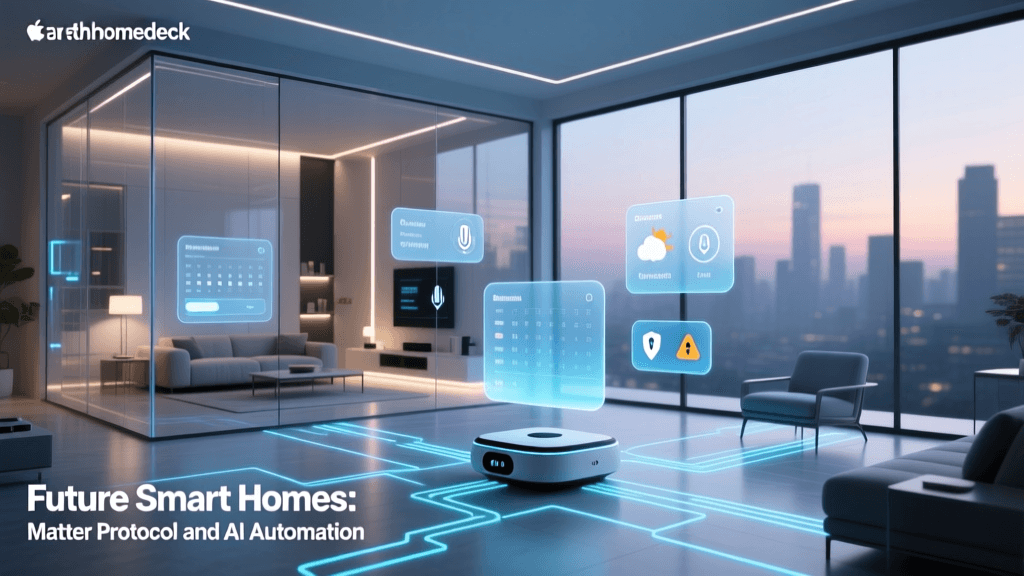
The industry is currently undergoing a massive shift toward Matter, an open-source connectivity standard built on the IP-based Thread protocol. Backed by the Connectivity Standards Alliance, Matter aims to solve the fragmentation problem by ensuring that a smart lock from one brand works seamlessly with a hub from another. Thread creates a self-healing mesh network that is as robust as Zigbee but communicates using standard internet protocols (IPv6), bridging the gap between local networks and cloud services effortlessly.
| Protocol | Frequency | Network Type | Power Draw | Best Use Case |
|---|---|---|---|---|
| Wi-Fi | 2.4 / 5 GHz | Star / Hub-and-Spoke | High | Cameras, Displays, Thermostats |
| Z-Wave | ~908 MHz | Mesh | Very Low | Locks, Sensors, Wall Switches |
| Zigbee | 2.4 GHz | Mesh | Very Low | Lighting, Motion Sensors |
| Thread | 2.4 GHz | Mesh (IPv6) | Very Low | Matter-compatible Sensors |
| Bluetooth | 2.4 GHz | Point-to-Point | Low | Proximity Unlocking, Setup |
The Brain: Smart Hubs and Controllers
To manage non-Wi-Fi protocols and orchestrate complex automations, you need a central hub. The hub acts as the translator and the brain of your smart home.
Entry-Level and Ecosystem Hubs
If you are deeply invested in a specific ecosystem, proprietary hubs are a great starting point. The Apple HomePod Mini (approx. $99) serves as an excellent Thread border router and HomeKit hub. For Android and Samsung users, the Samsung SmartThings Station (approx. $100) provides a compact hub with built-in Zigbee and Thread support, integrating seamlessly with the broader SmartThings app. These hubs are user-friendly but often limit advanced logic and local execution capabilities.
Advanced Local Hubs
For users who demand total control, local hubs are the gold standard. The Hubitat Elevation (approx. $150) features built-in Zigbee and Z-Wave radios and processes all automations locally, ensuring your lights turn on even if the internet is down. For the technically inclined, the Home Assistant Green (approx. $99) is a dedicated, plug-and-play local server that supports virtually every smart home protocol and integration in existence, offering unparalleled customization through its YAML and visual automation editors.
The Senses and Muscles: Edge Devices and Endpoints
With your brain (hub) and nervous system (protocols) established, you can deploy edge devices. These are categorized into sensors (the senses) and actuators (the muscles).
Sensors gather environmental data. The Aqara P2 Motion and Light Sensor (approx. $50) uses Thread to report occupancy and lux levels to your hub with zero latency. Door/window contact sensors, water leak detectors, and smart thermostats (like the Ecobee Smart Thermostat Premium at $249) feed critical data into your system's logic engine.
Actuators perform physical actions based on that data. Smart bulbs like the Philips Hue White and Color Ambiance (approx. $50 per bulb) require a dedicated Hue Bridge (Zigbee) for optimal performance. Alternatively, smart switches like the Lutron Caseta line (approx. $60 per switch, plus a $100 bridge) replace your wall switches, ensuring that even if someone flips the physical switch, the smart bulb remains powered and controllable.
Practical Guide: Building Your First Cohesive Ecosystem
Building a smart home can easily become an expensive, fragmented mess if you buy devices impulsively. Follow this structured approach to build a cohesive system.
Step 1: Define Your Core Needs and Budget
Identify the problems you want to solve. Do you want to save on heating bills? Do you need security monitoring? Are you looking for convenience lighting? For a Starter Budget ($200 - $400), focus on a single hub (like SmartThings), a few Zigbee smart plugs, and basic motion sensors. For an Advanced Budget ($1,000+), invest in a local server (Home Assistant), hardwired Z-Wave or Lutron switches, and comprehensive environmental sensors.
Step 2: Standardize Your Protocols
Avoid mixing too many ecosystems. If you choose Z-Wave for your security and locks, stick to Z-Wave for your wall switches to build a robust, single mesh network. If you are starting fresh today, prioritize Matter over Thread devices to future-proof your home against platform lock-in.
Step 3: Implement Logical Automations
Start with simple 'If This, Then That' routines. For example: If the front door unlocks (Z-Wave lock) and the sun has set (local weather API), turn on the foyer lights (Zigbee bulbs) to 50% brightness. Once you master basic triggers, move to state-based automations, such as using a humidity sensor to trigger a smart plug connected to a bathroom exhaust fan only when moisture levels exceed 65%.
Privacy and Security in IoT Architecture
A smart home is only as good as its security posture. IoT devices are notoriously vulnerable to exploitation if left on default settings. According to guidelines published by the Cybersecurity and Infrastructure Security Agency (CISA), securing your IoT network requires proactive segmentation and credential management.
First, never leave default passwords on your hub or router. Second, implement Network Segmentation. Most modern routers allow you to create a Guest Network or a Virtual Local Area Network (VLAN). Place all your smart home devices on this isolated VLAN. This ensures that if a cheap, poorly secured smart plug is compromised, the attacker cannot pivot to your personal computers or NAS drives where sensitive data is stored. Finally, prioritize devices that support local processing to minimize the amount of telemetry data leaving your home network, a principle strongly advocated by the National Institute of Standards and Technology (NIST) in their IoT cybersecurity frameworks.
Conclusion
The transition from a traditional house to a smart home is a journey of continuous learning and optimization. By understanding the underlying architecture—choosing the right blend of local and cloud processing, selecting appropriate low-power mesh protocols, and investing in a capable central hub—you move beyond the gimmickry of standalone gadgets. You build a resilient, automated environment that anticipates your needs, secures your property, and operates flawlessly in the background. Take your time, plan your protocol strategy, and build your smart home on a foundation of interoperability and security.